
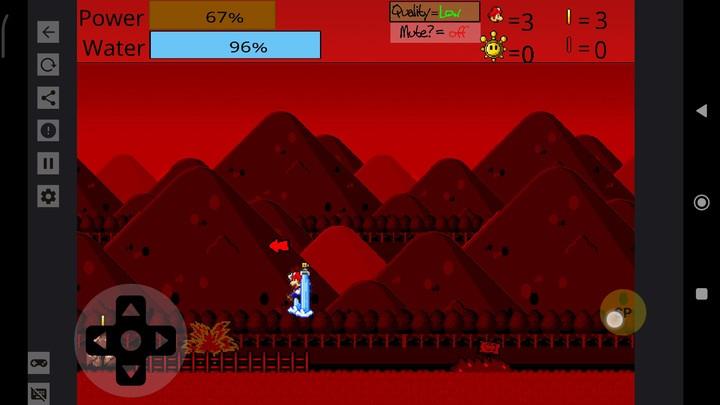
Retro Flash Game Player brings classic browser-based Flash titles back to life on Android devices, offering a focused environment to run SWF files and archived games. Designed for enthusiasts and casual players alike, it combines compatibility, controller support, and offline play in a lightweight, easy-to-navigate package.
At its core, Retro Flash Game Player is a utility that loads and runs legacy Flash content without relying on deprecated browser plugins. It supports a wide range of SWF formats and preserves the behavior of original games and animations, making it a practical tool for anyone maintaining a personal archive or rediscovering old favorites.
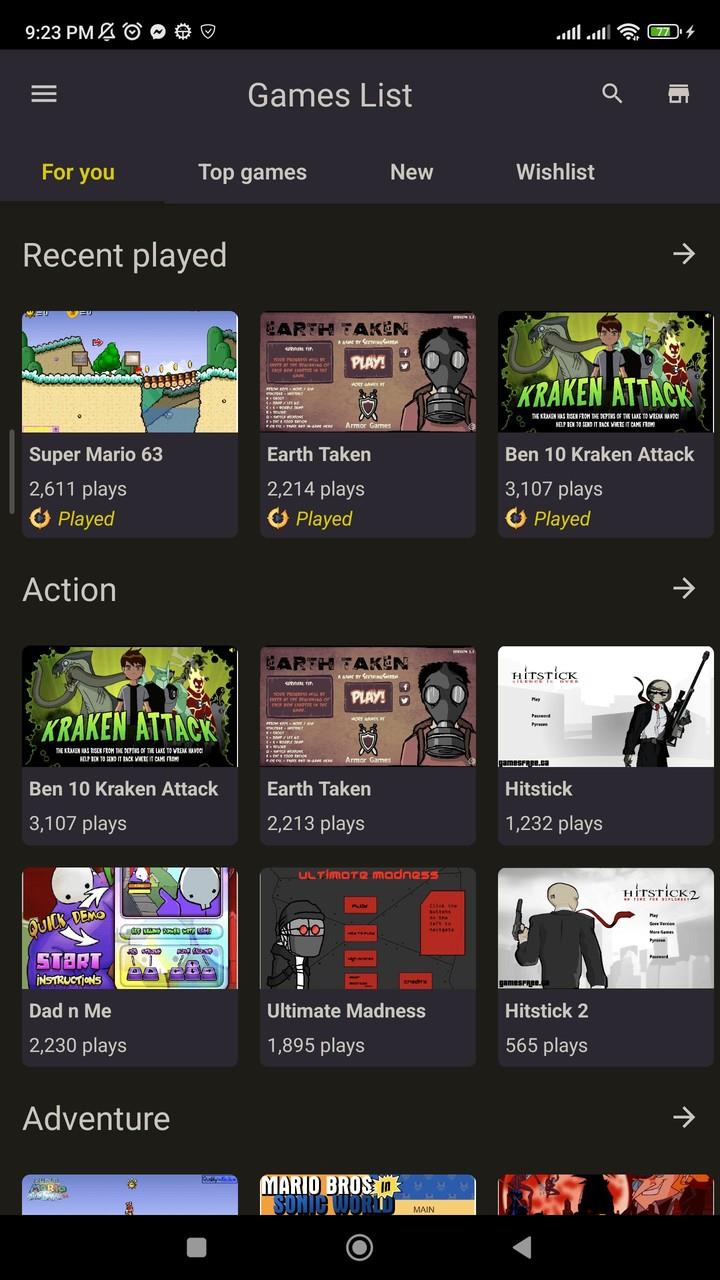
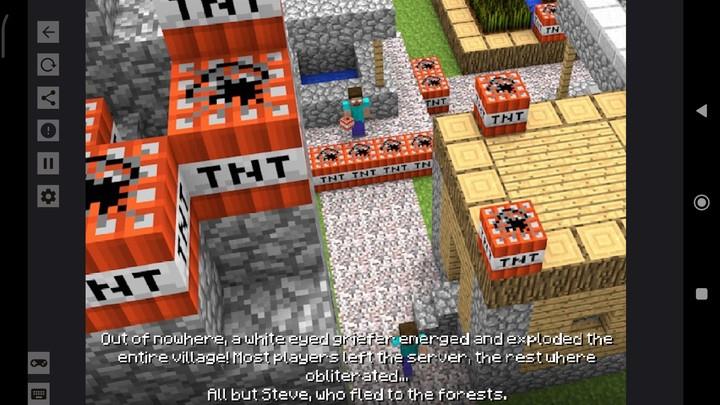
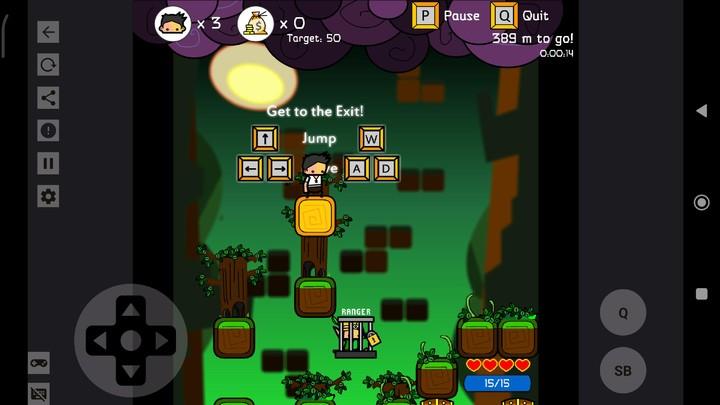
Design emphasis is on rapid access and minimal friction. The main library screen displays recently played entries and custom collections. A compact player overlay puts essential controls within reach during play: pause, rewind to save states, and input mapping. Menus are responsive on both phones and tablets, with scalable UI elements to accommodate different screen densities.
Performance varies with the complexity of the SWF and the device hardware. The app includes an optimization mode that lowers rendering detail for older devices and a high-fidelity mode for modern chips. Retro Flash Game Player implements a compatibility layer to emulate legacy APIs, which helps reduce audio glitches, animation timing issues, and ActionScript exceptions often encountered when running older Flash titles.
For archival use, the import process accepts files from Downloads, cloud storage, and local network shares. Once imported, users can tag entries and create playlists of games for quick sessions. For casual play, the app can run single files directly without adding them to the library, streamlining the experience when testing or previewing content.
Begin by importing a small set of files to test compatibility. Use the save state feature when you reach a stable point in a game so you can return quickly. If a file exhibits slowdowns, enable optimization mode and reduce background apps. For keyboard-driven games, map arrow keys and standard action keys once and save that preset for reuse.
Retro Flash Game Player keeps imported files in an app-managed directory but lets users export copies back to external storage. Regular backups are recommended for large collections. Tags and custom folders make it easier to sort games by year, genre, or author without changing the original filenames.
People pick Retro Flash Game Player for its focus on fidelity and convenience. It restores access to offline Flash experiences without forcing users into complex configuration steps. The combination of controller support, save states, and offline playback makes it attractive to collectors, retro gamers, and educators who need to demonstrate archived content.
To start, install the app, grant storage permissions, and import a few SWF files. Explore the control mapping menu to tailor input to your device. Consult the in-app help section for troubleshooting tips if you encounter specific ActionScript errors or audio synchronization issues.
Retro Flash Game Player is a practical, user-focused solution for anyone looking to preserve and play legacy Flash content on modern Android hardware while retaining key behaviors and input flexibility.