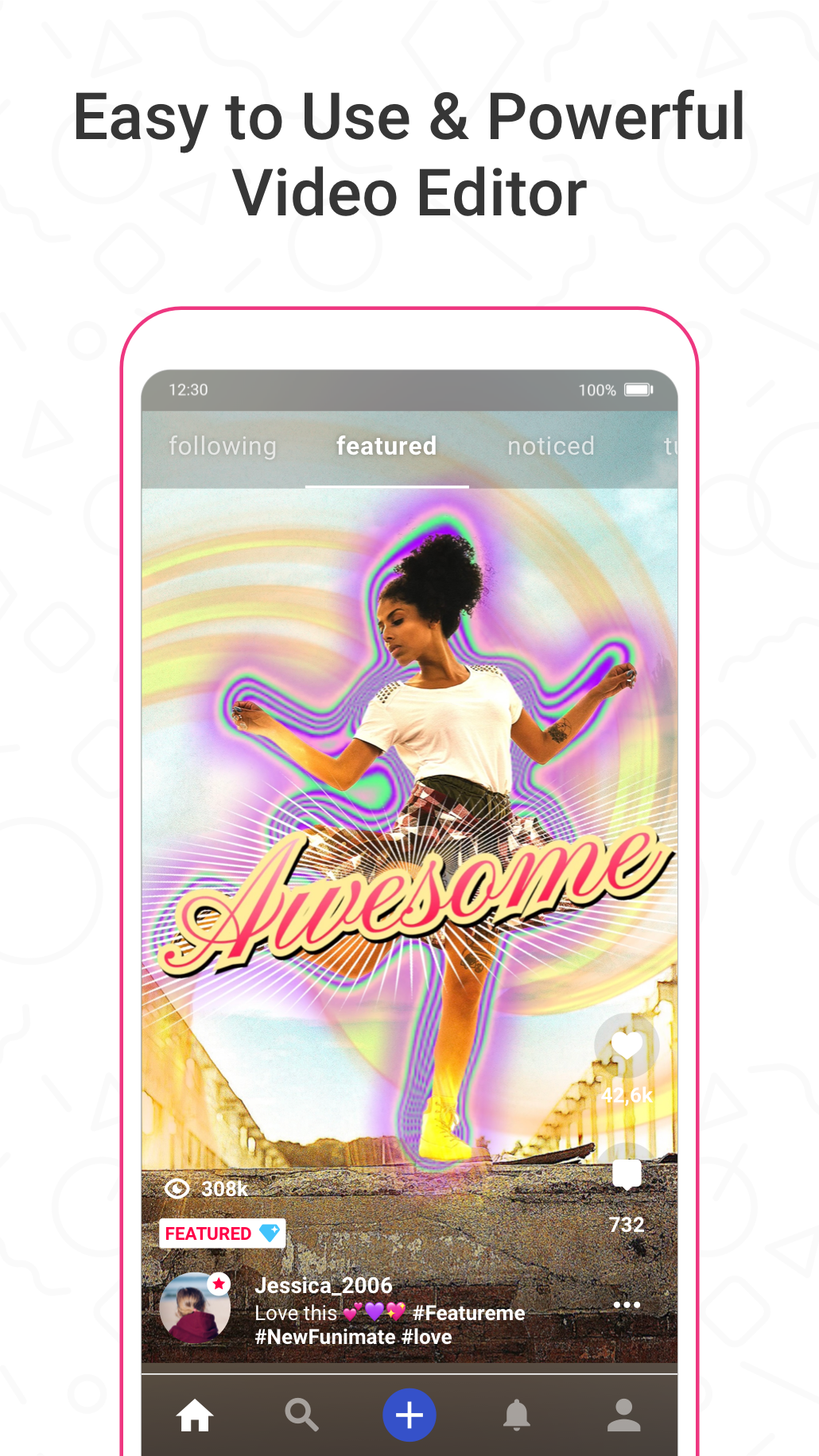
Funimate is a mobile video editor designed for quick, creative clips and social-friendly short videos. It puts a wide array of editing tools in a compact interface so you can trim and stitch footage, layer audio, and add text or stickers without a steep learning curve. Whether you want to make a short music clip, apply eye-catching visual effects, or combine several moments into a polished shareable video, Funimate offers a straightforward way to experiment and publish. The app also includes expanded options often found in premium builds, making it attractive to casual creators and trend followers alike.
The core experience in Funimate centers on fast, iterative editing: import clips from your device, trim or merge segments, and then build the final piece by stacking effects and sound. Editing is timeline-lite rather than a full desktop workflow, so most actions are simple taps and drags. You can apply slow-motion, synchronize cuts to music, and preview changes in real time, which helps when crafting short, rhythm-driven videos. Social features are present as well, letting you save, share, and browse creative ideas from other users for inspiration.
Trim and merge tools let you quickly cut unwanted sections and join clips into a continuous story. These basic operations are accessible from the main editing view and support different clip lengths to suit quick posts or slightly longer edits.
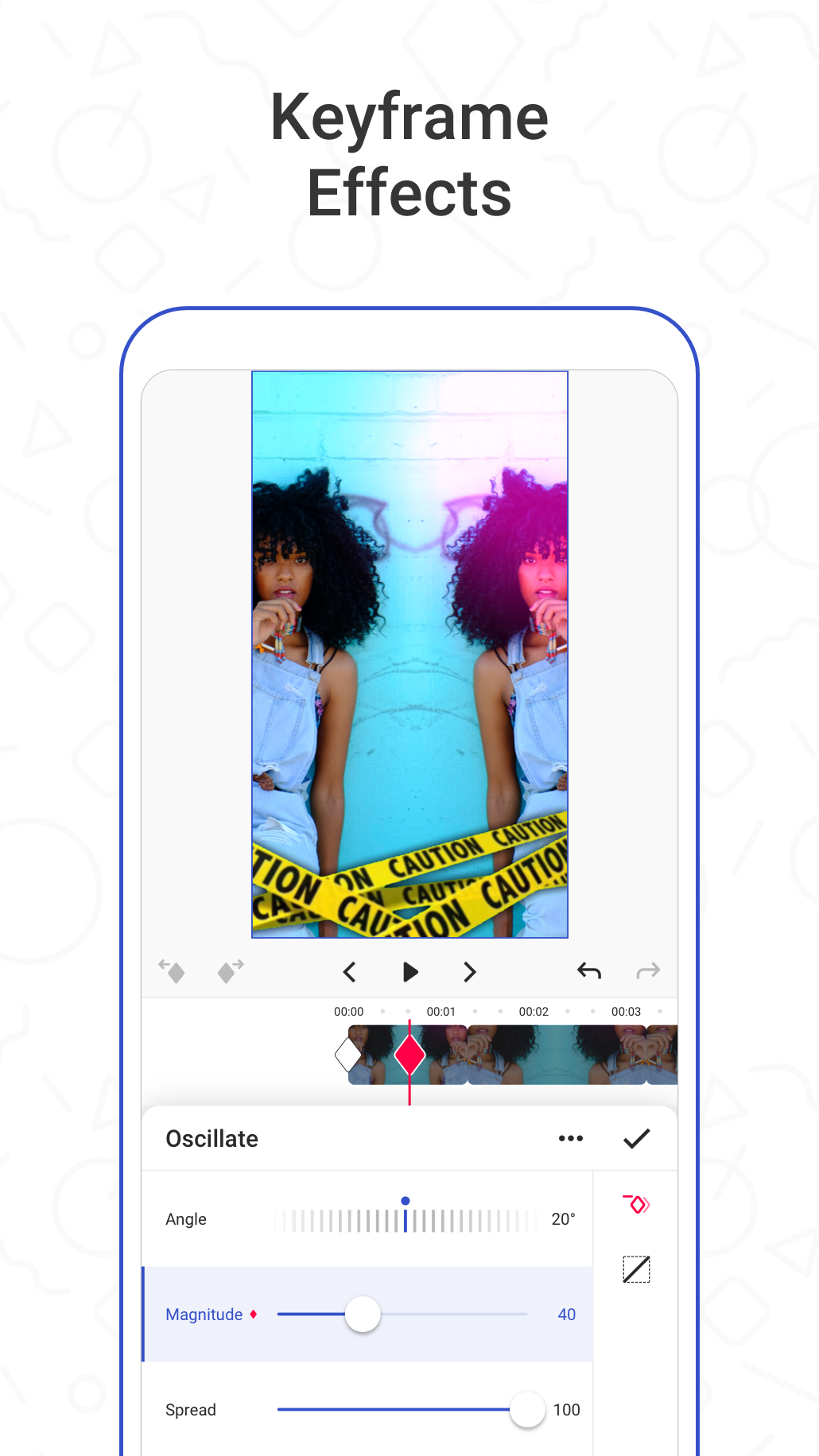
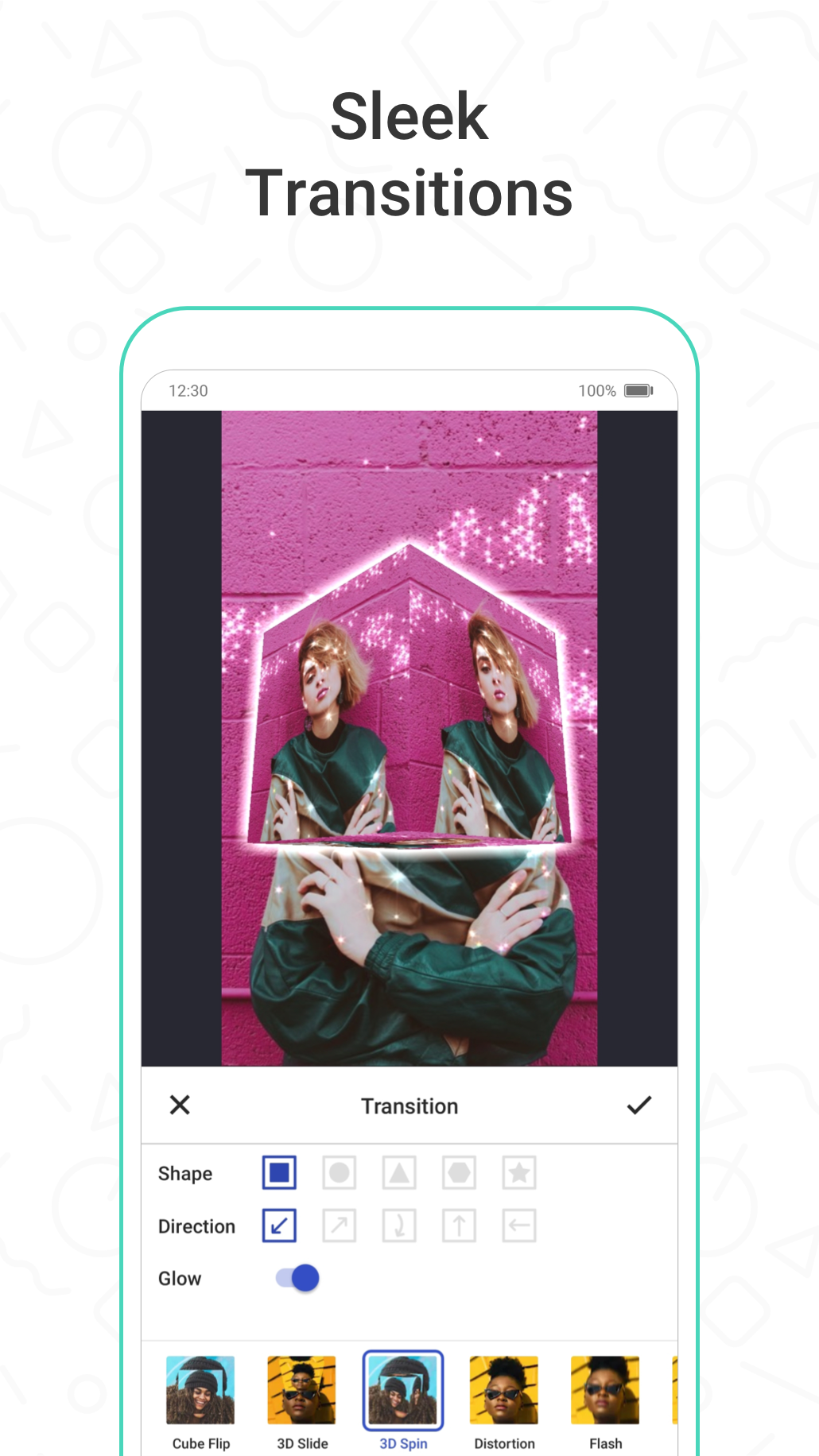
Effect library with a diverse selection of visual filters and transitions provides the app's distinctive creative edge. Effects can be layered and adjusted so simple footage can gain dramatic or playful looks depending on your intent.
Audio integration includes a built-in music collection where you can choose tracks to pair with your edits, plus the ability to sync beats to clip cuts. Adding and trimming audio tracks is handled inside the editor to keep the workflow compact.
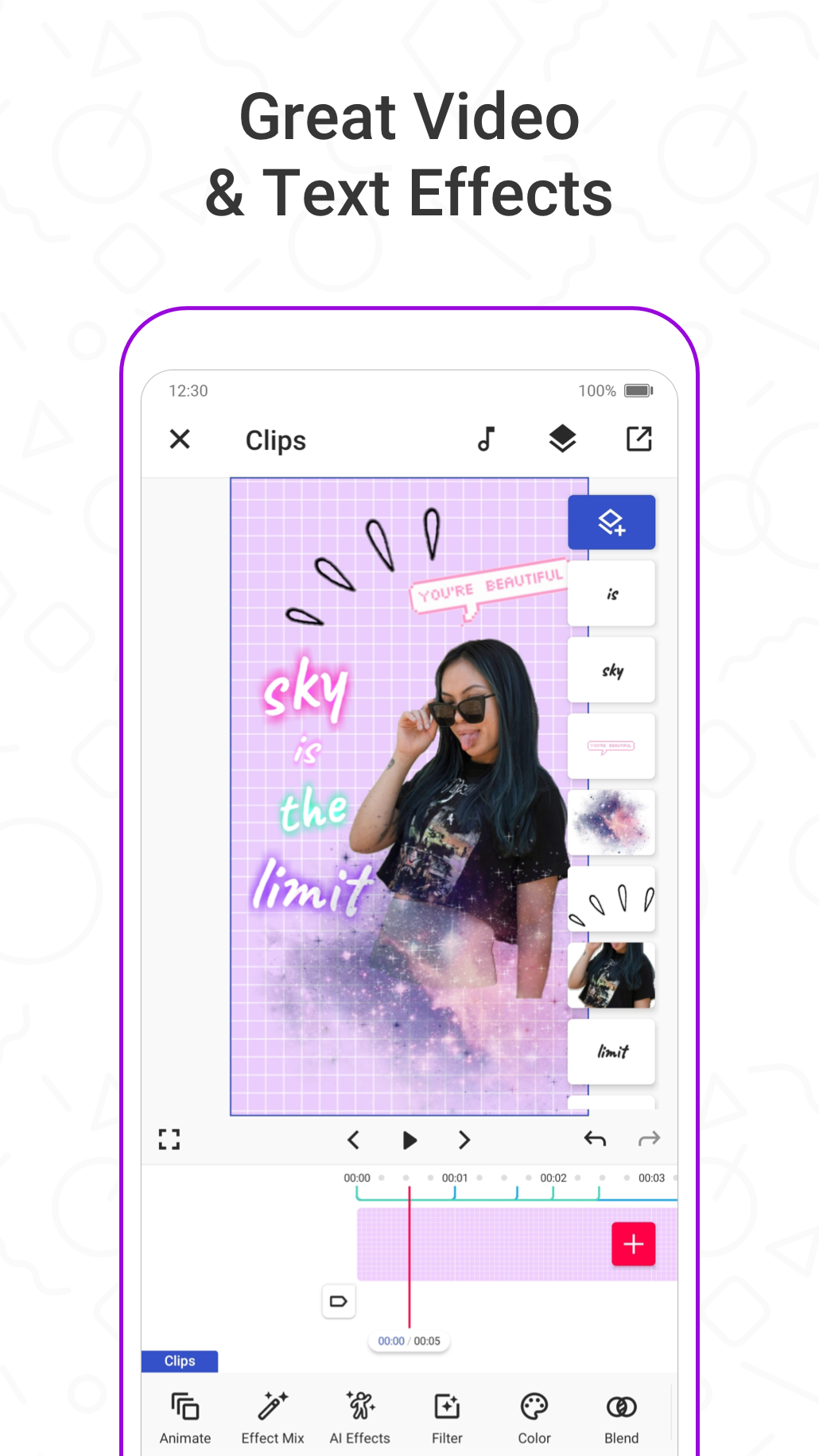
Text, stickers, and emojis are supported for adding context, captions, or personality to clips. Each element can be positioned and timed on the clip to match the flow of your video.
Export and sharing options make it easy to save final videos in common formats and share them to other apps or social feeds. The app focuses on producing ready-to-post clips rather than complex project files.
Visually, the app favors bright, punchy filters and fast transitions that suit attention-grabbing short-form content. The user interface is designed to keep the editing canvas prominent while housing controls around the edges, so you spend more time experimenting than navigating menus. Sound design and rhythm are emphasized: adding music can change the feel of a clip immediately, and many of the supplied effects are tuned to complement upbeat tracks and popular trends.
If you want a mobile-first editor that helps you turn everyday clips into shareable moments, Funimate is worth trying. It doesn’t replace professional desktop software, but its combination of quick trimming, layered effects, and simple audio tools makes it a practical choice for creators who prioritize speed, creativity, and social sharing.