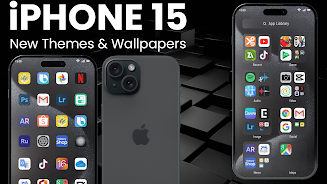
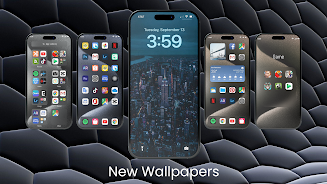
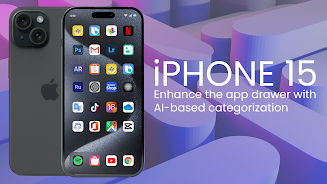
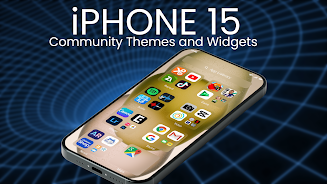
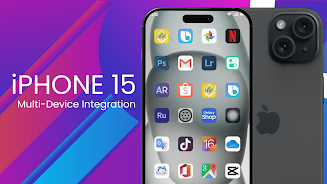
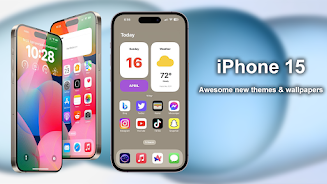
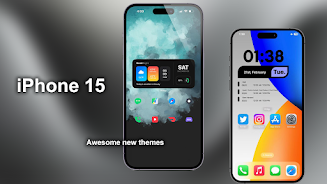
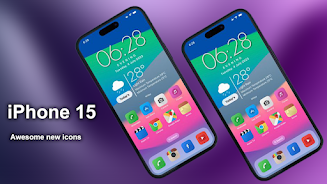
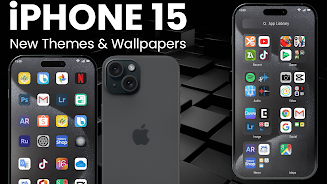
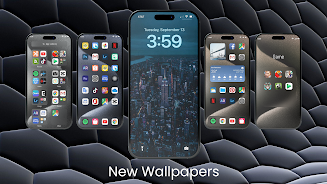
iPhone 15 Launcher for Android recreates the clean, minimalist appearance of the iPhone 15 interface on Android phones, giving users a fast way to achieve that aesthetic without switching devices. This launcher package brings stock-style icons, a curated collection of high-definition wallpapers and several color themes so you can quickly change the home screen look while keeping Android flexibility and control.
The iPhone 15 Launcher for Android centers on visual consistency: rounded icons with uniform sizes, carefully matched color palettes such as Cool Blue and Cool Lavender, and a selection of FHD+ wallpapers including Aqua and Water Drops designs. Instead of altering underlying software behavior, it focuses on the home screen layer—icon packs, themed wallpapers and layout presets that create a cohesive iPhone-like presentation on many Android devices.
Installation is straightforward: install the package, open the app to preview themes and wallpapers, then apply a wallpaper directly to your current home screen or use a supported third-party launcher to apply icon packs and full themes. Controls are standard for Android launchers—long-press the home screen to change wallpaper or layout, open the app drawer to select icons, and use your chosen launcher’s settings to adjust grid size, label visibility and app arrangement. No special gestures beyond those provided by your launcher are required.
Rather than a game-like progression system, personalization here is iterative: you build a preferred setup by mixing wallpapers, icon packs and color themes. Start with a preset theme, swap icon styles or wallpaper variations, and refine spacing and font scale through your launcher settings. The experience encourages gradual improvement of your home screen over time, and frequent updates can add new wallpaper packs and icons that expand your customization options.
Visuals emphasize crisp, high-resolution imagery and consistent icon design to reduce visual clutter and make frequently used apps easier to spot. Because the package provides local wallpapers and icon files, switching themes is immediate and reversible, which gives the setup strong replay value: you can re-theme your device for different moods or seasons without complex steps. The app is designed to be lightweight and to avoid intrusive background processing so performance impact on modern devices remains minimal.
This launcher package is compatible with many popular Android launchers such as Nova, Apex, ADW and Go Launcher, which lets it work across a wide range of smartphones and screen sizes. It respects Android accessibility settings like larger font sizes and display scaling, and wallpapers scale to match different aspect ratios. If you rely on system accessibility features, the package should integrate without interfering with those settings.
Wallpapers and icon packs are bundled so most features work offline after download; no persistent network connection is necessary to apply a theme or swap wallpapers. Keep in mind that full icon replacement typically requires a compatible third-party launcher, while wallpaper application can be done directly through the system launcher on many devices. The app avoids hidden online dependencies and focuses on local assets for stable behavior.
Because the package aims to reproduce an iPhone-like look on Android, some visual elements require a supporting launcher to take full effect; this is a common limitation rather than a missing feature. If an icon pack does not apply, switch to a supported launcher or consult its settings to enable custom icons. Back up your home screen layout through your launcher’s export option before making major changes so you can restore a preferred setup. For best results, try a few theme and icon combinations to discover a balance that suits both usability and style.
Editors and users who value a polished, consistent home screen will find the iPhone 15 Launcher for Android useful for quickly experimenting with new looks while retaining Android’s customization freedoms. Regular updates add wallpapers and refinements, and the local asset approach keeps day-to-day use smooth and predictable.