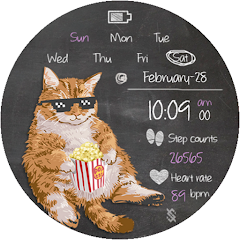
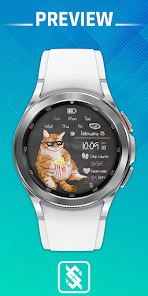
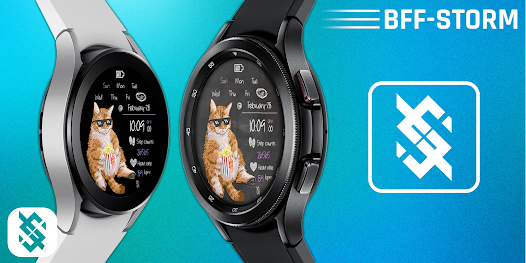
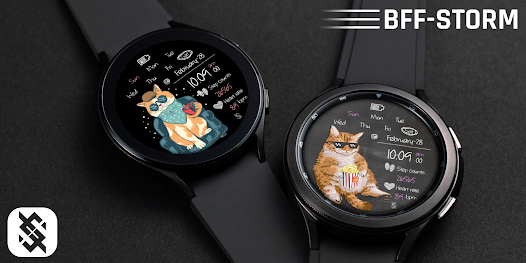
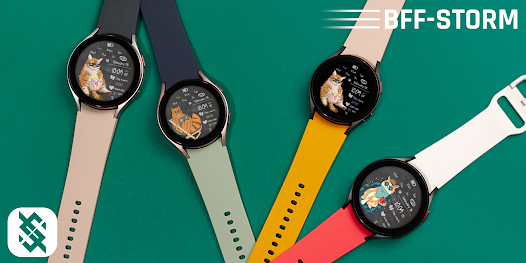
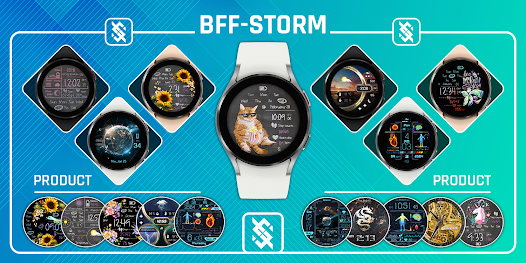
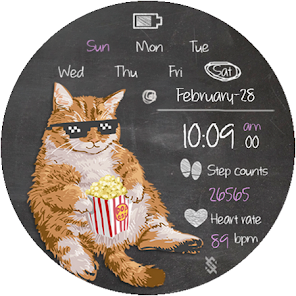
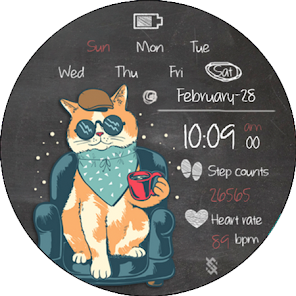
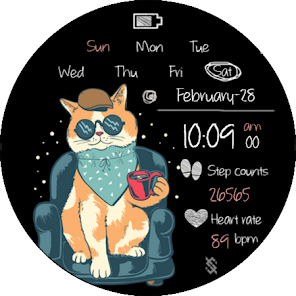
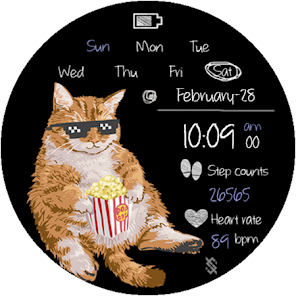
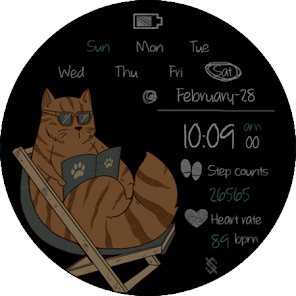
BFF146- Blackboard Art Cat is a watch face for Wear OS that combines a hand-drawn chalkboard cat aesthetic with practical, glanceable information for everyday wear. BFF146- Blackboard Art Cat places the time and date front and center while integrating step count, heart rate, and a clear battery indicator so you can get useful data without opening additional apps. The design balances personality with readability and is tuned to behave efficiently in always-on display modes, making it a good choice for users who want a playful look without compromising battery life.
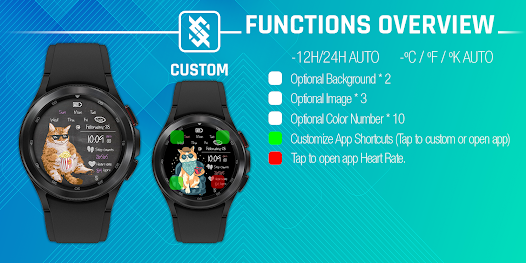
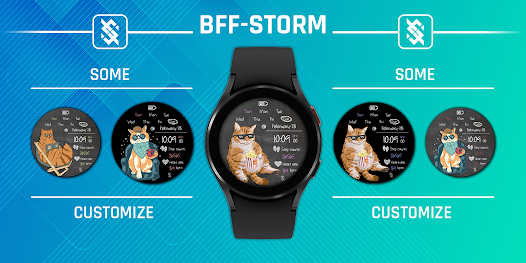
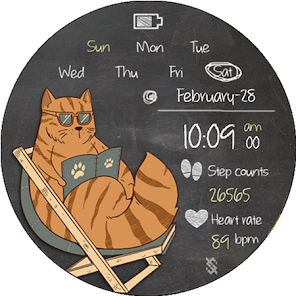
The watch face supports both 12- and 24-hour time formats and follows your phone's regional settings for day and month display. Health data such as step count and heart rate are shown directly on the main face, with a dedicated battery readout that keeps you informed about remaining charge. Visual customization includes two background styles, three interchangeable image accents and ten color options for numeric elements, allowing you to tailor contrast and mood. The face also lets you assign up to three app shortcuts for quick access from the watch face, and basic on-watch adjustments are available through a touch-and-hold customization flow.
Customization is handled primarily on the watch itself: touch and hold the face, then tap customize to change colors, swap images, or select a background. Color choices affect numerals and key indicators so you can prioritize legibility or visual flair; images and backgrounds help create distinct looks for casual or more formal occasions. Shortcut slots are configurable to launch installed apps with a tap, and your chosen layout and color settings persist across restarts so you don't need to reconfigure frequently. The control model is intentionally simple to keep interactions fast and accessible while on the go.
BFF146- Blackboard Art Cat surfaces essential health metrics designed for quick glances: current step totals and a live heart rate readout appear on the primary face zone when sensors are available and permissions are granted. The watch face does not replace dedicated fitness apps but complements them by offering immediate context without opening additional screens. The battery indicator and optional information zones let you monitor device power and other brief statuses at a glance, helping you decide whether to charge before important events.
The visual approach uses a chalkboard-inspired palette and a playful cat motif drawn to remain legible at small sizes; numerals and indicators use clear typography and spacing so time and data remain readable from a quick glance. Color choices include higher-contrast options for low-vision users and combinations that work well in both bright and dim lighting. The face respects system font sizing and display settings where supported, providing a more accessible readout for users who need larger text or higher contrast.
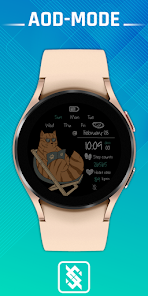
BFF146- Blackboard Art Cat is built for modern Wear OS watches and is optimized for round displays; square-faced watches are not supported. Full functionality requires the watch and paired phone to share the same user account and for standard app permissions—such as sensors and health data access—to be enabled on the watch. Core features like time, chosen artwork and color settings work offline after installation, but health metrics require the device's sensors and the permissions they depend on. Energy-saving defaults are enabled to minimize additional battery drain when the always-on display is active.
The watch face is developed by BFF-Storm, a studio focused on themed and customizable watch faces for Wear OS devices. BFF-Storm provides periodic updates to improve compatibility with OS changes, refine battery behavior and add small improvements to customization flows. Release notes typically include bug fixes, visual tweaks and compatibility refinements; please check the release listing for the specific changes that apply to your installed build.
Installation is straightforward through the standard app distribution channel for Wear OS. Once installed, the face functions without an active internet connection for visual features and saved settings; real-time health readouts and some shortcut behaviors depend on local sensors and installed companion apps. The overall user experience emphasizes simplicity: clear glanceable information, fast on-watch controls, and a playful but unobtrusive visual identity that invites frequent personalization and long-term use.