
龙江银行企业手机银行 is the mobile client designed for corporate account holders who need secure, on-the-go access to business finances. With 龙江银行企业手机银行 you can review balances, authorize transactions, and monitor approvals from a smartphone without waiting to return to a desktop workstation. The app focuses on bringing common corporate banking workflows into a concise mobile experience while preserving security and auditability for finance teams and authorized approvers.
The app implements familiar corporate banking mechanics adapted for touch screens: a queue-based approval workflow, role-aware transaction lists, and staged authorization steps that mirror desktop processes. Users see incoming payment requests and approvals in a prioritized feed; tapping an item opens a detail view where amounts, recipients, supporting documents, and approval history are presented. Transaction routing, hold flags, and multi-signature requirements remain visible so approvers can follow required steps before completing an action. These mechanics reduce ambiguity and help maintain an auditable trail for every decision made on the device.
Controls are optimized for mobile touch interactions while retaining the precision needed for finance work. Common actions—review, approve, reject, request clarification—are placed within reach and accompanied by clear confirmation dialogs to avoid accidental submissions. The interface supports biometric sign-in and PIN fallback, quick search across accounts and transactions, and contextual menus that reveal transaction history and attached files. A consistent information hierarchy and clear typography make it easier to scan activity lists, and gesture-friendly elements speed routine tasks without sacrificing detail.
Progression in the app refers to the approval lifecycle and permission levels rather than game-like advancement. Users belong to roles (viewer, initiator, approver, administrator) and the app surfaces actions appropriate to each role. As an organization configures limits and multi-level approvals on the desktop system, the mobile client enforces those constraints and visually represents where a request is within the approval chain. Administrators can view aggregated activity and adjust notification preferences so that critical items reach the right people at the right time.
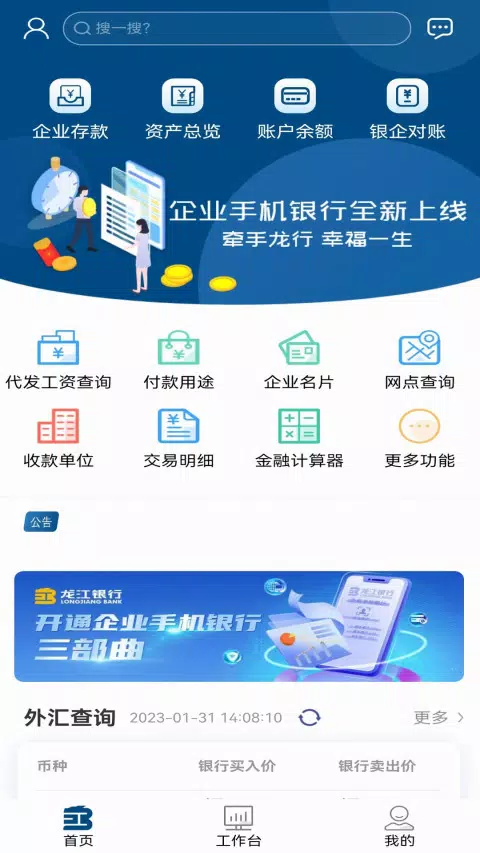
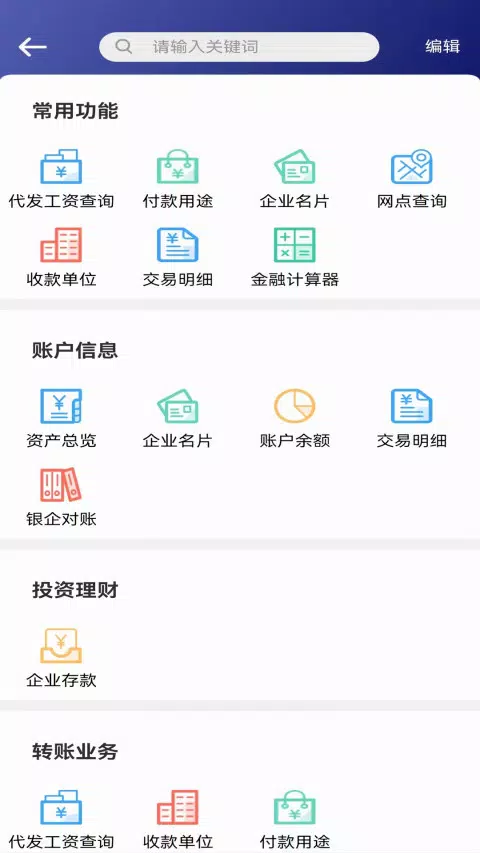
The visual approach balances clarity and density: dashboards show prioritized accounts and alerts with compact tiles, transaction detail screens use clearly labeled sections, and color cues indicate status (pending, approved, rejected, requires attention). Icons and spacing are chosen to reduce cognitive load while displaying necessary financial details. The overall style supports rapid scanning for busy finance professionals and provides consistent visual feedback during transactional flows.
Customization centers on dashboard configuration, alert thresholds, and notification channels. Users tailor which accounts or approval queues appear on launch, set recurring view filters, and choose notification preferences for different transaction types. Repeatable workflows—such as standard wire approvals or routine intercompany transfers—are surfaced with saved templates and pre-filled fields where permitted, reducing repetitive entry and lowering the chance of human error for frequent operations.
While not an entertainment app, 龙江银行企业手机银行 maintains strong repeat value through everyday utility: recurring approvals, daily reconciliation checks, and routine oversight tasks bring users back frequently. The app caches recent account snapshots and transaction histories to provide limited offline viewing, allowing users to reference recent activity when connectivity is intermittent; however, transaction initiation or approval typically requires a secure online session to complete and synchronize with the bank’s systems. Background synchronization updates notification badges and keeps local views current when connectivity returns.
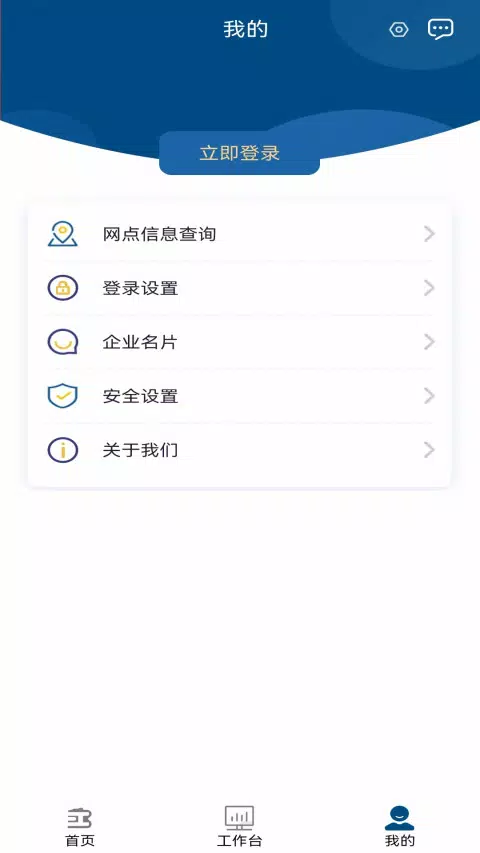
Security is integrated at every step: multi-factor authentication options, device binding, session timeouts, and encrypted communications protect actions taken on the phone. Challenge systems such as additional verification for high-value transactions are enforced according to corporate policies and appear as clear, stepwise prompts in the approval flow. Accessibility features include scalable text sizes, descriptive labels for assistive technologies, and touch-target optimization to support a range of users and devices.
龙江银行企业手机银行 is intended for corporate online banking customers and mirrors the most common authorization and inquiry workflows from the desktop environment, but some complex back-office functions remain available only through the full enterprise web portal. Organizations should confirm role mappings and limits with their bank administrator before relying solely on the mobile client for specialized treasury operations. For routine approvals and on-the-go oversight, however, the app significantly reduces delays and helps finance teams maintain continuity outside the office.