Automated Expense Tracker helps individuals and small businesses record, categorize, and analyze spending automatically using bank sync, receipt scanning, and customizable budgets. The app simplifies financial tracking with clear insights, scheduled reports, and smart categorization to reduce manual entry and spot trends quickly.
Automated Expense Tracker packs a range of tools designed to replace spreadsheets and manual note-taking. Core features include automatic transaction import from bank accounts and credit cards, optical character recognition (OCR) for receipt capture, recurring expense recognition, and multi-currency support. The platform creates visual summaries that highlight where money is going each month and flags unusual activity so you can react faster.
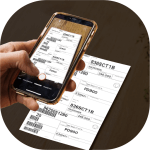
Connect your accounts and the system downloads transactions securely, then applies smart rules to categorize each item. Receipts photographed with your device are processed by OCR to extract merchant, date, and total amounts. Rules learn from corrections you make, improving classification over time. Scheduled reconciliations help ensure your recorded balance matches your accounts, removing the headache of manual matching.
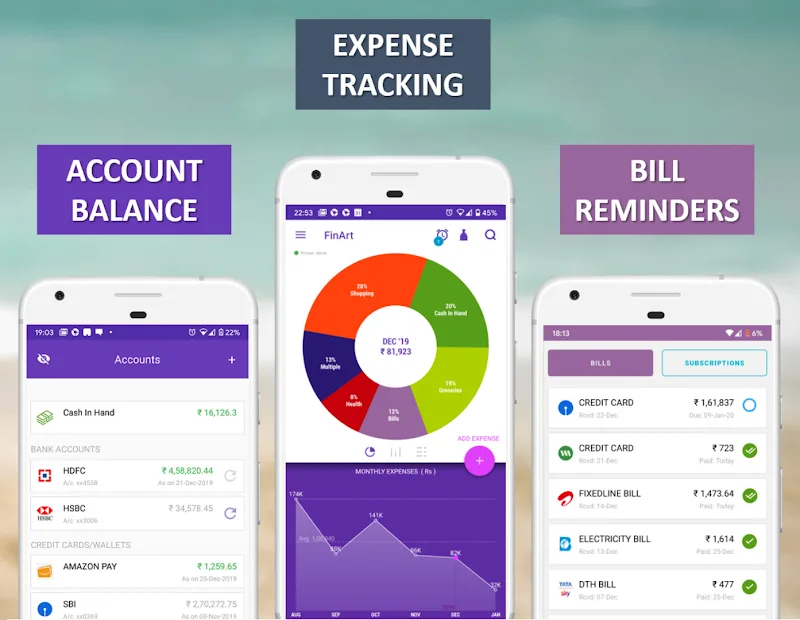
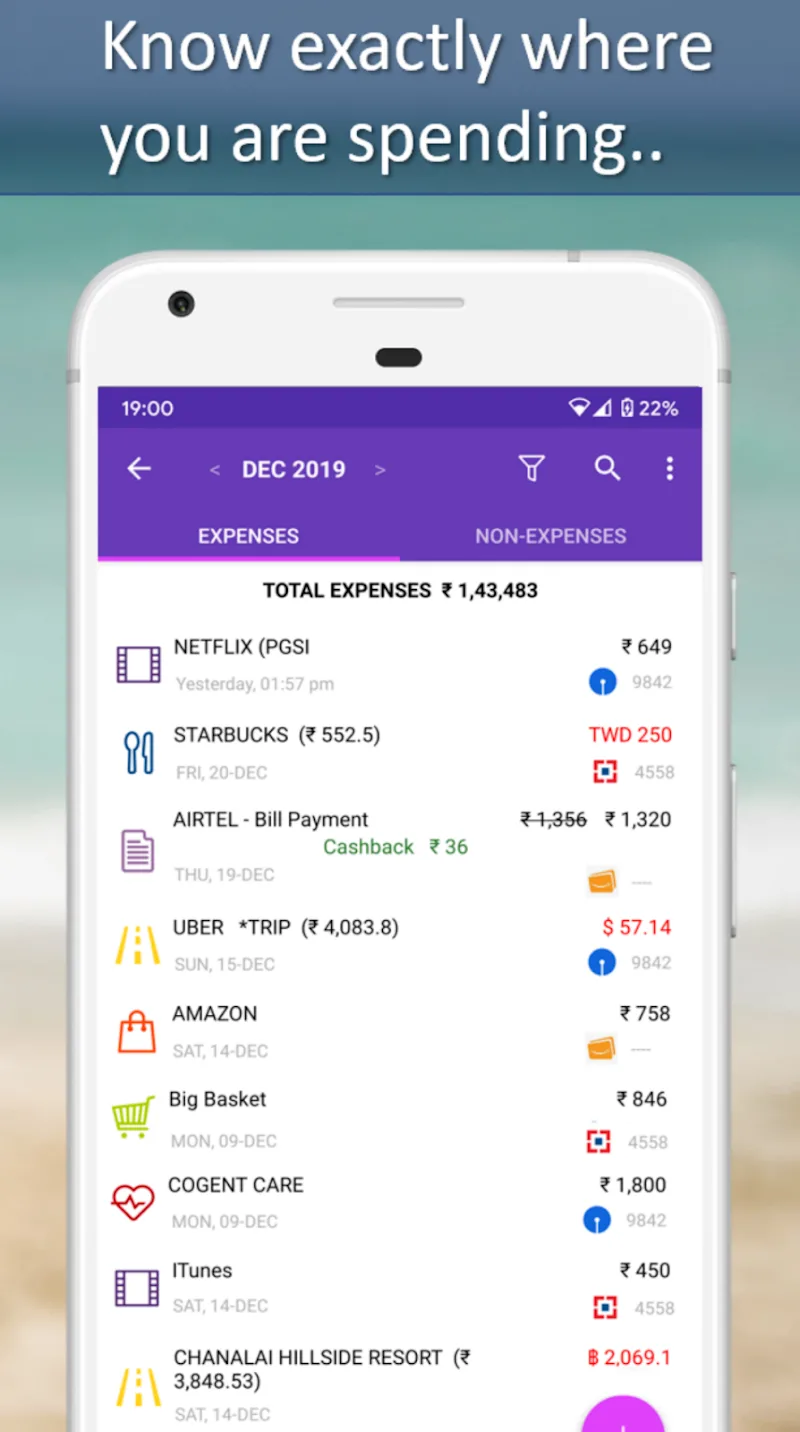
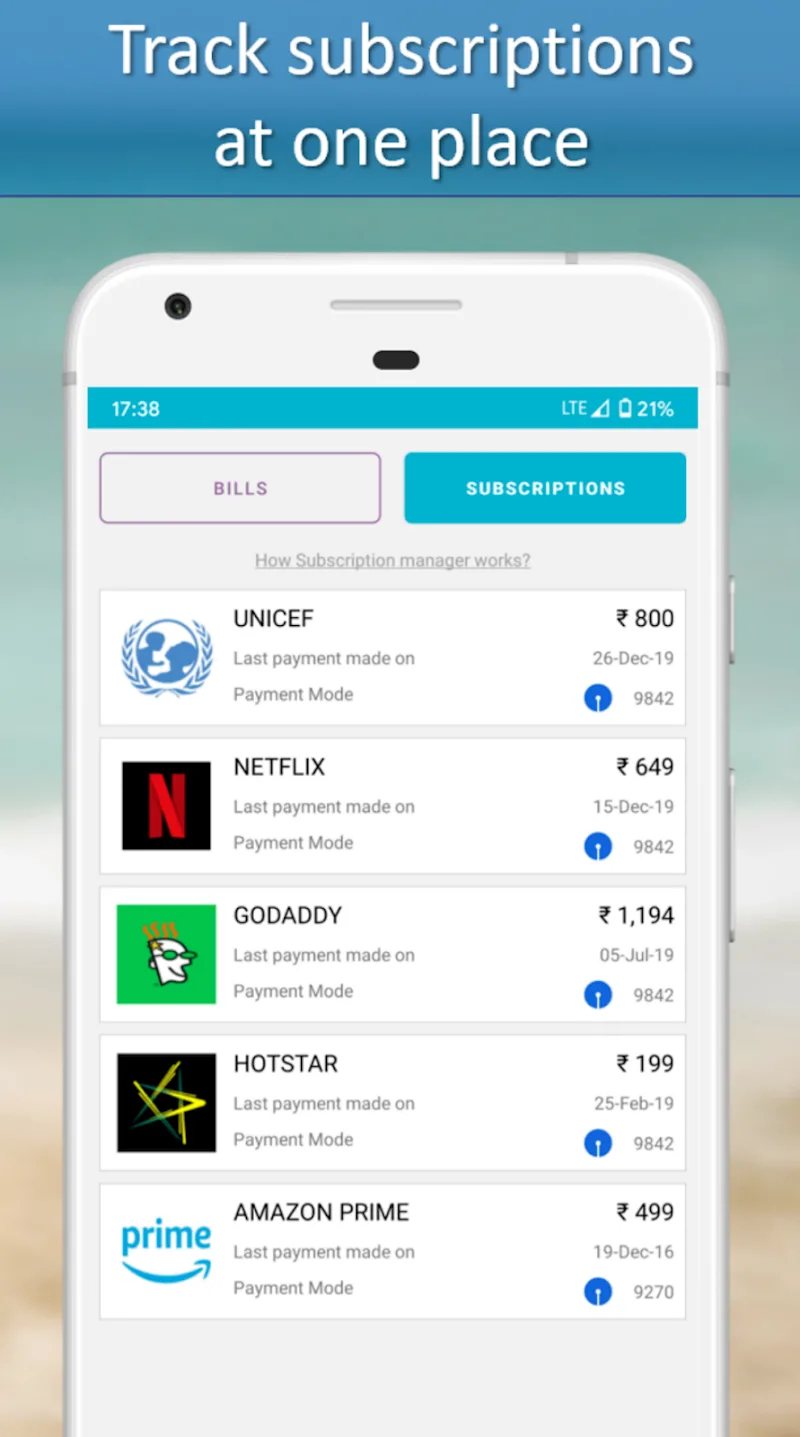
The interface is built for speed and clarity. A dashboard presents a snapshot of balances, upcoming bills, and overspend alerts. Filtering controls let you drill into categories, tags, or time ranges without navigating multiple menus. Quick actions let you add notes, edit categories, or split transactions. Templates for common expense types save time for repeated entries like rent, utilities, or subscriptions.
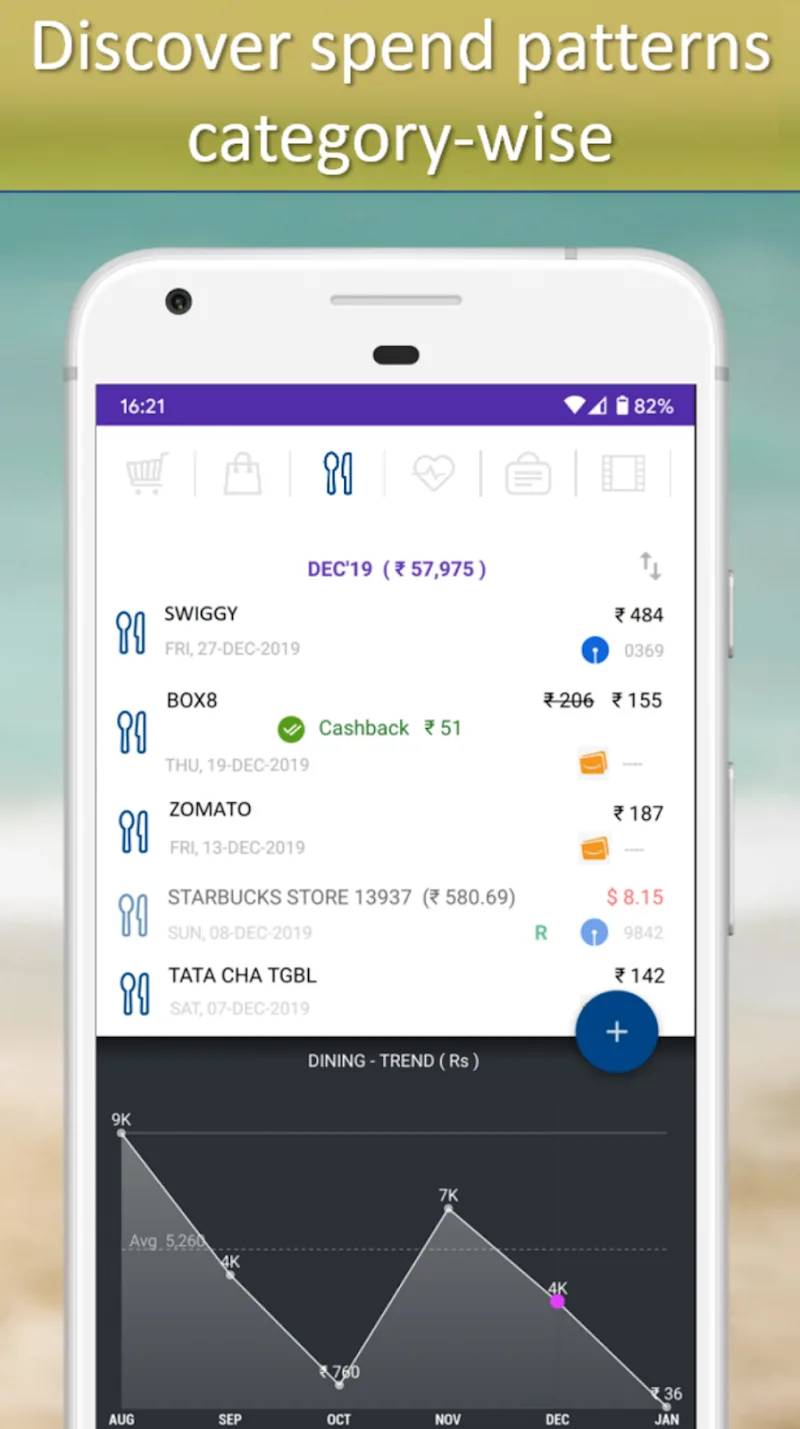
Powerful reporting tools transform raw transactions into actionable insights. Choose from ready-made templates—monthly summary, category trend, cash flow forecast—or build a custom report. Visual charts display spending by category, vendor, or project. Scheduled exports can be delivered by email or saved to cloud storage in CSV or PDF formats for accountants or personal archives.
Security is central to the design. Data transfers use encryption and read-only bank connections where supported, limiting exposure. Local device protections—biometric unlock and passcodes—prevent unauthorized access. Cross-platform compatibility ensures desktop and mobile clients stay in sync, and offline entry is available so you can log expenses without an internet connection.
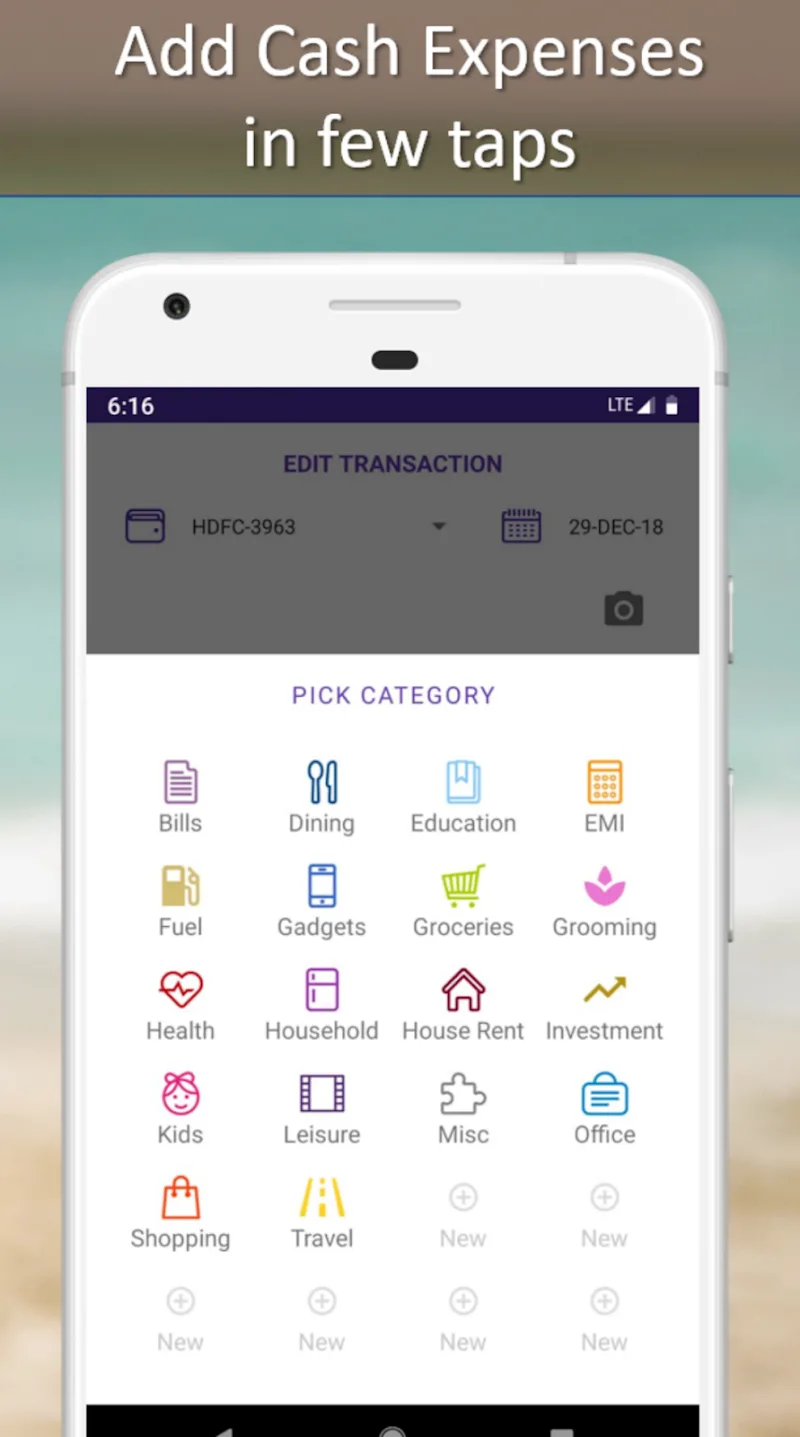
Customize categories, labels, and budgets to match your personal or business needs. Automated Expense Tracker integrates with popular accounting software, payroll services, and cloud storage providers to streamline workflows. Webhooks and API access support custom automation, allowing finance teams to push data into internal dashboards or reporting systems.
Designed to run efficiently on modern Android devices, the app minimizes battery and data usage by batching background updates and offering granular sync settings. Large data sets are handled with pagination and local indexing so searches and filters remain responsive even with years of history stored. Regular updates optimize performance and add new integrations based on user feedback.
Getting started requires only a few steps: create an account, connect bank or card feeds, and scan recent receipts. Initial categorization happens automatically; spend a short session refining rules to tailor behavior to your habits. For small businesses, set up multiple profiles or projects to track client billing and expenses separately without mixing personal spending.
For anyone wanting to reduce time spent on bookkeeping and get clearer visibility into finances, this app delivers a streamlined approach. Automated Expense Tracker balances automation with manual controls so you retain oversight while reducing repetitive tasks. Its combination of smart categorization, robust reporting, and secure syncing makes it a practical choice for personal finance management and small-business expense tracking alike.