
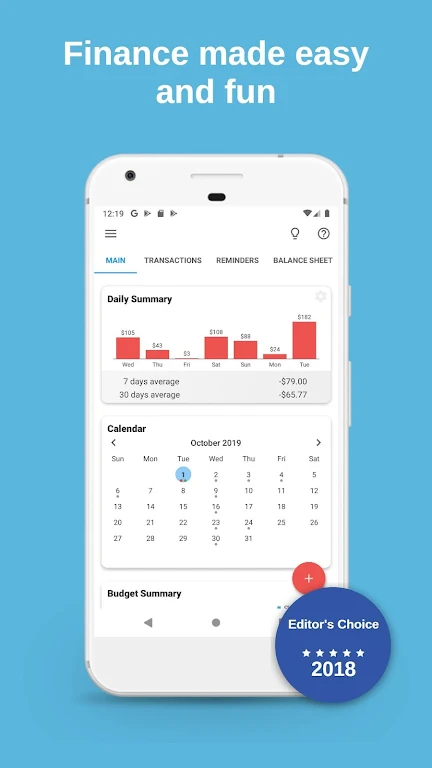
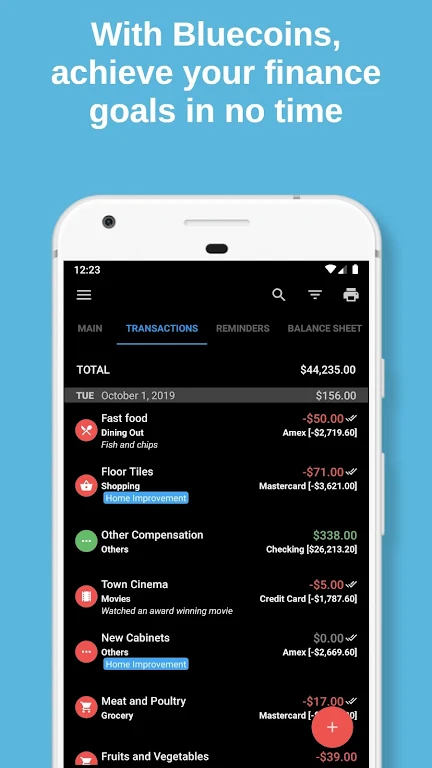
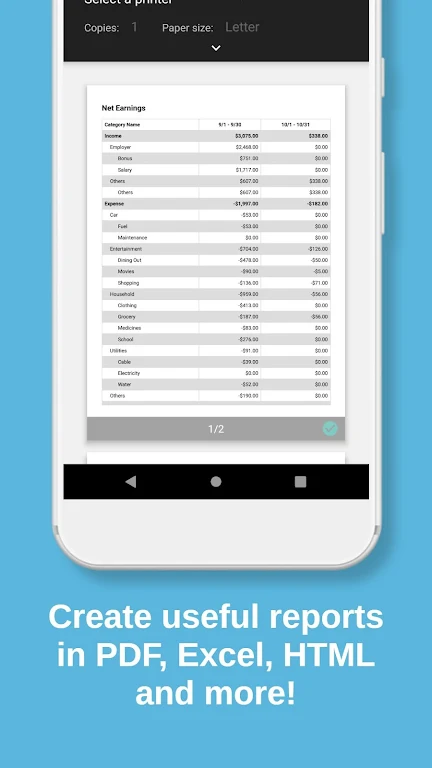
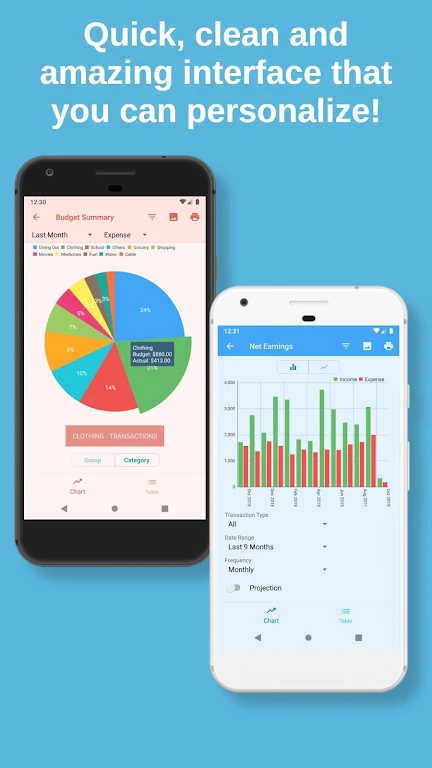
Bluecoins Finance is a comprehensive personal finance manager designed to record transactions, set budgets, and visualize savings goals. The app syncs with bank statements, offers offline access, and provides detailed reports for monthly planning. It targets people who want precise control over cash flow and long-term financial tracking.
Bluecoins Finance combines fast data entry with robust analytics so you can review spending patterns without being slowed down by clutter. Whether you track one checking account or manage multiple currencies and investment accounts, the app focuses on accuracy, speed, and low resource usage. The design favors functionality and clear charts rather than flashy visuals.
The collection of tools in Bluecoins Finance is tailored for daily use and financial planning. Core capabilities include:
Start by creating accounts and defining categories. Enter transactions manually or import CSV bank data to populate history. The app automatically categorizes repeated entries, then updates budgets and charts in real time. Widgets provide quick balance views on the device home screen, and scheduled transactions help maintain predictable cash flow.
Bluecoins Finance is engineered to be lightweight. The interface uses a straightforward tabbed layout with a main dashboard, accounts list, budgets, and reports. Animations are minimal to preserve speed; opening reports and switching accounts is smooth even on modest hardware. Menus are compact, and search filters let you locate past transactions in seconds.
Customizability is a strong point. You can create nested categories, set repeating rules, and tailor report periods. Currency conversion rates can be updated manually or pulled from online sources, and the labeling system supports tags for project-based expense tracking. Adjustable widgets and notification settings let you receive alerts for low balances or exceeded budgets.
Users can choose between local backups and encrypted cloud sync. The app supports exporting full data sets for offline storage or transfer to other tools. For privacy-conscious users, data can remain local only. Optional PIN and biometric locks add a layer of protection for app access.
Adopt a few simple habits to get the most from Bluecoins Finance: reconcile accounts weekly, use recurring entries for predictable bills, and tag one-off transactions for future reporting. Enable widgets to maintain a daily overview, and create a few core reports that you review each month to spot trends early.
Many users appreciate Bluecoins Finance for its speed, depth of features, and low memory footprint. It appeals to those who value precision in accounting-style tracking rather than casual expense logging. The combination of forecasting tools and export options also makes it useful for freelancers, small business owners, and meticulous household budgeting.
Installation is straightforward: download from a trusted store, grant optional permissions for storage or notifications, and import any existing CSV bank data if available. The onboarding process includes a short setup wizard to create your first accounts and budgets. If you prefer, start with manual entries to familiarize yourself with categories and reports.
Bluecoins Finance rewards consistent use. The initial setup takes a bit of time, but once accounts and recurring rules are in place the app becomes a powerful assistant for financial decisions. Regular backups and scheduled reconciliations keep your data accurate and ready for export or tax preparation.