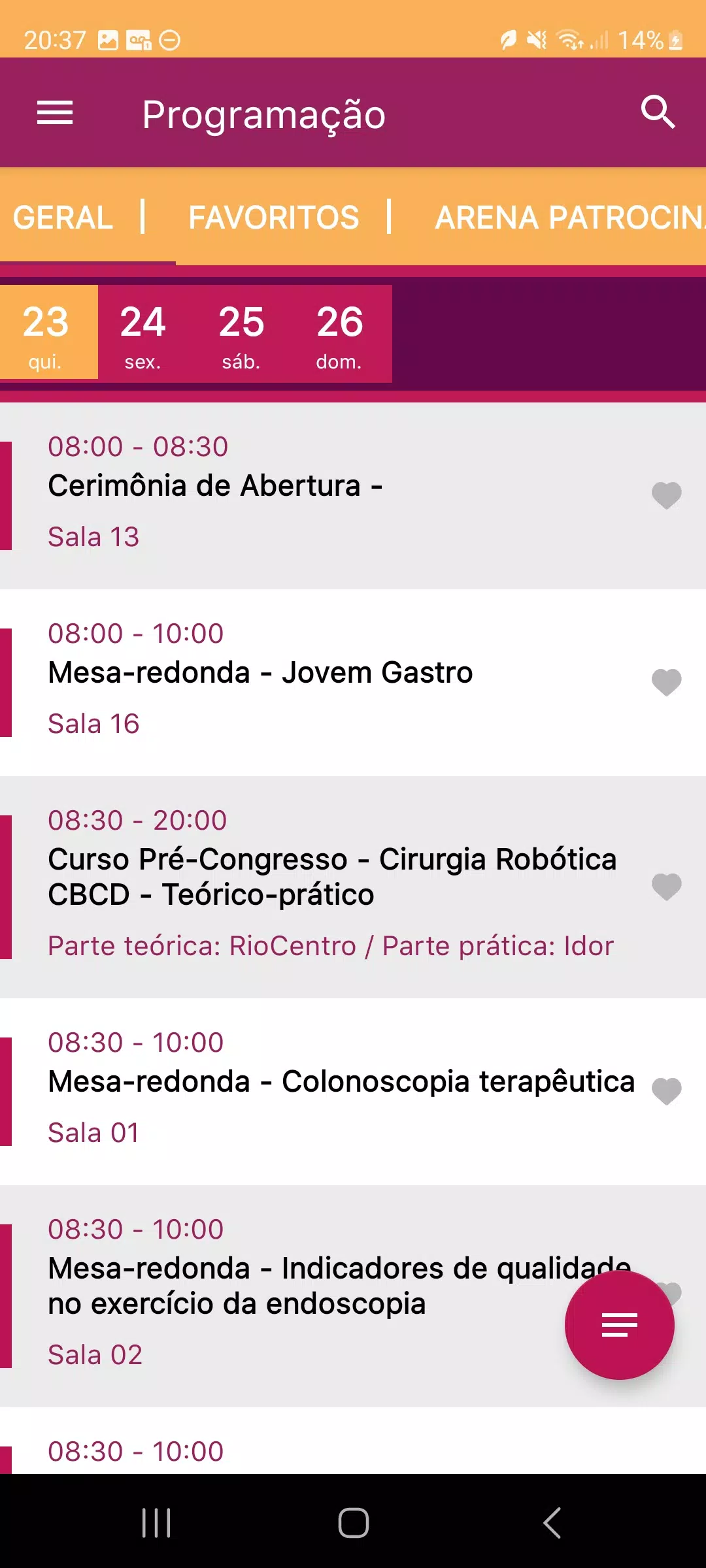
SBAD 2024 is the official mobile app created to simplify and enrich attendance at the conference: from sending questions to speakers and participating in live polls to viewing presentation slides and submitting evaluations, the app keeps program interaction fast and focused so you can stay present in sessions while contributing in real time.
SBAD 2024 puts essential event tools on your device. During a session you can send moderated questions directly to speakers or session moderators, join live polls and votes that shape discussions, and access presentation slides and handouts the moment they are published. Built-in evaluation forms let you rate sessions and provide structured feedback that organizers can use immediately. The app also offers a consolidated session view so you can follow multiple rooms, see speaker bios and session abstracts, and receive push notifications for schedule updates or speaker changes.
The interface focuses on clarity and simple, touch-friendly controls: swipe between live session feeds, tap to open slides or polls, and use a persistent navigation bar to jump to your personal agenda, messages, or support. Controls are optimized for quick interaction during talks so actions like submitting a question or casting a poll vote take only a couple of taps. For users who prefer keyboard navigation or assistive technologies, common controls and labels are kept consistent across screens to reduce friction when moving through the program.
Sessions are organized into clear tracks and time blocks so you can plan and track your conference progression. You can build a personalized schedule by bookmarking sessions, setting reminders, and marking talks as attended to keep a record of what you’ve seen. This progression system helps you manage learning goals across multi-day events and makes it easy to return to incomplete sessions or follow-up materials after the event. Saved items and bookmarks appear in a dedicated section for quick review.
SBAD 2024 supports offline access to session materials: when connectivity is available you can download slides and related documents to view later without a network connection, which is useful when moving between rooms or traveling. Recorded sessions and presentation slides provide replay value so attendees can revisit talks, refresh their notes, or catch things they missed in real time. Cached content and an embedded slide viewer ensure smooth playback and a consistent reading experience even on slower connections.
The app uses a clean, event-focused visual design to keep attention on content: readable typography, clear contrast for session lists, and consistent iconography for actions like polling and question submission. You can customize basic display preferences such as font size and notification settings to suit your needs during busy conference days. Language options and localized labels are available where provided by the organizer, helping international delegates follow the program more comfortably.
Accessibility is addressed through scalable text, high-contrast elements, and straightforward screen layouts to reduce cognitive load during fast-moving sessions. The app handles common challenges such as temporary network dropouts by retrying uploads for questions or responses and indicating when actions are pending. If a live feature requires speaker participation or a scheduled live stream, the app clearly shows availability status so you know when interactive options will be active.
The SBAD 2024 app is supported by an event-technology team that provides email and phone/WhatsApp assistance at +51 9 8180-0364 for quick help during the conference. The development team focuses on reliability and user-centered improvements, collecting minimal event-related information required for participation and securing data according to event policies. If you have feedback about the app experience or need help accessing materials, the support channels are staffed during event hours and aim to respond promptly.