
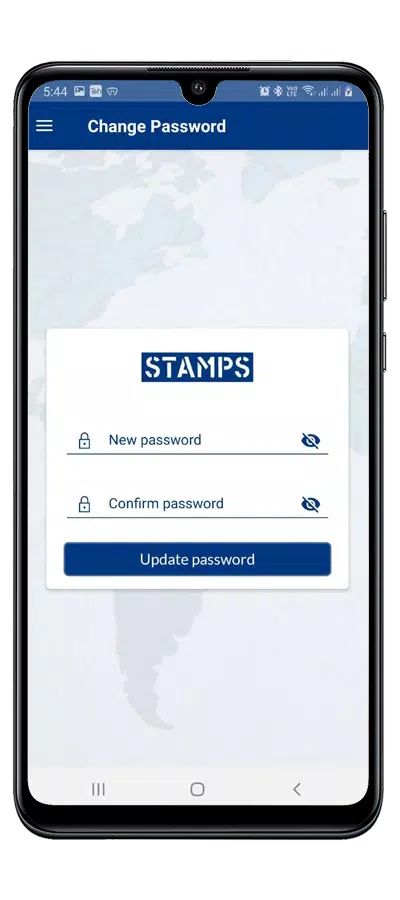
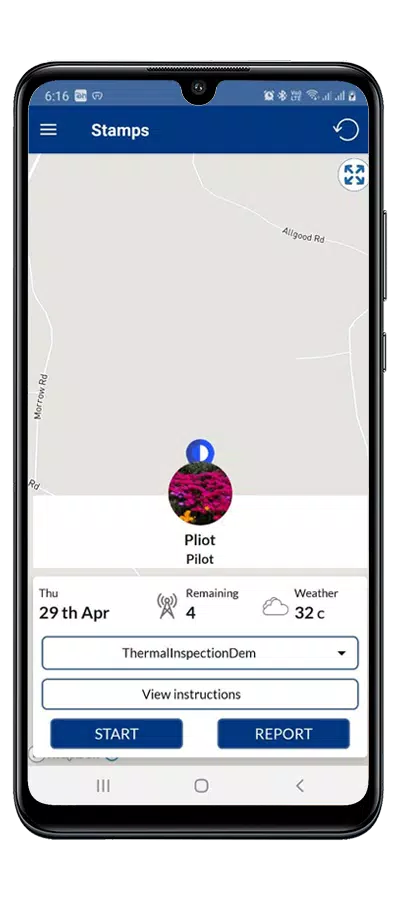
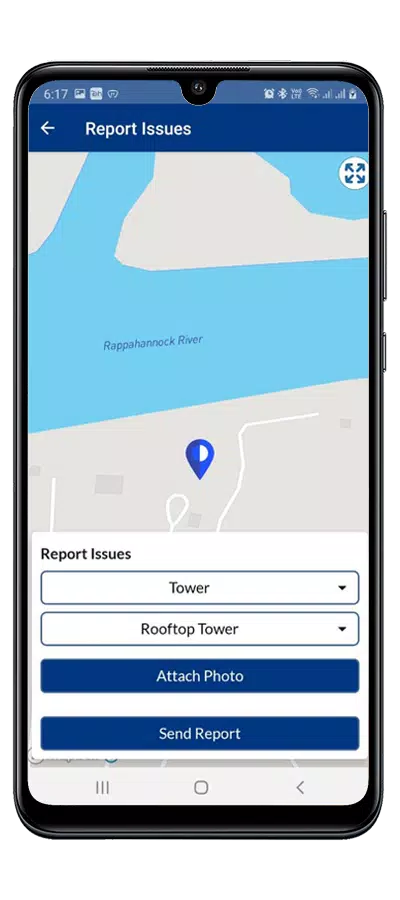
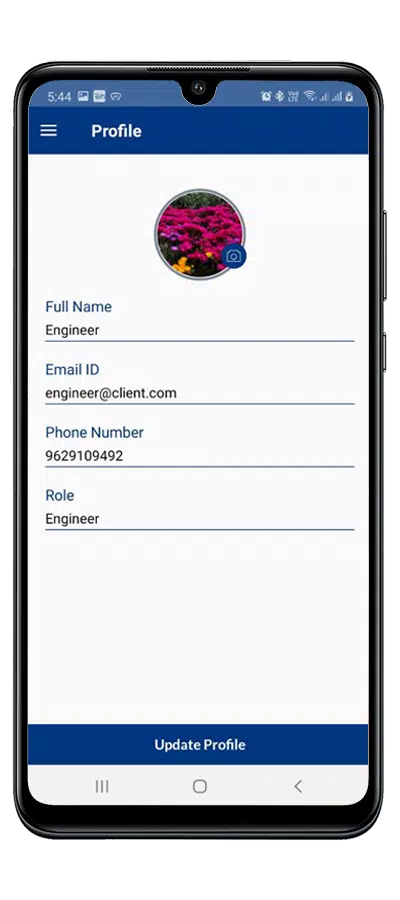
Stamps is a SaaS inspection platform built to streamline field inspections across industries such as telecommunications, power distribution and road maintenance. The app helps teams move away from paper logs by providing a single interface for capturing photos, annotating defects, attaching evidence to structured reports and routing findings to administrators for review. Designed around role-based accounts for Pilots, Engineers and Admins, Stamps centralizes tasks and provides real-time visibility into asset condition while helping reduce manual steps and transcription errors.
Role-based workflows: Stamps separates reviewer and field responsibilities so each user sees only the tasks and approvals relevant to their role. Pilots can record initial findings, Engineers can add technical annotations and Admins can review and sign off on reports, creating a clear audit trail for compliance.
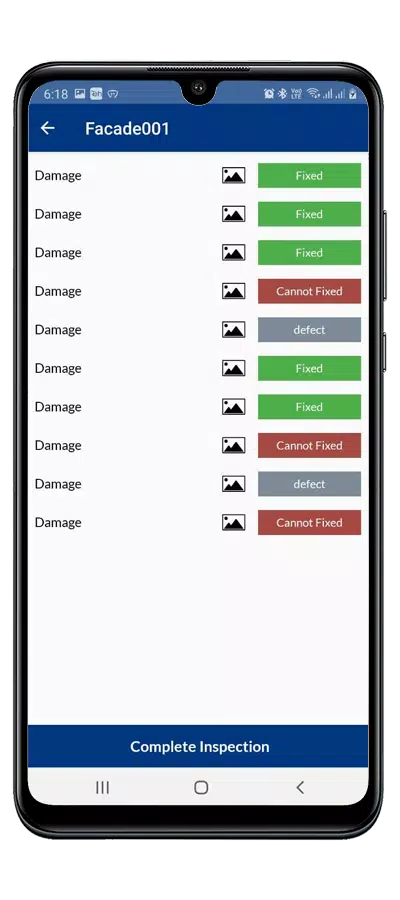
Photo capture and annotation: The app provides an integrated camera workflow with basic editing and annotation tools, allowing inspectors to highlight defects, add notes directly on images and attach multiple photos to a single observation. Visual evidence is tied to report items so later reviews have context.
Structured reporting and templates: Stamps uses configurable inspection templates and checklists to standardize data entry across teams and asset types. Predefined fields and dropdowns reduce free-text variance and make automated summaries more reliable.
Automated routing and status tracking: Once an inspection item is submitted, the platform can route findings to the appropriate admin or engineer for review and track status changes from open to in progress to closed. This helps teams monitor follow-up actions and measure turnaround times.
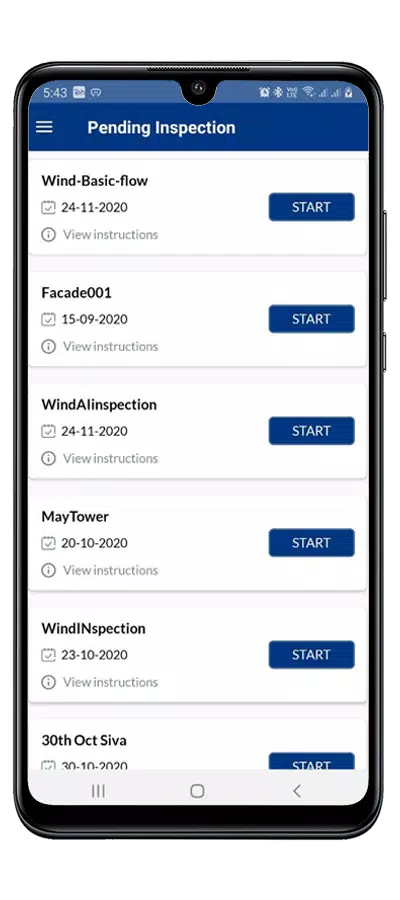
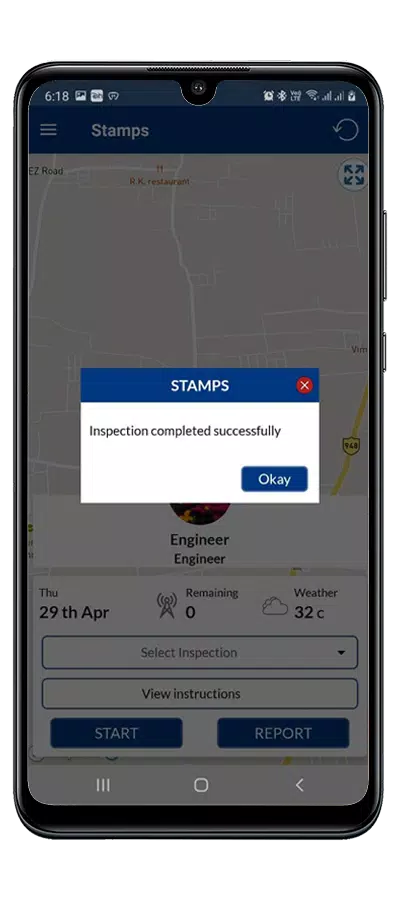
Inspections in Stamps follow a clear progression system: start a job, complete checklist items, capture and annotate photos, submit findings and await review. Each inspection record records timestamps and role actions so managers can see where delays occur. Jobs can be paused and resumed without losing captured media or notes, and history is preserved for audits.
The interface emphasizes simple, touch-friendly controls: large buttons for camera capture, tap-and-drag annotation gestures, and form fields optimized for quick data entry on mobile devices. In-field controls are organized to minimize taps so inspectors can complete tasks with one hand while on ladders or equipment access platforms.
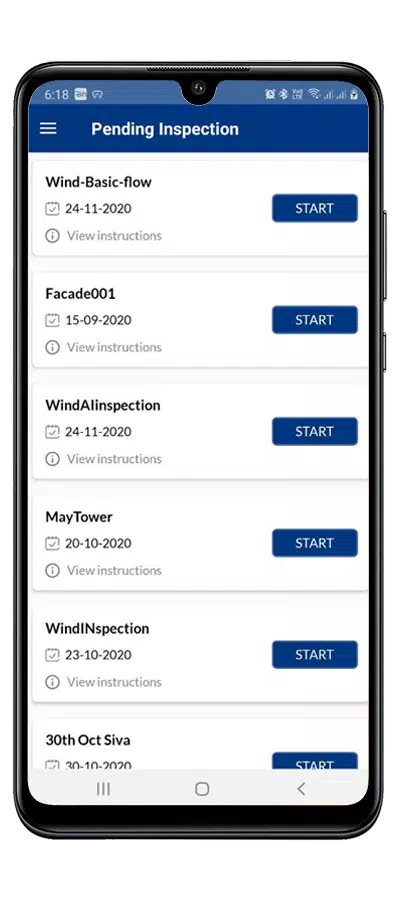
Stamps offers configurable templates and field types so organizations can adapt inspection forms to specific asset classes such as cell towers, transformers or road segments. The visual style prioritizes clear typography and high-contrast elements for outdoor readability, and color-coded status indicators make it easy to scan lists of inspections by urgency or progress.
To support remote work sites, Stamps allows offline data capture so inspectors can record photos and notes without network connectivity; entries sync automatically when a connection is available. Accessibility features include adjustable font sizes and simple layouts to accommodate users who need larger text or clearer visual contrast.
Repeated inspections benefit from Stamps’ templated approach: recurring checklists, historical media and previous reports make follow-up inspections faster and more consistent. Reusing templates and prefilled fields speeds data capture and reduces variation between inspectors, improving long-term data quality and trend analysis.
Stamps reduces paperwork and lowers the risk of data loss by keeping inspection records centralized and searchable. Centralized assignments and automated handoffs make it easier to track responsibility and compliance. At the same time, successful adoption requires initial training and some change management as teams move from paper to digital processes, and the system relies on consistent data capture to deliver the full benefits of automated reporting.