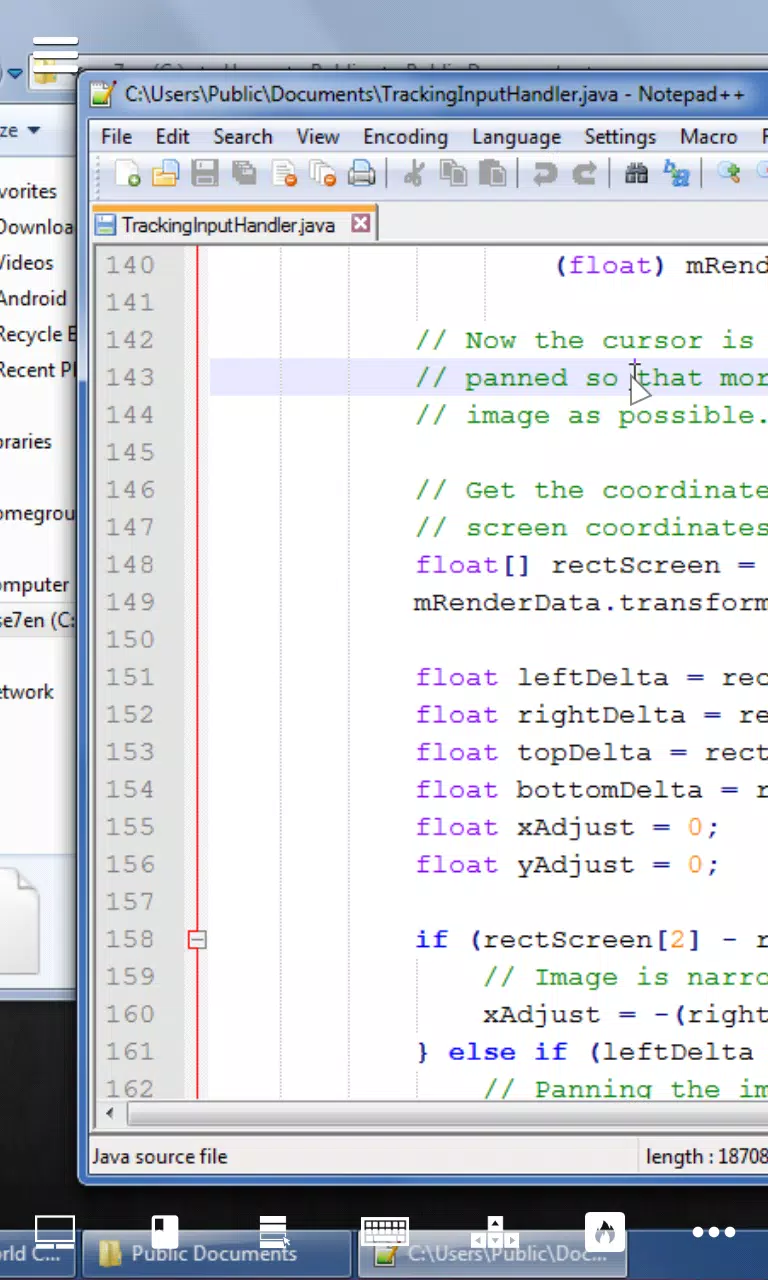
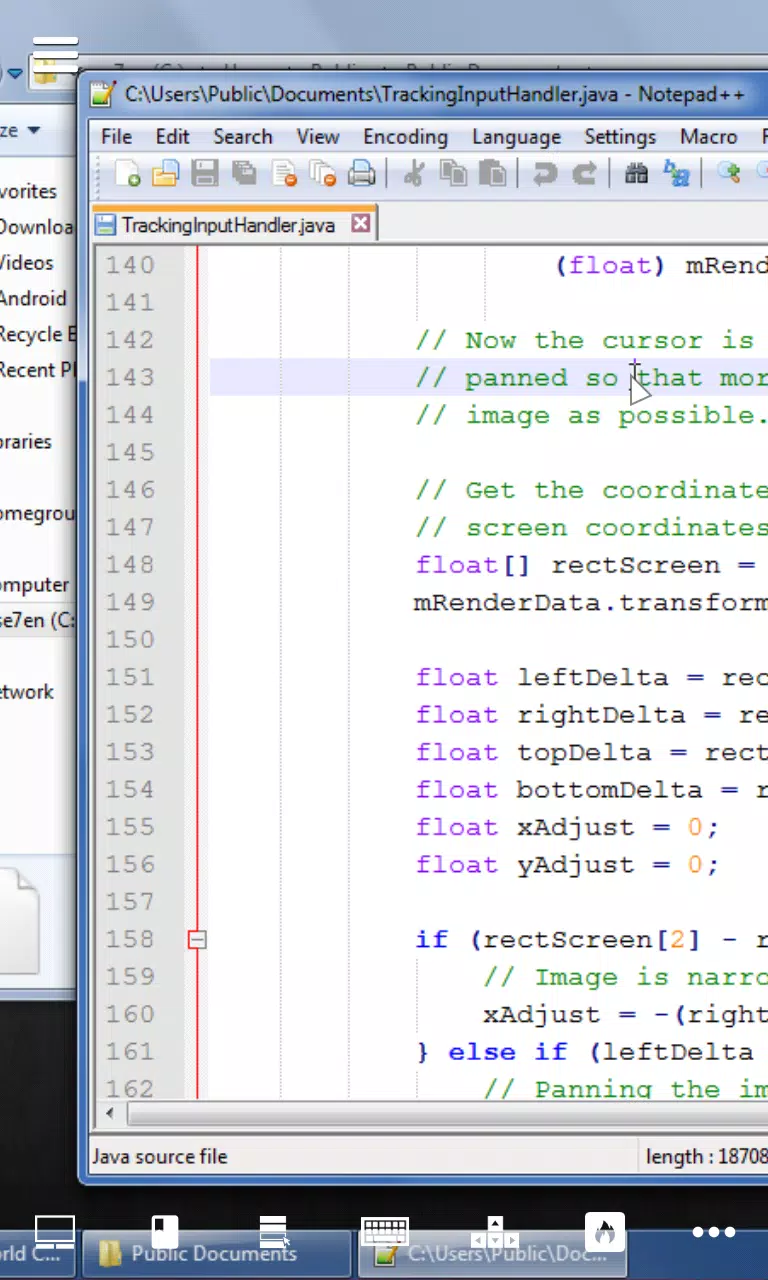
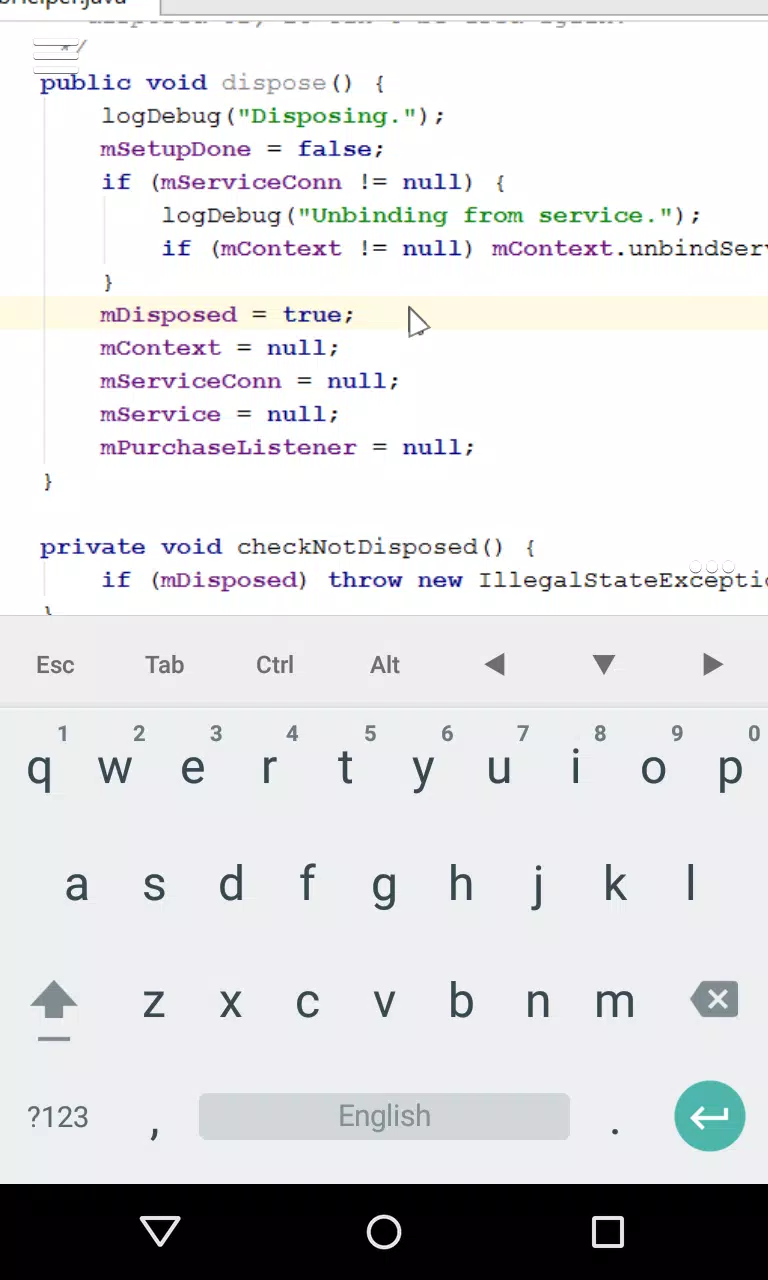
Desktop VNC Viewer puts your PC desktop in your pocket: Desktop VNC Viewer connects an Android device to a VNC server on your computer over a local Wi‑Fi network so you can edit text, write or review code, manage files and run desktop applications as if you were at the machine. The app was built with productivity and precision in mind, delivering low latency full‑screen mirroring, multiple pointer control modes for fine cursor placement, and on‑screen keyboard modifiers to make typing and navigation easier on mobile keyboards. Whether you need a quick remote fix, to check a build, or to continue writing from a different room, Desktop VNC Viewer gives you responsive remote access without unnecessary complexity.
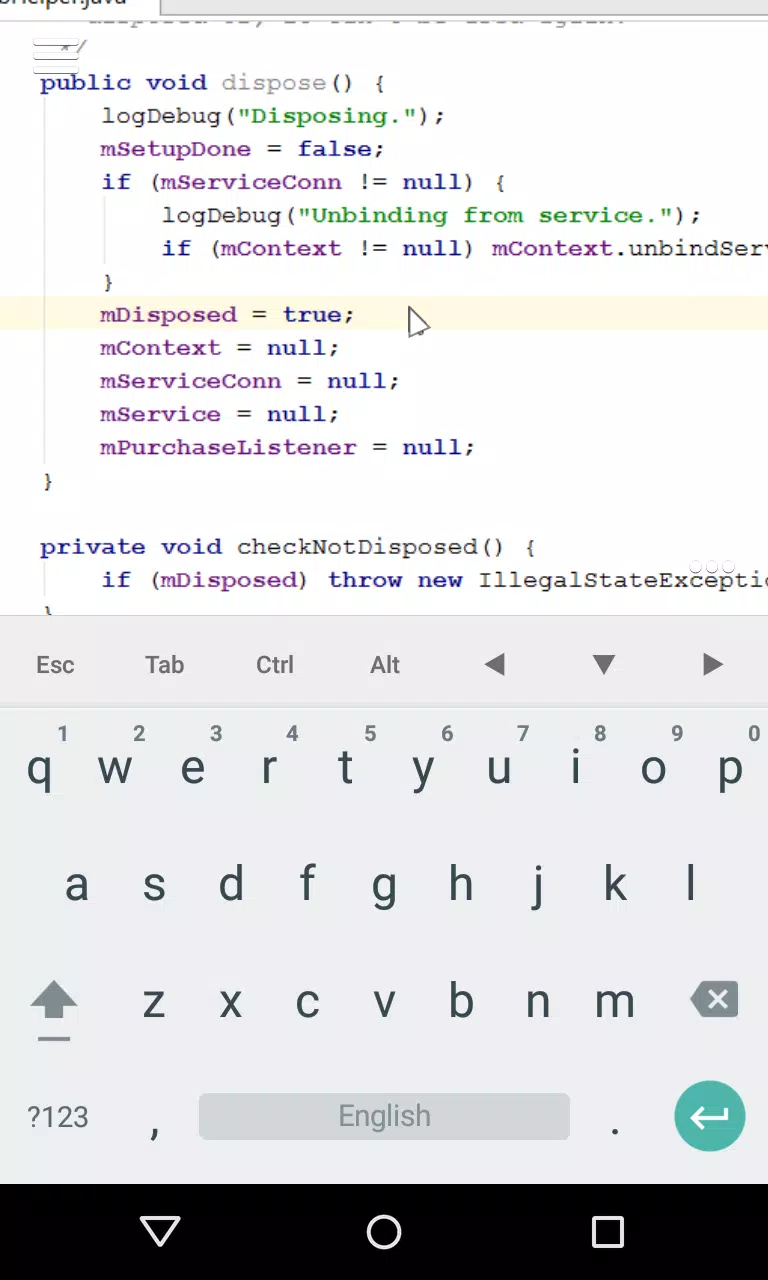
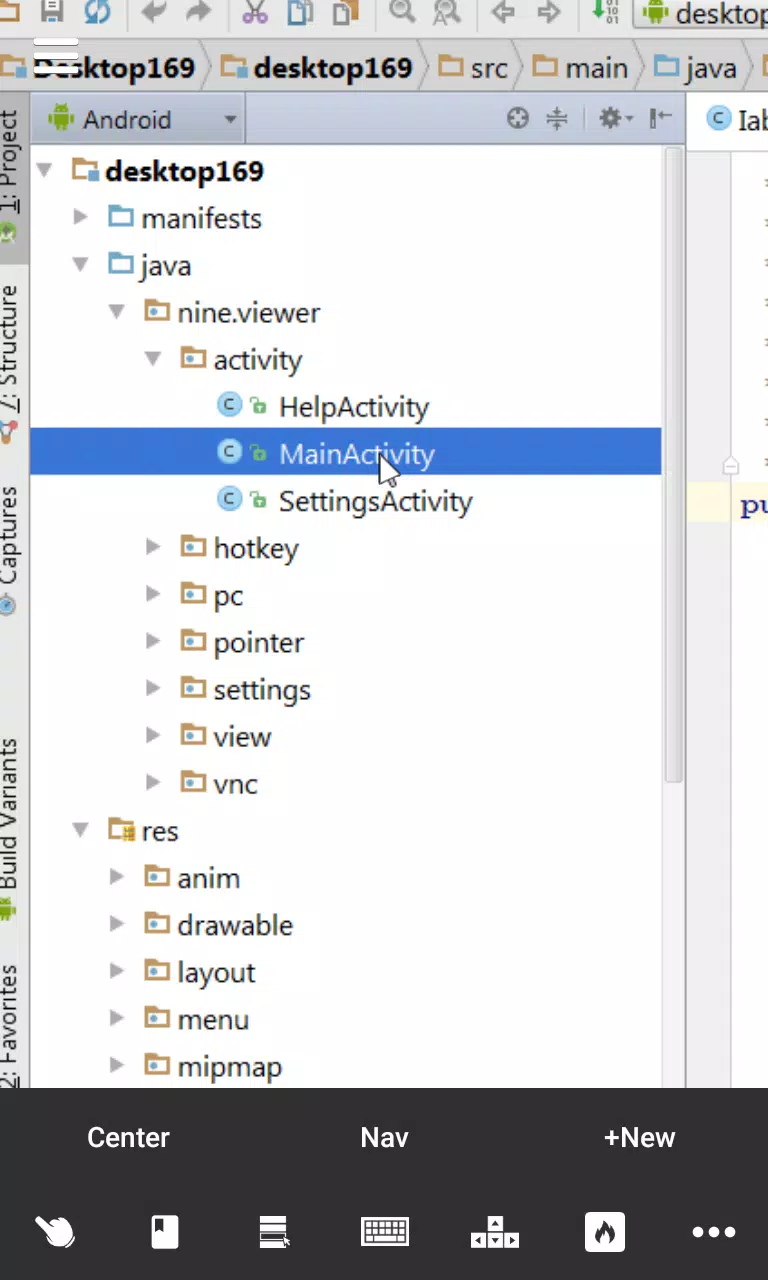
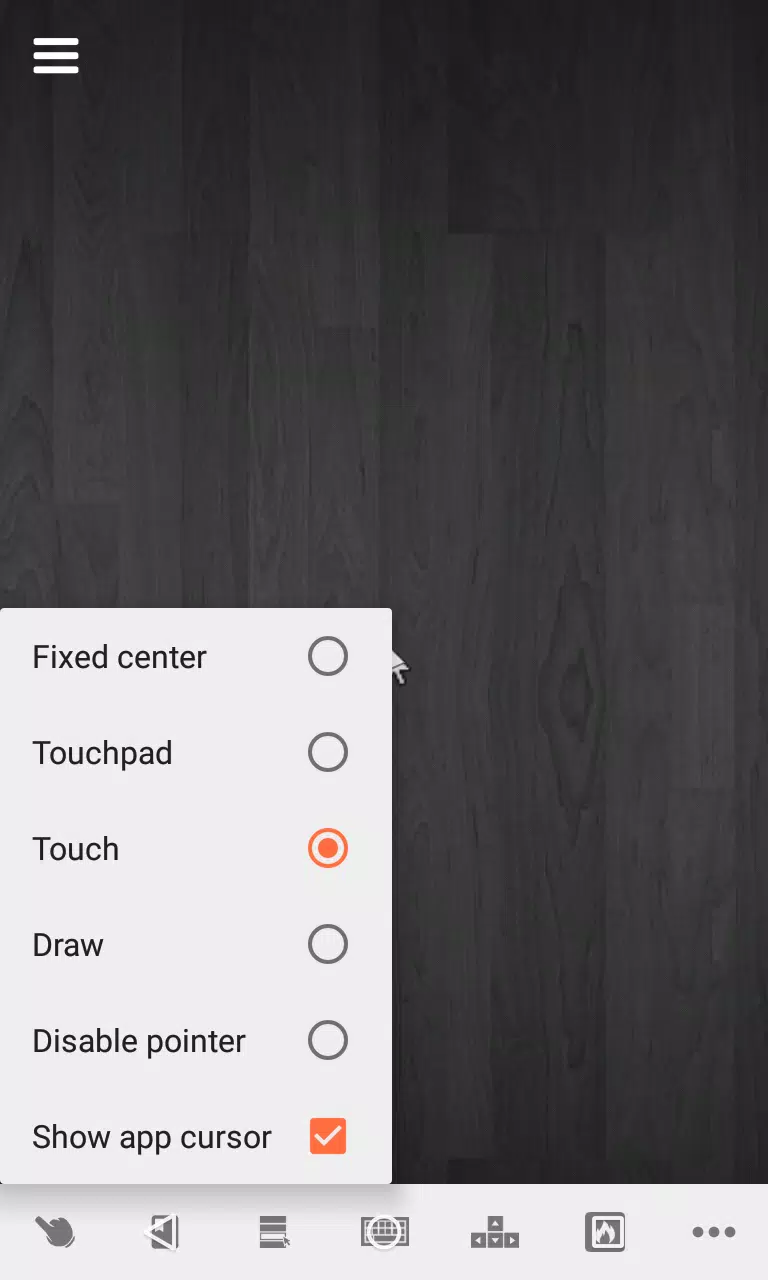
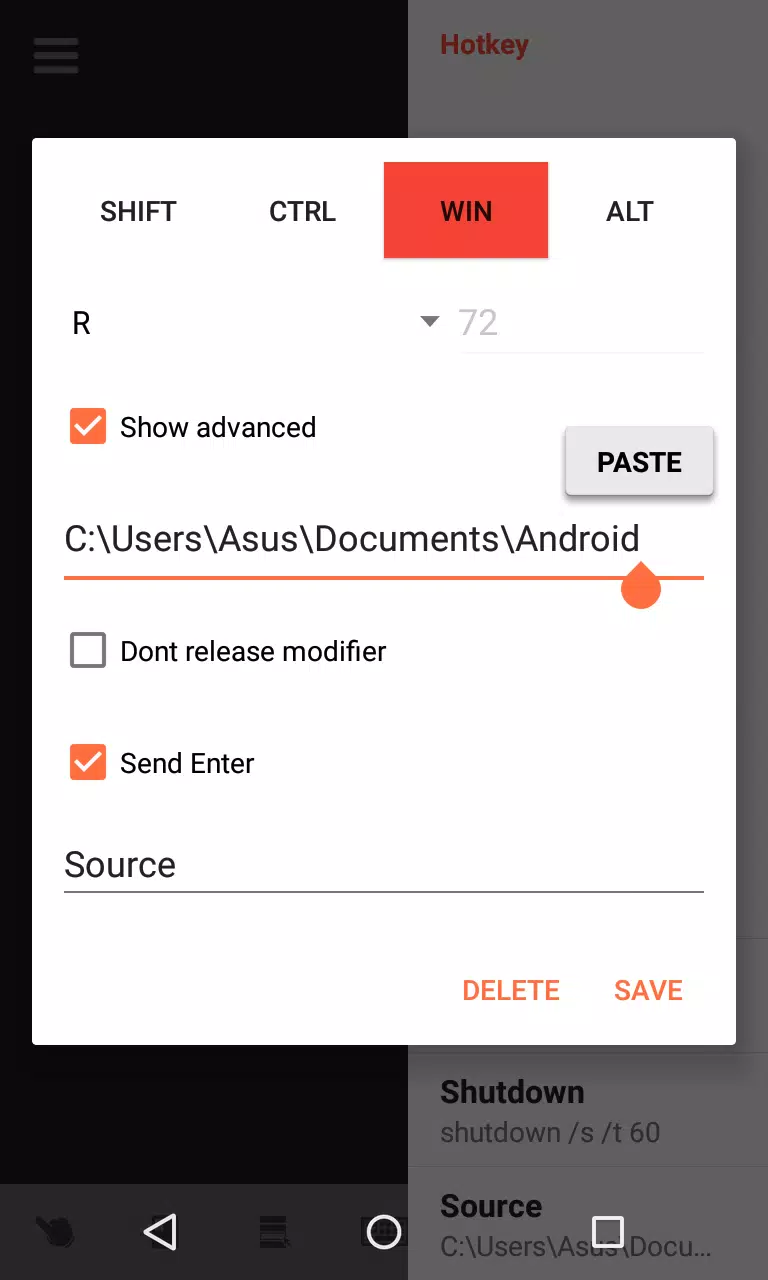
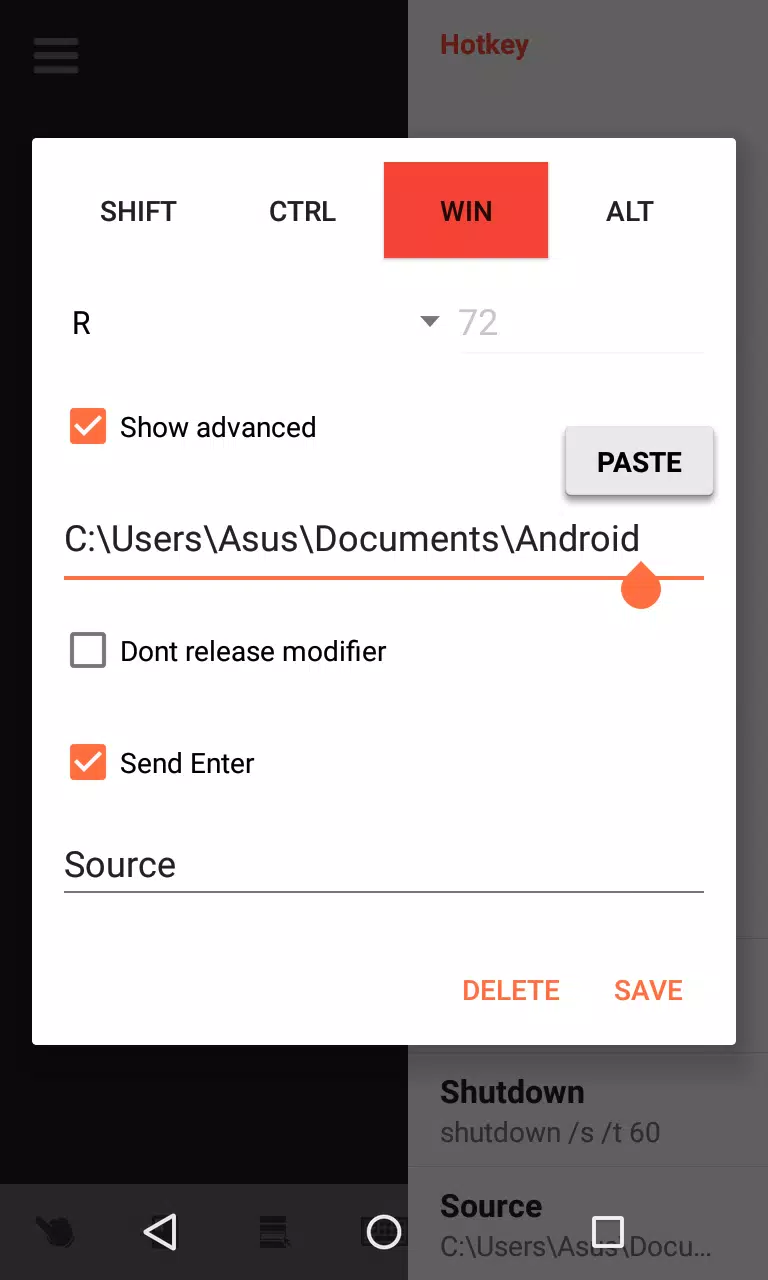
The core functionality centers on a robust VNC client that streams a full‑screen copy of your display over the local network. Rather than a simplified preview, the app preserves desktop layout and window placement so that multi‑window workflows remain familiar. Four distinct pointer control modes allow you to switch from finger navigation to more precise pointer emulation suitable for text selection, dragging, or pixel‑level adjustments. Screen tabs let you keep multiple remote sessions or application windows available and jump between them quickly. On‑screen modifiers and an arrow key row above the virtual keyboard reduce friction when performing common editing tasks, and custom hotkey support enables mapping repetitive commands to a single touch for faster workflows.
Controls are designed to accommodate both touch-first interactions and keyboard‑centric work. Pinch and swipe gestures handle zoom and panning while dedicated pointer modes change how taps translate to clicks and drags. When connected to a hardware keyboard or using the on‑screen modifier row, you can combine keys with touch gestures to move the cursor precisely, select text, or trigger shortcuts. The tabbed navigation model keeps frequently used windows accessible, reducing the need to hunt through menus, which benefits developers, content creators, and system administrators who rely on consistent window layouts.
Desktop VNC Viewer includes a range of configurable options so you can align the client with your workflow. Adjust display quality and scaling to trade off visual fidelity for smoother responsiveness on congested networks. Remap pointer behavior and fine‑tune input sensitivity to match your editing preferences. Custom hotkeys let you automate sequences of commands or call frequently used functions with a single tap, helping to streamline repetitive operations without altering the remote host. These customization points are geared toward practical productivity rather than cosmetic changes, focusing on how you interact with desktop applications from a mobile environment.
For best results, Desktop VNC Viewer uses a local Wi‑Fi connection to minimize latency and maintain crisp visuals; on a stable local network the experience is comparable to working directly on a laptop for many text and code editing tasks. Because streaming a full desktop can be bandwidth‑intensive, the app provides options to throttle image quality and frame rate when you need to conserve network resources. It is optimized for local networks rather than public or cellular connections, and performance will depend on the stability and speed of your Wi‑Fi router and the host machine.
Accessibility is considered through adjustable input modes, larger on‑screen controls, and the arrow key row for users who rely on discrete cursor movements. The app supports common screen scaling and zoom operations to improve readability of small UI elements without forcing you to change settings on the remote host. Simple gestures and clear mode indicators help prevent accidental clicks and make it easier to switch input behavior when moving between tasks.
To connect, install a compatible VNC server on the PC and ensure both devices are on the same local network. The app does not require cloud services or external accounts; it connects directly to a server address and port you provide, keeping control within your environment. Desktop VNC Viewer works with standard VNC implementations and supports configurable connection options so it can adapt to different server setups and display configurations commonly used by developers and power users.
Because Desktop VNC Viewer relies on a VNC server running on the host computer, you must set up that server beforehand and ensure the host is reachable on your network. Performance may be limited over slow Wi‑Fi or mobile networks, and very graphics‑heavy applications may not stream as smoothly as lightweight desktop tasks. Advanced customization and input modes may require an initial period of adjustment to match specific workflows, but the app provides enough flexibility to tune the experience for most development and remote administration scenarios.