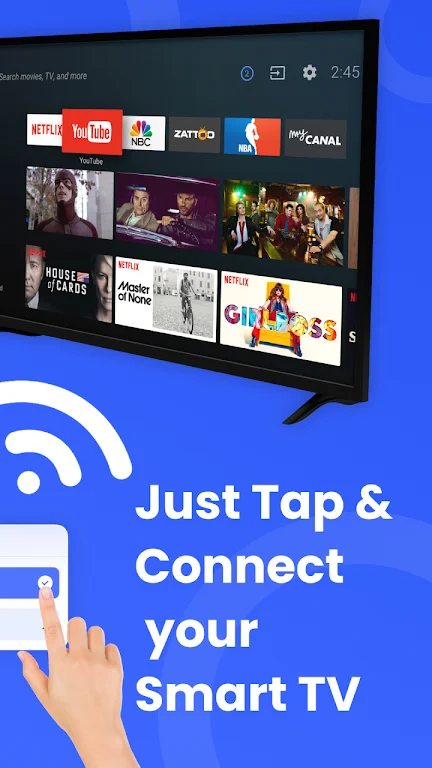
Remote Control turns your Android phone into a compact, all-in-one command center for Smart TVs and entertainment devices, offering an alternative to a clutter of physical remotes and complex menus. Remote Control places channel selection, volume, navigation and media casting into a single app that fits in your pocket, letting you mirror your screen, cast photos and videos, and control playback from a familiar mobile interface without juggling multiple controllers.
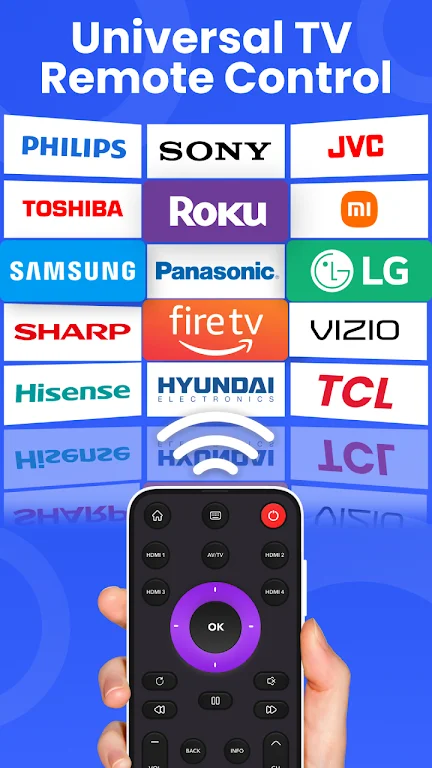
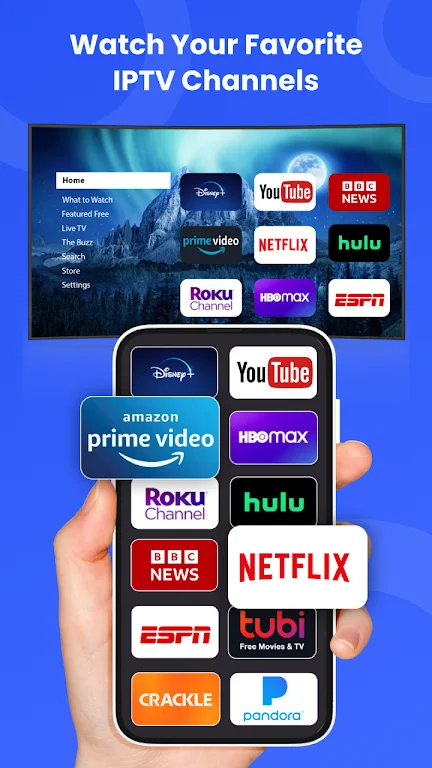
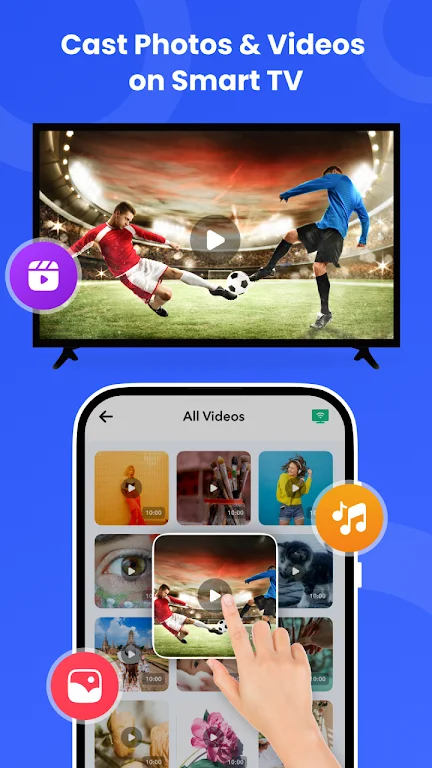
The app supports universal remote functions for major Smart TV brands, enabling standard controls such as channel up/down, numeric input, volume, mute and on-screen menu navigation from one place. Screen mirroring makes it possible to display your phone’s screen on a TV for watching videos, running apps, sharing photos or giving presentations. Media casting moves individual photos, music tracks or video files from your device to the big screen and supports common streaming services and IPTV sources when those options are available on the target display. A photo-and-audio cast mode is designed to convert your TV into a slideshow surface or a large wireless speaker for background music during gatherings.
Setup is guided: Remote Control discovers compatible TVs and streaming devices on the same local network, offers a simple pairing step when required, and stores connected devices for quicker access later. The app’s structure groups commonly used controls on the primary screen so users can change volume, switch inputs, or control playback without navigating deep menus. For first-time configuration the app walks you through network discovery and any necessary permissions; afterward most daily tasks are reduced to one- or two-tap actions.
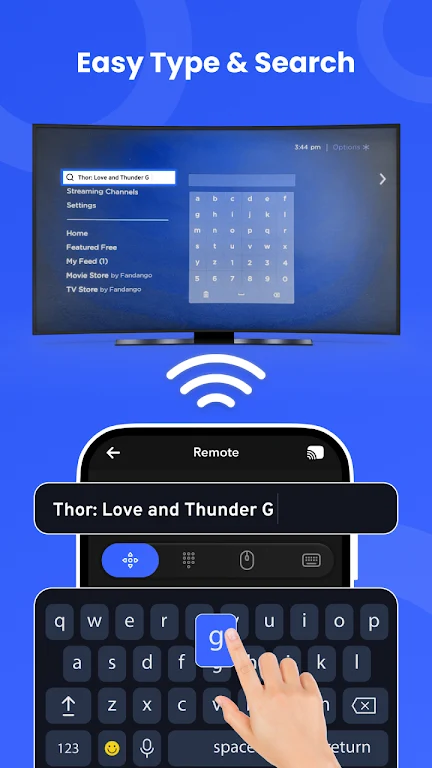
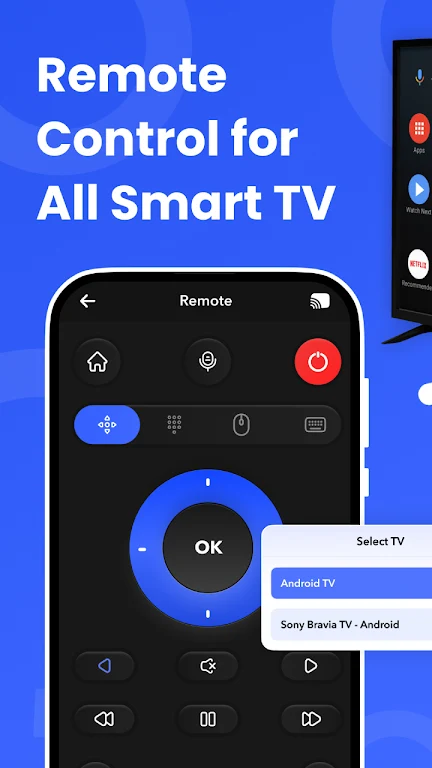
The interface focuses on clarity and large touch targets to make common tasks feel effortless on small screens. Primary controls are placed centrally while additional options and settings are accessible via clearly labeled panels. Visual themes and adjustable font sizes enhance readability across different lighting conditions and make the app easier to use for a range of users. The layout is intentionally straightforward: a remote-style control view, a media casting view, and a device list are the main sections, so users can quickly switch between controlling playback and sending content to the TV.
Remote Control lets users keep frequently used devices and preferred screen layouts available for fast recall, reducing repeated setup steps. While the app does not rely on accounts for basic use, it preserves local profiles for each discovered TV so you can store input preferences, volume behavior and casting history per device. This progressive improvement in convenience is the app’s version of “progression”: initial pairing leads to faster, personalized control over time as the app remembers what you use most.
Accessibility features are integrated through compatibility with Android’s system-level tools such as adjustable font sizes and screen magnification. Because casting and mirroring operate over the local network, many functions can work without an active internet connection as long as the phone and TV are on the same Wi‑Fi network. Network stability matters: the app performs best with a steady local connection and may fallback to simpler control commands when advanced casting options are not available.
Performance varies with TV model, manufacturer support and local network conditions. Some features are limited by the target device’s capabilities; for example, older TVs or non-networked set-top boxes may not support screen mirroring or direct casting. The app includes basic diagnostic prompts to help identify common issues, such as verifying that both devices are on the same network, checking permissions, and suggesting a restart of the TV or router if discovery fails. These pragmatic checks help users resolve most connectivity problems without technical support.
Remote Control is useful for typical living room needs—streaming episodes, sharing vacation photos, presenting slides from a phone, or listening to music through TV speakers. Because the app consolidates controls and maintains device profiles, it reduces friction for repeated tasks and becomes more convenient with continued use. Its straightforward design and local-device focus make it a practical tool for households that want fewer physical remotes, quicker access to TV functions, and a single place to manage media casting and screen mirroring.