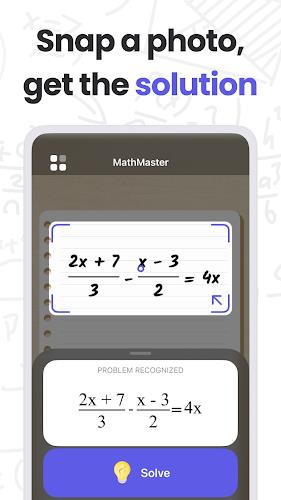
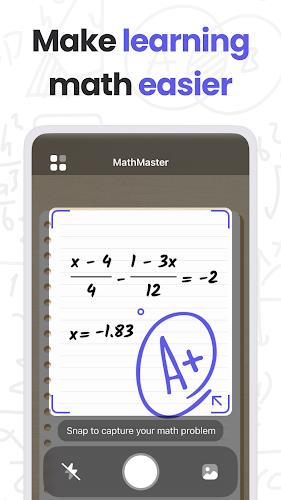
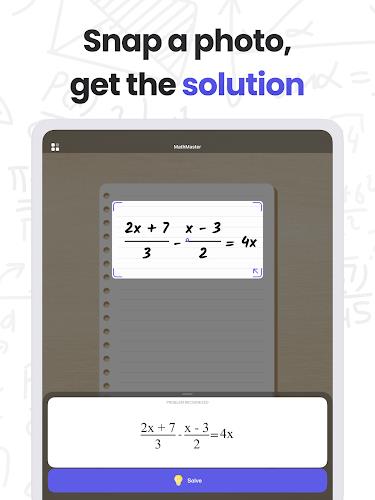
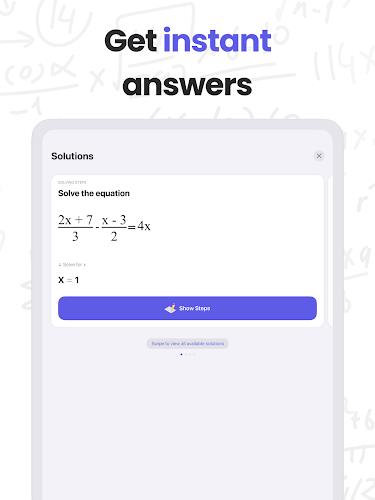
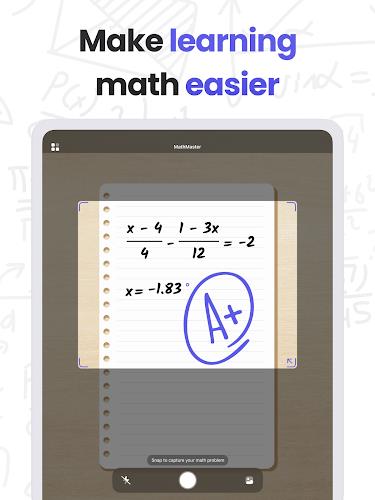
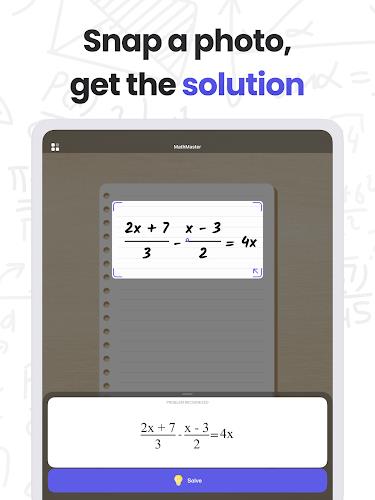
MathMaster is a smart learning app designed to sharpen arithmetic, algebra, and problem-solving skills through adaptive practice, timed drills, and clear explanations. Students, professionals, and parents can track progress, personalize difficulty, and turn everyday study sessions into focused, measurable improvement with a clean, responsive interface.
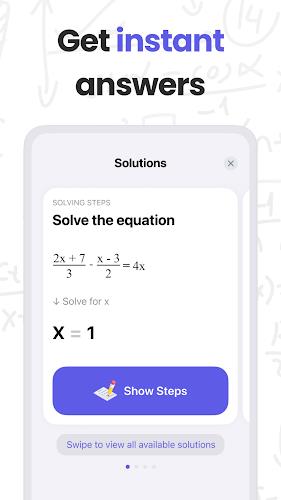
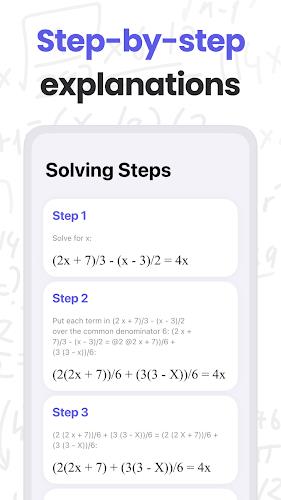
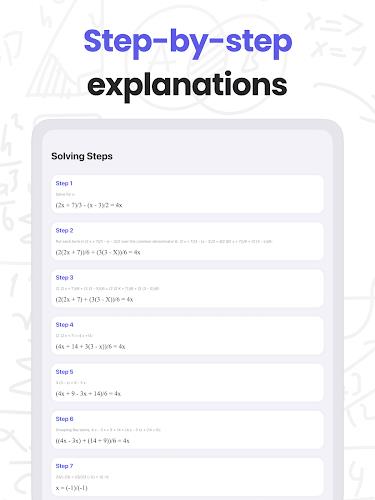
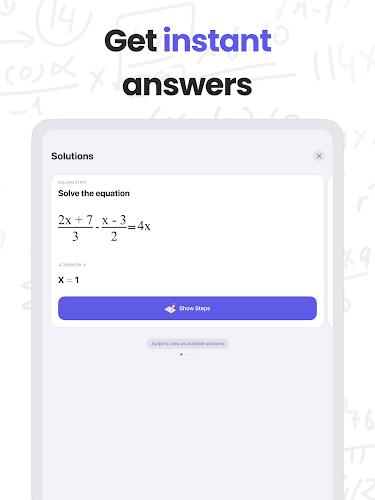
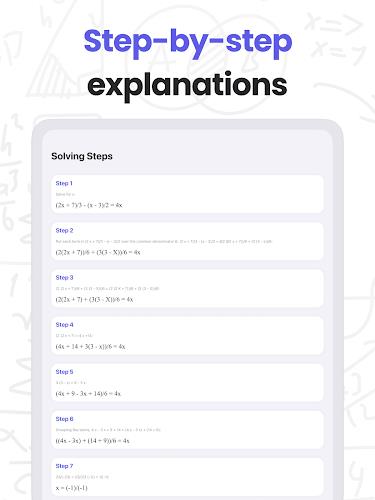
MathMaster bundles an organized set of tools: adaptive practice that modifies question difficulty as you improve, step-by-step solutions for every problem, customizable study plans, and timed challenge modes to build speed. The content library covers arithmetic, fractions, decimals, percentages, algebraic expressions, basic geometry, and introductory statistics, all grouped by topic and difficulty.
The app presents a minimal, distraction-free layout that keeps focus on problems and explanations. Menus are labeled clearly, practice sessions are one tap away, and progress statistics are visible from the dashboard. Dark mode and adjustable font sizes improve readability, while large touch targets streamline use on phones and tablets.
Start by taking a diagnostic quiz to identify strengths and gaps, then set a study goal and preferred daily time. MathMaster schedules practice automatically, alternating between review, targeted drills, and mixed problem sets to reinforce retention. Built-in timers encourage pace control while optional hints guide learners through difficult steps without revealing full solutions immediately.
Detailed analytics show accuracy, average response time, and mastery percentage by topic. Visual charts highlight trends, helping learners and parents see which concepts need more attention. Exportable progress reports make it simple to share results with tutors or teachers. Achievement badges and streak tracking add motivational feedback without turning learning into a game-first experience.
Customize question types, choose problem difficulty ranges, and enable or disable calculators for certain exercises. Multiple profiles let families manage separate progress records, and a parental controls section limits study time or locks settings. Accessibility options include screen reader compatibility, high-contrast themes, and adjustable interaction timing for users who need extra response time.
MathMaster works well for daily homework reinforcement, focused remediation, and test preparation. Teachers can recommend specific topic sets to students, while parents can use the app for short, consistent practice sessions that build foundational fluency. The step-by-step explanations are suitable for self-study and for reinforcing classroom instruction.
The app is optimized for low memory and minimal battery drain, allowing extended practice without heavy resource use. Offline mode stores selected practice sets so learners can continue without an active connection, and cloud sync preserves progress across devices. MathMaster supports a wide range of Android versions and scales cleanly from compact phones to larger tablets.
Data is stored securely with optional cloud backup. The app requires only essential permissions, and user data can be exported or deleted by request. Built-in safeguards prevent exposure of personal identifiers in shared progress reports, making the app suitable for use by children and learners who require enhanced privacy.
Installation is straightforward: install, create a profile, and take the diagnostic to receive a recommended study plan. New users can opt for the guided tour that introduces practice modes and analytics. Daily reminders and quick five-minute practice sessions help establish a consistent routine without overwhelming schedules.
MathMaster delivers a balanced mix of guided instruction and adaptive challenge, helping users build accuracy and speed while tracking meaningful improvement. The combination of clear explanations, flexible customization, and reliable performance makes it a practical choice for learners aiming to strengthen math fundamentals and for parents seeking measurable learning outcomes.