

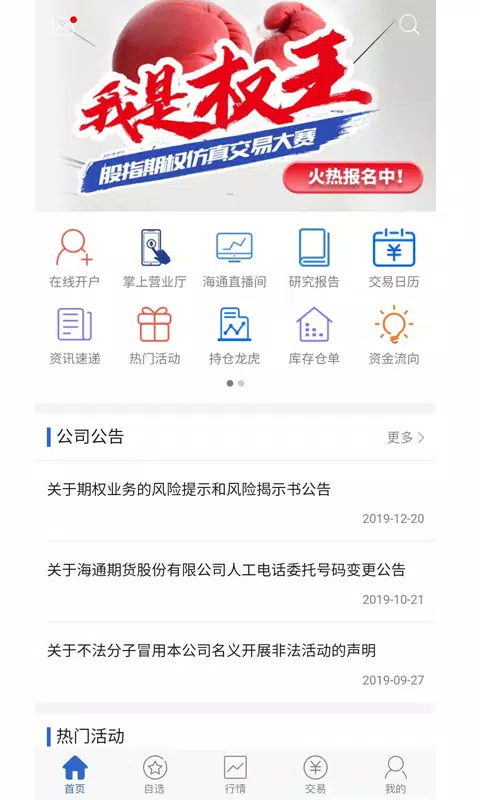
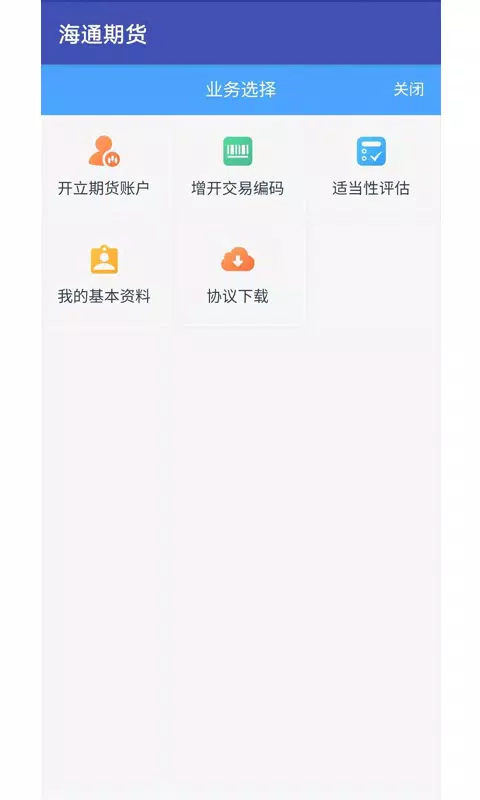
海通期货 is a mobile trading platform designed for futures investors who need timely market data, reliable order execution, and clear risk controls on the go. The 海通期货 app brings live quotes, expandable charts, and a compact order entry workflow to phones and tablets so both new traders and experienced professionals can respond efficiently to market moves. The interface balances information density with straightforward operation, emphasizing transparent price presentation, fast trade confirmation, and direct account controls.
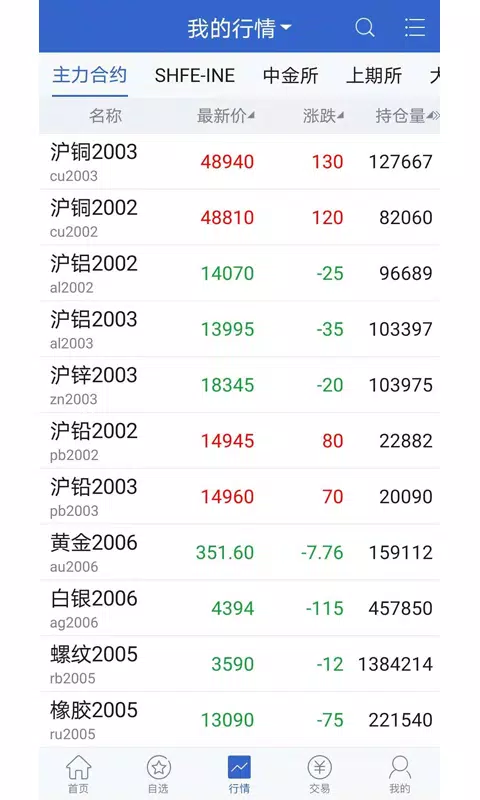
The platform aggregates continuous price feeds across commodity, index, and currency futures while offering depth-of-market visuals, time & sales details, and instrument grouping for focused monitoring. Real-time streaming adapts to network conditions by reducing refresh frequency selectively, preserving essential ticks without consuming excess bandwidth. Key capabilities include multi-interval charts, an order blotter that displays fills and status changes, session-aware notifications, and persistent logs for offline review so traders can reconstruct activity after volatile periods.
Order entry is intentionally concise: select a contract, choose an order type, enter quantity and price, and confirm. The app supports market, limit, stop, and conditional orders with guided fields to lower input errors. Amend and cancel actions update immediately in the blotter and are signaled by contextual confirmations to prevent accidental submissions. Touch gestures and configurable quick-access buttons shorten repetitive steps, and preset templates allow recurring strategies to be executed with consistent parameters to reduce manual adjustment time.
Charting tools include common technical indicators — moving averages, RSI, MACD — plus drawing tools and Fibonacci retracements, and charts can be expanded to full screen for detailed analysis. Templates and indicator presets can be saved so setups are recalled instantly across sessions. A simple trade-history filter and backtest summary help traders review past strategies and measure outcomes against defined parameters; combined with demo account support and staged onboarding, this progression path encourages practice in simulated markets before moving to live trading.
Workspaces are configurable so panels, watchlists, and chart arrangements match individual workflows. The app offers theme choices, font scaling, and high-contrast modes to improve readability in different lighting and to assist users with vision needs. Watchlists synchronize across signed-in devices, keeping instruments consistent between phone and tablet. Visual cues and color usage are chosen to prioritize clarity of price action and to reduce misinterpretation during fast sessions.
When connectivity is limited, recent quotes and trade confirmations are cached for review, while full trading functions remain disabled until a secure connection is reestablished to protect order integrity. Performance tuning focuses on incremental updates and data compression to deliver timely ticks with reduced bandwidth. Connection diagnostics surface feed status and can fail over to backup routes when primary servers lag. Security measures include two-factor authentication, session timeout controls, and encrypted communication channels; integrated support features pair in-app chat with a searchable knowledge base for troubleshooting.
The app encourages iterative improvement through recorded trade logs, configurable alerts, and simple backtests that let users challenge strategies against historical periods. Replay value comes from the ability to test setups in the demo environment, refine templates, and re-run trade reviews to identify behavioral patterns. Risk controls such as position limits, margin visibility, and one-touch liquidation options make the challenge of managing exposure a central part of skill development rather than an opaque constraint.
To begin with 海通期货, download the app, register an account, and complete identity verification to unlock live trading permissions. Use the onboarding walkthrough to create a focused watchlist, set basic order templates, and explore chart presets in demo mode first. Start with small positions in simulation to learn order mechanics, monitor margin closely when switching to live accounts, and enable price alerts to conserve attention across long market hours. Regular updates refine latency and usability, and feedback channels within the app let users suggest workflow improvements and report connectivity issues.





















