



ZenCart Mobile App brings essential e-commerce management to your Android device, enabling product updates, order tracking and customer communications from anywhere. Designed for store owners and managers, the app simplifies inventory control and sales monitoring with a compact, responsive interface that keeps operations moving without needing a desktop.
The ZenCart Mobile App bundles the primary tools needed to run an online store on the go. You can add or edit product listings, adjust pricing and stock levels, and publish changes instantly. Order queues are presented in a clear timeline, allowing quick status updates, refunds, and shipment tracking. Built-in messaging lets you respond to customer inquiries from the same dashboard, reducing the need for separate apps.
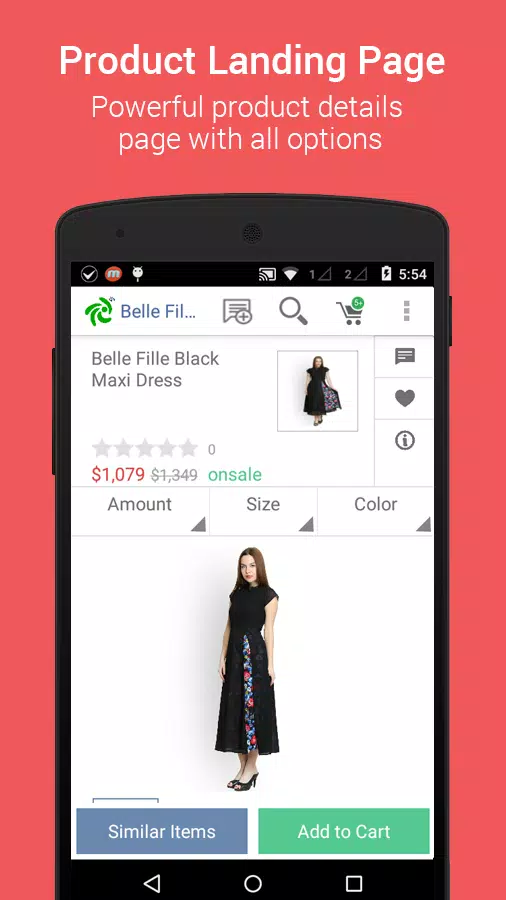
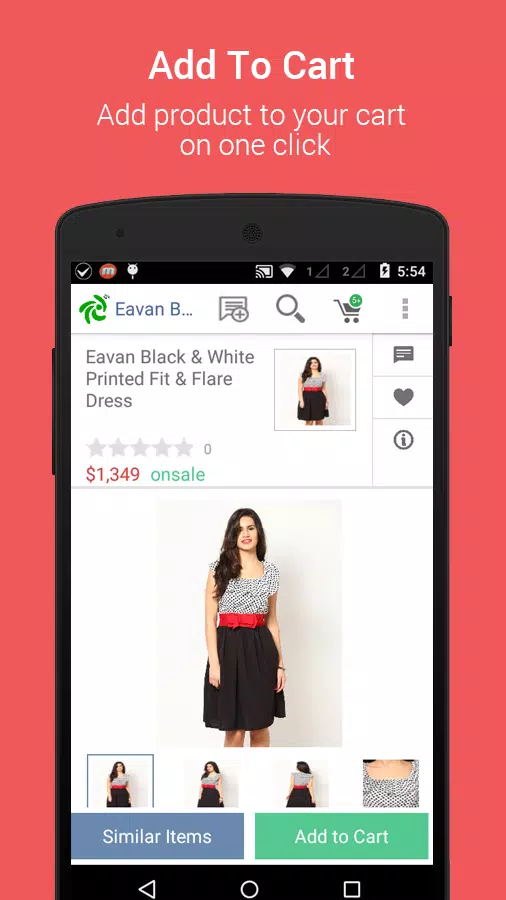
The design prioritizes speed and clarity. Navigation uses a few top-level tabs that lead to product catalogs, orders, customers, and analytics. Item pages show thumbnails, SKU, stock counts and sales history, while order cards highlight priority items and payment status. The ZenCart Mobile App focuses on minimizing taps—common tasks like marking an order shipped or updating inventory can be completed in two or three gestures.
Inventory control tools let you manage single items and bulk updates through CSV import or batch edit features. Automated alerts can notify you when stock falls below a threshold, helping prevent oversells. On the order side, the app supports partial shipments, multiple payment statuses and exportable invoices. Integration with common shipping providers streamlines label creation and tracking number assignment directly from the order screen.
Built-in reporting provides concise sales summaries, best-seller lists and customer behavior snapshots. Dashboards display daily revenue, conversion rates and refund statistics in simple visual elements. The ZenCart Mobile App includes filters for date ranges, product categories and customer segments, making it easy to generate focused reports for quick decision-making. Export options let you download CSVs for deeper analysis in desktop tools.
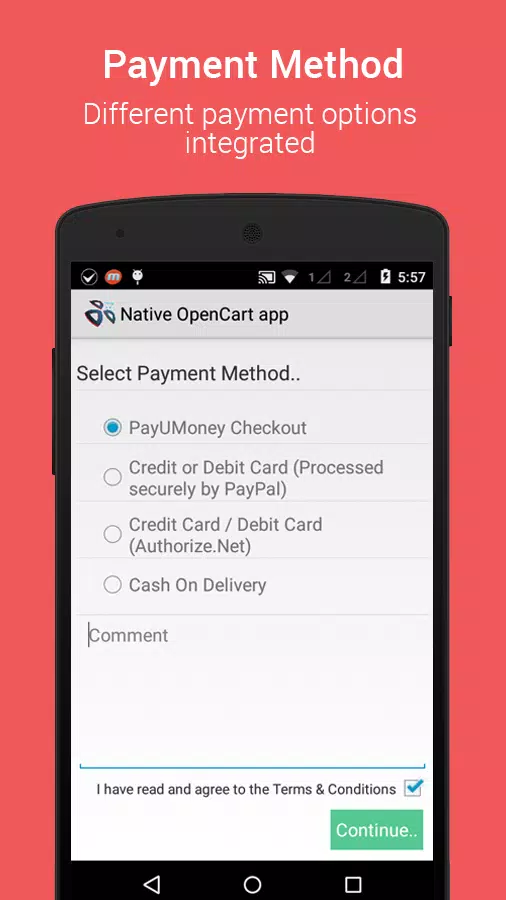
The app supports configurable settings that adapt to different business workflows: choose which order statuses to show, set custom notification rules, and define default shipment providers. Plugin support allows connection to payment gateways and third-party analytics. While core functions are optimized for mobile, optional extensions expand capabilities to match complex storefront requirements without cluttering the primary interface.
Security is handled with device-level authentication and encrypted connections to protect customer and payment data. The app supports multi-factor login and role-based access controls, so staff members can be limited to relevant sections. Performance optimizations cache frequently accessed data and sync in the background to avoid delays during peak usage, ensuring that the ZenCart Mobile App remains responsive even with large catalogs.
The application is designed for modern Android versions and runs smoothly on both phones and tablets. It requires a stable network connection for real-time updates but includes offline buffering for edits that will sync once connectivity is restored. Compatibility notes list supported payment processors, shipping carriers and third-party plugins so administrators can confirm integration before deployment.
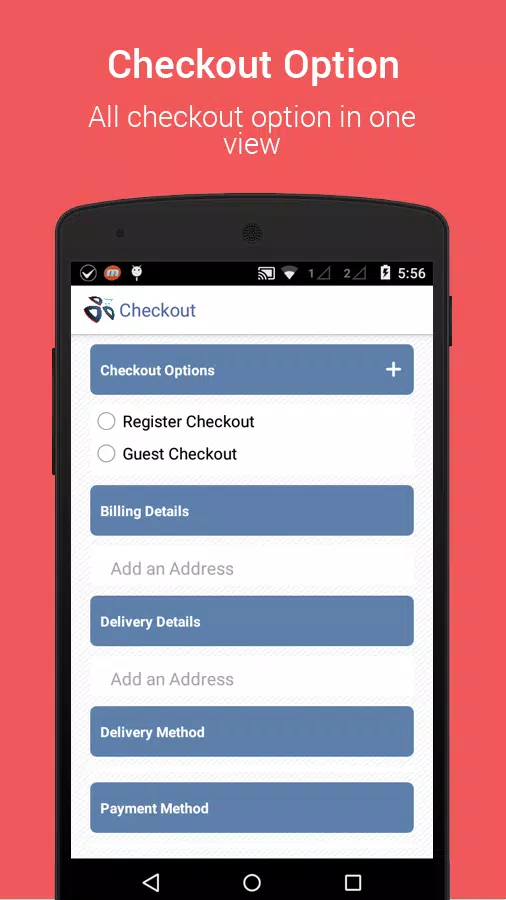
Getting set up is straightforward: link the mobile app to your store’s account using an API key or login credentials, adjust notification preferences, and import any product or customer data you want to manage on the go. The onboarding walkthrough highlights essential screens, while help articles and in-app tips guide you through advanced tasks like bulk imports and custom reporting.
For merchants seeking a compact control center for daily operations, ZenCart Mobile App offers a focused set of tools that reduce reliance on desktop systems while maintaining professional control over products, orders and customer interactions.