
Stylish Name Maker is a compact utility for creating unique, decorative name designs and text styles for social profiles, games, and messaging. It streamlines font selection, symbol insertion, and style presets into a few taps, letting users produce eye-catching handles and banners without design skills or external editors.
Stylish Name Maker focuses on taking plain text and transforming it into stylized, shareable names and nicknames. The app combines an extensive font library, quick symbol sets, and one-tap style templates so you can craft consistent branding across social networks, in-game tags, or chat signatures. It targets casual users who want fast results as well as content creators who need variety and speed.
Begin by typing a name, alias, or phrase into the input field. The preview updates instantly with different fonts and symbol combinations, so experimentation is quick. When a style feels right, tap to copy the styled text or export a PNG image. The app maintains a short history so you can revert or refine previous attempts without starting from scratch.
Beyond basic font swaps, Stylish Name Maker adds granular controls for decorations and layout. Users can choose left or right symbols, add separators like dots or stars, and toggle small caps or letter spacing. Some templates include multi-line arrangements suited for profile banners or streaming panels. These options make it straightforward to adapt a single design to different online platforms.
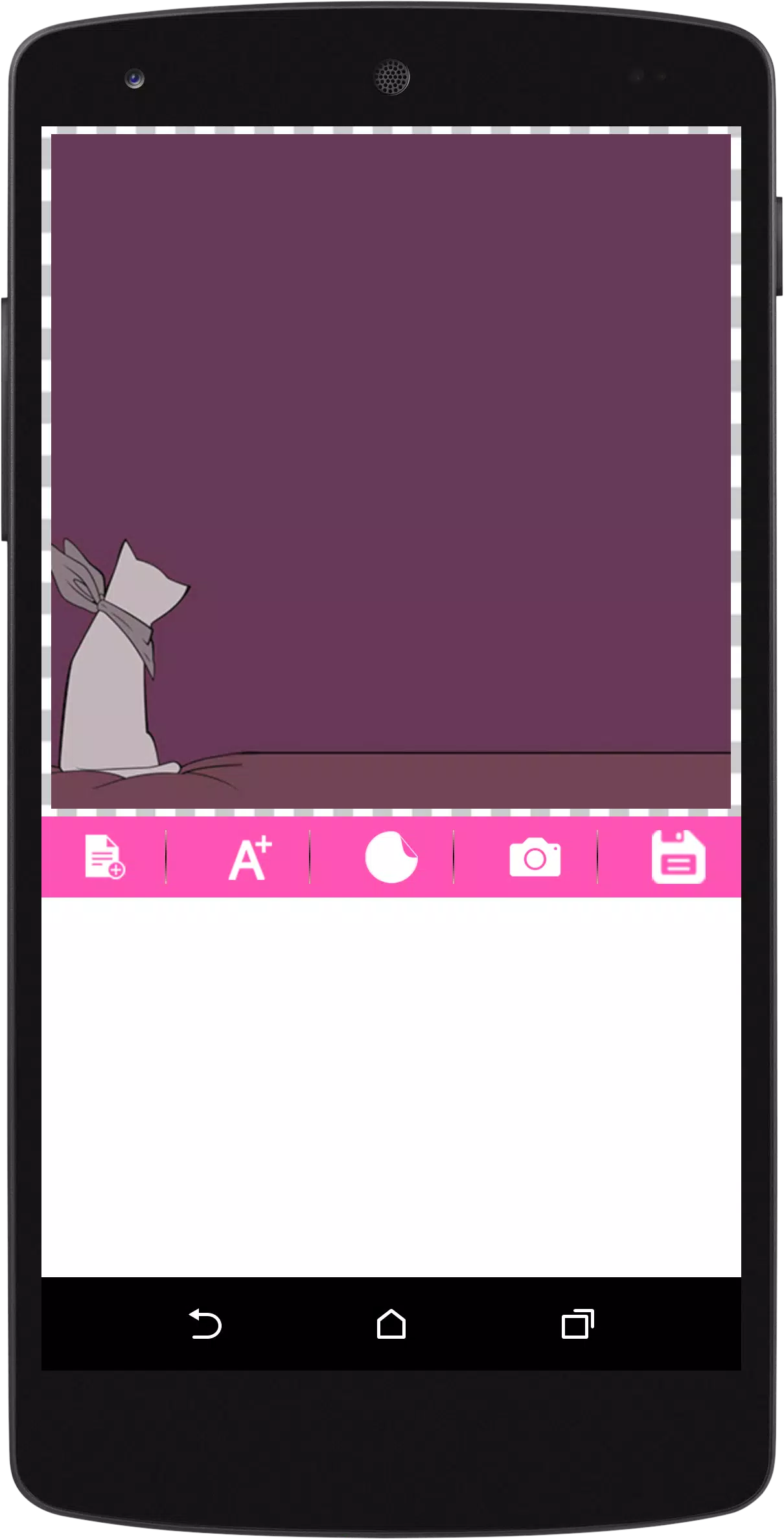
The interface emphasizes speed and readability. A clean toolbar presents font categories, symbol banks, and action buttons without overwhelming the workspace. Previews render quickly on most modern devices; the app is optimized to avoid lag when switching between dozens of styles. Minimal animations keep feedback smooth while preserving battery life during short design sessions.
Stylish Name Maker suits a wide audience: gamers customizing in-game tags, influencers refreshing bios, or casual users who enjoy playful text. It also helps small creators and streamers who need speedy assets without launching heavyweight design tools. Because it focuses on name styling rather than full graphic design, it’s a lightweight addition to any content creator’s toolkit.
Installation is straightforward: download the app, grant basic permissions for storage if you plan to save images, and open the built-in tutorial for a quick walkthrough. The tutorial highlights how to apply fonts, add symbols, and export results. After a few minutes of exploration, most users can create attractive name styles and keep them organized in the app’s library.
Stylish Name Maker delivers a focused experience for anyone wanting decorative names without complexity. Its balance of presets, customization controls, and responsive previews makes it an efficient tool for improving online presence. Frequent updates and a growing font set keep the app relevant as trends shift, and its small footprint means it won’t overburden device storage or workflow.