
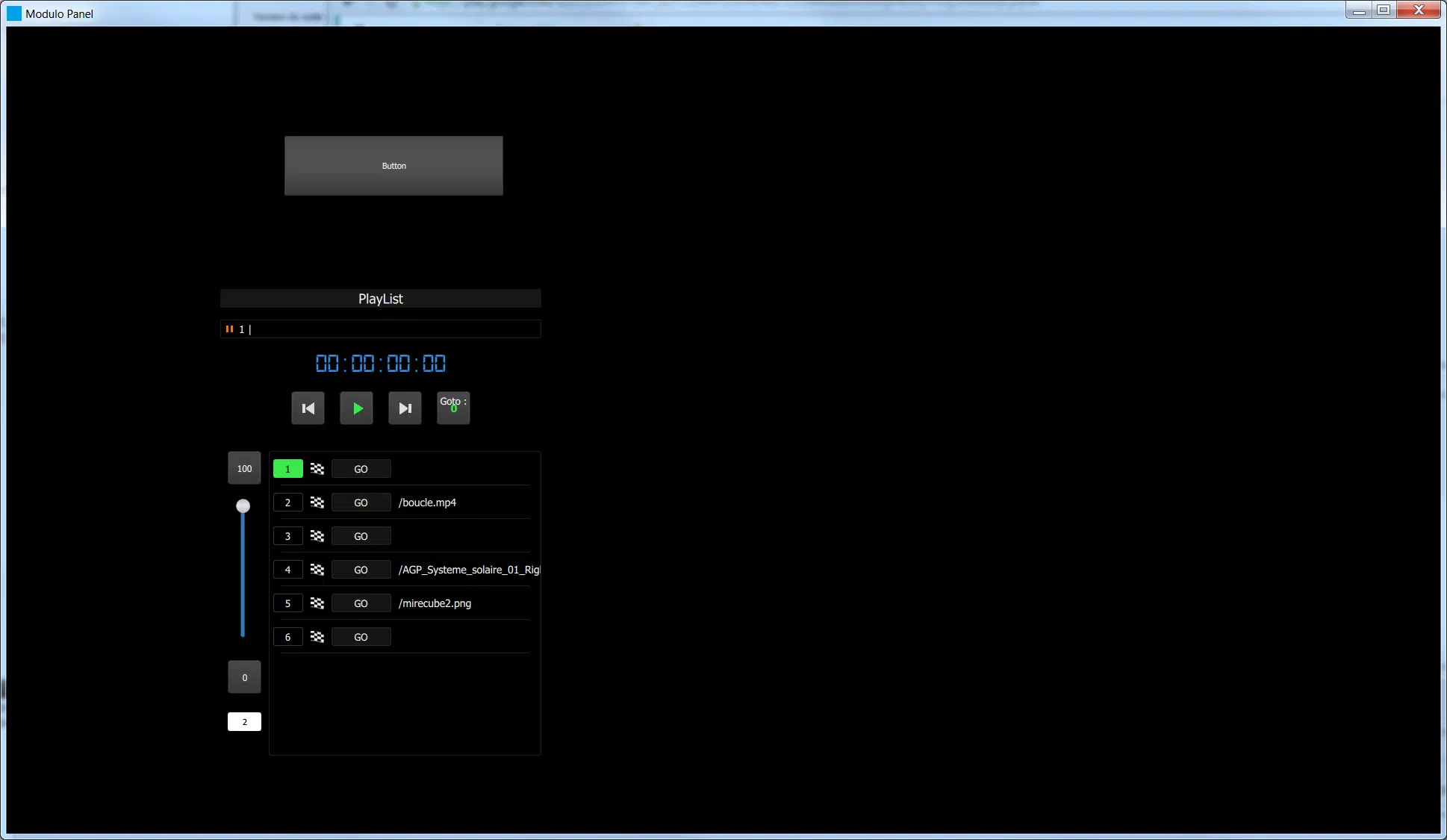
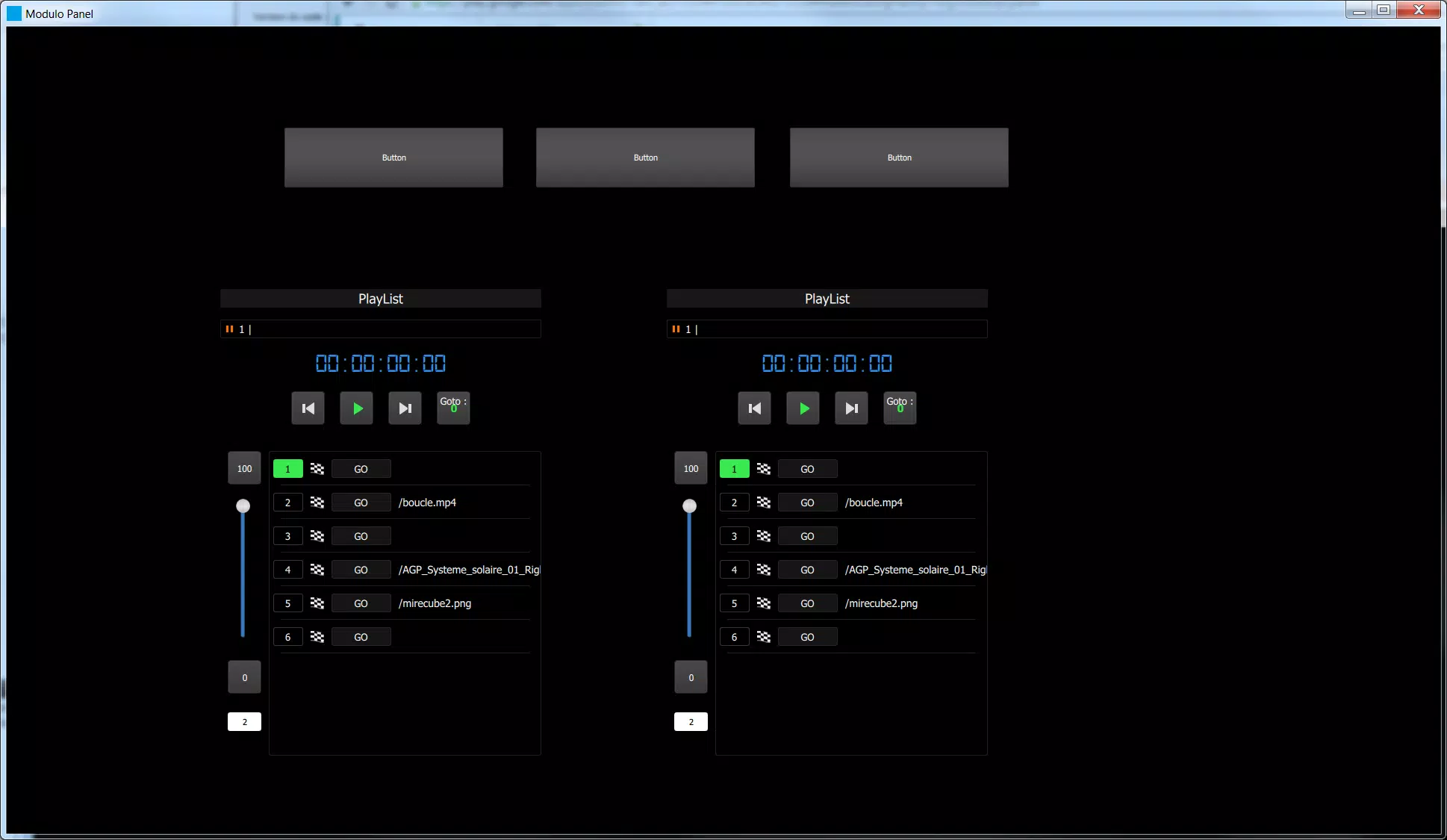
Modulo Panel brings custom control interfaces to your Android device by letting you operate panels created in Modulo Player’s UI Designer from anywhere on the same Wi‑Fi network. Modulo Panel is designed as a mobile companion for technicians, designers and operators who manage lighting rigs, audio systems, broadcast setups or home automation, and it focuses on delivering a responsive, touch-friendly remote interface so you don’t need to remain at a fixed workstation.
The app mirrors the visual and interactive elements you build in the UI Designer, presenting them as native Android panels that respond predictably to taps, drags and multi-touch where appropriate. Panels are deliberately lightweight so they load quickly on compatible phones and tablets, and the interface emphasizes clarity of controls — sliders, buttons, indicators and grouped widgets — so common tasks such as level adjustments, scene recalls or monitoring values can be done with minimal navigation.
Controls in Modulo Panel follow standard touch conventions: single taps to trigger events, sustained presses for contextual actions, and intuitive gestures for parameter changes. The app preserves the functional layout of your Designer panels so operators familiar with a desktop layout can transition smoothly to handheld use. Responsiveness and tactile spacing have been optimized for on‑screen fingers, and critical controls can be positioned for one‑hand operation on smaller devices to support fast live work.
Modulo Panel exposes the hierarchical structure you create in Modulo Player so you can organize panels by task, location or device group. Panels can be switched rapidly to match different workflows — for example, switching between a front‑of‑house mix view, a lighting cue list and a location setup — which reduces the time needed to find the right controls during live events. While the visual design and control logic are authored in Modulo Player’s UI Designer, Modulo Panel provides a faithful, mobile-optimized presentation of those configurations for field use.
There is a natural progression as you adopt Modulo Panel: start by mirroring essential panels for common events, then iterate on layout and grouping in the UI Designer to optimize handheld use. Over time you can refine control placement and visibility to streamline routine tasks and reduce cognitive load in live situations. The app supports quick context changes and lets teams create different panel sets for rehearsals, shows and maintenance, improving on-the-job efficiency without changing the underlying control logic.
The visual approach favors high-contrast elements and clear typography so status indicators and control positions are legible under varied lighting. Touch targets and spacing are tuned for mobile screens, and the interface avoids unnecessary clutter to make essential controls immediately accessible. The result is a consistent user experience between desktop-designed panels and their mobile counterparts, minimizing the need to relearn workflows when switching devices.
Modulo Panel communicates with Modulo Player over local Wi‑Fi and requires a running Modulo Player instance on the same network. Performance depends on network quality, so reliable Wi‑Fi and sensible routing are recommended for low-latency control. The app includes basic error feedback to surface connection problems and common troubleshooting steps in the documentation, enabling technicians to diagnose interruptions quickly and restore control during live operations.
Accessibility considerations include large, well-spaced touch targets, readable labels and predictable navigation so operators with different skill levels can use the app effectively. The app targets a broad range of Android phones and tablets commonly used in field work; consult the documentation for recommended OS versions and hardware guidelines to ensure consistent behavior across devices.
Installation is straightforward: install Modulo Panel on your Android device and ensure the device is on the same local network as Modulo Player. Comprehensive documentation accompanies the app, covering installation, network configuration, advanced workflow examples and best practices for designing mobile-friendly panels in the UI Designer. That material is intended to shorten setup time and help teams adopt mobile control as part of their standard operating procedures.
Because Modulo Panel is a companion application, it does not operate independently of Modulo Player; you will need an active Modulo Player instance on the same local network to send and receive control data. Network coverage and stability directly affect responsiveness, and there may be occasional constraints with extremely complex panels or highly congested wireless environments. Planning network layout and testing panels under realistic conditions are recommended to avoid surprises during live events.





















