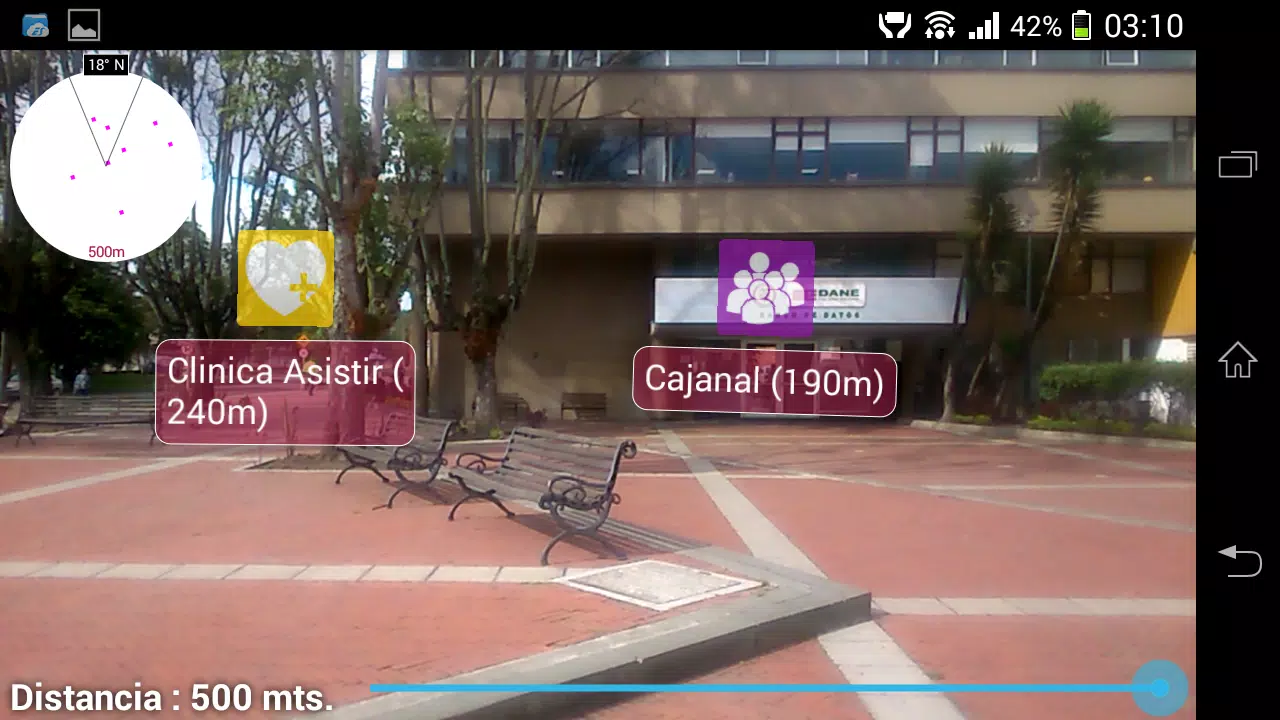
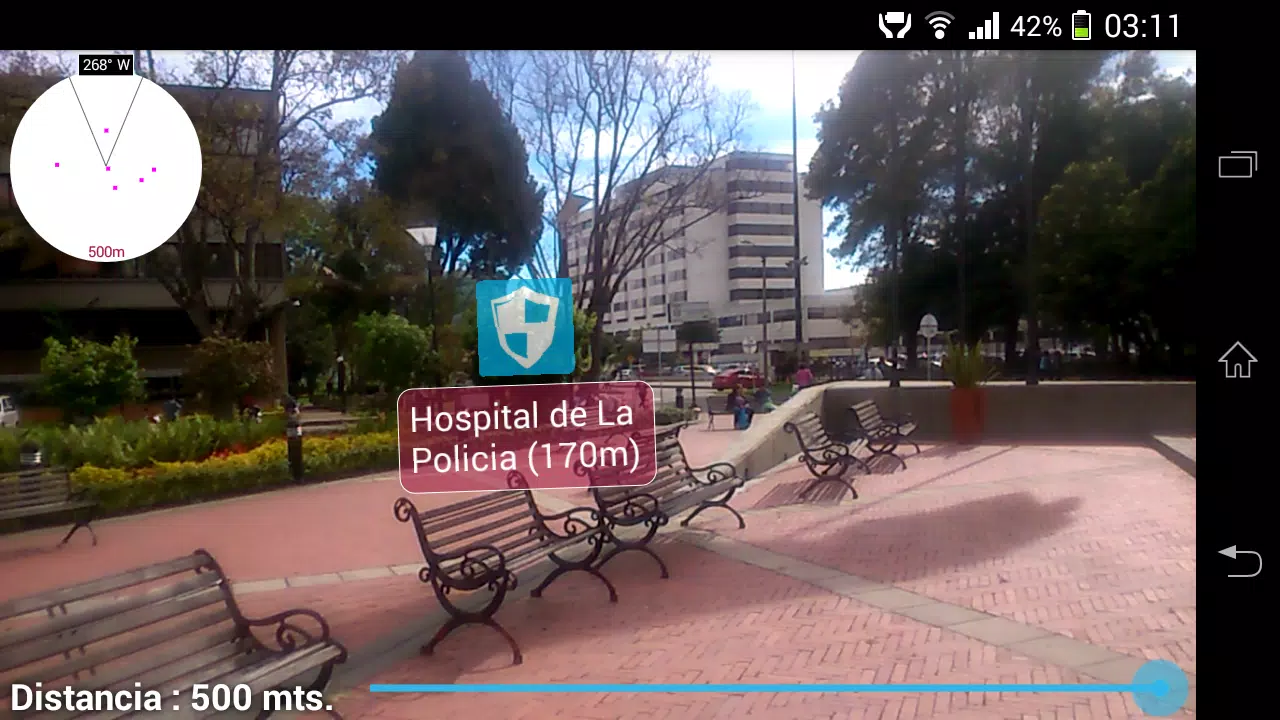
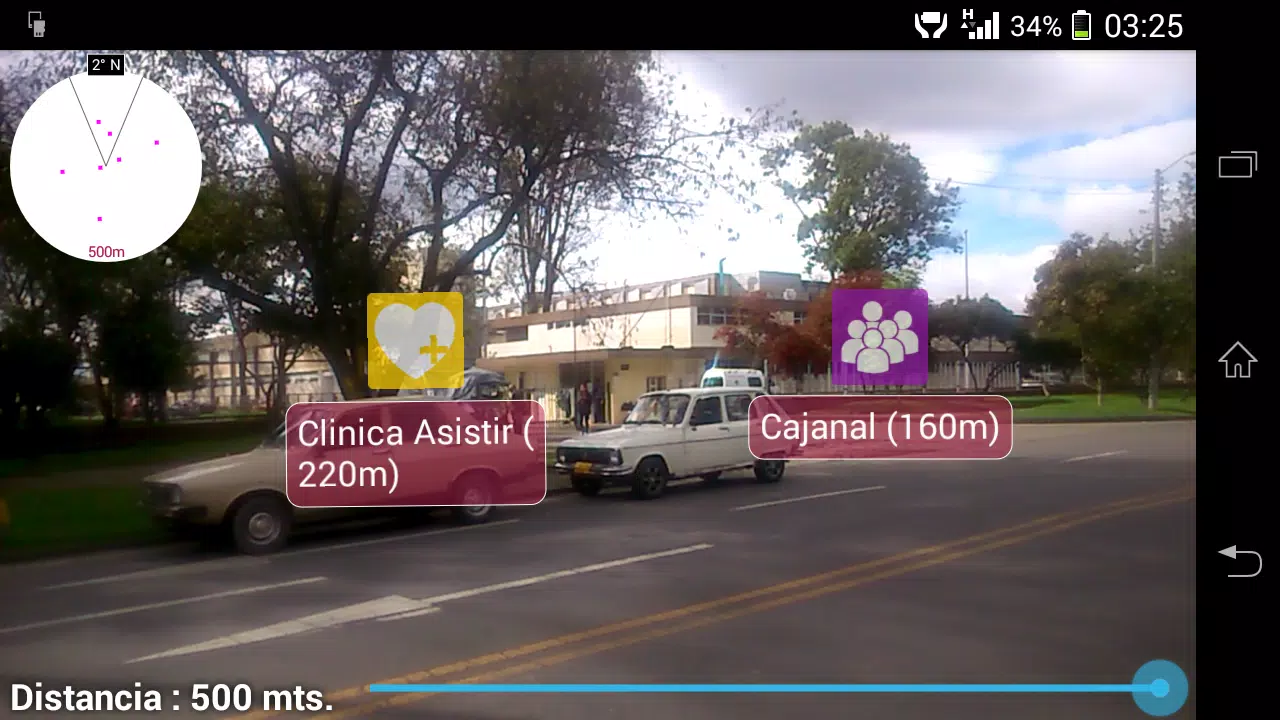
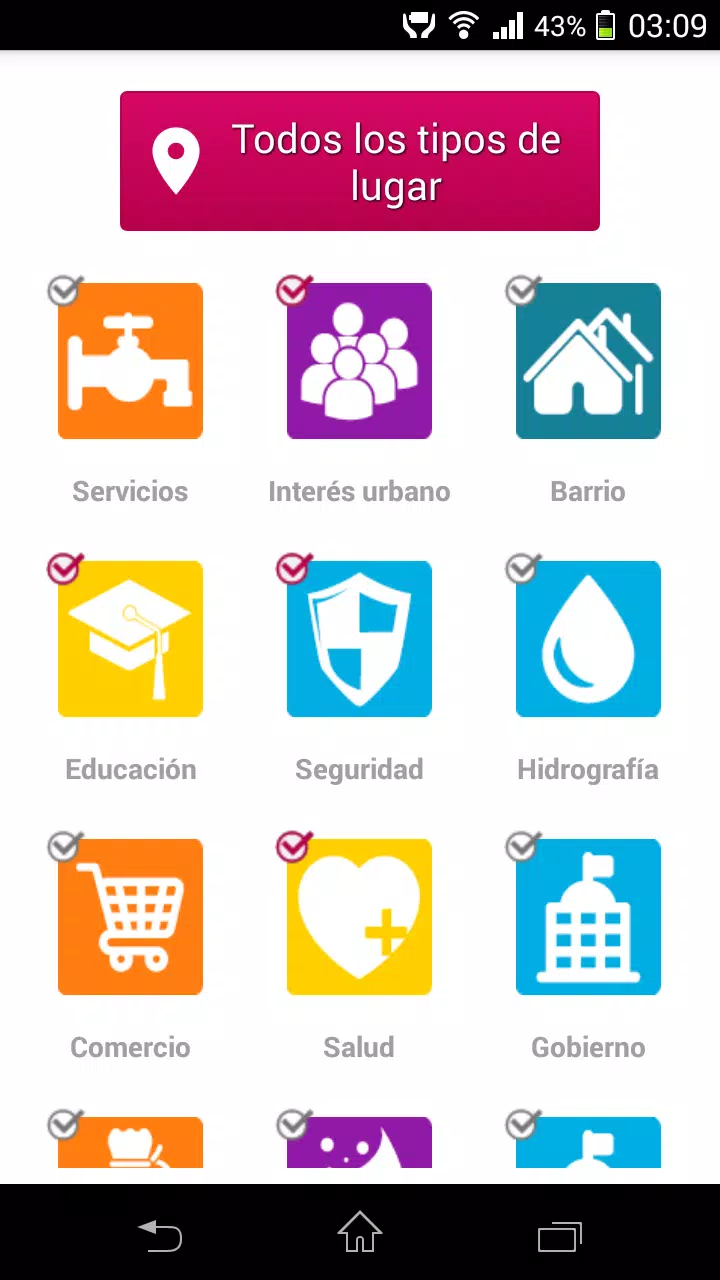
GuiAR transforms how you interact with physical spaces by overlaying intuitive, context-aware guidance using augmented reality. GuiAR simplifies setup, highlights controls, and delivers step-by-step visual instructions directly on real-world objects, making technical tasks faster and reducing guesswork for users of all skill levels.
GuiAR is an AR-driven assistant designed to bridge the gap between digital instructions and real-world tasks. It targets technicians, hobbyists, educators and everyday users who need visual guidance for assembling, repairing, or operating devices. The app uses the device camera to recognize objects and place persistent overlays that guide attention to relevant parts.
Unlike static manuals or videos, GuiAR adapts guidance to the exact configuration in front of you. The system combines object recognition with contextual tagging so instructions appear precisely where they matter. That reduces ambiguity, shortens task time, and lowers the chance of errors when following complex procedures.
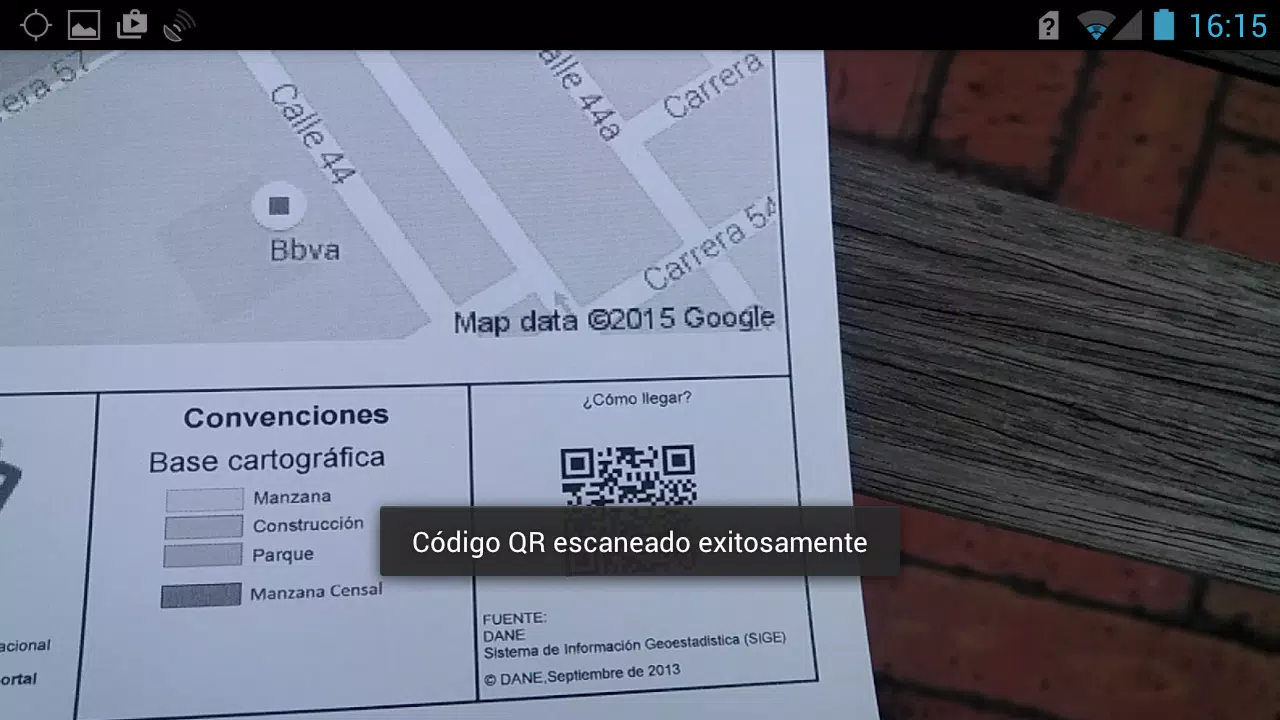
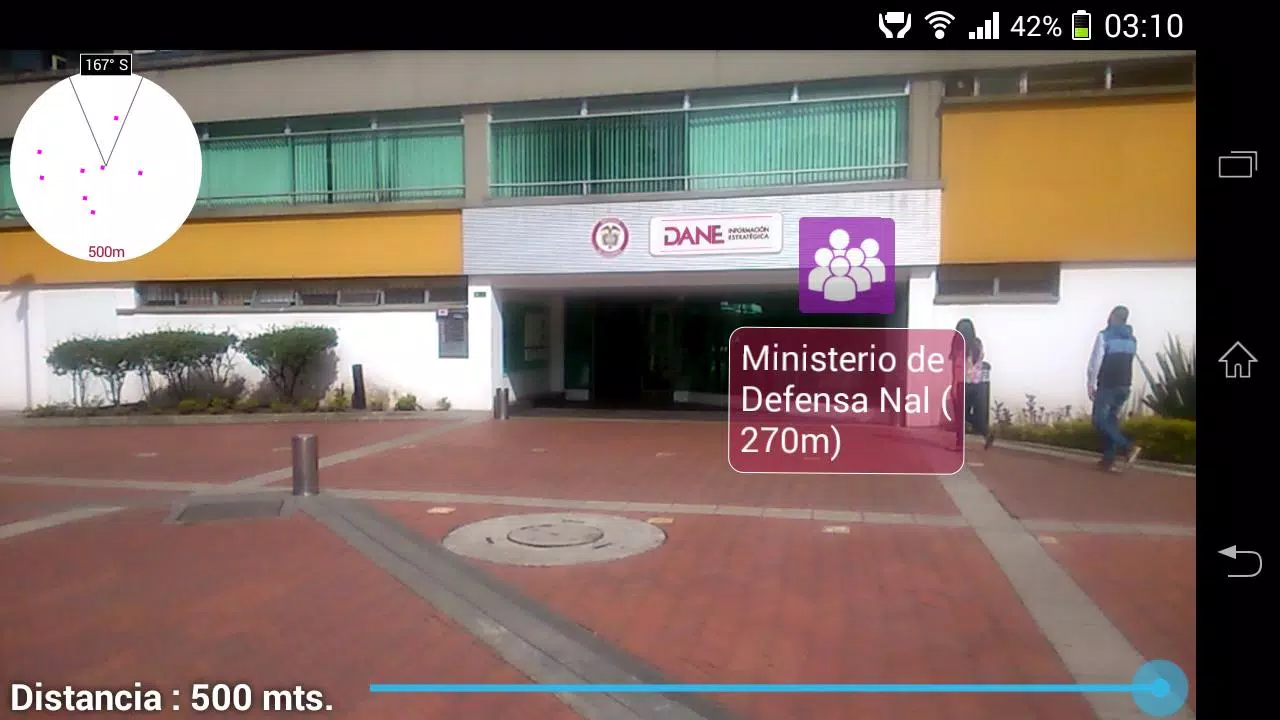
GuiAR detects visual markers and common object shapes, then maps instructional content to those regions. When you point the camera, the software matches the scene to a library of models. After a match, contextual overlays appear and remain anchored as you move around, allowing hands-free reference while you work. Controls let you pause, rewind, or skip steps as needed.
The interface prioritizes clarity and minimalism. A compact floating toolbar gives quick access to tutorials, settings and a measurement tool. Graphics are optimized for visibility in varying light conditions; contrast and icon size adjust automatically to maintain readability. Performance is tuned to balance accuracy with battery consumption, and the app offers options to reduce tracking frequency for prolonged sessions.
Professionals can tailor GuiAR to their procedures. Create custom overlays, attach PDFs or video snippets to steps, and define safety checks that require confirmation before advancing. For educators, templates enable instructors to build lesson plans that students follow in augmented reality, promoting hands-on learning without constant supervision.
New users typically report a brief learning curve while the app learns their environment and preferred gestures. The onboarding tutorial demonstrates core gestures and how to position the camera for best detection. After the initial setup, tasks feel more intuitive because the app shows exactly where to focus and what to do next, reducing time spent toggling between a manual and the workpiece.
Installation is straightforward: download the app from your device’s store, grant camera permissions, and choose whether to enable cloud sync for guide updates. GuiAR supports a wide range of modern Android devices with AR capabilities; a compatibility checker is included to confirm optimal performance before you begin.
Technicians and trainers appreciate the way GuiAR reduces cognitive load by converting dense instructions into clear, visual steps. It helps teams standardize procedures, speeds up onboarding, and improves first-time-right rates for repairs and assembly. The ability to create and distribute verified guides also supports compliance and documentation requirements in professional settings.
For anyone who works with hands-on equipment or who teaches practical skills, GuiAR offers a practical, visual-first alternative to traditional manuals. Its combination of real-time tracking, customizable workflows, and accessible interface makes it a useful tool for improving efficiency and accuracy in the field or classroom.