


ClipMagic is a mobile video editing app that streamlines creating polished clips quickly. It combines intuitive touch controls, smart trimming, and ready-made templates so users can craft social-ready content in minutes, whether trimming footage, adding captions, or applying filters for a professional finish.
ClipMagic focuses on essential editing tools designed for speed and clarity. The app offers a precise trimmer, multi-clip timeline, layer-based text and sticker support, and a library of transitions. An AI-powered highlight detector suggests the best moments from longer recordings, while instant templates speed up vlog intros, tutorials, and short ads.
The interface prioritizes one-handed operation on phones and efficient panels on tablets. A simple drag-and-drop timeline makes assembling footage fast: pinch to zoom into the timeline for frame-level edits, tap to split clips, and swipe to reorder segments. ClipMagic keeps frequently used controls within reach and hides advanced options behind expandable menus, balancing simplicity and power.
For users who want more control, ClipMagic includes color correction presets, manual exposure and saturation sliders, and keyframe animation for motion effects. Audio tools let you detach sound from video, normalize levels, and remove background hiss. The app supports chroma-key compositing for green-screen effects and layered track management for complex projects.
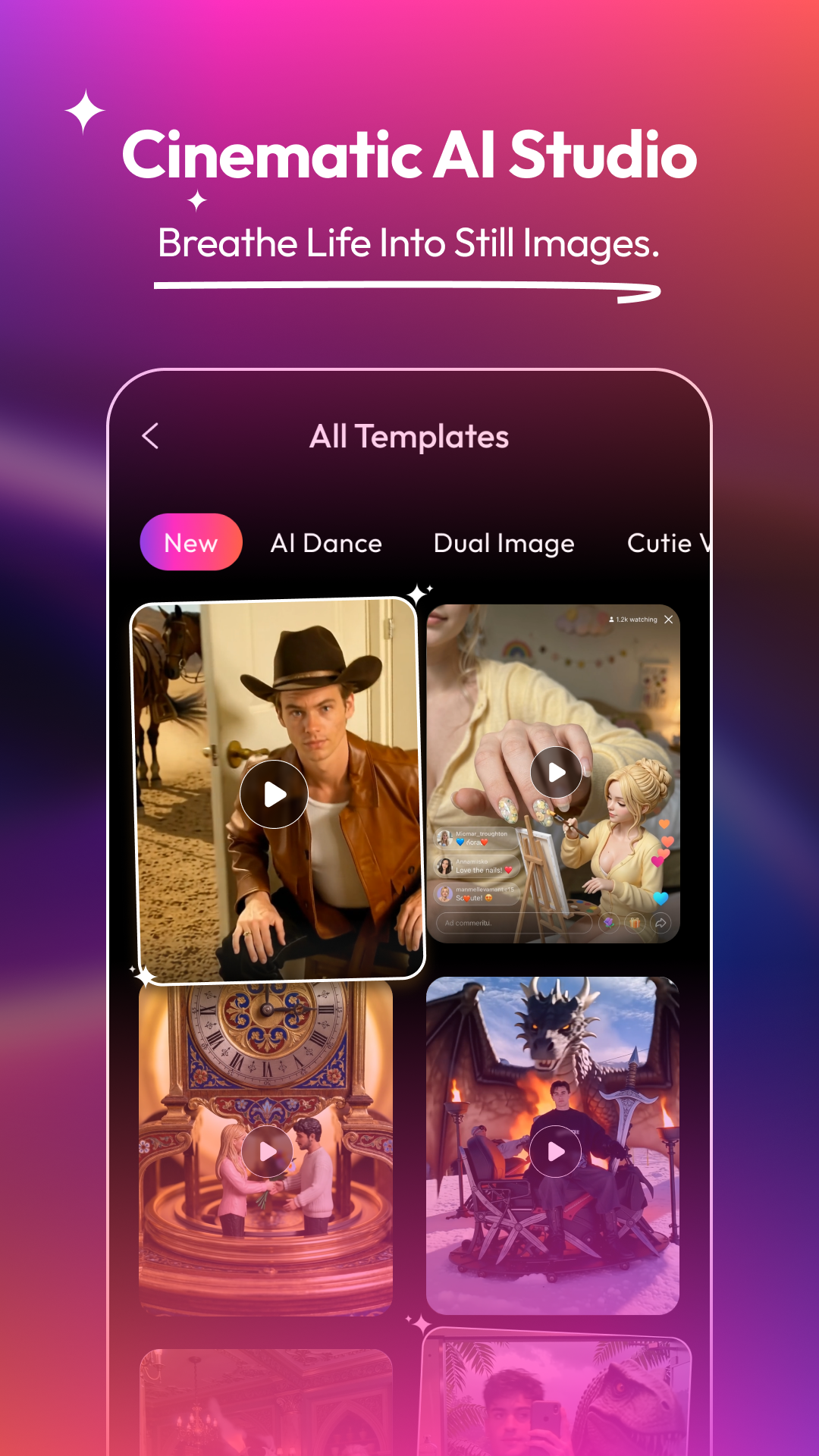
ClipMagic ships with a selection of curated templates for vertical and horizontal formats, optimized for platforms like Instagram Reels, YouTube Shorts, and TikTok. Filters are organized by mood and lighting conditions, and themed creative packs add sticker sets, animated intros, and royalty-free music tracks. Users can save custom templates to reuse brand-consistent edits.
The editing engine processes changes in real time, using background rendering to preview effects without exporting. Lightweight proxies are generated when working with high-resolution footage to maintain responsive scrubbing. ClipMagic intelligently swaps proxies for originals during final export to preserve quality while keeping the editing experience fluid on mid-range devices.
Export options in ClipMagic include multiple codecs, resolution presets up to 4K, and adjustable bitrate controls. Built-in social sharing shortcuts let you publish directly to social networks with optimized settings for each platform. Batch export simplifies producing multiple format versions at once, and a share sheet supports cloud upload to Google Drive and other services.
ClipMagic is built to be efficient on Android devices across a wide range of hardware. The app adapts its rendering threads to device cores and offers a battery-saving mode that reduces background CPU usage. Compatibility extends back several Android versions, and ClipMagic checks device capabilities to suggest appropriate export settings and avoid crashes on older phones.
Privacy is designed around local editing: media remains on the device unless you choose to upload it. ClipMagic requests only necessary permissions for camera, microphone, and storage access, and an optional cloud sync requires explicit user sign-in. Projects can be password-protected for added confidentiality when collaborating or sharing drafts.
New users will find ClipMagic approachable: import a clip, choose a template or start from scratch, and use the guided tips for first-time tasks like adding music or subtitles. Tutorials and contextual help are integrated into the interface for quick learning. For creators who need more, advanced tooltips explain features like keyframing and chroma-key step by step.
ClipMagic balances approachable design with professional-grade tools, making it a solid choice for content creators who want quick results without sacrificing creative control. Regular updates add new effects and performance improvements, so the app evolves alongside changing social formats and device capabilities.