
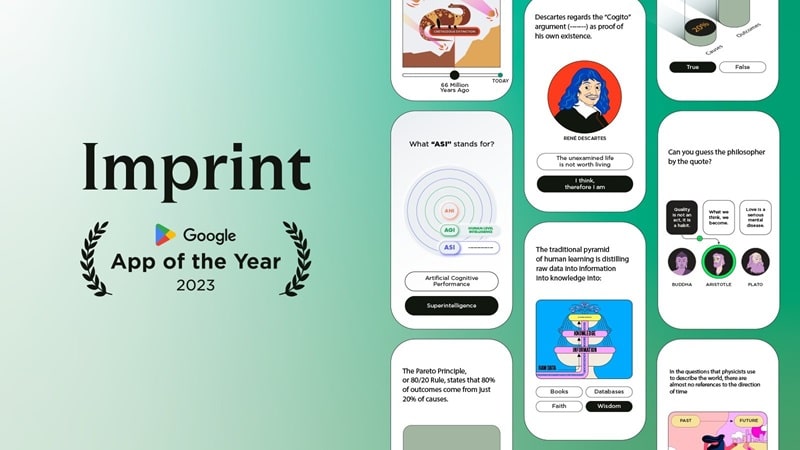

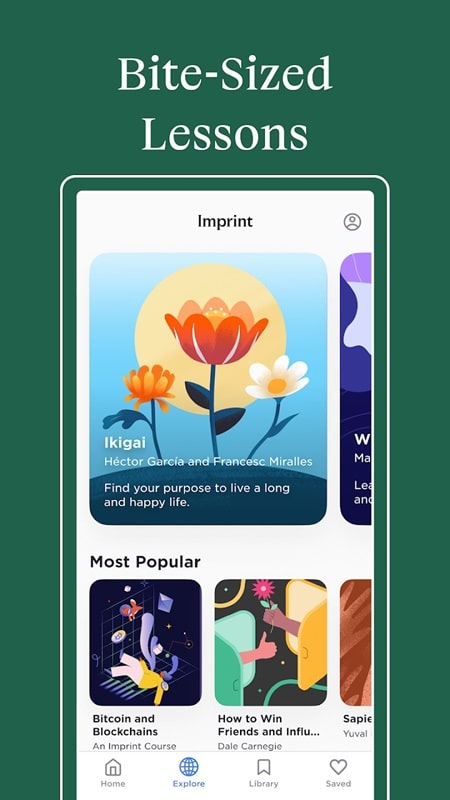

Imprint is a mobile tool that lets you create verifiable records of photos, notes and documents by embedding timestamps, location, and custom signatures directly onto files. Designed for professionals who need trustworthy evidence from the field, Imprint combines quick capture, clear metadata and secure export into a single Android app.
At its heart, Imprint turns everyday smartphone captures into reliable records. Users can take photos, add typed or handwritten notes, and apply a visible imprint containing date, time, GPS coordinates and a user-defined identifier. Files can be saved locally or sent to the cloud with an optional cryptographic hash for later verification.
Imprint is built to fit into professional routines rather than interrupt them. Field workers open the app, capture an image, and the imprint is applied automatically according to preset templates. Users can choose different templates for inspections, deliveries, site visits or legal evidence, each with tailored fields and appearance. Batch actions and a compact history view help teams process dozens of items quickly.
The app interface balances speed with configurability. A simple camera-first screen gets you capturing in two taps, while an advanced settings area lets you alter imprint position, font size, color and opacity. Templates can include optional fields such as project ID, inspector name or client reference. Saved templates are reusable, enabling consistent records across multiple team members.
Security is a priority. Imprint uses local storage for captured media by default and offers optional cloud sync with end-to-end encryption. The digital hash feature provides a tamper-evident fingerprint for each exported file. Access controls allow PIN or biometric locks on the app, and sensitive metadata can be redacted before sharing if privacy is required.
Files can be exported as stamped images or compiled into PDF reports. Exports support high-resolution output suitable for official submissions and can include an attached verification file containing the cryptographic hash and metadata. Sharing integrates with email, messaging apps, and common cloud drives so teams can deliver documentation directly from the app.
Imprint is optimized for Android phones and tablets, using lightweight image processing to ensure fast stamping even on mid-range hardware. The app supports common image formats and can import PDFs for re-stamping. Background sync minimizes battery impact, and adjustable image quality settings let users trade resolution for speed when needed.
Getting up and running is straightforward. Install Imprint, grant camera and storage permissions, then choose a template or create one from scratch. Capture a test image to preview how the imprint appears, tweak placement or opacity, and save the template for future use. For teams, enable cloud sync and invite collaborators to share templates and consolidated archives.
Imprint brings structured, verifiable documentation to mobile devices, helping professionals create trustworthy records without complex hardware. With flexible templates, security features and efficient exports, the app supports a wide range of field workflows and simplifies the process of producing evidence-ready files on Android.