
Voice Changer transforms ordinary audio into playful, dramatic, or studio-grade results with a straightforward interface and real-time processing. Built for social creators, pranksters, and professionals alike, Voice Changer includes presets, recording tools, noise reduction, and quick export options to make unique voice clips in seconds.
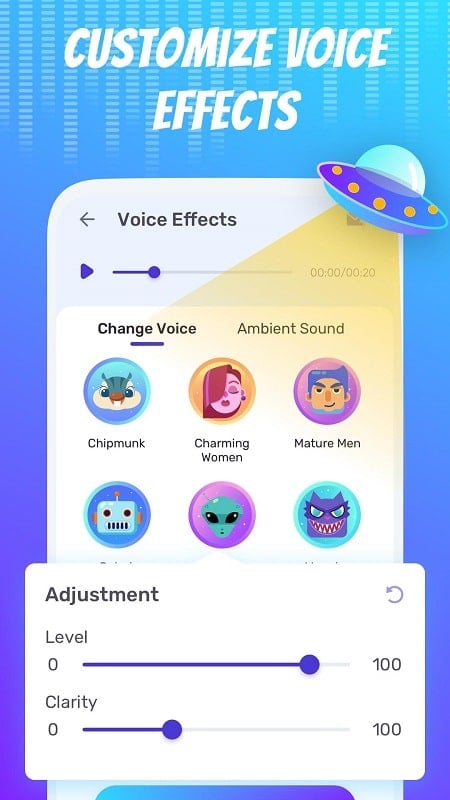
The core of Voice Changer is a well-organized set of tools that balance fun and functionality. You get one-tap voice presets like robot, cartoon, deep, and helium, plus more advanced modulation controls for pitch, speed, and timbre. A live preview mode lets you hear changes while speaking, and a built-in recorder captures high-quality audio without needing external apps.
Voice Changer processes audio using lightweight signal processing algorithms optimized for Android devices. When you select a preset or tweak controls, the app applies a chain of pitch shifting, equalization, and reverb or compression depending on the chosen effect. Low-latency mode minimizes delay for live use, while a higher-quality offline render produces cleaner recordings for final exports.
Beyond presets, Voice Changer provides a small studio of editing tools. Trim and splice recordings, add fades, and layer background sounds from a built-in library. The equalizer gives you precise control over bass and treble, while an envelope editor shapes how the effect evolves during playback. Users can combine multiple effects to craft a signature sound.
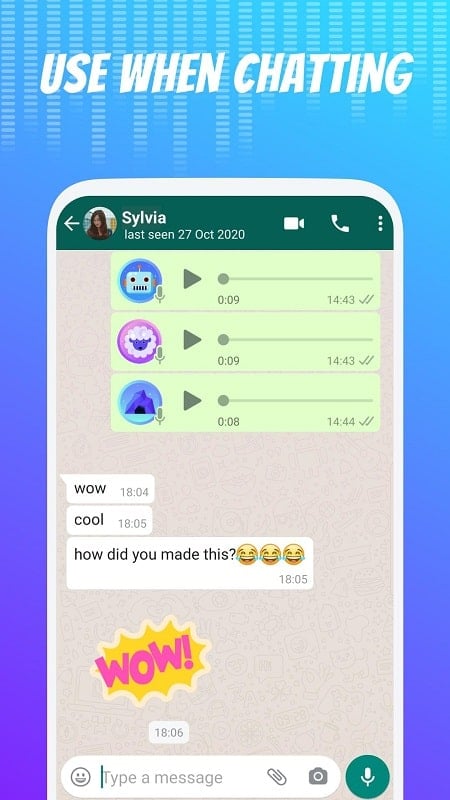
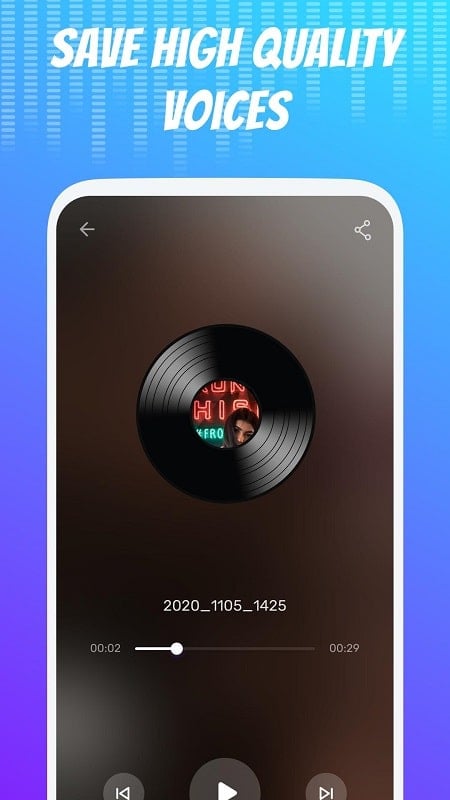
The app is designed to slot into common content workflows. Record directly inside Voice Changer or import existing audio files for reprocessing. Exports are named automatically with timestamps to keep projects organized. Integration features include direct upload to cloud storage and quick sharing to messaging and social media services, making it easy to move audio into video editors or podcast apps.
Voice Changer runs efficiently on a wide range of Android devices. The app detects available CPU and audio buffer sizes and adjusts processing settings to avoid glitches on lower-end phones. For modern devices, a high-quality rendering mode uses more CPU to reduce artifacts. The app supports common Android versions and handles external microphones and Bluetooth headsets, with automatic routing options for calls and recording sessions.
Privacy-focused users will appreciate that many features run fully offline. Recordings and settings stay local unless you choose to share them. Permissions are limited to microphone access and optional storage access for imports and exports. The settings menu includes easy controls to delete cached audio and manage app storage.
Voice Changer offers a free tier with essential effects and export limits, plus an optional premium upgrade that unlocks advanced presets, higher-quality exports, and batch processing. Optional sound packs and themed effect bundles are available for one-time purchase, and ads are minimal or removable with a subscription. This structure lets casual users experiment without commitments while giving power users tools for more polished audio.
To begin, install the app, grant microphone permission, and try a few presets in live preview mode. Record a short clip, apply a favorite effect, and export to test sound quality on different platforms. As you explore, create and save custom presets to streamline future sessions. Voice Changer’s intuitive layout reduces the learning curve so you can focus on creative output rather than technical setup.
With practical tools for recording, editing, and sharing, Voice Changer works well for playful voice effects, podcasting experiments, and quick voiceovers. Its balance of accessibility and deeper controls makes it a versatile addition to any mobile audio toolkit.