
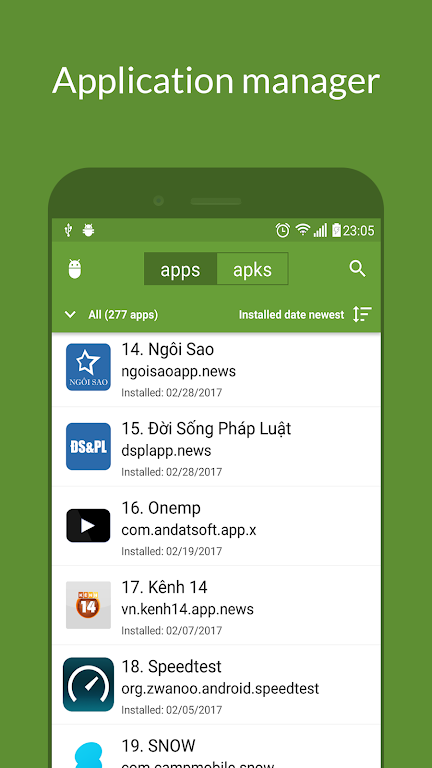
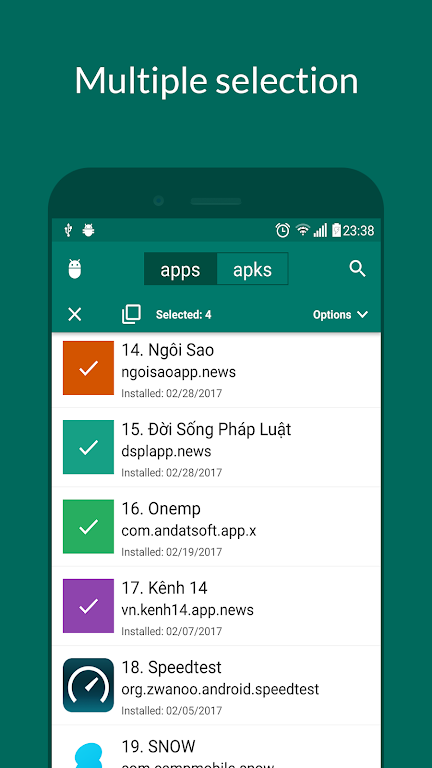
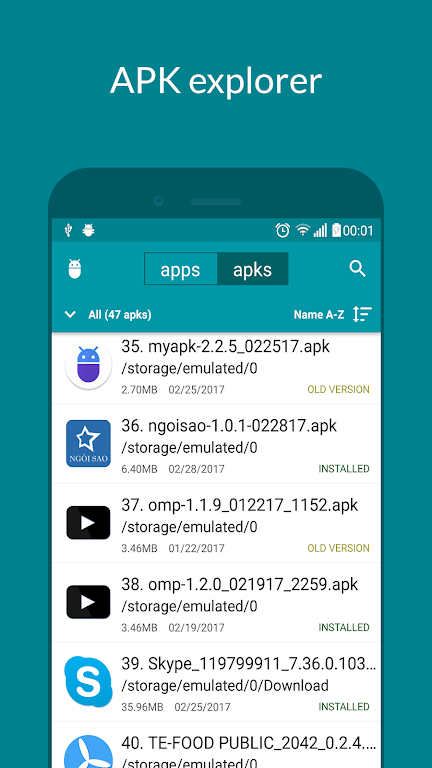
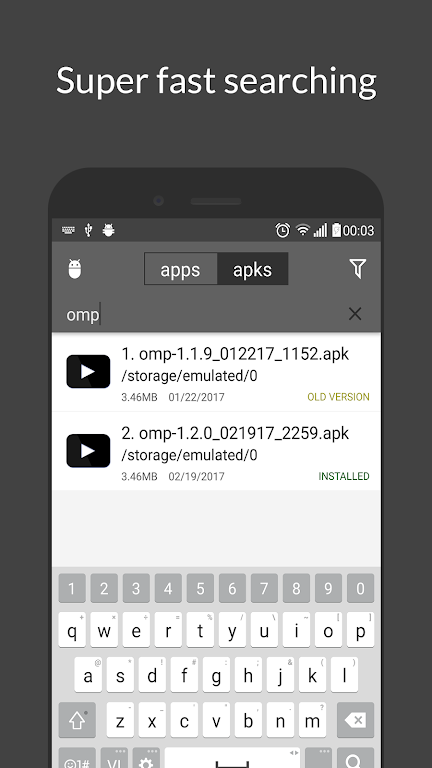
My APK helps you back up, manage and install Android applications, supporting both universal APKs and split package formats such as .apks, .apkm, .xapk and .aspk. The app combines a full-featured application manager with a built-in file explorer so you can list installed apps, inspect activities, services, permissions and signatures, extract apps in batches and compress backups to ZIP, and save them to internal or SD storage. If you want to verify safety before installing, My APK includes a hash checker, version comparison tools and diagnostics to identify installation problems.
⭐ My APK installs standard APKs and split APK bundles (.apks, .aspk, .apkm, .xapk) and verifies file integrity with MD5/SHA hash checks before installation.
⭐ Browse and organize all installed applications with categories for system, user, bundle and disabled apps, plus sorting by name, package, install/update date or size and fast search by name or package.
⭐ Extract apps as APK or split APKs with batch processing and optional ZIP compression; extraction is optimized to handle large apps and games quickly.
⭐ Built-in file explorer lets you store backups on internal or SD storage, create folders, navigate app data folders and access files without a separate file manager.
⭐ Inspect complete app details including activities, services, permissions, signatures and minimum SDK, and extract app icons for personal use.
⭐ APK manager tools: locate APKs on device, filter by date or extension, sort by version or metadata, compare versions, sign APKs (v1/v2), rename or delete multiple files and select folders to scan.
✅ Reliable backup of both universal and split APK installations, including batch ZIP export for easy archiving.
✅ Fast extraction and installation workflows that handle large apps and multiple files efficiently.
✅ Detailed inspection and hash-checking give more confidence when installing or sharing APKs.
✅ Runs without root and includes built-in explorer and diagnostic tools, reducing the need for additional utilities.
❎ Shortcut creation and some behaviors depend on the device launcher and may vary across systems.
❎ Advanced functions like signing, split installation and in-depth management can have a learning curve for casual users.