
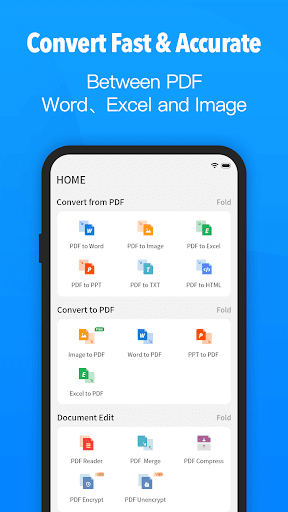
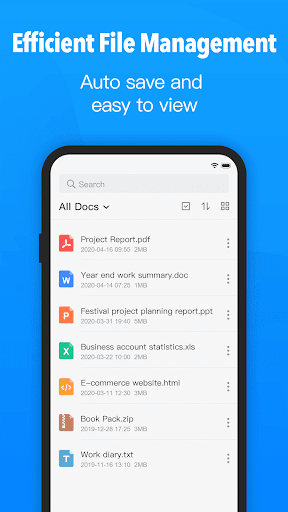
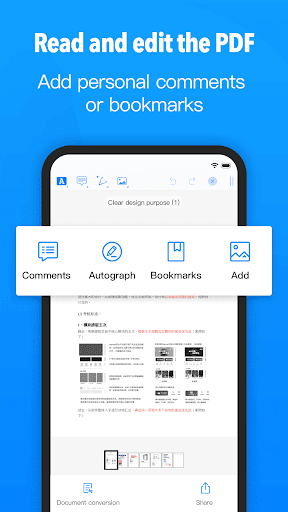
PDF Converter is an all-in-one document utility that lets you view, edit, scan and convert files across formats. Whether you need to turn photos or Office documents into PDFs, merge pages, split large files, compress documents, or listen to content aloud, this app centralizes those tools in one interface. It also includes a PDF editor with text, watermark and image insertion plus signing, and annotation tools like pens and highlighters. For users who handle many documents, PDF Converter’s scanning, AI-powered summarization and dewarping features speed routine tasks and reduce manual tweaks.
⭐ View and read PDFs as well as Word, Excel and PPT files with a responsive reader and flexible viewing modes.
⭐ Scan documents, images, ID cards, books and QR codes directly into PDF for quick digitization.
⭐ Convert Word, Excel, PPT and PNG/JPG images to PDF with PDF Converter for consistent sharing and archiving.
⭐ Edit PDFs by adding text, watermarks and images, plus sign documents securely.
⭐ Annotate PDFs using pens, highlighters, erasers, underlines and strikethroughs for clear markup.
⭐ Merge, split and compress files, zoom into details with a magnifier, listen to documents aloud and protect files with password lock.
✅ PDF Converter centralizes viewing, scanning, editing and conversion tools so you can manage documents from a single app.
✅ Built-in AI features such as document summarization and an AI chat assistant help you find key information faster.
✅ Robust editing and annotation tools cover common workflows: text insertion, watermarks, images and signatures.
✅ Security and usability features like password protection, dark mode, fit-to-screen options and the ability to keep the screen on improve practical use.
❎ The app is feature-rich, which can feel overwhelming if you only need a simple PDF viewer.
❎ AI summaries and chat tools are convenient but should not replace a careful read of important or sensitive documents.
❎ Processing very large or complex files may be slower on older or low-powered devices.