

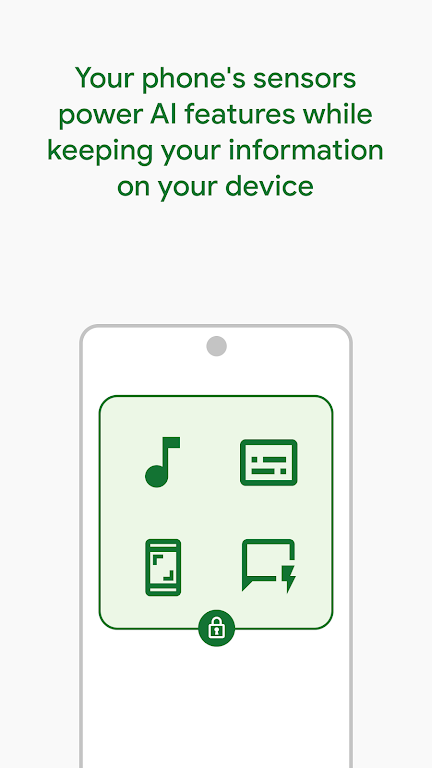
Private Compute Services is a system-level Android component that isolates privacy-sensitive tasks and runs on-device models, enabling apps to perform intelligent features without sending personal data to the cloud. It provides sandboxed computation, secure data handling, and an API surface for developers to leverage local machine learning while protecting user privacy.
Private Compute Services acts as a secure runtime for computations that need access to sensitive signals — like voice, typing patterns, or local photos — but should not leave a device. Instead of relying on remote servers, the service performs inference and transformation locally, reducing exposure of personal information and speeding up responses for interactive features.
Unlike ordinary apps, Private Compute Services integrates with Android’s framework and is designed to be invisible to most end users. Developers call its APIs through well-defined interfaces. For users, the benefit is quiet: faster, smarter features that preserve confidentiality. Administrators and power users will appreciate that it reduces network dependency for sensitive computations.
The service itself does not present a traditional user interface. Most interactions happen through settings panels or app permission dialogs that explain how local processing improves privacy. When available, diagnostic screens in system settings may show resource usage or whether a specific feature ran locally.
For developers, Private Compute Services provides a structured path to add privacy-preserving intelligence. Tooling typically includes model packaging guidelines, signing and vetting procedures, and emulation for testing on developer devices. The workflow emphasizes security checks and versioning so models are audited before being allowed to execute on users’ phones.
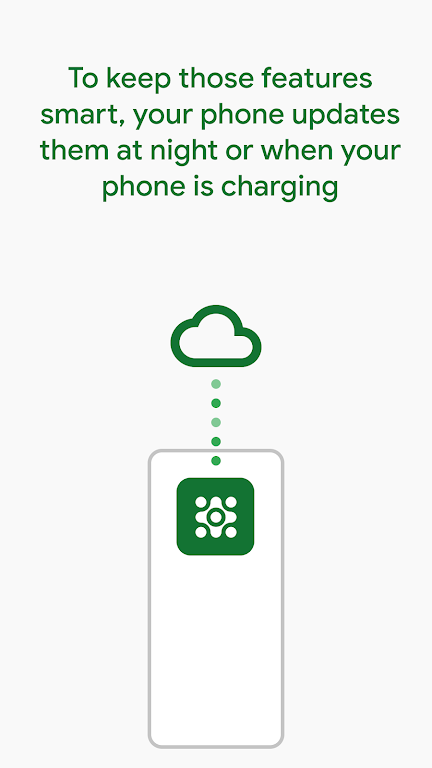
Because computation happens on-device, resource management is central. Private Compute Services is engineered to balance responsiveness against battery and thermal budgets. It schedules tasks, throttles intensive workloads, and falls back to less expensive modes when necessary. Hardware acceleration is used opportunistically to maximize throughput while keeping power use predictable.
Users will notice immediate benefits in features that require low latency: voice assistants respond faster, predictive text adapts without cloud round-trips, and photo effects can be suggested instantly. At the same time, fewer uploads mean less network traffic and reduced privacy risk from leaked datasets.
Security is a core focus: the component isolates model execution, limits accessible data paths, and integrates with platform attestation to ensure only authorized code runs. Administrators can inspect audit logs and enforce policies that restrict which models are allowed and under what circumstances data can be shared off-device.
Private Compute Services advances a practical approach to privacy: it enables smarter experiences without sacrificing user control. By moving sensitive work to the device and providing clear developer rules, it creates a dependable middle ground between cloud-only solutions and fully isolated offline apps.
End users don’t need to install anything extra; the service is distributed as part of the system image on supported devices. Developers should consult platform documentation and SDKs to begin integrating. As more apps adopt on-device processing, the overall ecosystem becomes faster and better aligned with user privacy expectations.