



Telegram is a fast, cloud-based messaging app that prioritizes speed, privacy, and cross-device syncing for individual and group conversations. It combines simple messaging with advanced tools like channels, bots, and encrypted chats, making it suitable for casual users, community moderators, and professionals coordinating across devices.
At its core, Telegram offers instant messaging with a focus on reliability and flexibility. Unlike basic chat services, it supports large group interactions, persistent cloud storage for media and files, and automation via third-party and built-in bots. The result is a hybrid communication platform that adapts to hobbies, workplaces, and public communities.
Telegram organizes communication into individual chats, group conversations, and one-way channels. Messages synchronize instantly across devices using efficient compression and routing. Search works across names, message content, and media, while pinned messages and folders help keep important threads accessible. The app also supports reactions and threaded replies to keep context in busy discussions.
For people who manage communities or handle repetitive tasks, Telegram provides advanced tools. Channel admins can schedule posts, restrict members, and view analytics. Bot creators can use a straightforward API to implement surveys, notifications, or content delivery. Developers and teams appreciate message formatting, custom keyboards, and inline query support that tie external services directly into conversations.
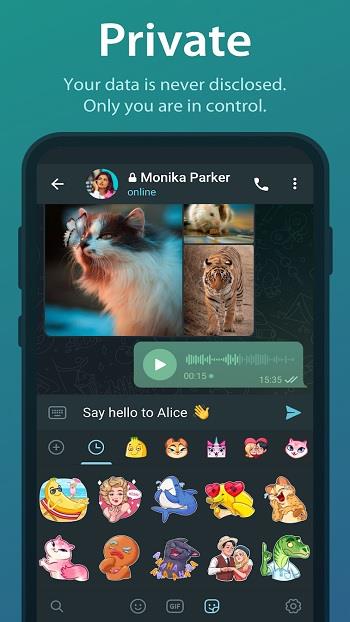
Privacy is a central selling point. Standard chats are cloud-encrypted between devices and Telegram’s servers to enable multi-device use. For the highest privacy, secret chats use end-to-end encryption, self-destruct timers, and prevent forwarding. Users control who sees their phone number, can enable two-step verification, and review active sessions to sign out remotely.
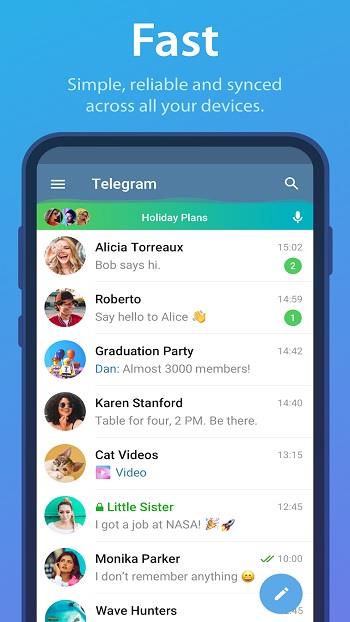
The app’s interface emphasizes clarity and speed. Conversations are organized in a left-to-right feed with clean icons and customizable chat backgrounds. Performance is optimized for low-latency delivery on weak networks and for large-scale groups with many messages. Lightweight animations and responsive search keep the experience fluid even with heavy use.
Teams and individuals can incorporate Telegram into daily routines to reduce email clutter and speed decision-making. Create private groups for focused projects, set up bots to post build notifications or tracking updates, and use saved messages as a personal quick-access clipboard. Message folders let you separate work chats from social groups for fewer distractions.
Installation is straightforward: download the app on mobile or desktop, verify your phone number, and allow permission for contacts if you want quick discovery. Profile settings let you choose a display name, profile photo, and privacy rules. Once configured, import groups or join channels via invite links and begin customizing notifications and folders to suit your rhythm.
Telegram continues to evolve with frequent updates, adding features that reflect real-world communication needs. Whether you need a lightweight messaging tool for everyday conversations or a robust platform for community management, it offers a versatile, fast, and secure experience.