Personal NoteBook is a compact and organized note-taking app designed to capture ideas, lists, and reminders quickly. It combines a clean interface with fast search and flexible organization, making it simple to store text, images, and voice notes while keeping information easy to retrieve on the go.
Personal NoteBook focuses on minimizing friction between thought and capture. The app's lightweight design keeps core tools within reach, while optional advanced settings let power users tailor the workflow. Whether you need a quick shopping list or a research journal, the app blends simplicity with practical features.
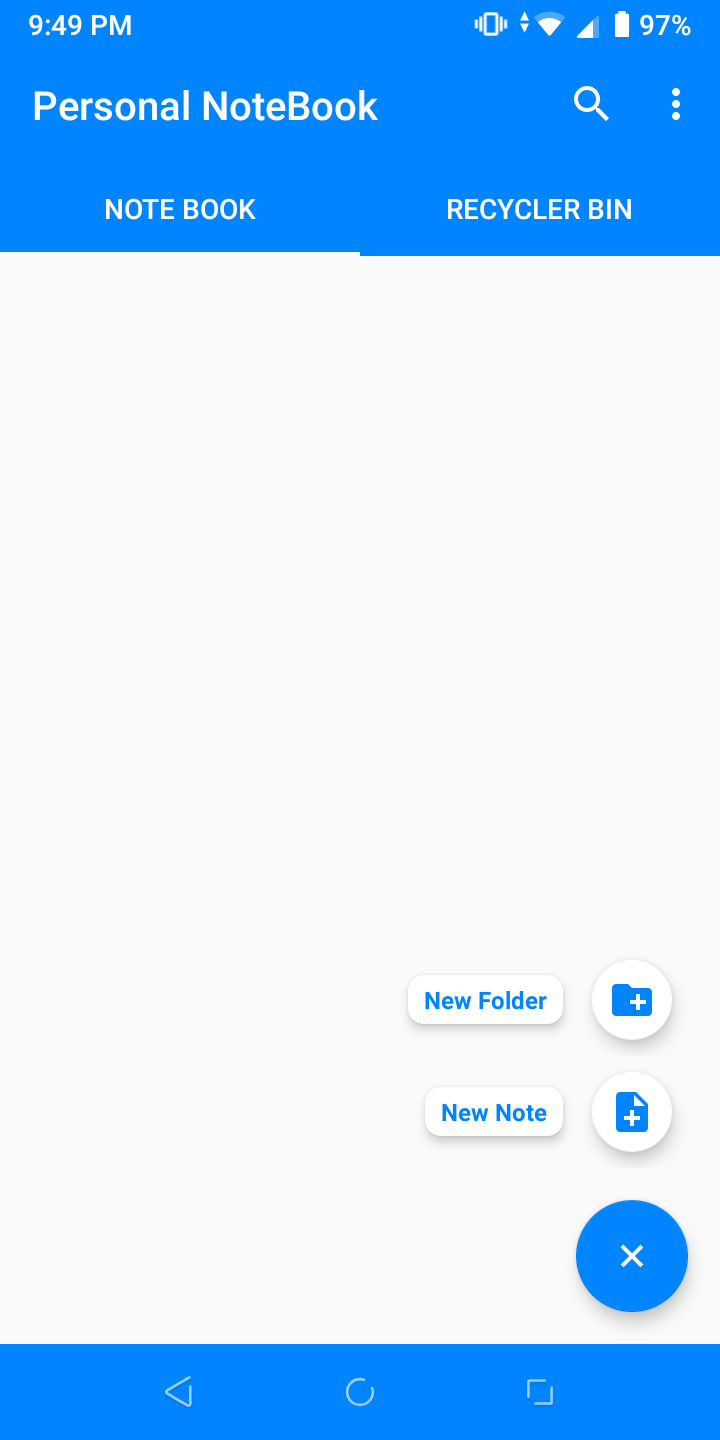
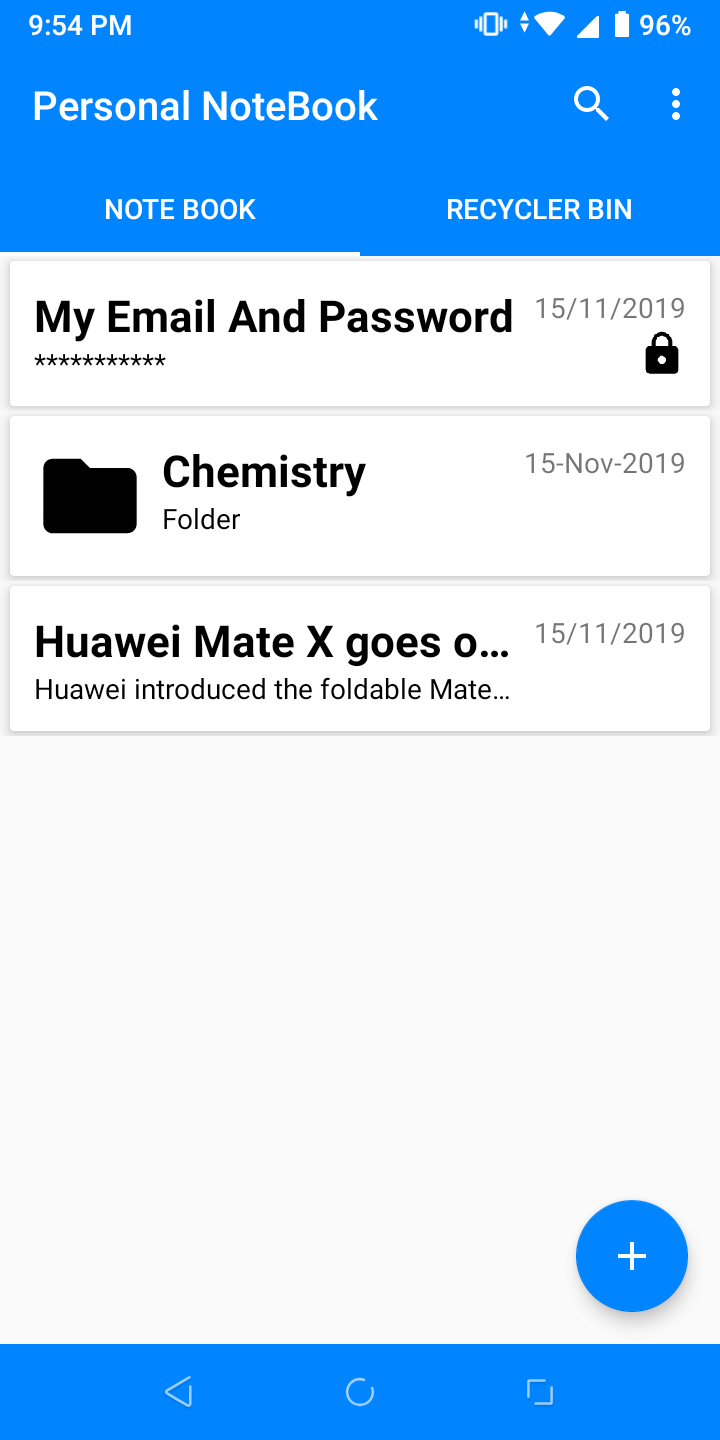
The interface balances clarity with functionality. Primary actions are presented as tappable icons and a persistent add button, keeping the learning curve low. Animations are subtle to preserve responsiveness, and the app performs well on a range of devices, from older phones to modern tablets. Scrolling remains smooth even with large note collections.
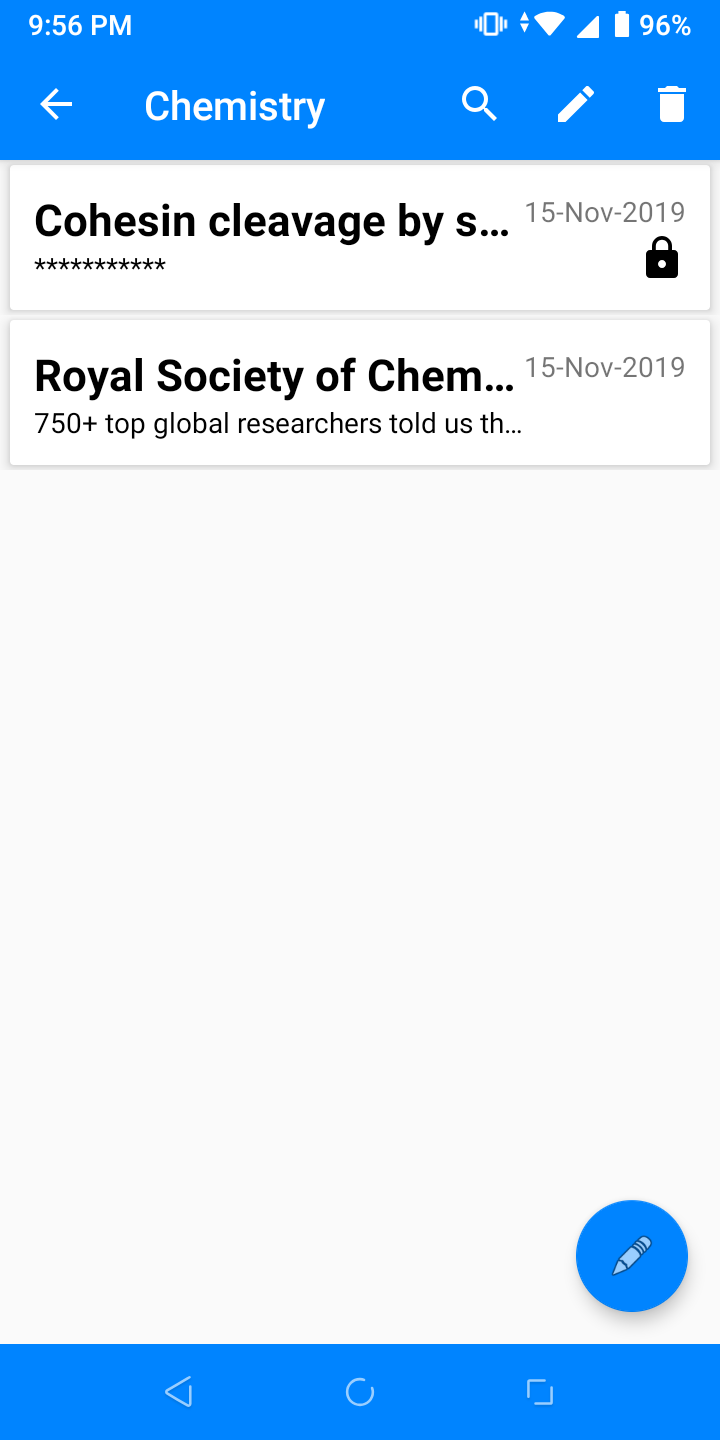
For many users, Personal NoteBook becomes the hub for daily tasks. Use it to capture meeting notes, create project outlines, manage grocery lists, or maintain a daily journal. The tagging system supports cross-referencing content, and saved templates speed up repetitive entries like expense reports or study outlines.
Customization is intentionally optional. Choose a compact or expanded list view, change font sizes, and toggle between light and dark themes. Advanced users can create templates and custom tag groups to mirror personal habits. These adjustments let the app feel personal without overwhelming users who prefer defaults.
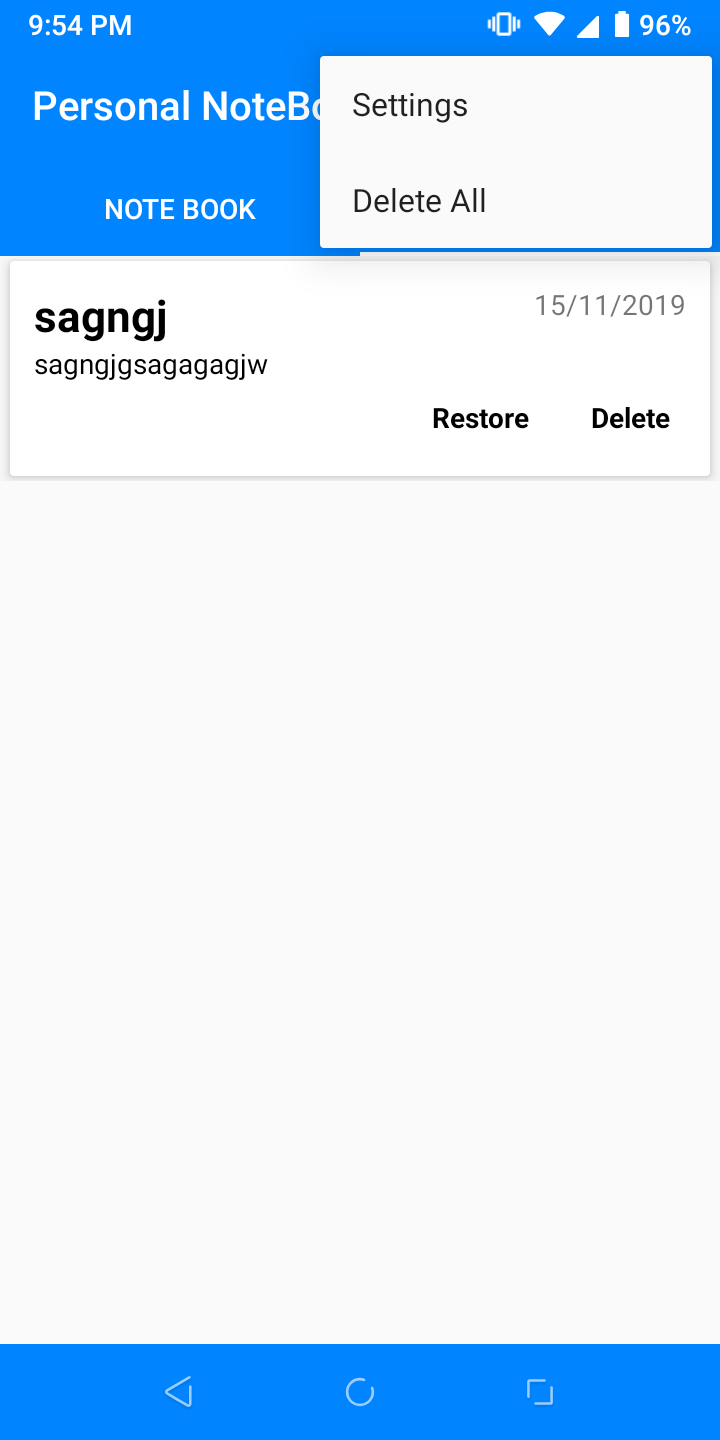
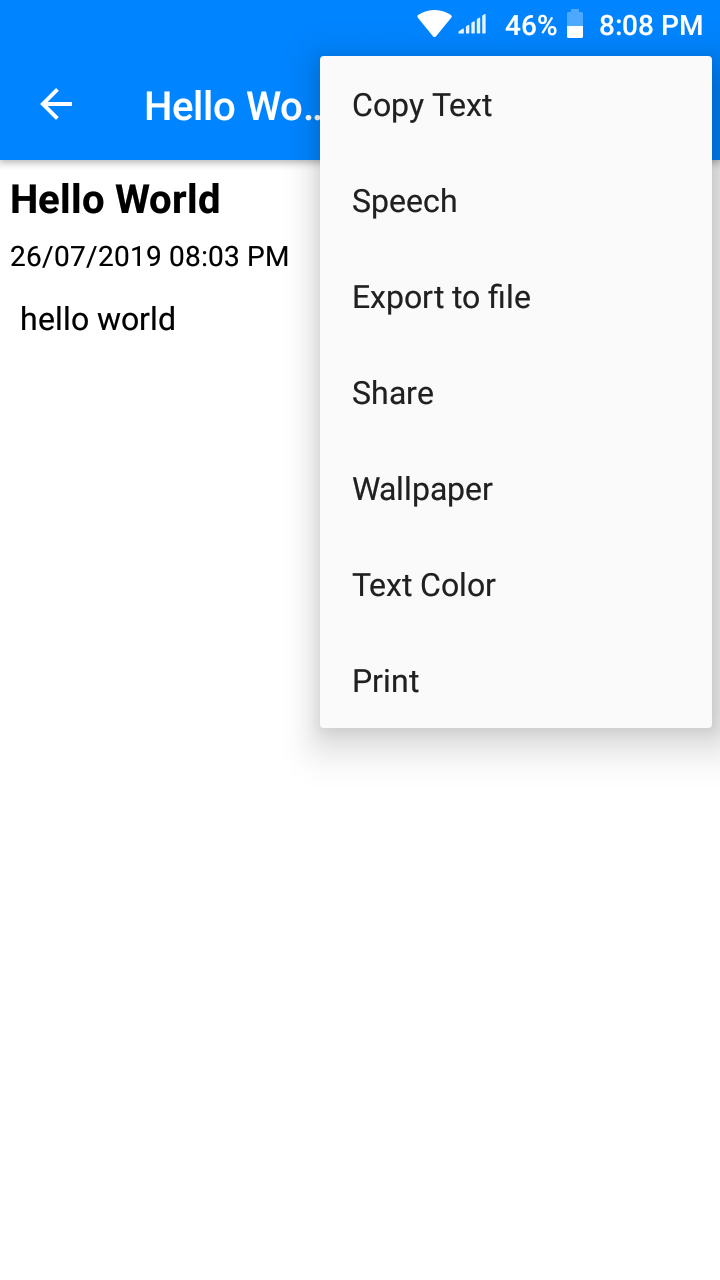
Export capabilities are designed for productivity. Notes can be shared as text or PDF, or exported in bulk for archive purposes. Integration with external apps via share sheets helps move content to email, messaging apps, and task managers. Cloud sync keeps information consistent across multiple devices when enabled.
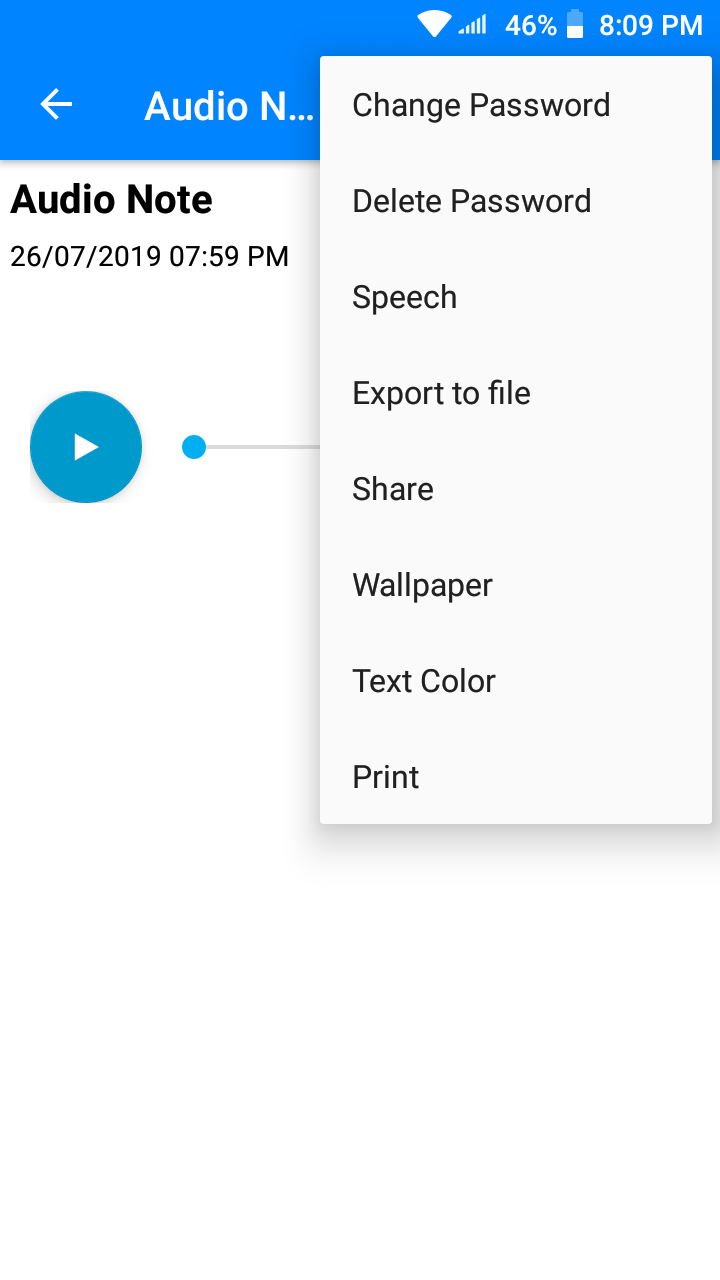
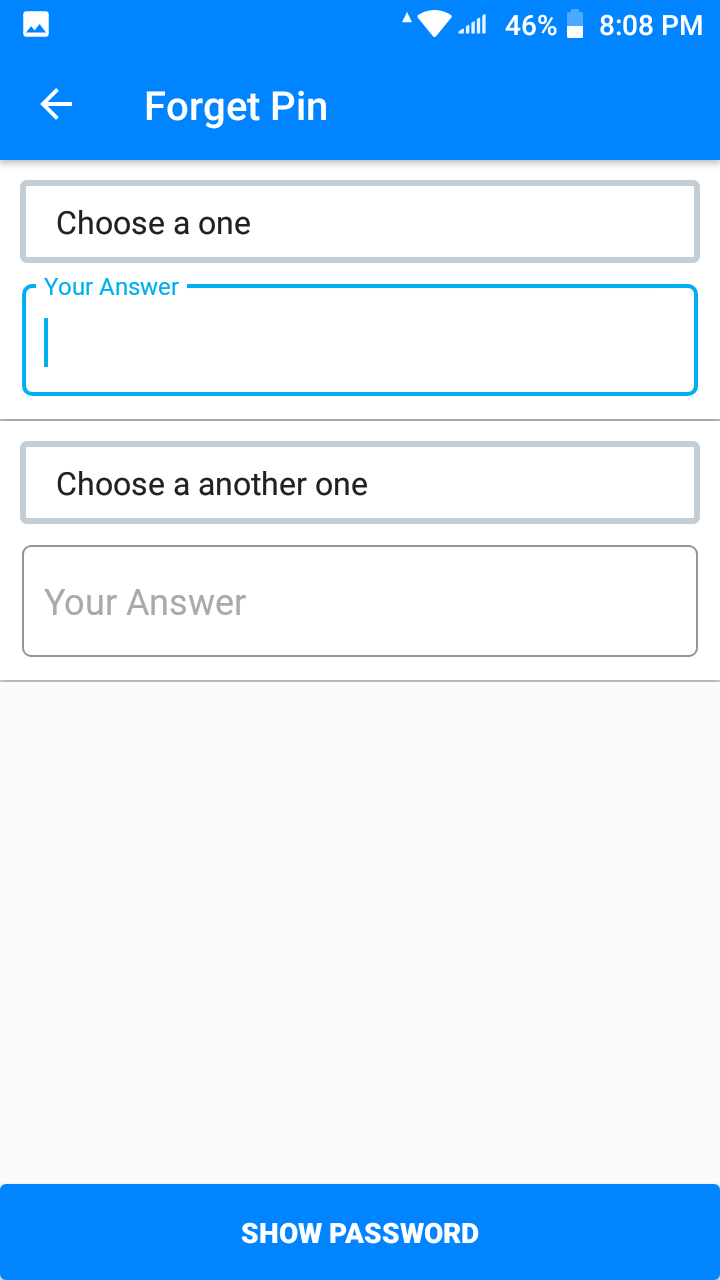
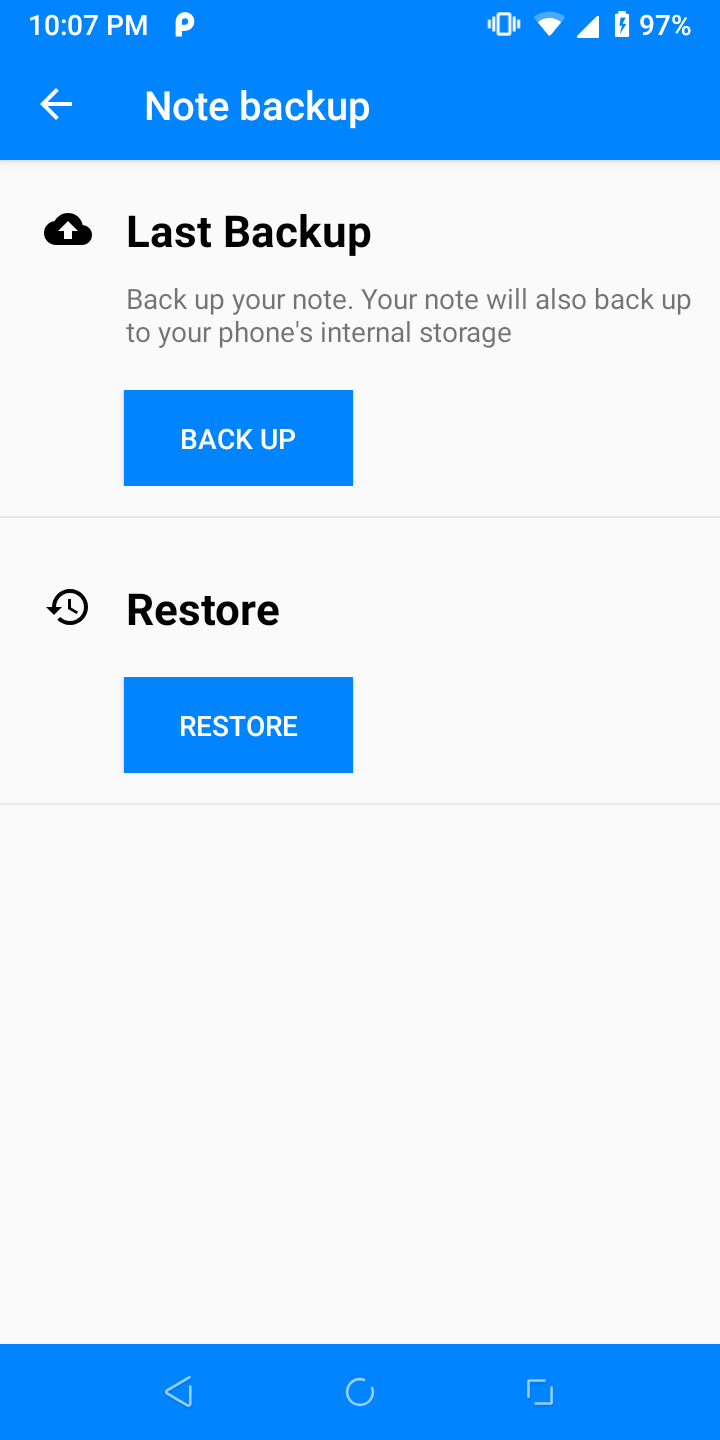
Security features include optional local encryption and PIN protection for the app. Regular backups reduce the risk of data loss, and February-sized updates tend to address bug fixes and performance improvements promptly. The developer’s release cadence focuses on stability over flashy additions.
Many users praise Personal NoteBook for its balance of speed and structure. It doesn’t force a rigid system but gives enough tools to scale organization as needs grow. The accessibility of core features makes it easy to recommend to students, professionals, and anyone who values quick, reliable note capture.
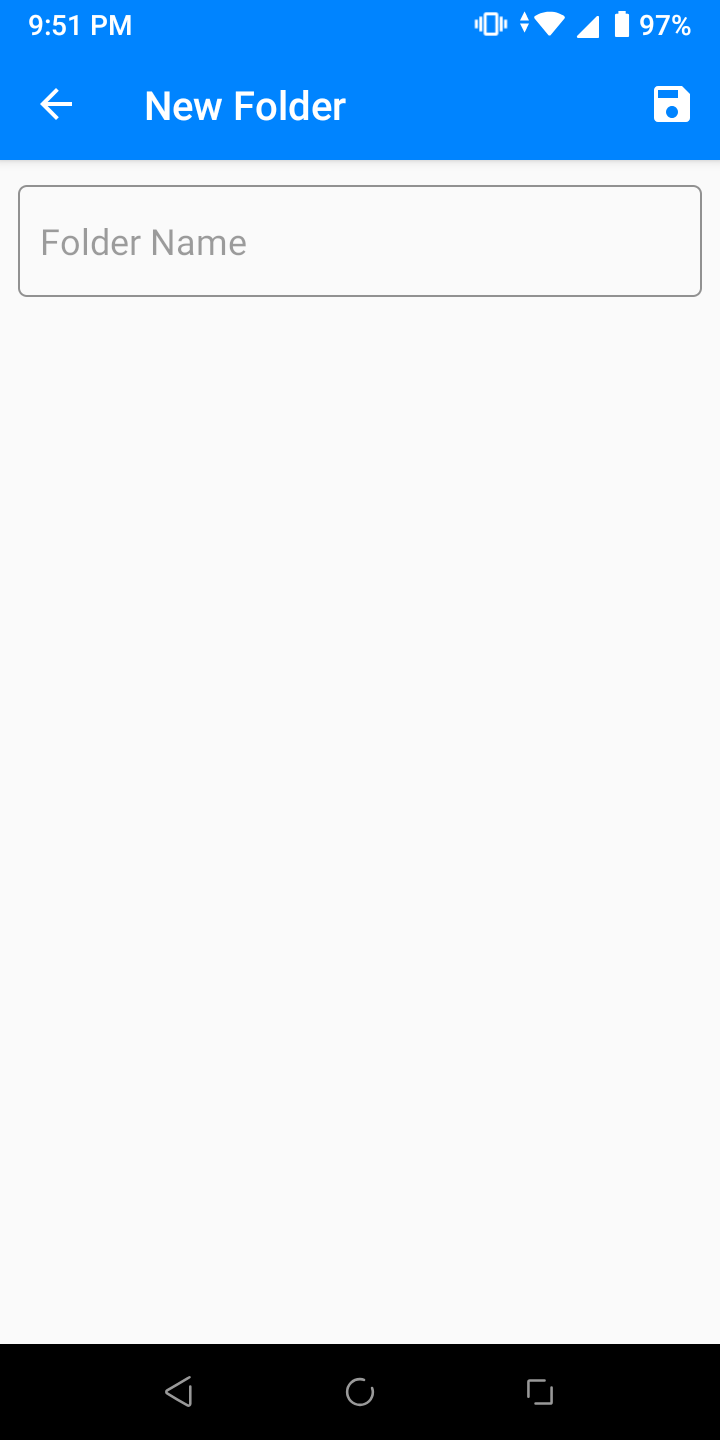
Installing Personal NoteBook is straightforward from the app marketplace. Granting permission to storage and microphone is optional but recommended if you plan to attach files or record voice notes. After installation, follow the built-in tour to set up folders and choose a preferred theme—your first note should take less than a minute to create.
Overall, Personal NoteBook functions as a practical daily driver for capturing and managing personal information. Its mix of speed, customization, and dependable performance makes it a useful tool for users seeking a focused note-taking solution without unnecessary complexity.