
MERA PROXY PLUS delivers a straightforward, fast proxy and VPN-style connection manager that simplifies secure browsing and regional access on Android devices, offering flexible server selection, one-tap connection, and lightweight performance for everyday and professional use in a compact package.
MERA PROXY PLUS routes selected app traffic through configurable proxy nodes to help protect privacy, bypass regional restrictions, and optimize access to remote services. It is designed for users who need a simple connection switcher without the overhead of a full VPN client, keeping battery and data impact to a minimum.
Under the hood, MERA PROXY PLUS implements standard proxy protocols and a local routing engine that intercepts outbound requests. The app sets up a secure pathway between your device and the selected proxy node, then selectively forwards traffic according to rules you set. This approach provides targeted control, keeping non-routed traffic on your normal connection for speed and stability.
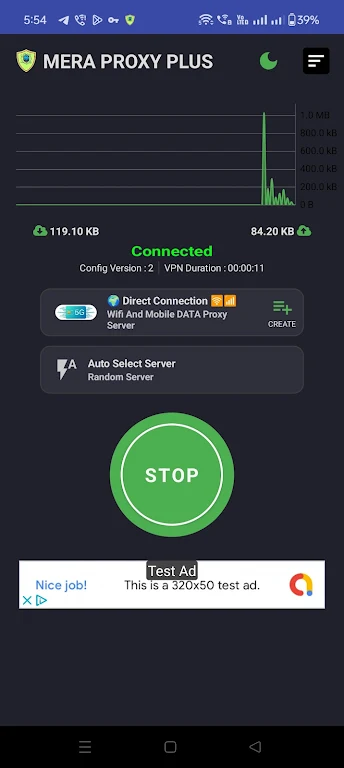
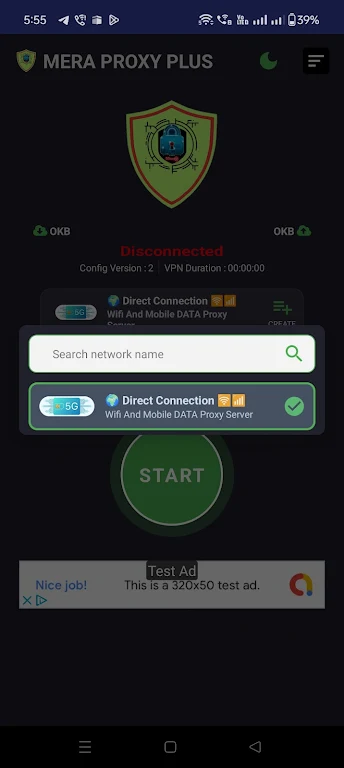
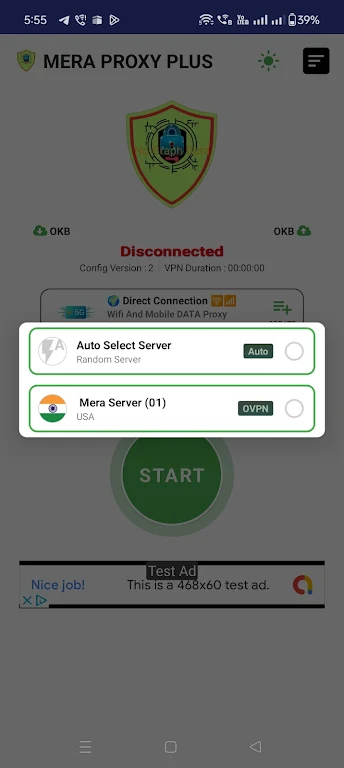
The interface is organized for quick access: a primary connection tile shows current status, while a secondary panel lists servers with key details such as country, ping, and connection type. Adding or editing proxy entries uses a compact form with fields for host, port, protocol, and optional authentication. The design favors clarity so configuration is fast even on smaller screens.
MERA PROXY PLUS focuses on transport-level routing rather than deep application-level inspection. While traffic forwarded through a proxy is protected between your device and the proxy node, end-to-end encryption depends on the target service. For sensitive transactions, prefer end-to-end encrypted apps or HTTPS connections in addition to the app’s routing.
Performance is an important consideration for any proxy tool. MERA PROXY PLUS emphasizes low overhead and uses connection pooling where possible to minimize latency. The app supports a wide range of Android versions and is compatible with most popular apps, games, and streaming services when configured correctly. Users can test different servers and protocols to find the best combination for their network conditions.
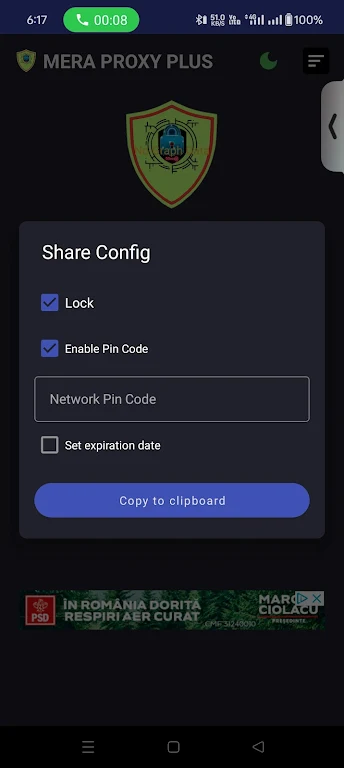
Setup begins by adding a server entry or selecting a provided endpoint. Enter host, port, and credentials if required, then toggle the connection switch. For per-app routing, open the routing menu and pick which apps should use the proxy. The initial setup typically takes only a few minutes and the app offers brief on-screen tips to guide new users.
MERA PROXY PLUS presents a pragmatic balance between functionality and simplicity, making it a useful tool for users who need targeted routing without complex configuration. Its focus on performance and easy controls makes it suitable for daily browsing, testing, and occasional access to geo-restricted services.