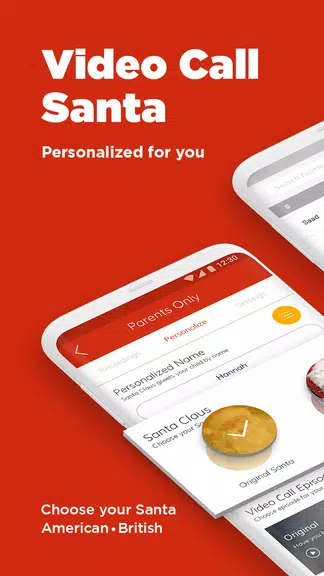
Video Call Santa connects families with a friendly Santa Claus via scheduled video calls, personalized messages, and festive interactions. The app makes it easy to reserve a time, add a child's details, and capture memorable moments. Bright visuals and guided prompts help hosts and children enjoy a joyful, safe holiday experience together.
Designed for parents, event organizers, and caregivers, Video Call Santa streamlines virtual Santa visits without complex setups. It wraps scheduling, video streaming, and message customization into a simple workflow, so users can focus on the experience rather than technical details. Built-in safeguards and clear UI reduce friction for users of all ages.
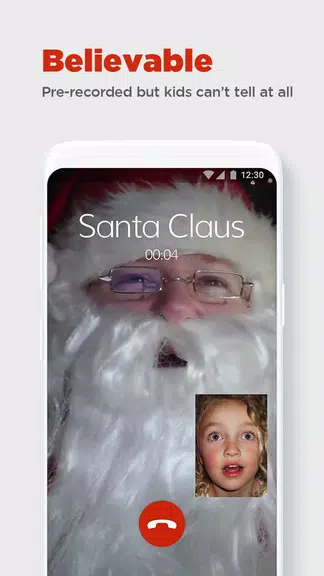
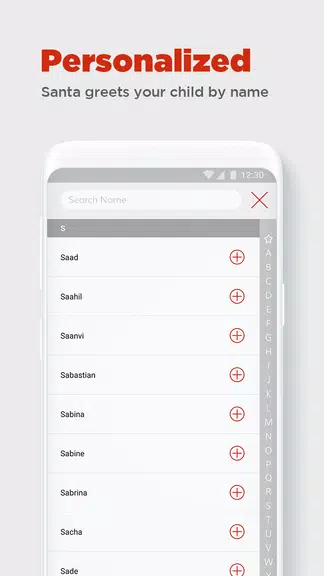
After installing Video Call Santa, users create a profile and choose between single calls, group events, or public meet-and-greets. The app displays Santa availability in local time, and a quick booking flow captures needed details like child name, age, and special requests. When the session begins, hosts join via a one-tap link and Santa appears in a preconfigured studio view with holiday overlays.
Hosts receive in-call controls for mute, video on/off, and a simple cue list so Santa can reference names and wishes without interrupting the conversation. Moderation features let parents pause, end, or record calls and add notes that appear only to the host. For larger events, a queue system manages multiple families efficiently.
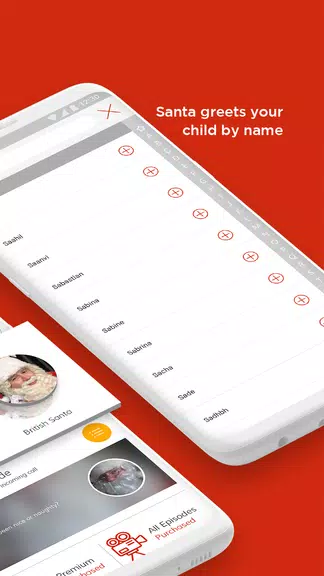
One of the app’s strengths is customization. Video Call Santa supports custom backgrounds, themed frames, and voice prompts that align with regional traditions. Administrators can upload scripts and prompts for Santas to use, ensuring consistent tone across sessions. Users can also attach short videos or photos that Santa can reference during the call to create a more engaging interaction.
The interface balances playful holiday aesthetics with clear usability patterns. Large action buttons, a prominent timer, and step-by-step cues guide users through booking and live sessions. The color palette and iconography are festive without overwhelming the control surface, keeping focus on the live conversation.
Performance is optimized for mobile devices: adaptive video quality reduces bandwidth use while maintaining clarity, and automatic reconnection handles brief network drops. The app logs session metrics to help hosts review call quality and address recurrent issues. For event organizers, batch scheduling and reporting tools simplify planning and post-event accounting.
Families appreciate the combination of simplicity and personalization. The app reduces coordination time, offers privacy controls, and delivers a polished experience that feels closer to an in-person visit than many alternatives. For organizers, the reporting and scheduling features make scaling holiday events far more manageable.
Download Video Call Santa, create an account, and follow the guided onboarding. Add a profile for each child, pick an available slot, and test your connection. The onboarding includes short video tips and an FAQ to answer common questions. Support is available through in-app chat and email if you need help with setup or billing.
Whether hosting a private family visit or running a neighborhood event, the app focuses on creating memorable moments while keeping setup straightforward. With tailored scripts, robust moderation, and reliable streaming, Video Call Santa helps bring a seasonal tradition into the digital age with minimal hassle.