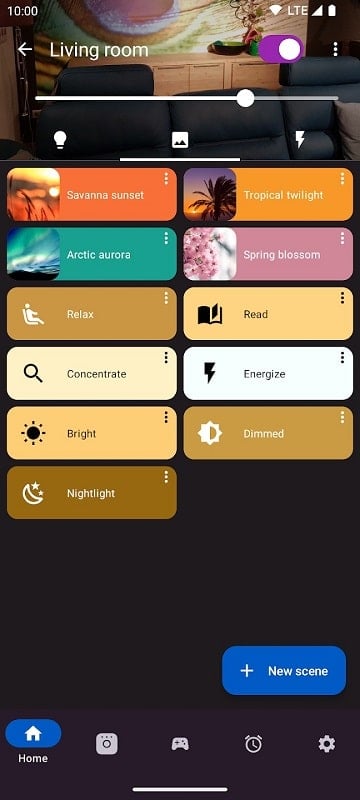
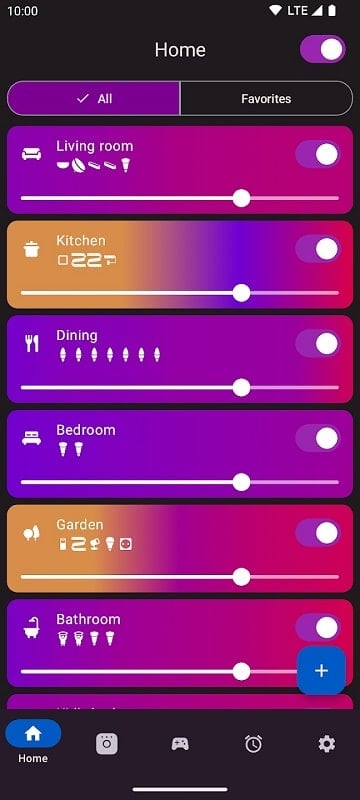
Hue Essentials is a compact control app for smart lighting that centralizes bulb management, scenes, and schedules across multiple bridges. It simplifies routine automation, provides advanced effects, and supports third-party integrations so users can organize rooms, set moods, and quickly adjust lights from one intuitive interface.
Designed for people who want direct control of their Hue ecosystem, Hue Essentials focuses on practicality and depth. It works with standard bulbs, light strips, and compatible bridges. The app balances easy access to common controls with deeper settings for enthusiasts who want more granular behavior from their lights.
Rather than relying solely on voice assistants or manufacturer apps, Hue Essentials consolidates functions into a single, responsive tool. It puts scene creation, color pickers, and schedule editors at the forefront while keeping connectivity options and backups within reach. The result is a smoother daily routine and fewer taps to reach the lighting you want.
The feature set targets both casual users and advanced hobbyists. Core capabilities include:
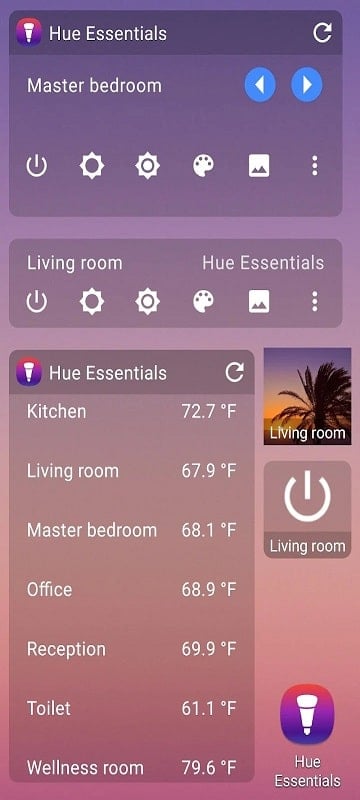
The interface is organized to reduce friction. A main dashboard displays active rooms and recently used scenes. Controls are visual and tactile: color wheels, sliders for brightness and warmth, and large toggles for on/off states. Settings are grouped logically so less technical users won’t be overwhelmed while power users can dive into advanced menus.
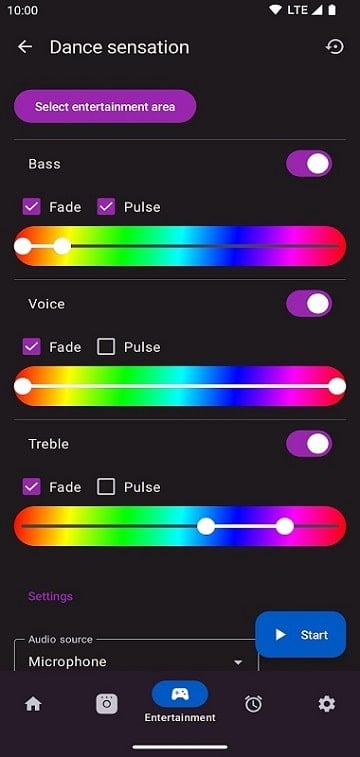
Hue Essentials gives options to fine-tune behavior beyond presets. Customization includes gradient color scenes, per-bulb transitions, and conditional automations that respond to time, sunset/sunrise, or external sensors. For users who like to experiment, the app exposes parameters for speed, intensity, and synchronization across devices.
Routines are flexible and straightforward to build. You can chain actions, delay steps, and combine triggers. Routines can adapt to daily changes and include exceptions for holidays or specific dates. The combination of timers and conditional logic reduces manual adjustments and creates a hands-off lighting experience.
On modern Android devices the app runs smoothly, with quick responses when switching scenes or adjusting colors. Network discovery and bridge pairing are reliable in most home setups. For larger installations, the app keeps CPU usage low and caches scenes to prevent lag when toggling multiple bulbs at once.
Hue Essentials supports official Hue bulbs and many third-party lights that follow the same protocols. It also recognizes light strips and some lamp modules. Compatibility notes and firmware warnings are presented in-app so users can update hardware before enabling advanced features.
Hue Essentials is particularly valuable for users looking to move beyond basic light switching and into curated environments. Its blend of usability and depth makes it suitable for everyday control as well as more creative lighting projects.
Installation is straightforward: install the app, follow the on-screen pairing for your bridge, and let it discover lights. From there, create a room, save a scene, and schedule your first routine. Support resources and user guides are accessible from within the app if you need extra help setting up complex automations.