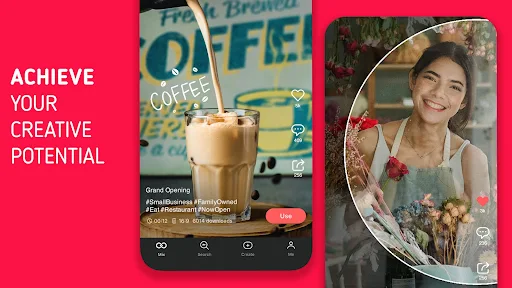
KineMaster is a full-featured mobile video editor that helps you turn clips, photos and audio on your device into polished videos ready for sharing. KineMaster combines basic trimming and splicing with advanced tools so both beginners and experienced creators can produce high-quality exports in common formats such as MP4 and HD. The app ships with a growing, categorized media library of copyright-free music, stickers and transitions to speed up editing and follow current trends, making it practical for social posts, tutorials, short films and other projects.
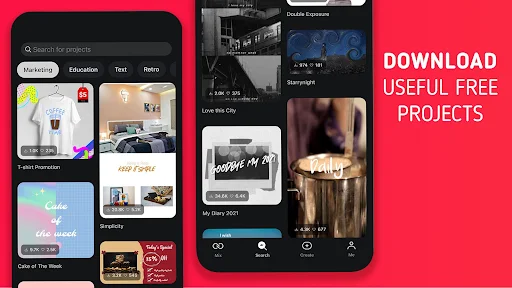
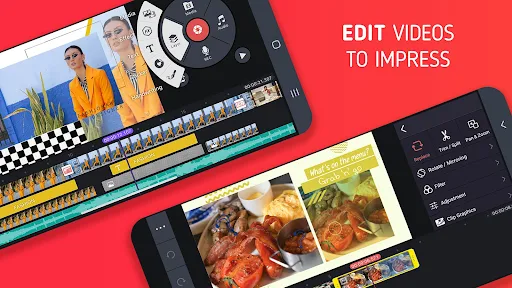
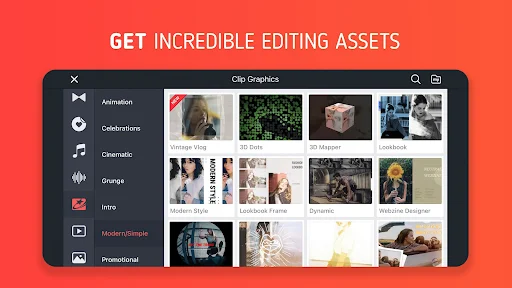
The core of KineMaster is a multi-layer timeline that gives clear control over each visual and audio element in a project. You can place video clips, still images, voice tracks and overlay graphics on separate layers, then fine-tune timing with precision trimming and frame-by-frame adjustments. Green-screen compositing and a broad set of real-time effects and color filters let you change backgrounds and refine the look of your footage. The media library includes categorized assets to jump-start edits, while transitions and motion options help you match contemporary social styles without building everything from scratch.
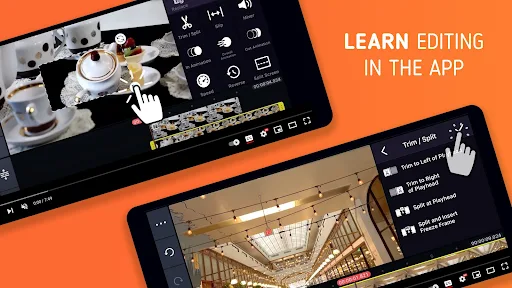
KineMaster is designed for touch-first editing: drag-and-drop placement, pinch-to-zoom on the timeline, scrub playback with a finger, and use intuitive handles to trim or split clips. Undo and redo keep experimentation safe, and clip snapping helps align edits accurately. For precise timing, the editor supports frame stepping and detailed clip trimming so you can remove or extend single frames when necessary. These controls are meant to make common tasks fast while still giving you options to refine motion and audio timing when projects demand accuracy.
Composition in KineMaster emphasizes layered control and flexible customization. Overlays and stickers can be resized and animated, audio tracks can be mixed and balanced relative to one another, and color adjustments allow quick corrections or stylized looks. The app includes preset transitions and filter combinations that act as starting points; you can then customize speed, opacity and placement to fit your project. Because each element sits on its own layer, you can experiment with different arrangements and return to earlier versions without rebuilding the timeline.
Rather than a game-style progression, KineMaster supports a learning progression tied to project complexity: simple social clips are quick to assemble, while tutorials, short films or multi-layered montages encourage deeper skill development. Projects can be saved and revisited, which increases replay value for creators who iterate on edits, try alternate cuts or produce multiple versions for different platforms. Templates and categorized assets make it easier to scale up from short posts to longer pieces while maintaining consistent style and pacing.
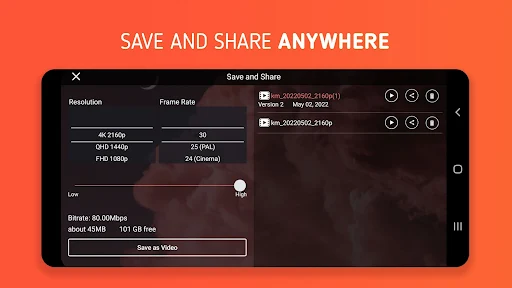
KineMaster provides flexible export options and careful control over quality and resolution so final files suit different distribution channels. Exports commonly include MP4 with selectable HD settings; codec and bitrate choices help balance file size and fidelity. Offline editing is supported so you can work without a network connection, and performance depends on device capabilities: complex projects with many layers will benefit from a more powerful phone or tablet to maintain smooth playback while editing. Regular updates aim to improve efficiency and compatibility across devices.
The app includes in-product guidance and a growing set of tutorials and example projects that help new users understand common tasks like trimming, compositing and audio mixing. Timeline zoom controls, clear visual icons and adjustable playback make the interface more approachable for different workflows, and captions or text overlays are straightforward to add for accessibility and clear communication. Community resources and official guidance can speed up the learning curve for creators who want to move from basic cuts to more precise compositing techniques.
KineMaster's advantages include powerful layer-based editing on a mobile device, a practical media library that speeds production, and a range of effects that suit contemporary social and tutorial formats. Its intuitive touch controls and precise trimming tools allow creators to achieve professional-looking results without desktop software. Limitations to be aware of include a learning curve for advanced techniques, and the potential for slower performance on older or low-powered devices when working with large multi-layer projects. Overall, the app is a versatile tool for creators who want mobile-first editing with room to grow in complexity and polish.