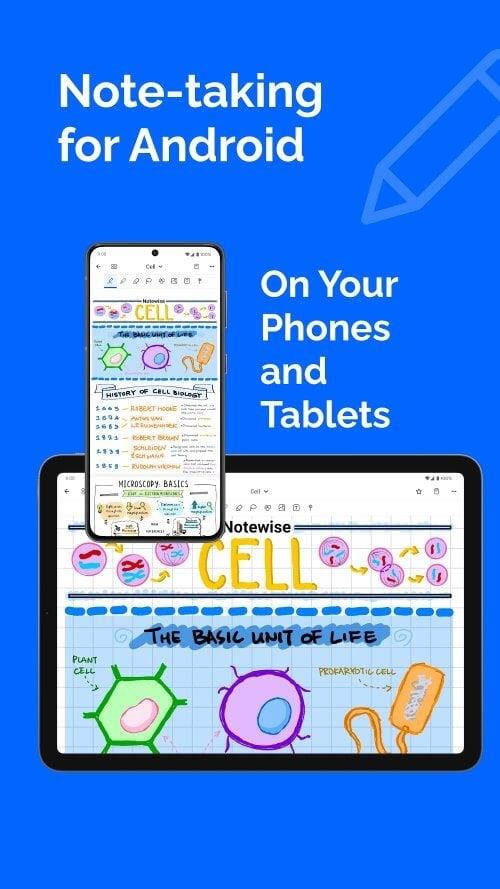

Notewise is a lightweight, modern note-taking app designed to streamline how you capture ideas, organize tasks, and sync content across devices. It blends a clean interface with flexible organizational tools, letting users move from quick jotting to structured notebooks with minimal friction and fast searchability.
At its core, Notewise focuses on clarity and speed. The app presents an uncluttered editor with rich-text options, tags, and hierarchical notebooks. Notes load instantly, edits are saved automatically, and a powerful search engine surfaces results using keywords, dates, and tag filters. Notewise supports both quick memos and long-form entries, making it suitable for students, professionals, and anyone who values organized information.
Notewise emphasizes a distraction-free workspace. The layout balances a minimal sidebar with a generous editor area. Transitions are smooth and the app maintains responsiveness even with hundreds of notes. Theme options include light, dark, and an adaptive mode that follows system settings. Typography choices and spacing are tuned for comfortable reading and editing on small screens.
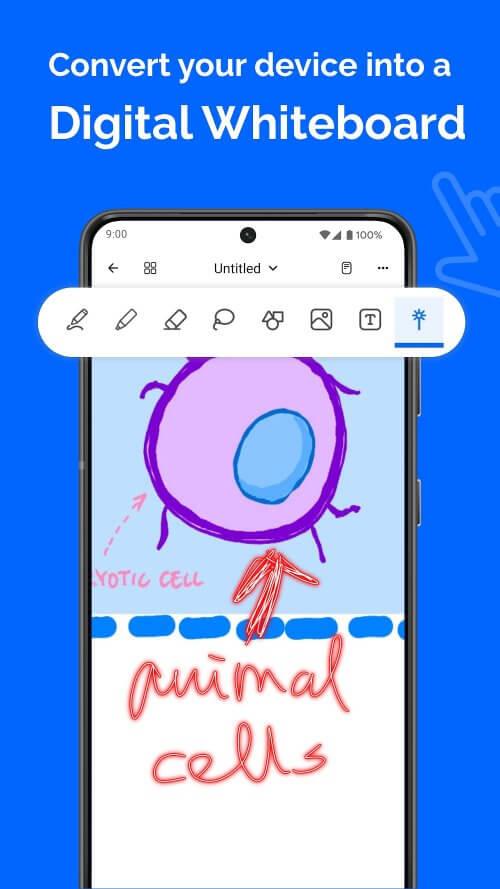
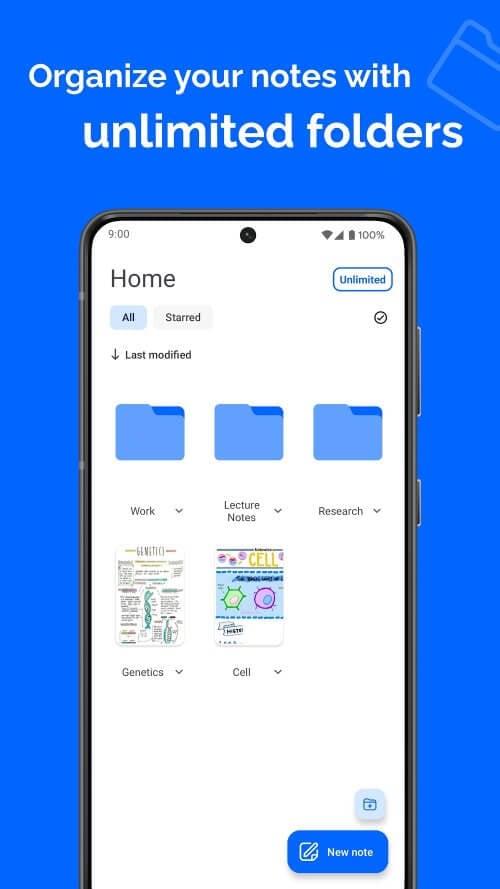
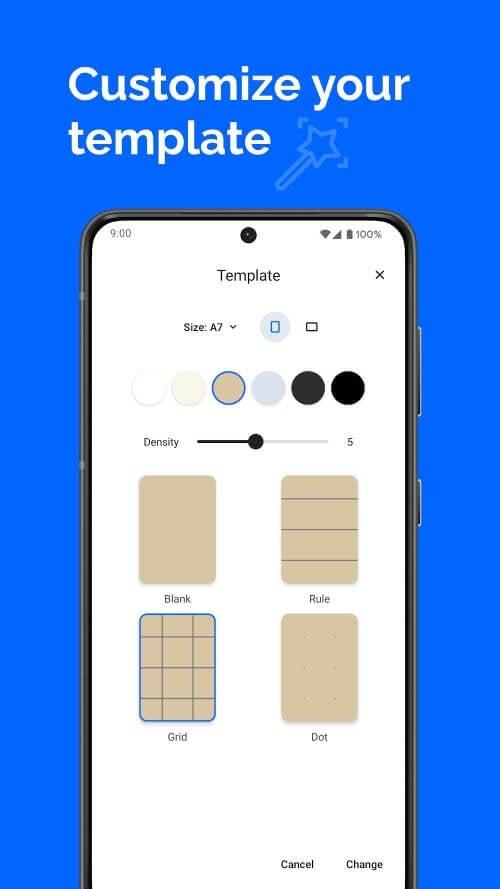
Setting up a productive workflow in Notewise is straightforward. Start by creating notebooks for major topics, add tags for cross-cutting themes, and use pinned notes for frequently accessed content. The app’s quick capture widget lets you save ideas without navigating through menus, while templates speed up recurring note types such as meeting minutes or project outlines.
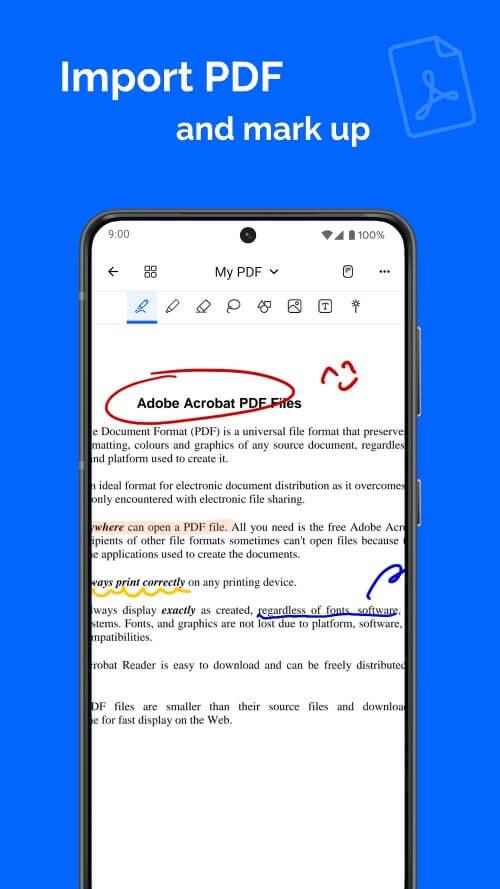
Notewise offers enough customization to fit diverse needs without creating complexity. Customize default fonts, note preview density, and swipe actions for list items. Integrations include calendar linking for reminders, export options to common formats (PDF, Markdown), and an API for power users to connect with automation tools. These choices make it easy to slot Notewise into an existing productivity stack.
Security is built into the app’s architecture: encrypted sync, optional passcode or biometric lock, and a clear privacy policy that outlines how data is stored. Local export and manual backup features give users control over their content. For teams, granular sharing controls let you grant view or edit access without exposing entire notebooks.
Users often praise Notewise for its balance between simplicity and depth. The app’s intuitive editor reduces friction when capturing ideas, while advanced features satisfy those who require robust organization. Whether you need a fast capture tool or a structured knowledge base, Notewise adapts to different use cases without forcing a rigid workflow.
Download and install the app, sign in or create an account, and follow the onboarding prompts to set up notebooks and sync preferences. Explore the template gallery and try the quick capture widget to integrate Notewise into daily routines. The app’s help center includes concise guides and keyboard shortcuts that accelerate mastery.
For anyone seeking a dependable note-taking tool that blends speed, organization, and privacy, Notewise strikes a practical balance. It scales from simple lists to project documentation, making it a solid choice for personal and professional note management.