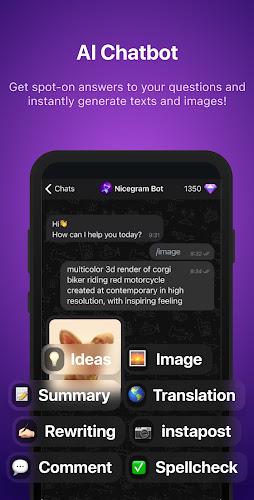
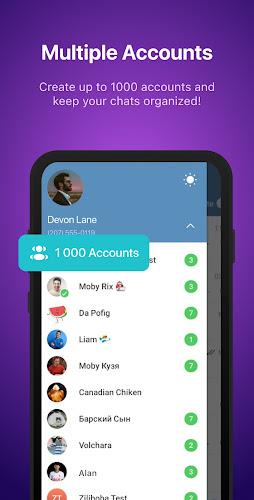
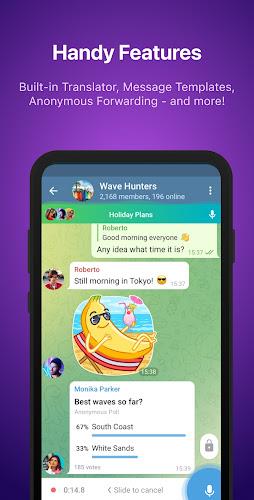
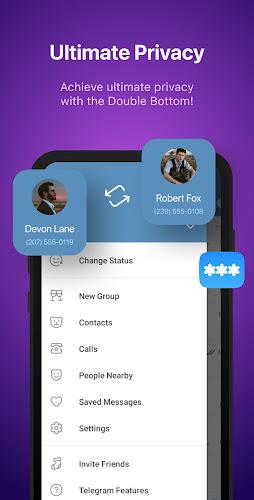
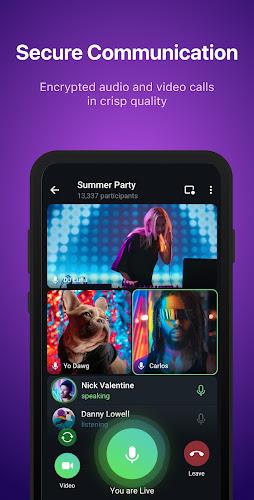
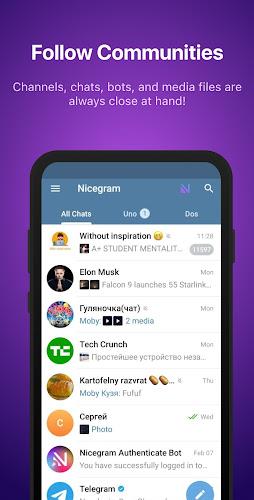
Nicegram: Secure AI Messenger is a privacy-focused messaging app that combines encrypted chat, advanced AI assistants, and customizable controls to streamline communication. The app targets users who want a modern messenger with integrated automation, robust group tools, and options to manage privacy without sacrificing convenience or performance.
Nicegram: Secure AI Messenger blends familiar instant messaging patterns with productivity-oriented features. It builds on established messaging concepts while adding AI-driven shortcuts, message summarization, and granular privacy toggles. The interface balances simplicity for casual chats and depth for power users who moderate groups or automate workflows.
Using Nicegram: Secure AI Messenger feels familiar from the first run. New users can register with a phone number and begin chatting instantly. Conversations are organized into private chats, channels, and group threads. AI features are optional: activate the assistant per chat to summarize long discussions or generate quick replies when you’re short on time.
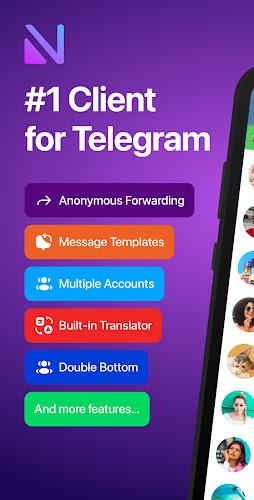
The app surfaces tools that reduce friction. Smart replies and message templates speed up repetitive responses. Scheduling tools let you draft messages and set them to publish at chosen times. For power users, integrated bots can automate tasks such as posting updates, running polls, or filtering spam so moderators spend less time on routine chores.
Customization is a strong point. Users can choose compact or spacious chat views and switch color themes to match their preferences. Notification controls let you fine-tune alerts by channel or by keyword. Privacy-conscious users appreciate session control features that list active logins and allow remote session termination when needed.
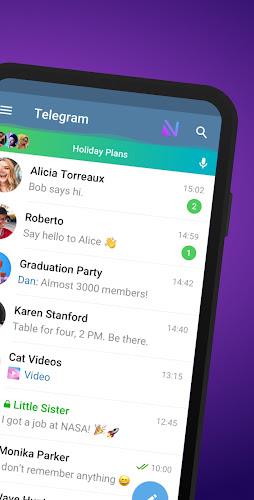
Nicegram: Secure AI Messenger focuses on snappy performance and a clean layout. Animations are subtle and do not interrupt workflow. The app prioritizes fast load times and responsive scrolling, making it suitable for devices across a range of hardware. Visual hierarchy in chat lists and message cards helps users scan conversations quickly.
Onboarding guides you through basic setup and highlights privacy options early. New users should enable two-step verification for added account security, customize notification filters, and review bot permissions before adding automation to a chat. The AI assistant includes a brief tutorial so you can test summarization and reply suggestions on sample text.
Users often cite a balance of privacy, automation, and usability as key reasons to adopt Nicegram: Secure AI Messenger. The app appeals to those who want a more configurable messaging environment without sacrificing speed or stability. Its AI features assist with time-consuming tasks, while moderation tools make it practical for community leaders.
Evaluate the AI features and bot permissions to align the app’s behavior with your privacy expectations. Backup any important chats before switching devices and explore notification profiles to avoid overload. With a modest initial setup, Nicegram: Secure AI Messenger can become a central hub for both casual conversations and organized group coordination.