
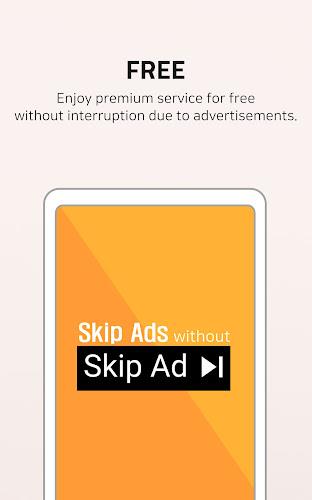
IgeBlock - Tube ad blocker delivers a lightweight, privacy-focused solution to remove video and banner ads inside popular streaming apps. It streamlines playback, reduces data waste, and gives you more control over autoplay and trackers without requiring root access or complicated VPN configurations.
Designed for Android users who want uninterrupted viewing, IgeBlock - Tube ad blocker intercepts ad requests and stops them before they reach the player. The app focuses on simplicity: a single toggle can enable system-wide filtering for supported apps while keeping resource use low and preserving battery life.
The app uses a curated list of ad and tracker hosts to block network requests originating from video players and associated components. When enabled, it either applies local DNS rules or routes selected traffic through a lightweight local VPN to filter content. This approach prevents ad servers from serving assets while avoiding intrusive system modifications.
Getting started with IgeBlock - Tube ad blocker is straightforward. After installation, grant the minimal permissions the app requests, review the default blocklist, and enable the main filter. Advanced users can import custom host files or tweak the whitelist to permit specific domains when needed.
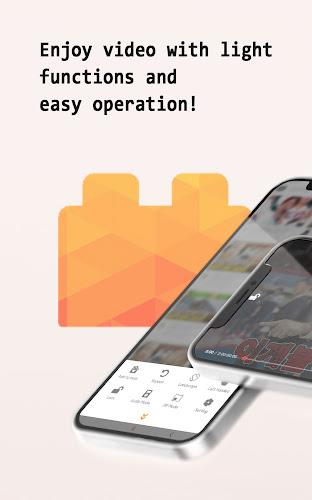
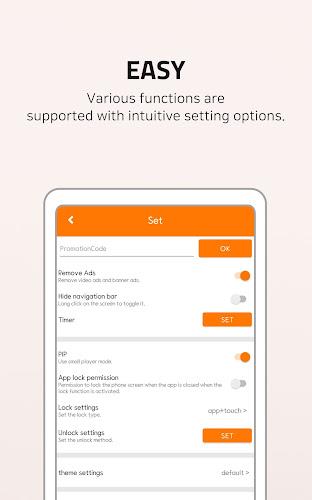
The interface prioritizes clarity: an on/off toggle, a status indicator, and quick access to blocking logs occupy the main screen. Performance is a key strength — most users report negligible CPU or memory impact. Background filtering runs efficiently and pauses automatically when the device is idle or in power-saving mode.
IgeBlock targets popular video streaming and social apps where ads are most intrusive. It supports a growing list of players and is updated to handle new ad delivery techniques. If a particular app or ad type slips through, users can submit logs to help developers refine the rules.
Start with the balanced preset and monitor playback to ensure no essential service is blocked. If an app stops working, check the logs and add the relevant host to the whitelist rather than disabling filtering altogether. Regularly update the blocklists to stay protected against new ad sources.
The app minimizes data collection and processes most filtering locally. Any optional cloud updates for rules are delivered over secure channels. Users who prefer full local control can disable automatic updates and maintain their lists manually for maximum transparency.
Reviewers and users often highlight the balance between effective ad removal and low system impact. IgeBlock - Tube ad blocker keeps playback smooth while offering controls that don’t overwhelm non-technical users. The combination of no-root operation, simple controls, and expandable rule sets makes it practical for everyday use.
Install the APK from a trusted source, open the app, and follow the initial setup wizard. Activate filtering and test with a frequently used streaming app. If needed, consult the in-app help to learn how to manage the whitelist or export logs to report issues.
For users who value uninterrupted viewing and better privacy on mobile, IgeBlock - Tube ad blocker is a practical utility that addresses common ad nuisances without heavy system changes. Regular updates and an active support channel help it adapt to shifting ad delivery methods while keeping the experience simple and efficient.