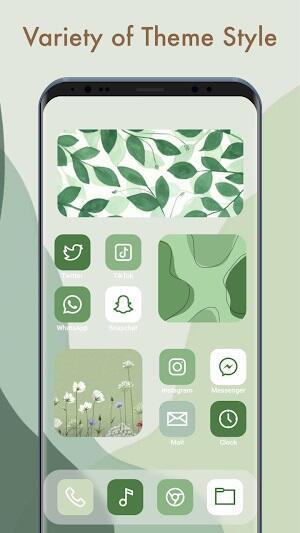
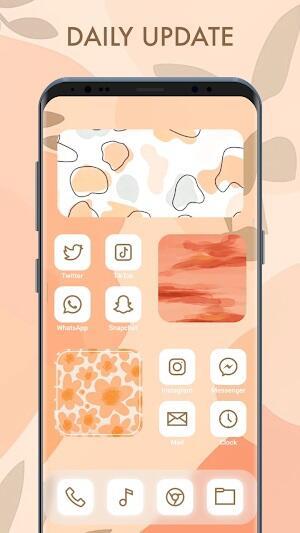
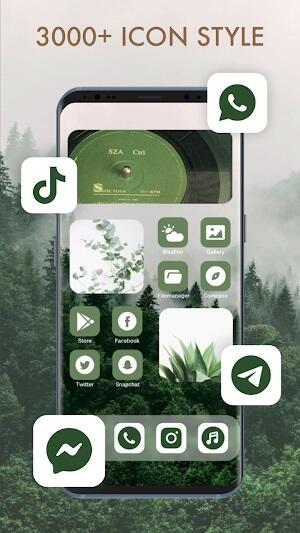

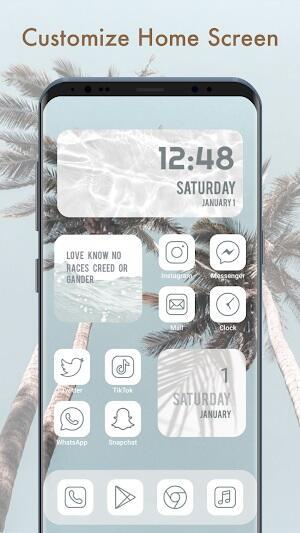
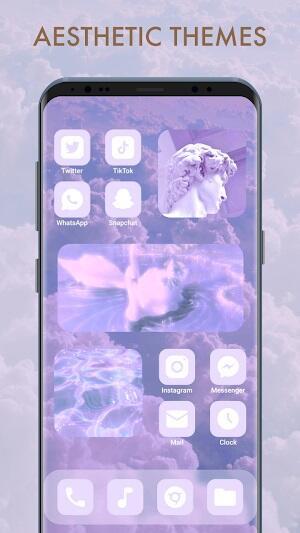
Themepack is a personalization app for Android that helps you refresh your home screen quickly by applying coordinated icon sets, wallpapers, widgets and complete theme skins. Themepack puts thousands of design elements at your fingertips so you can switch from minimalist to colorful or seasonal looks without manually replacing each asset. The app is designed for people who enjoy frequent visual changes: it offers previews, suggested combinations and one-tap application so the process feels more like browsing a collection than a technical setup task.
Themepack organizes content into ready-made theme packs and individual assets so you can apply either a full look or just swap icons and wallpapers. A searchable library includes thousands of icons, multiple wallpaper resolutions, and customizable widgets for clock, battery and system stats. Preview mode shows how a theme will appear on your home screen before you apply it, and one-tap switches let you move between favorites instantly. Compatibility with the most common launchers is prioritised, and regular content updates add seasonal and curated collections that reflect holidays, minimalist trends or contemporary palettes.
Controls are built around simple gestures and clear on-screen options: pinch and drag to place widgets, long-press to change an individual icon, and use the live preview to test spacing and alignment. Widget resizing is flexible, with multiple size presets and visual styles so you can fine-tune layout without third-party tools. The app supports mixing icon packs and changing wallpaper scale or parallax options when available. You can save local presets—named configurations of icons, wallpaper and widget placement—to restore looks quickly or experiment without losing a previous setup.
Rather than a game-style progression, Themepack encourages gradual exploration: content is grouped by theme, color, and mood, and the editor-style browser surfaces suggested combinations and seasonal drops. Collections act like themed levels—holiday packs, monochrome suites and curated designer sets—that make it easy to discover new combinations and iterate on a look. Because packs are updated frequently and the library is large, there is ongoing replay value for users who like to refresh their device weekly or for special occasions.
The visual direction ranges from clean, flat minimalism to richly detailed, textured themes; each pack includes a consistent icon grid, matching wallpapers and widget skins to preserve visual harmony. The “level structure” is essentially the app’s organization: featured collections, categories, and user-made folders which help you navigate large libraries. Preview thumbnails show how icons and widgets interact on different home screen layouts so you can anticipate contrast, legibility and spacing before applying a pack.
Themepack focuses on an approachable user experience with unobtrusive onboarding that highlights key controls and preview features. Accessibility considerations are included in many packs: high-contrast icon sets and larger widget styles improve legibility for users who need stronger visual cues. Assets that you download remain available offline so you can apply saved presets without an active connection. Performance is tuned to avoid heavy battery impact during normal use; applying a theme is an efficient operation and optional animations can be disabled for smoother performance on older devices.
The app’s breadth of options can be overwhelming at first, and some manual tweaking may still be necessary when combining disparate packs—icons or widgets from different designers do not always match perfectly. Not every launcher exposes the same customization hooks, so behavior can vary slightly depending on the home screen app you use. Recommended combinations reflect available styles and curated taste, but may not match every personal preference; fortunately saving local presets and favoriting individual assets makes it easier to arrive at a tailored look over time.