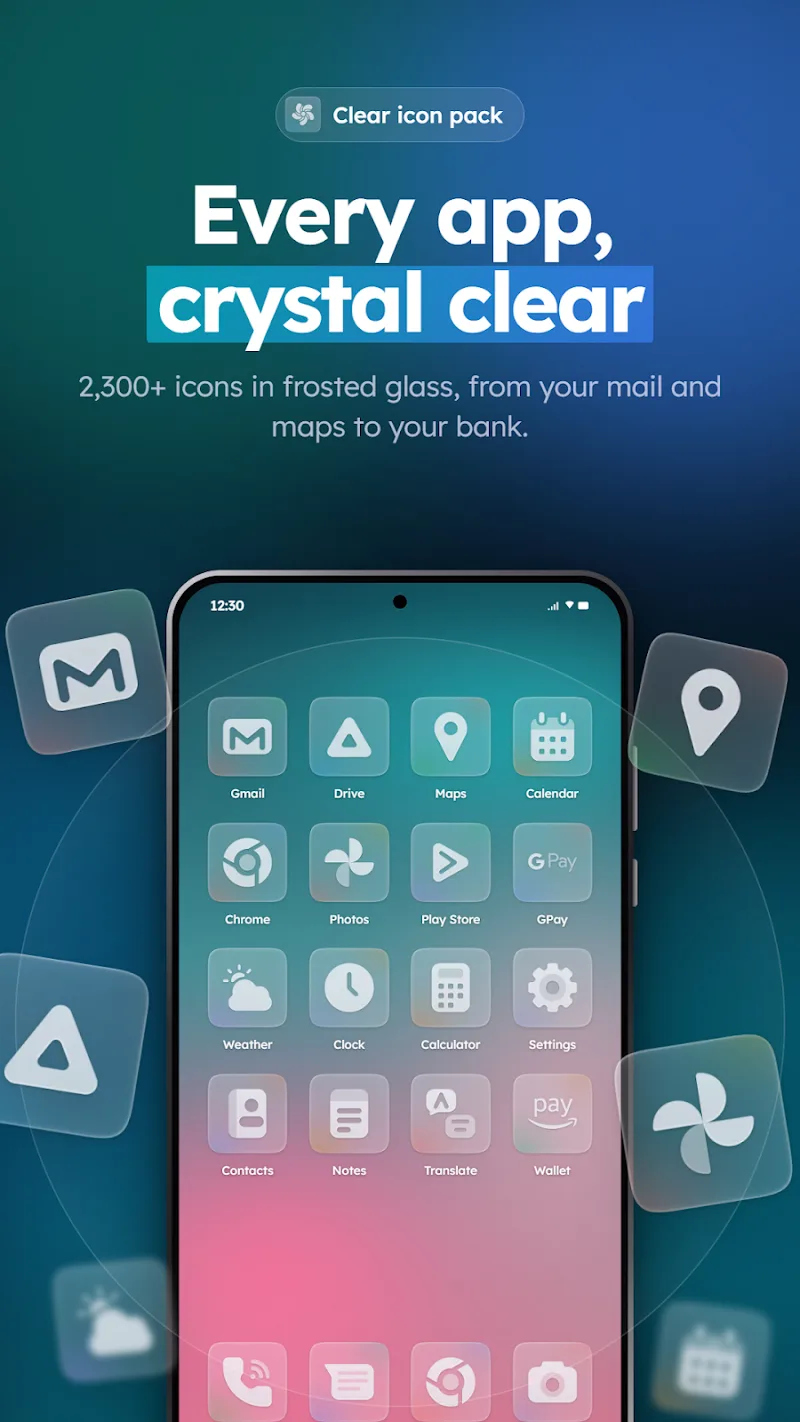
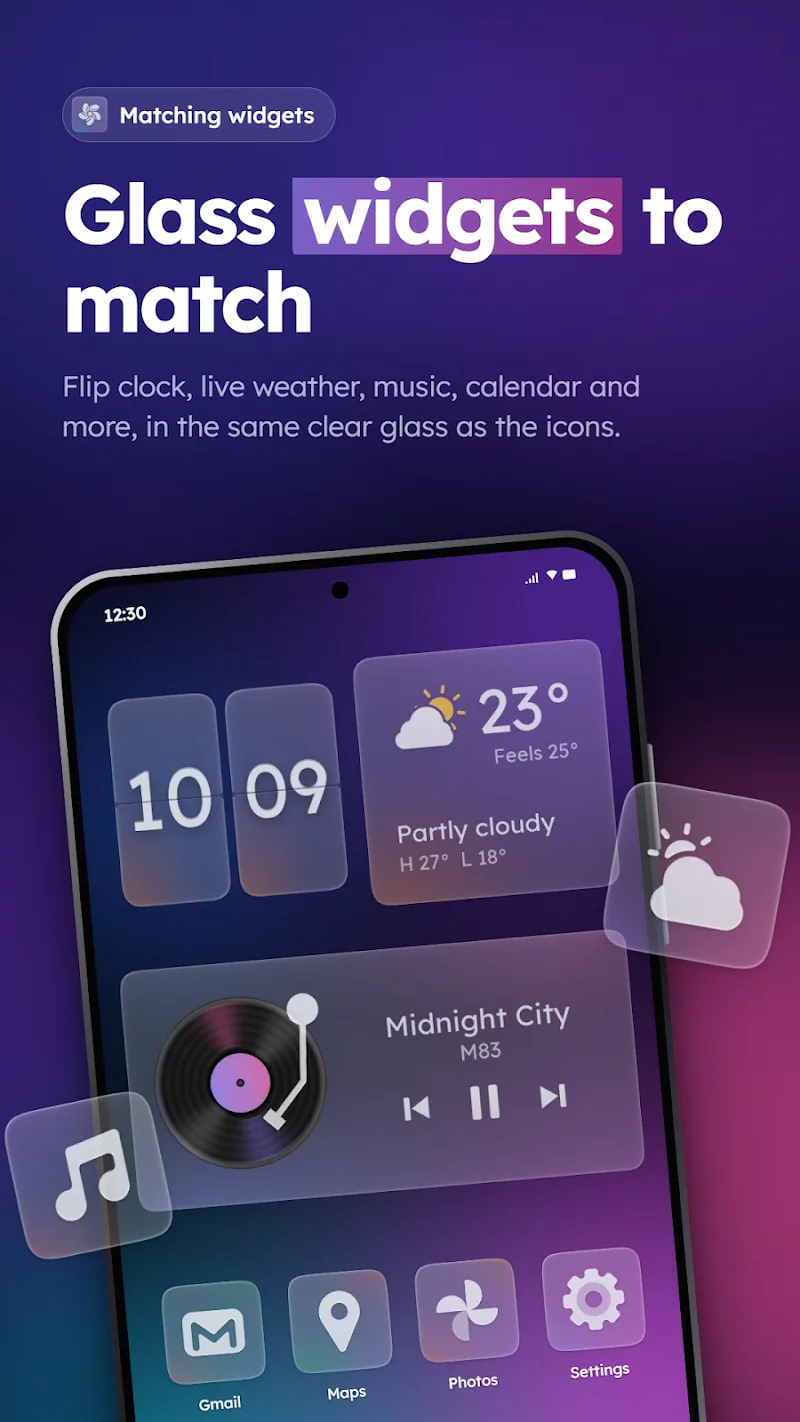
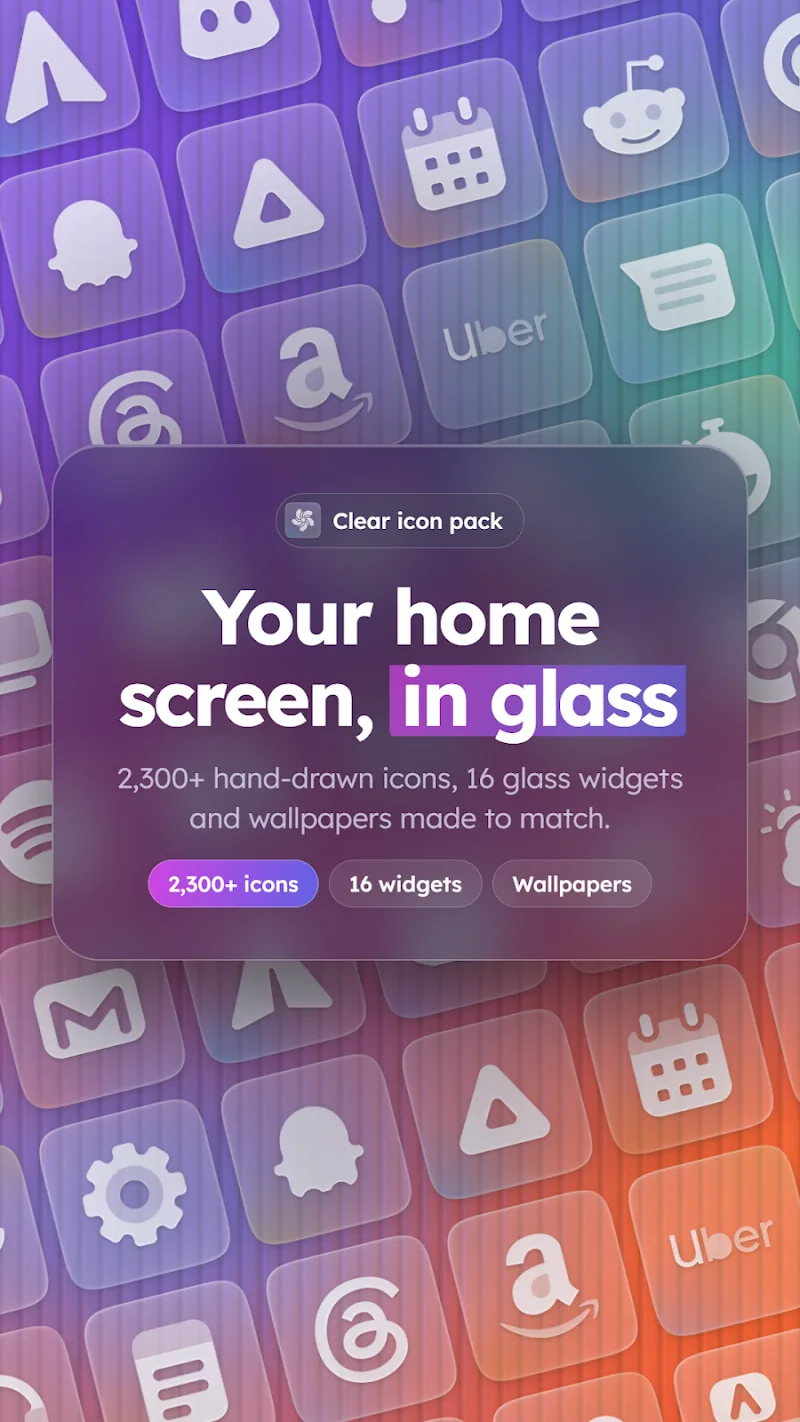
Clear – Glass Icon Pack delivers a sleek translucent icon set that elevates Android home screens with soft blur, subtle shadows, and consistent geometry. Designed for minimalists and customization enthusiasts, Clear – Glass Icon Pack brings cohesive visual polish to launchers, folders, and widgets without draining battery.
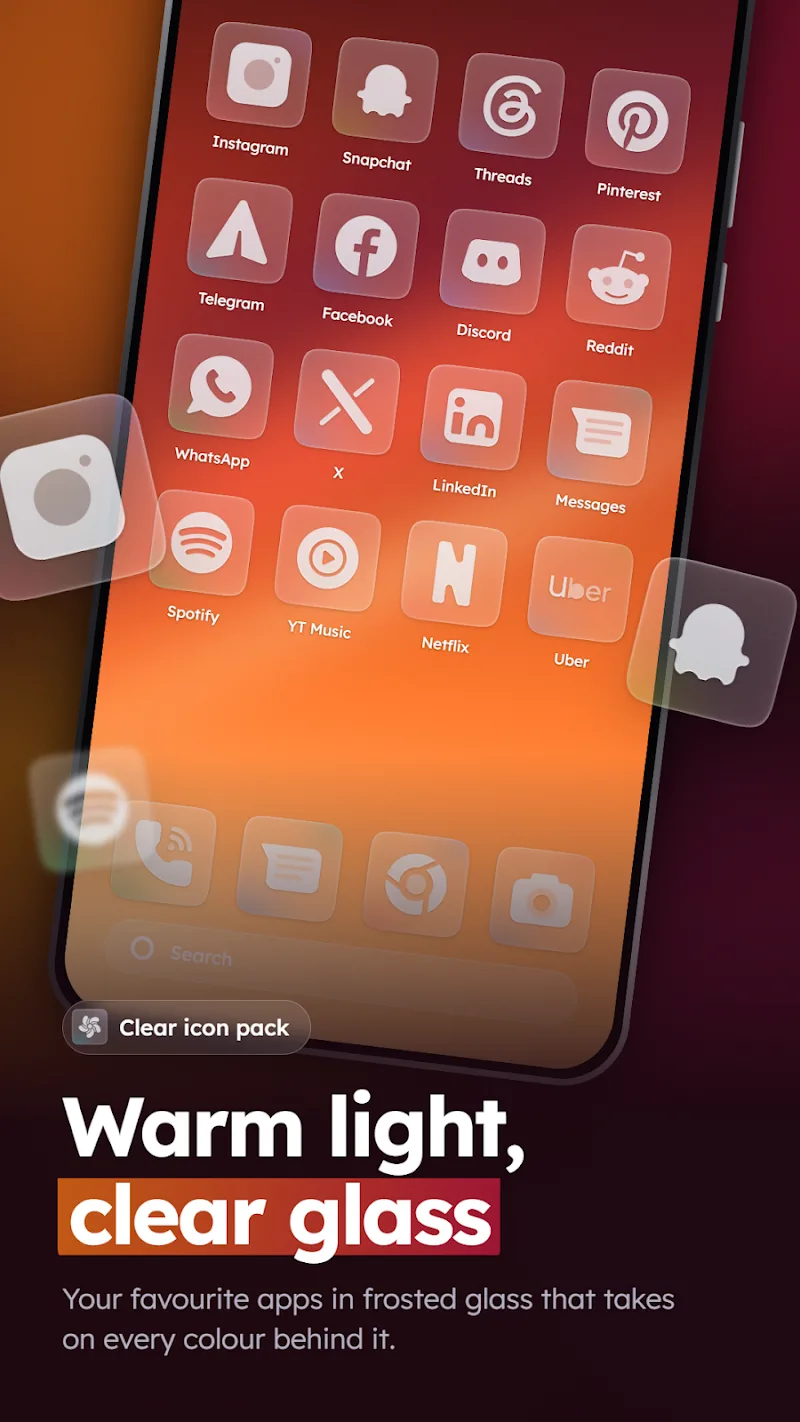
Clear – Glass Icon Pack focuses on refined simplicity: each icon adopts a frosted glass effect with muted colors and gentle highlights that preserve legibility. The pack avoids flashy overlays and noisy textures, instead using a uniform rounded-corner mask and balanced padding so icons appear tidy across different wallpapers and layouts.
Applying Clear – Glass Icon Pack is straightforward with most third-party launchers. Open your launcher settings, choose the icon pack section, and select the Clear set to replace app icons instantly. Beyond default application, you can manually assign specific icons to shortcuts, build custom folders with transparent badges, or mix Clear icons with custom widgets for a curated look.
The icon pack is engineered to run smoothly on a wide range of devices. Image assets use efficient formats and sizes to avoid memory overhead, so there’s minimal impact on system responsiveness. Compatibility extends to mainstream launchers such as Nova, Lawnchair, Action Launcher, and others; the pack also supports adaptive icon masking where the launcher implements that feature.
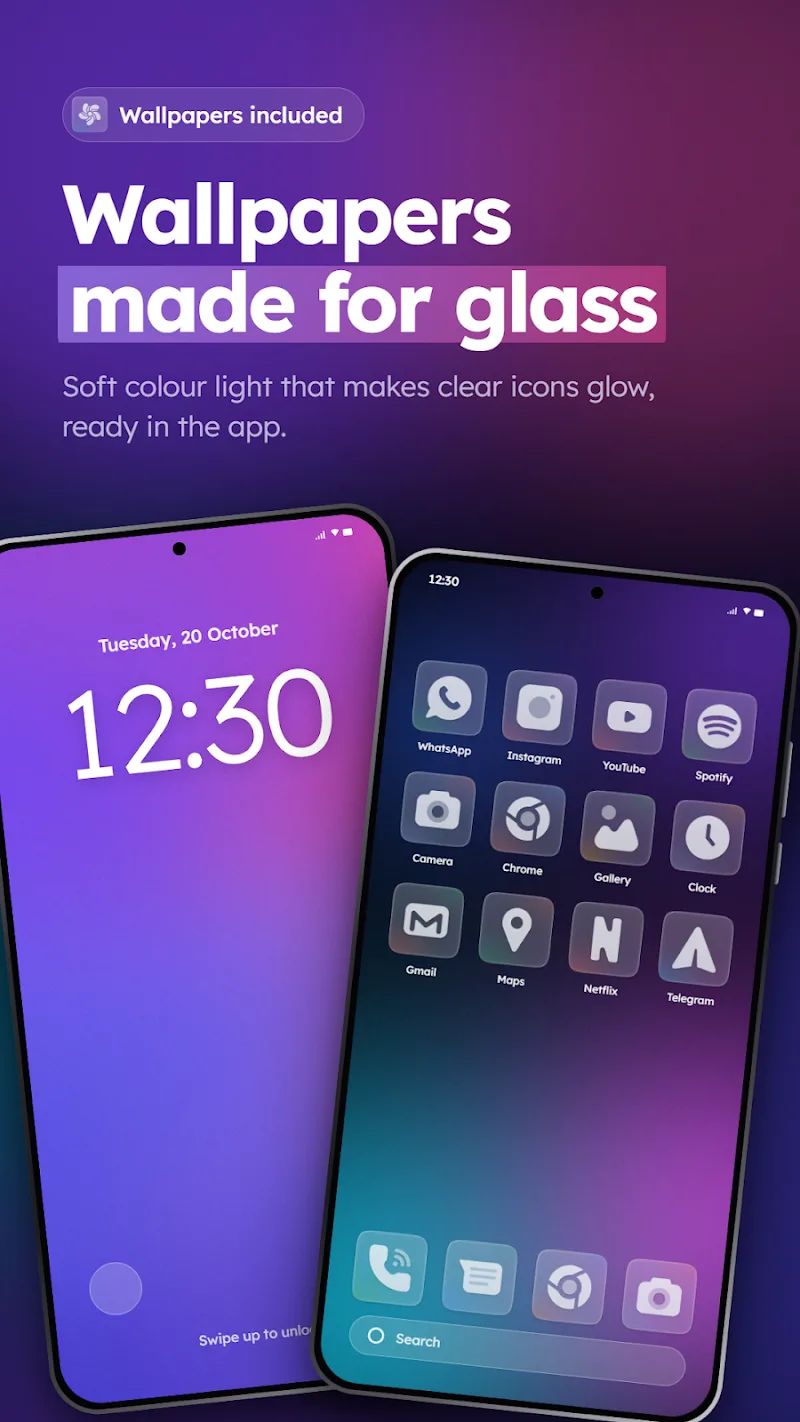
To get the best visual effect, pair Clear – Glass Icon Pack with wallpapers that offer subtle gradients or soft bokeh. Busy or high-contrast backgrounds can reduce the frosted look’s clarity. Adjust grid sizes and icon scaling in your launcher to maintain consistent spacing, and enable adaptive icons if available to avoid mismatched shapes.
Many icon packs include alternative color sets and seasonal releases; Clear offers themed variants and monochrome options to fit different setups. The pack often bundles several matching wallpapers and a simple icon previewer so you can test different combinations before committing to a full apply.
Developer support is accessible via the icon pack’s settings, where users can send missing-icon requests or report compatibility issues. Updates typically add new icons for recently released apps and refine visual details based on user feedback, ensuring Clear – Glass Icon Pack evolves alongside the Android ecosystem.
Clear – Glass Icon Pack is ideal for those who prefer understated elegance over heavy theming. It suits users who want a coordinated, premium look across their device without sacrificing speed or encountering excessive battery drain. The pack also appeals to home screen designers who value consistency and nuanced visual effects.
Whether you want a subtle refresh or a full interface refinement, Clear – Glass Icon Pack offers a cohesive approach to iconography that blends form and function. Its balance of aesthetics, low resource footprint, and ongoing updates make it a practical choice for Android users aiming for a polished, contemporary home screen.