
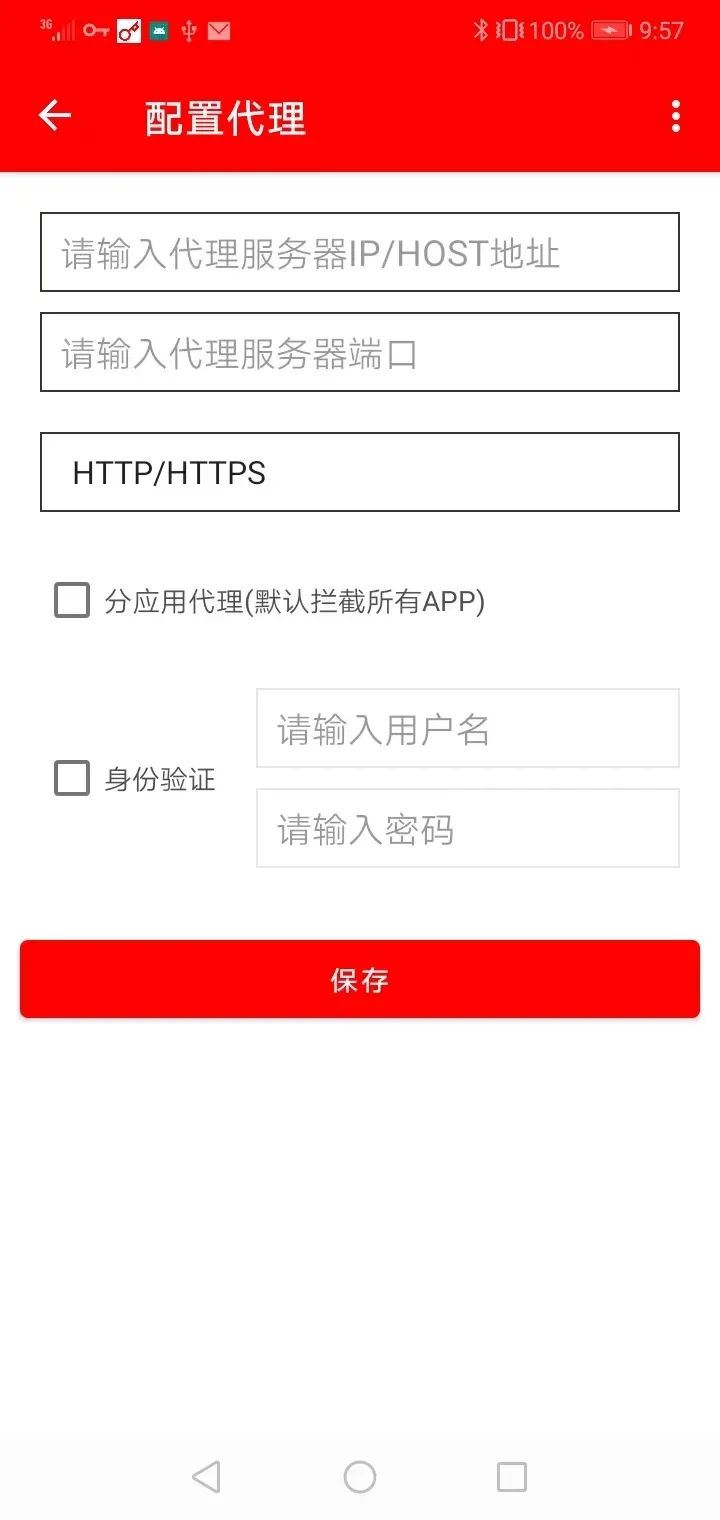
AndProxy is a lightweight Android utility that simplifies proxy and VPN routing for apps and system traffic. It gives power users easy control over connection routes, per-app rules, and encrypted tunnels, enabling flexible network testing, privacy protection, and bandwidth management on phones and tablets without complex setup.
Designed for users who need granular control over network paths, AndProxy combines a minimal interface with robust routing options. The app targets both casual users who want safer browsing and developers or IT professionals who need to debug or simulate different network environments. It supports common proxy types and offers tools to manage traffic without rooting the device.
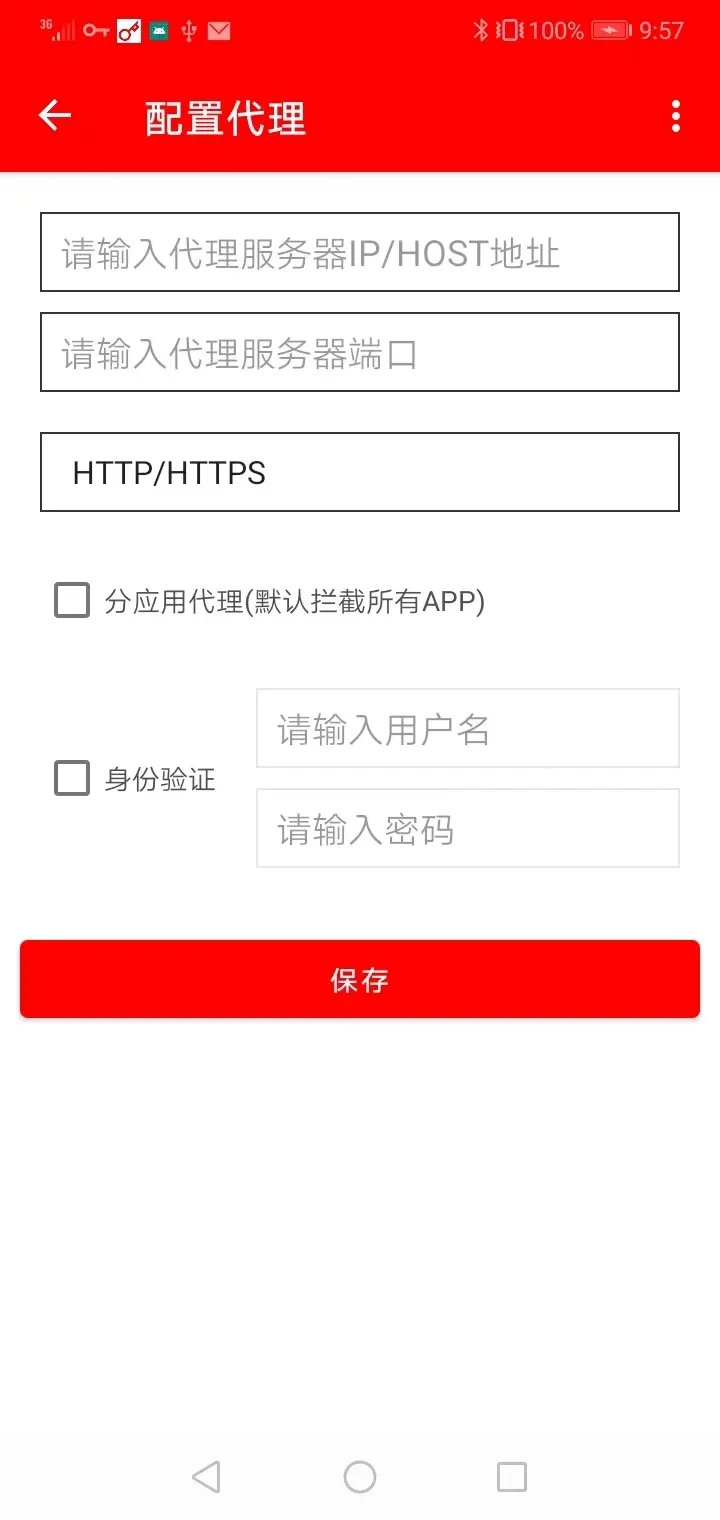
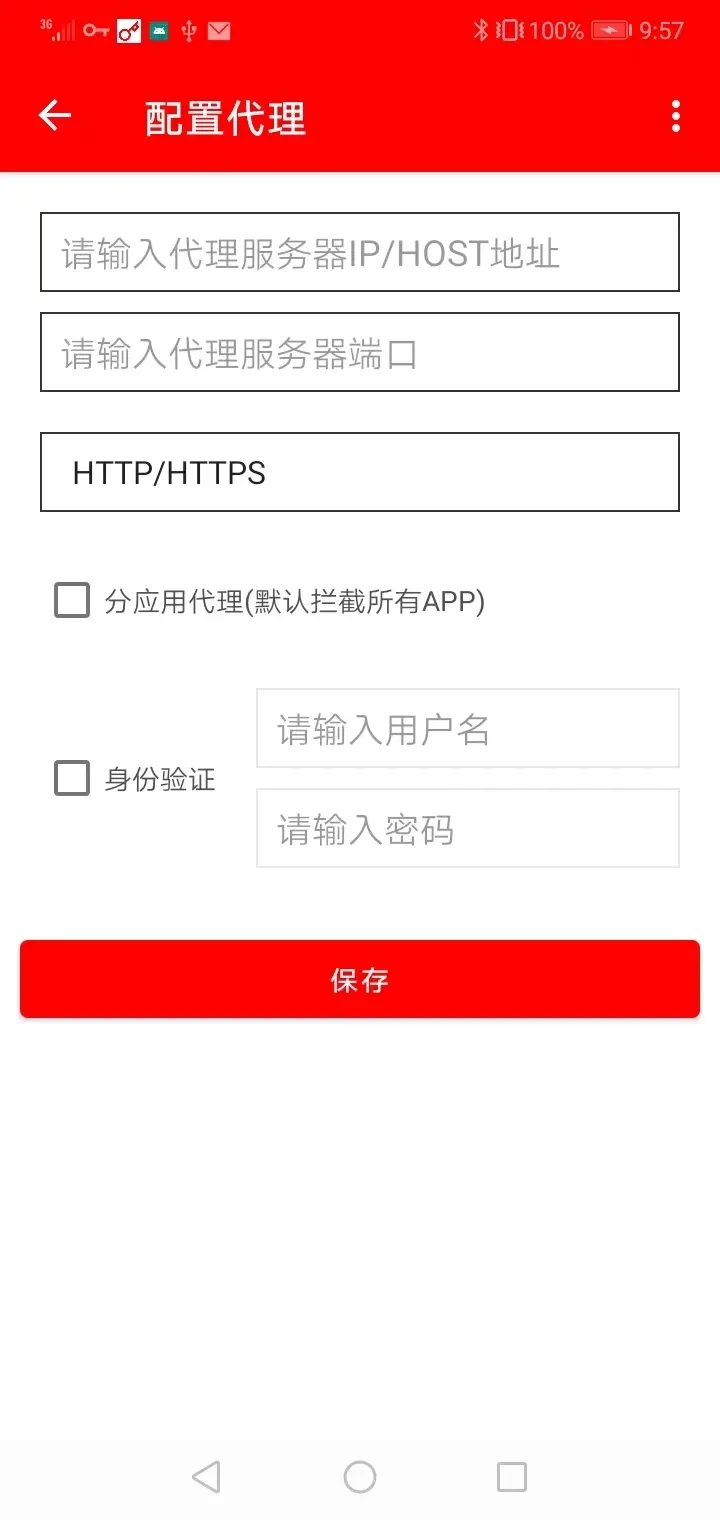
At its heart, AndProxy offers multiple connection modes, including SOCKS5 and HTTP proxies, along with support for encrypted tunnels. You can assign different proxies to individual apps, create global rules, or exclude specific packages from routing. The feature set also includes DNS customization, connection retries, and bandwidth throttling to mimic slower networks for testing.
The routing engine sits between apps and the device network stack, intercepting outbound traffic and forwarding it according to user rules. You can create rule sets based on app package names, IP ranges, or domain patterns. This lets you redirect a single app through a remote proxy while leaving others to use the regular connection. Such precision makes it easier to troubleshoot connectivity issues or maintain separate privacy profiles for different activities.
For users who need deeper control, AndProxy includes advanced settings like custom DNS servers, upstream proxy chaining, and TLS options for encrypted tunnels. The app exposes logs and connection details so you can inspect handshake errors and latency. Those who use the app for testing can set artificial latency and limit throughput to replicate specific network scenarios.
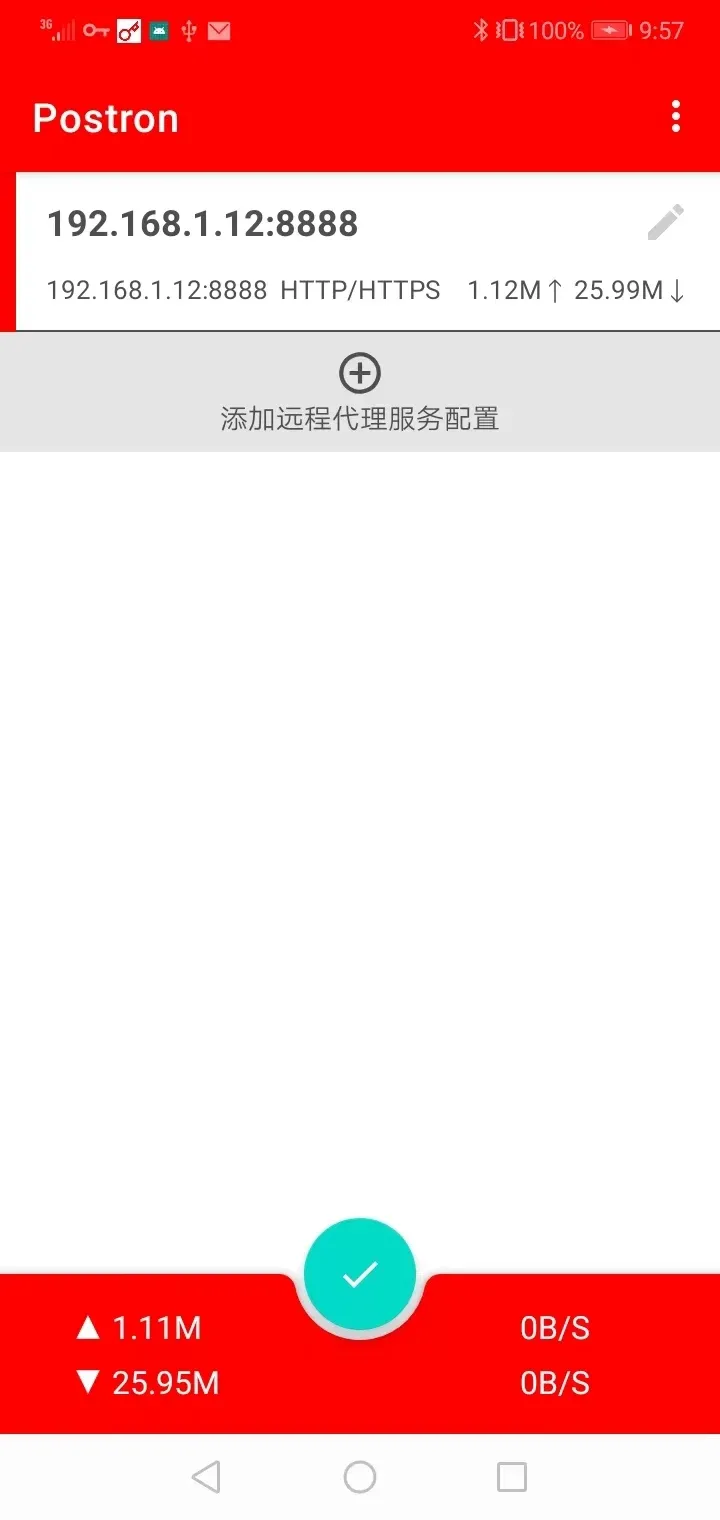
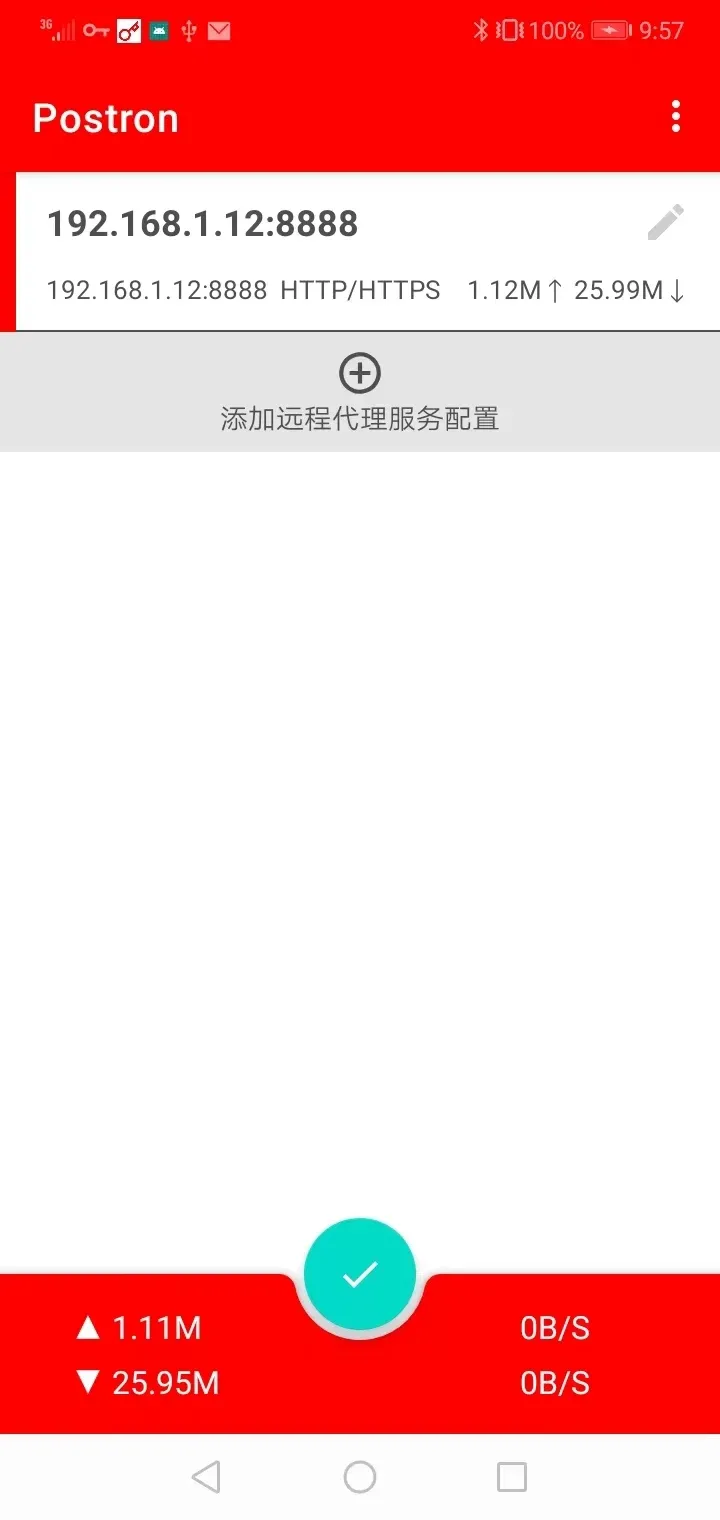
The interface emphasizes clarity: big toggles to enable or disable routing, a concise list of per-app rules, and quick access to logs and connection statistics. Performance is optimized to minimize battery and CPU impact; connections are handled by a lightweight local service that consumes few resources when idle. The app also caches common DNS queries to reduce repeated lookups and improve responsiveness.
AndProxy streamlines common workflows like switching between work and personal proxy profiles or enabling a privacy profile before connecting to public Wi-Fi. Profiles can be saved and restored, which is useful for people who frequently change network environments. Simple export/import options let you move configurations between devices or share them with teammates during troubleshooting sessions.
While AndProxy routes traffic through proxies and supports encryption, the privacy level depends on the configured upstream servers. Always use trusted proxies and verify TLS settings when dealing with sensitive data. The app offers options to prevent routing of local network traffic to preserve access to printers and smart devices on the same Wi-Fi.
Installation is straightforward: download the APK from a trusted source, grant the necessary permissions, and follow the guided setup to create your first profile. No root access is required for most features, though some advanced routing modes may need additional system privileges. The setup wizard walks you through adding per-app rules and testing your first connection.
AndProxy is a practical choice for anyone who needs flexible control over Android traffic. Its mix of simplicity and depth makes it suitable for daily privacy tasks, network troubleshooting, and controlled testing environments. Regular updates add compatibility and polish, keeping the app useful across Android versions and devices.