

Install Buddy is a lightweight Android utility designed to simplify APK installation and app management. It streamlines batch installs, verifies package integrity, and provides a clean interface for organizing files and versions so power users and casual installers can manage apps with greater control and less hassle.
At its core, Install Buddy acts as a focused tool for installing APKs and managing local application packages. It combines basic file management with installer-specific features such as signature checks, version history, and conflict detection. The app reduces the common friction points that occur when sideloading or maintaining multiple APKs on one device.
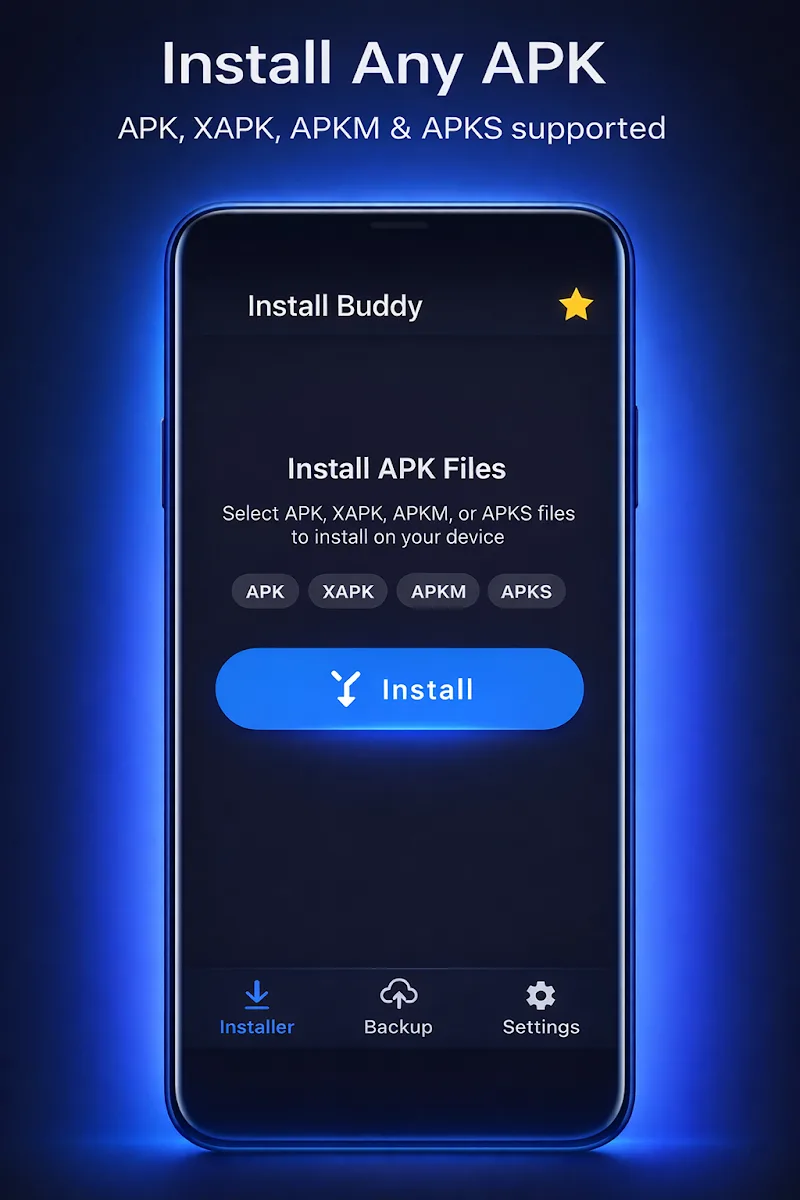
Install Buddy integrates with Android’s package manager while staying non-intrusive. Users open an APK from the app or share files from a file manager to Install Buddy. The utility inspects the package, shows relevant details like required permissions and package name, then prompts to install. When multiple files are selected, it creates a queue and displays progress for each item.
The interface emphasizes clarity. A single-pane layout lists queued APKs with icons, file sizes, and simple action buttons. Context menus let you remove items, view APK certificates, or export logs. For those who prefer visual feedback, progress indicators and toast messages keep installation status visible without clutter.
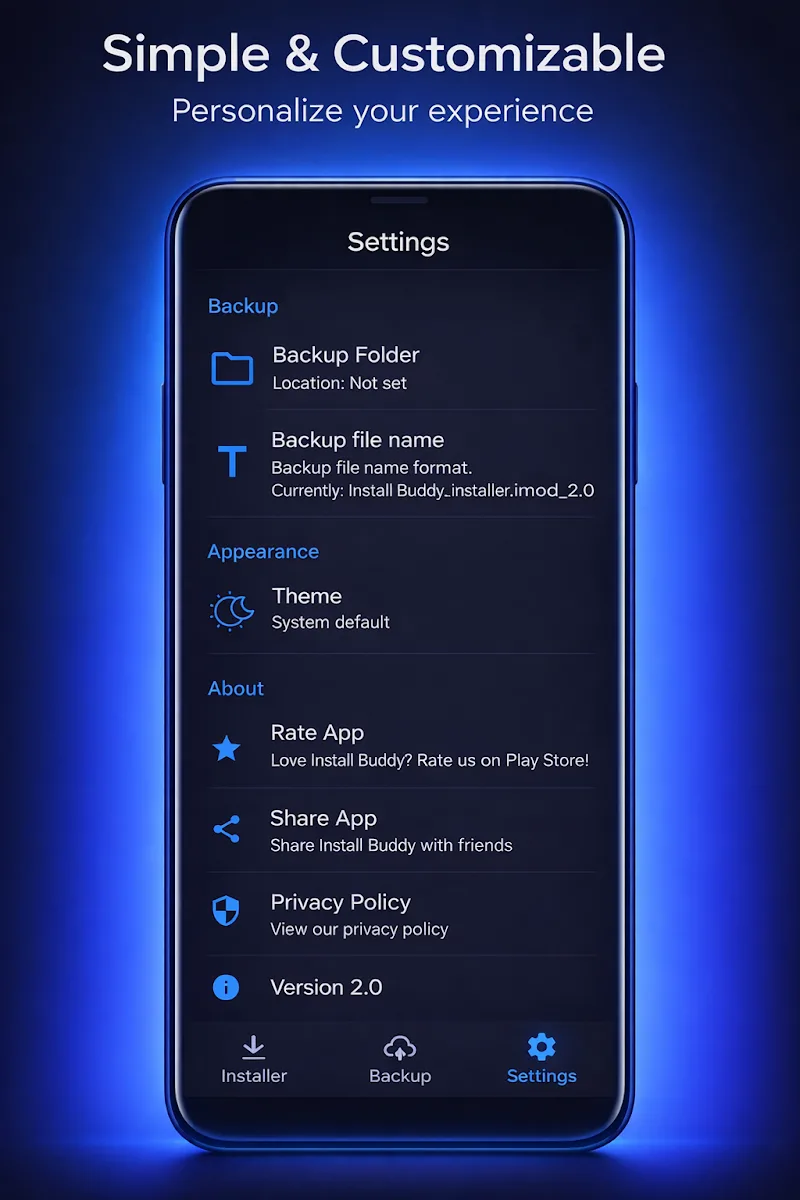
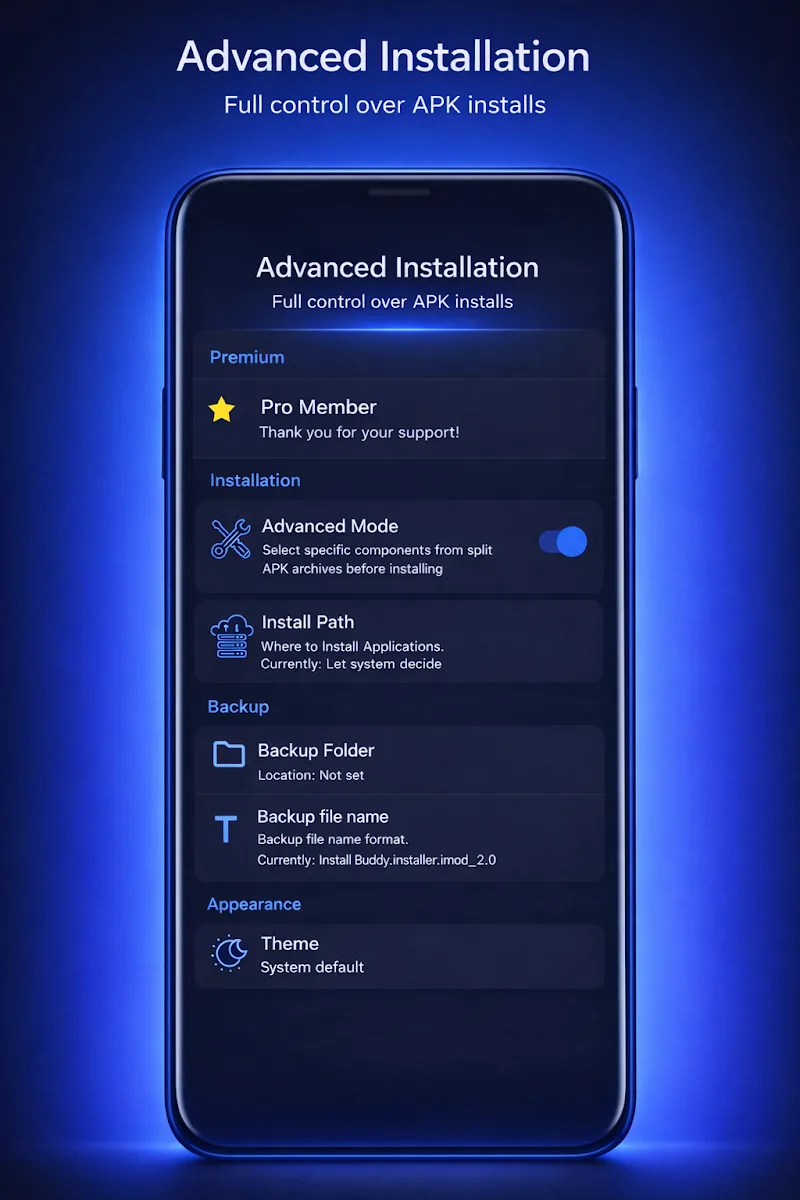
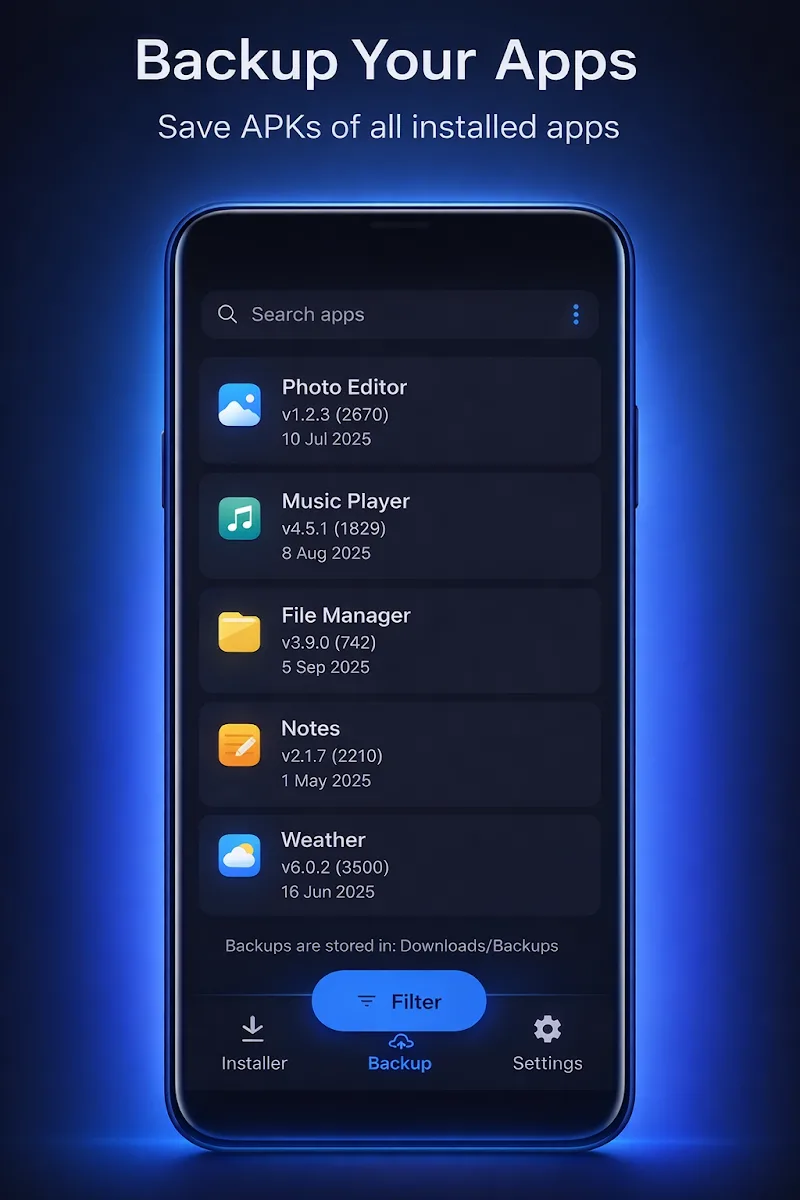
Beyond basic installs, Install Buddy offers tools aimed at developers and advanced users. You can extract manifests for quick inspections, compare package signatures to detect mismatches, and back up APK files into organized folders. Optional features like silent installs (requires adb or root) and custom install flags are tucked into an advanced settings area so casual users aren’t overwhelmed.
Designed to be lightweight, the app runs comfortably on mid-range devices without noticeable lag. Memory use is kept low by processing one APK at a time and offloading heavy tasks to brief background jobs. Install Buddy also avoids aggressive battery use by scheduling longer operations while the device is awake or connected to power.
Users who regularly manage APKs appreciate Install Buddy for its focused feature set and no-nonsense interface. It removes repetitive tasks and gives clear diagnostics, making it well-suited for device reviewers, app testers, and anyone who prefers managing apps outside of the Play Store.
Getting started is straightforward: grant the necessary permissions, point Install Buddy at a folder with APKs, and let it scan. The onboarding hints guide you through queue creation and log inspection so you can be productive within minutes.
Final notes: Install Buddy strikes a balance between utility and simplicity. It doesn’t try to replace full-featured file managers or development tools; instead, it fills a niche by making APK installation predictable, traceable, and faster for users who rely on sideloading or frequent app testing.