Multi Space:Dual Apps helps you run multiple instances of the same Android application on a single phone, creating isolated workspaces for social accounts, games, or separate privacy profiles. It clones apps, keeps data separated, and makes switching between accounts quick and seamless without repeated sign-ins or conflicts.
Multi Space:Dual Apps offers a compact set of tools designed for everyday multitasking: app cloning, data isolation, secure sandboxing, and customizable icons for each clone. You can run two or more copies of popular apps — messaging, social networks, or utility tools — while keeping cookies, cache, and login sessions independent.
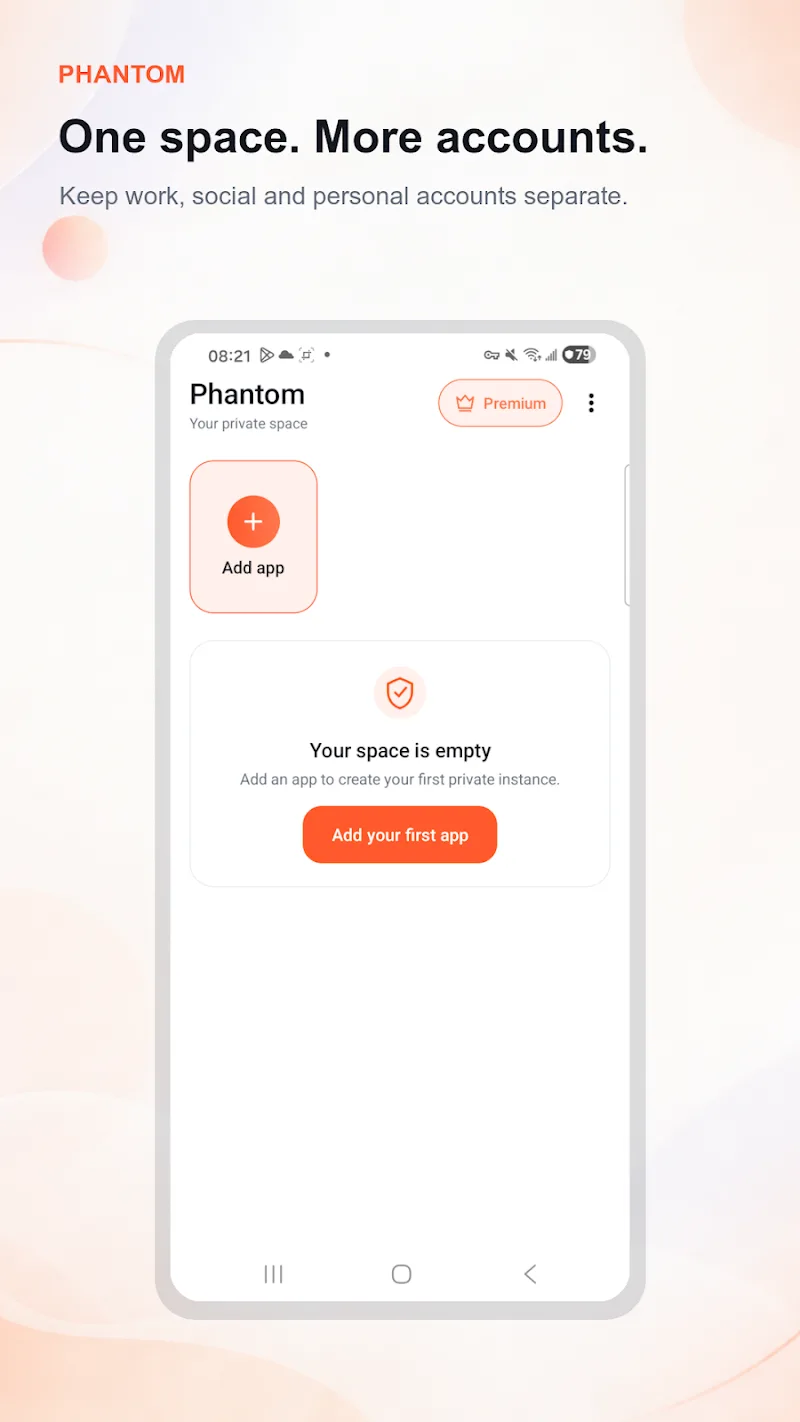
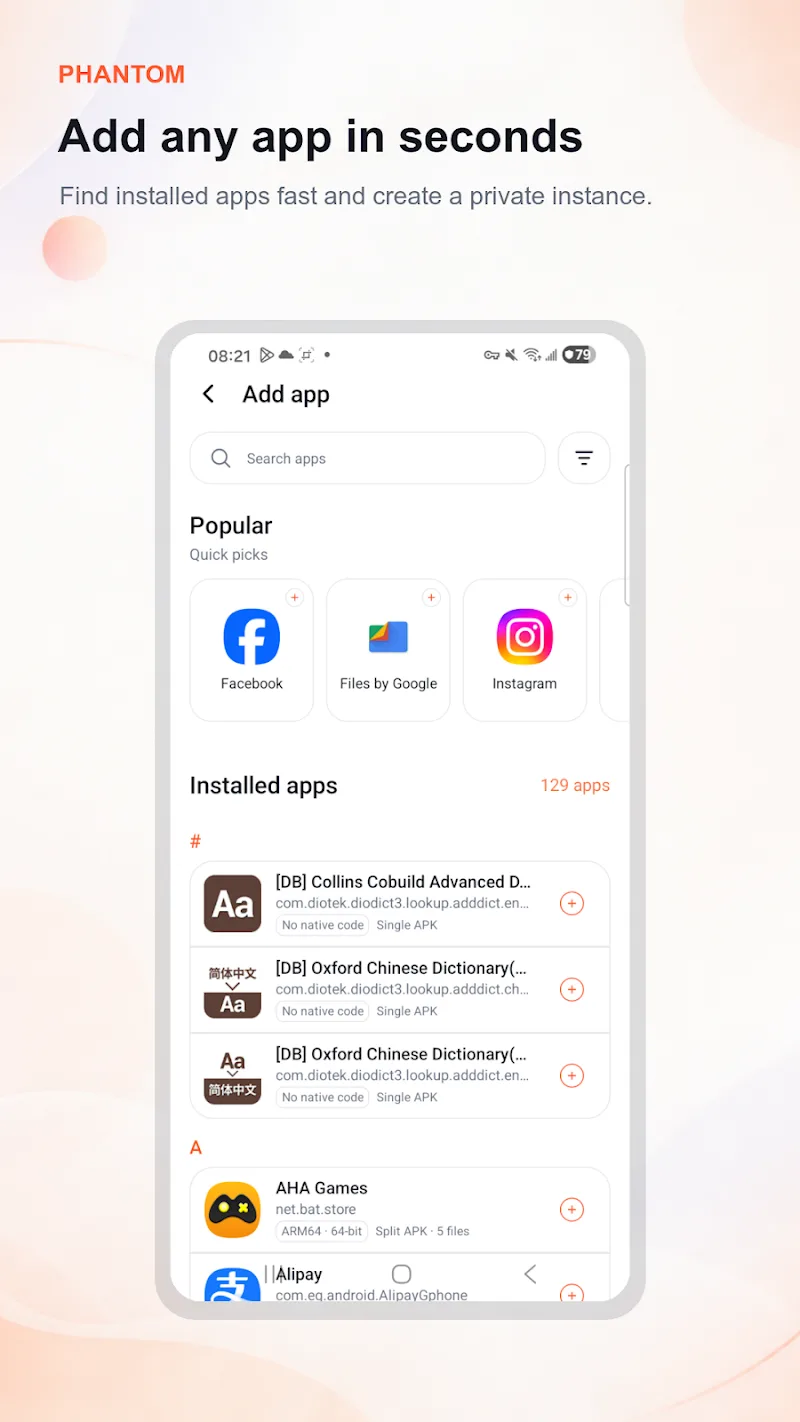
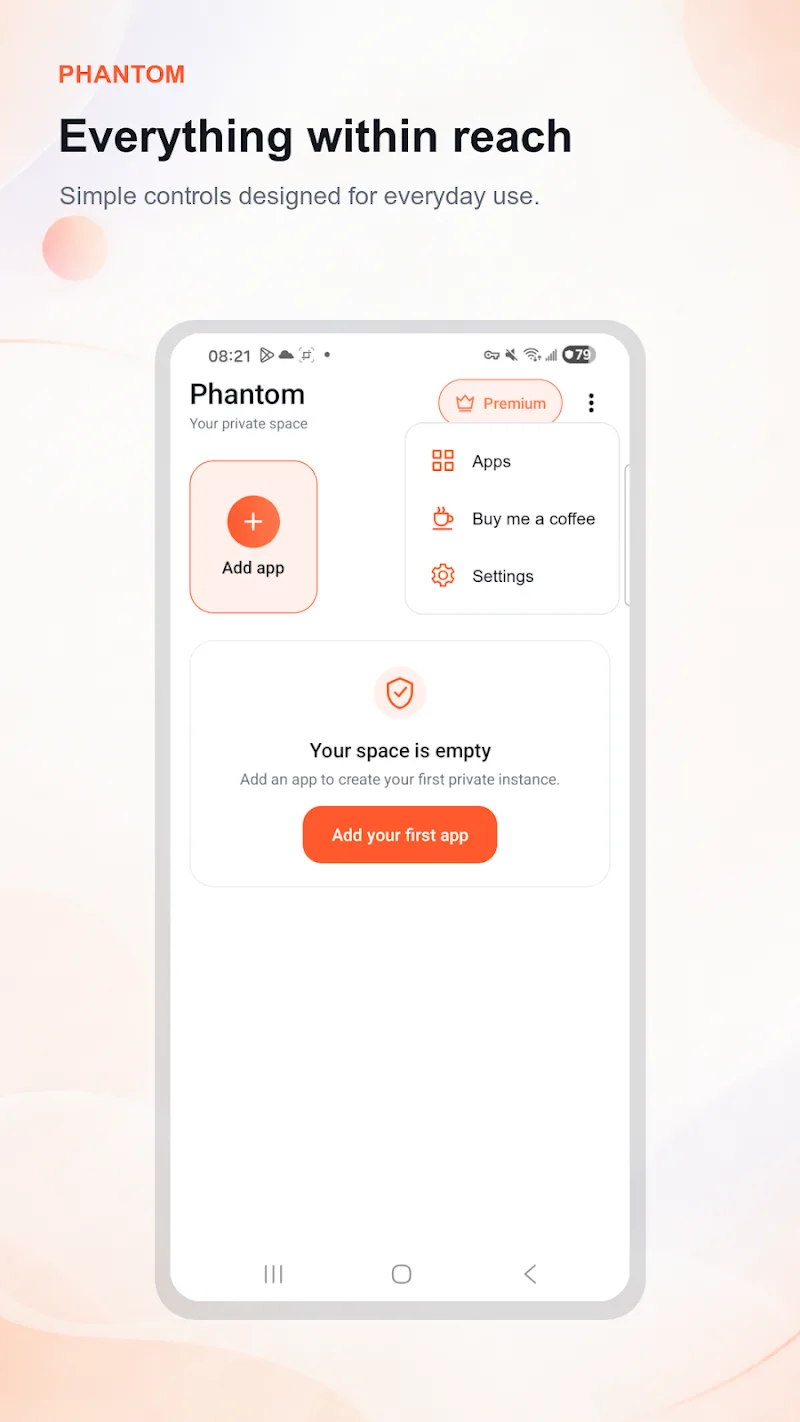
The interface prioritizes simplicity. A clean home area shows all created spaces and their status. Creating a new clone takes just a few taps: choose an app from the list, assign a name or icon, and launch the copy. Switching between spaces is immediate, and background clones remain active so notifications continue to arrive according to each clone’s settings.
Privacy is a key focus. Each cloned instance runs inside a contained environment to prevent data overlap between accounts. You’ll find options to lock specific spaces with a PIN or biometric unlock, hide clones from the launcher, and block screenshot or clipboard access for sensitive apps. Permissions can be granted separately per clone, reducing unnecessary access.
Because cloning creates additional active processes, Multi Space:Dual Apps includes battery and memory monitoring to keep performance predictable. The app provides recommendations for limiting background activity, clearing cache per clone, and adjusting sync intervals. For devices with limited RAM, you can pause unused clones to free resources without deleting them.
Multi Space:Dual Apps supports most modern Android versions and is optimized for a wide range of devices, from budget models to flagships. The tool handles popular apps and games, although a few titles with anti-cheat or DRM measures may restrict cloning. The app detects compatibility issues and prompts alternative options like web login or separate profiles.
Customizing clones helps keep accounts organized. Rename each clone, choose a distinctive icon color, and add quick shortcuts to the home screen. Notification badges, sound profiles, and auto-start preferences can be set on a per-clone basis so you can mute work accounts during evenings or reduce interruptions while gaming.
To get the most from Multi Space:Dual Apps, start by cloning only the apps you use most frequently. Monitor battery and memory after creating several clones and pause or remove any that cause slowdowns. Use unique passwords or two-factor authentication per account to strengthen security, and enable the built-in lock feature for any clone that stores private information.
Notification control is flexible: assign notification priorities and do-not-disturb rules per clone so that only important alerts get through. Background sync settings can be tuned to balance immediacy and battery life — useful for messaging apps you want instant updates from and others that can refresh less often.
Multi Space:Dual Apps is designed for people who need practical multi-account management without technical complexity. It keeps sessions isolated, simplifies identity switching, and gives hands-on control over privacy and performance. With simple customization and clear resource tools, it fits both casual users and those who rely on multiple profiles for work or play.
Install the app, grant the basic permissions requested, and create your first clone from the main screen. Follow the guided prompts to set a lock and notification rules. If you encounter an app that won’t clone, check compatibility suggestions or try the web-based alternative provided in the app’s help section.