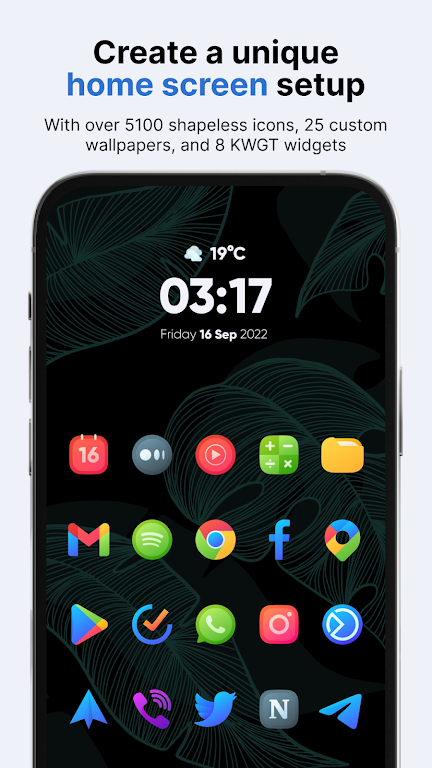
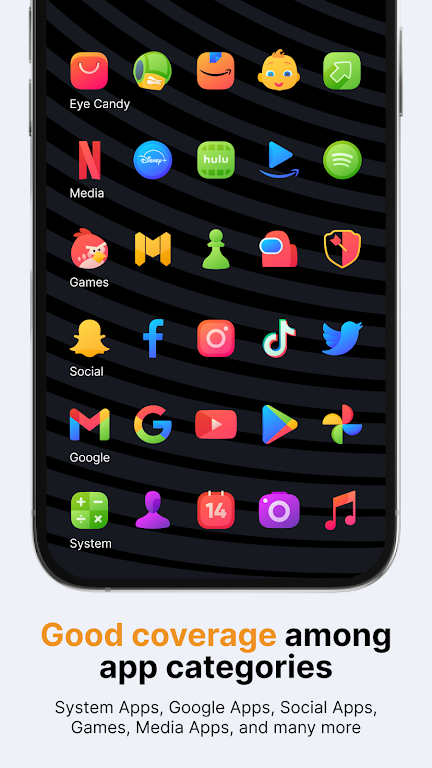
Vera Icon Pack transforms your Android home screens with a cohesive library of handcrafted icons and subtle visual treatments. Vera Icon Pack delivers a clean, modern aesthetic, broad launcher support, and thoughtful alternatives for missing icons, making it simple to refresh your device’s look without overhauling widgets or themes.
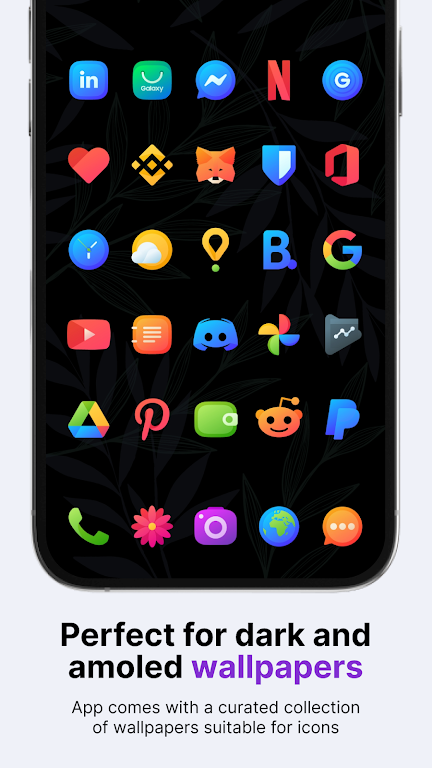
The package focuses on consistent iconography and a restrained color palette to create a unified appearance across apps. Each icon is designed to match common interface patterns while offering a slightly softer edge and muted tones that reduce visual noise. The result is a polished, non-distracting desktop that highlights content rather than competing with it.
Design decisions emphasize readability at a glance. Icons use simplified shapes, consistent stroke weights, and gentle shadows to achieve a tactile look without appearing heavy. Backgrounds and glyphs are balanced so that both light and dark launcher themes work well. If you prefer a minimal aesthetic, Vera Icon Pack supports that by toning down saturated colors and focusing on form.
Compatibility matters for icon packs, and Vera Icon Pack supports a wide selection of third-party launchers such as Nova, Lawnchair, Action, and more. A dedicated installer in the pack detects your current launcher and guides you through applying the icons. For OEM launchers with limited support, the masking system helps fill gaps by generating consistent shapes for unthemed icons.
Getting started is straightforward: install the pack, open its dashboard, select your launcher from the list, and apply the theme. If certain apps don’t update automatically, the dashboard offers easy manual option per-app. The pack also includes a request tool so you can submit icons for apps that are missing or poorly matched, helping the developer prioritize updates.
Vera Icon Pack is designed to be lightweight. Assets are vector-first where possible, reducing APK size while delivering scalable visuals. The runtime overhead is minimal because icons are static images applied by the launcher, not an active service running in the background. This keeps battery and memory impact negligible compared to live widgets or animated themes.
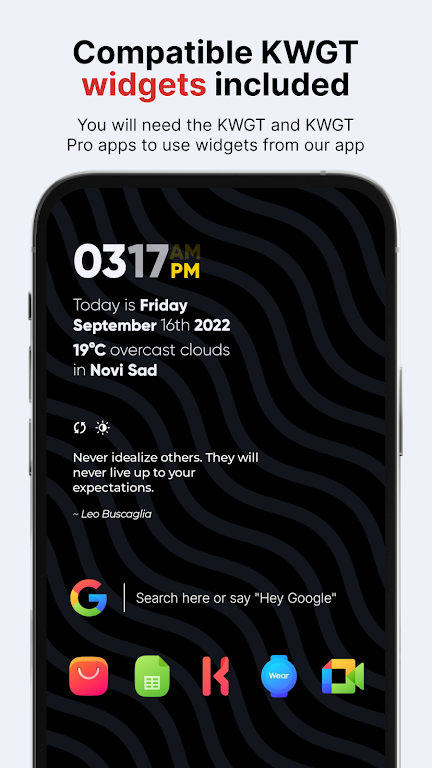
Pairing the icon pack with a subtle wallpaper and a minimal widget set amplifies its effect. Try selecting wallpapers with low-contrast gradients or soft textures to let the icons stand out. Many launchers allow custom icon size and grid tweaks—reducing icon size slightly and increasing grid density gives a refined, magazine-like arrangement that suits Vera Icon Pack’s disciplined styling.
Whether you need a professional look for work, a clean base for a curated home screen, or a reliable fallback when switching devices, this icon pack fits multiple scenarios. It’s especially useful for users who change launchers frequently or maintain multiple devices, because consistent icon design helps transfer familiarity from one screen to another.
Active maintenance is part of the offering. The developer typically listens to icon requests and compatibility issues reported through the dashboard. Expect periodic icon additions and adjustments to reflect app redesigns and platform changes. For troubleshooting, the dashboard contains contact options and common fixes to handle unusual launcher behavior.
Vera Icon Pack offers a refined, developer-friendly approach to home screen theming. It strikes a balance between visual restraint and personality, making it a versatile choice for users who appreciate consistency and clarity. Try applying the pack alongside small interface tweaks to see how much a cohesive icon set can refresh your device without intensive customization work.