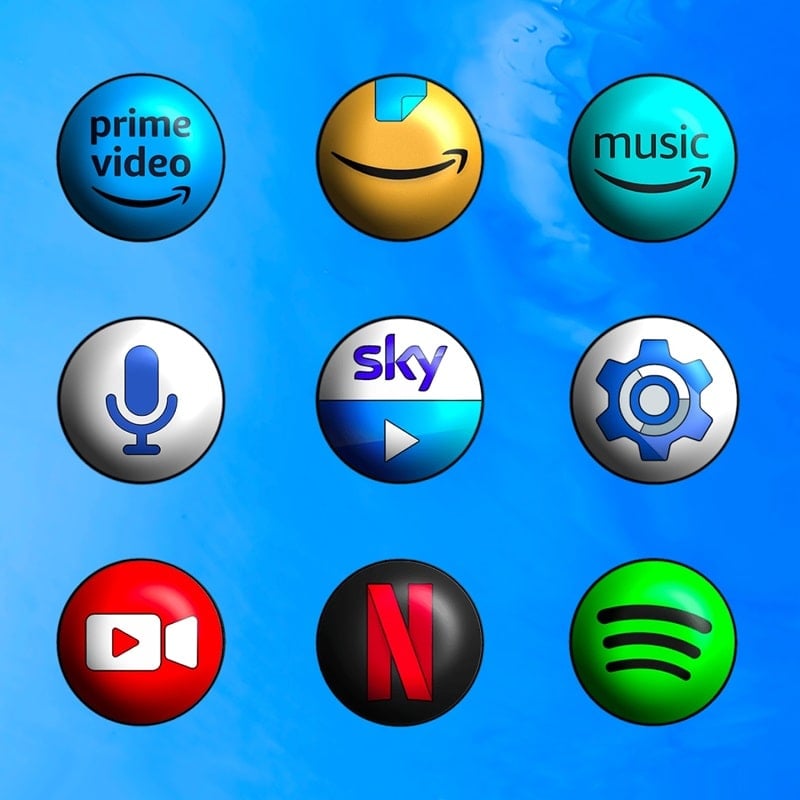
Pixly 3D - Icon Pack transforms your Android home screen with crisp, layered icons that add depth without sacrificing clarity. This icon pack delivers a consistent visual language across hundreds of app icons, system glyphs, and wallpapers, making your launcher feel modern and cohesive with minimal setup required.
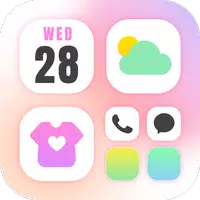
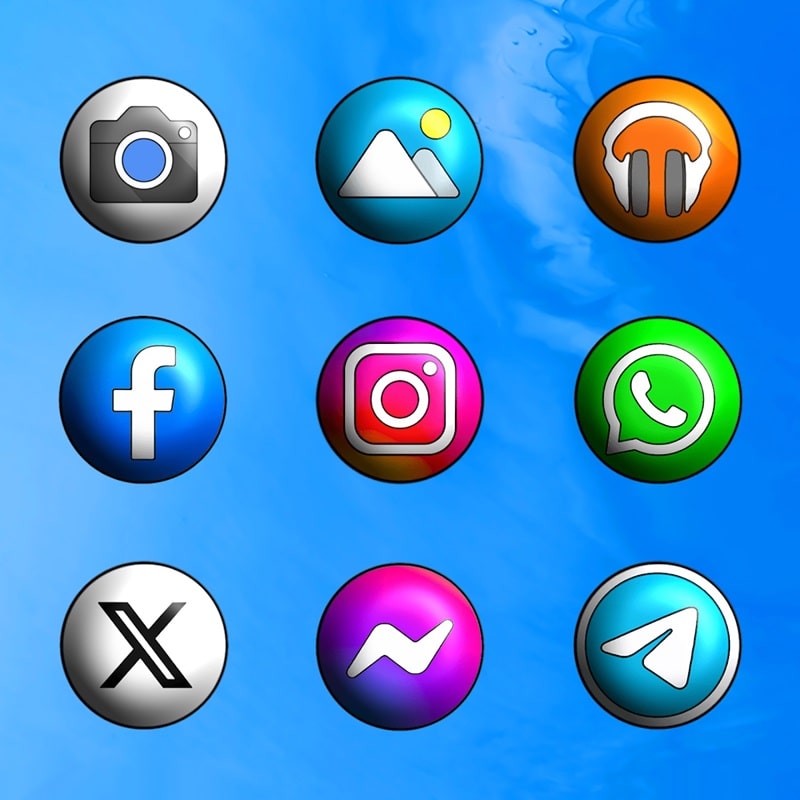
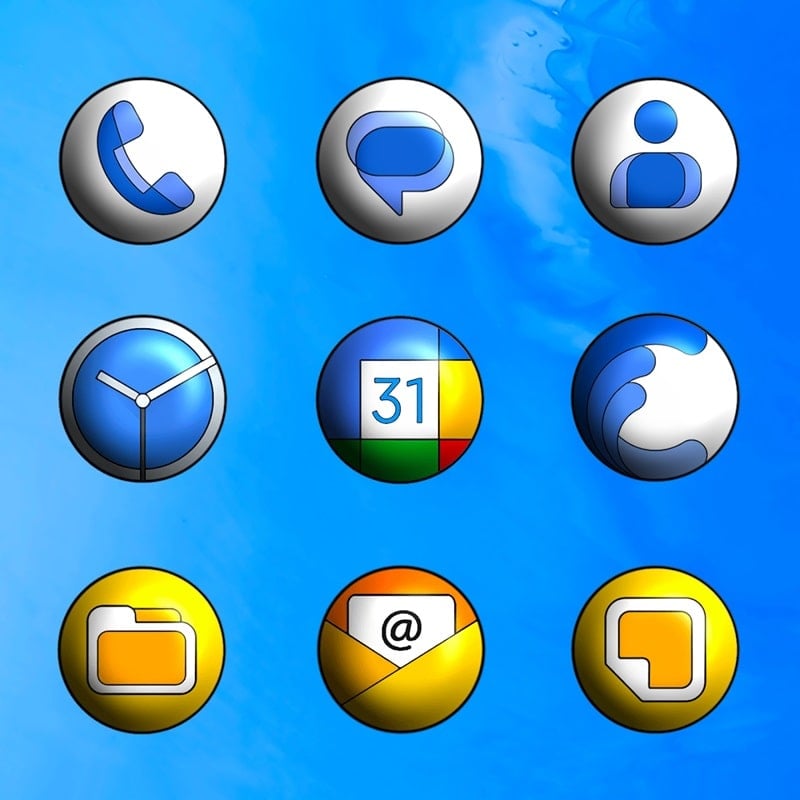
Pixly 3D - Icon Pack focuses on delivering high-quality adaptive icons with a subtle three-dimensional effect. Each icon is handcrafted to preserve recognizability while introducing gentle shadows, beveled edges, and vibrant palettes. The pack includes alternate icon shapes, matching folders, and several cloud-hosted wallpapers designed to complement the icon set.
The aesthetic of Pixly 3D blends flat design principles with soft depth cues, resulting in an elegant but lively appearance. Icons maintain consistent stroke weights and color saturation so third-party apps don’t look out of place. Emphasis is placed on legibility at small sizes, so app symbols stay clear on phones, phablets, and tablets.
Customization is straightforward: choose icon masks, adjust icon size through your launcher, and apply alternate glyphs for particular apps. Pixly 3D - Icon Pack offers multiple theme variants and a small set of replacement icons for popular applications. For users who like fine-tuning, the included alternate icons let you mix and match styles for folders, docks, and system shortcuts.
Pixly 3D - Icon Pack is optimized to be lightweight and battery-friendly. Icons are packaged as vector and high-resolution PNGs to maintain crispness across screen densities while keeping app size reasonable. The app avoids heavy background processes and relies on the hosting launcher for applying and caching assets, which preserves system responsiveness.
For users who build homescreen setups regularly, Pixly 3D supports exporting icon previews and includes a simple request tool to suggest missing icons. Designers can use the pack as a base aesthetic, pairing it with icon mask adjustments and matching wallpapers to produce a themed collection that stays coherent across third-party widgets and docks.
Regular updates expand the icon database and refine existing assets based on user feedback. The developer typically responds to compatibility requests and issues through the app’s support channel. Because the pack is modular, new icons are delivered without altering previously applied customizations.
Choose Pixly 3D - Icon Pack when you want a sophisticated, low-friction way to refresh your device’s look. The pack balances polished visuals with practical compatibility, making it suitable for daily drivers and showcase setups alike. Its focused design language, straightforward application steps, and ongoing updates ensure a reliable theming experience.