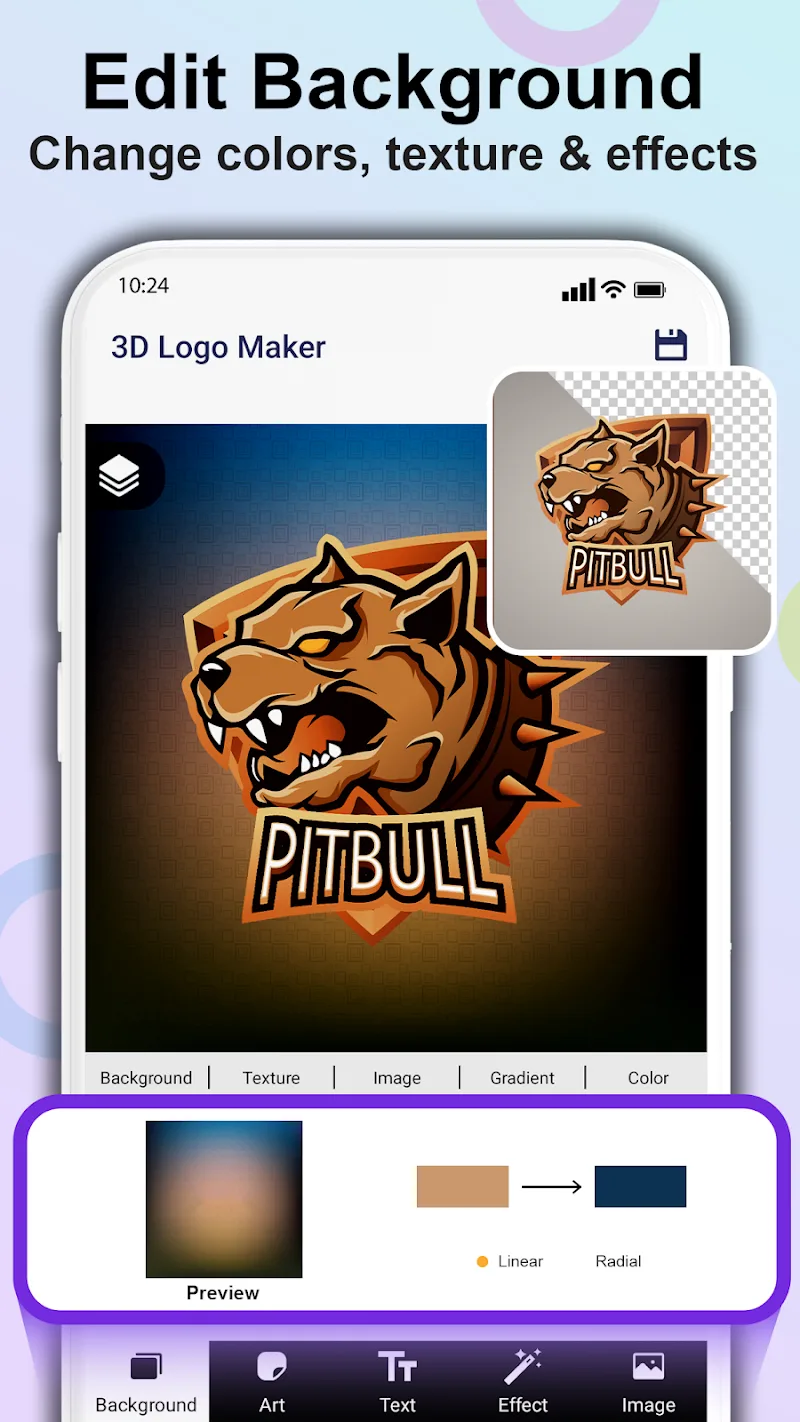
3D Logo Maker is a mobile design tool that helps users create professional three-dimensional logos quickly, combining templates, instant previews, and editable layers. It’s built for entrepreneurs, content creators, and hobby designers who need polished branding assets without complex desktop software or steep learning curves.
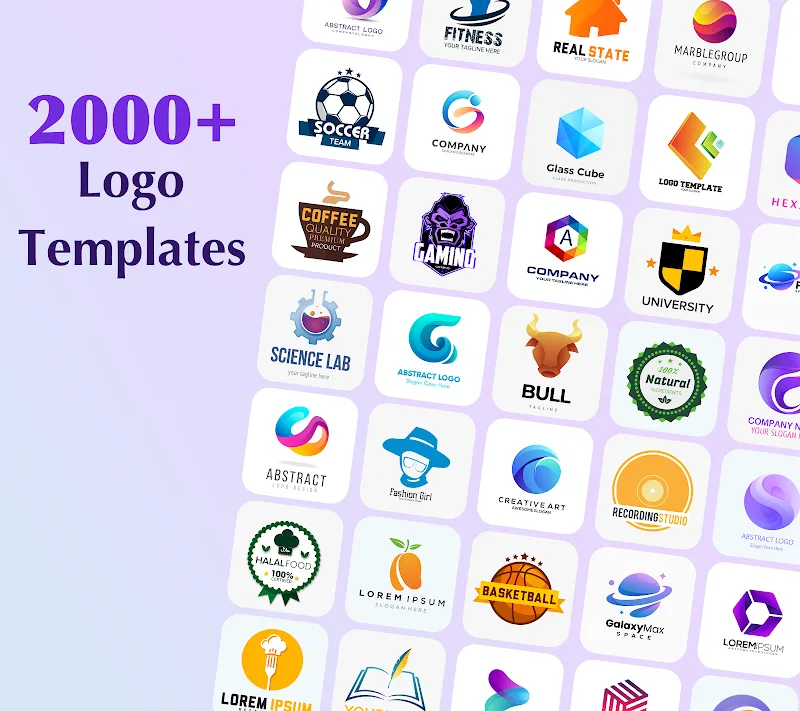
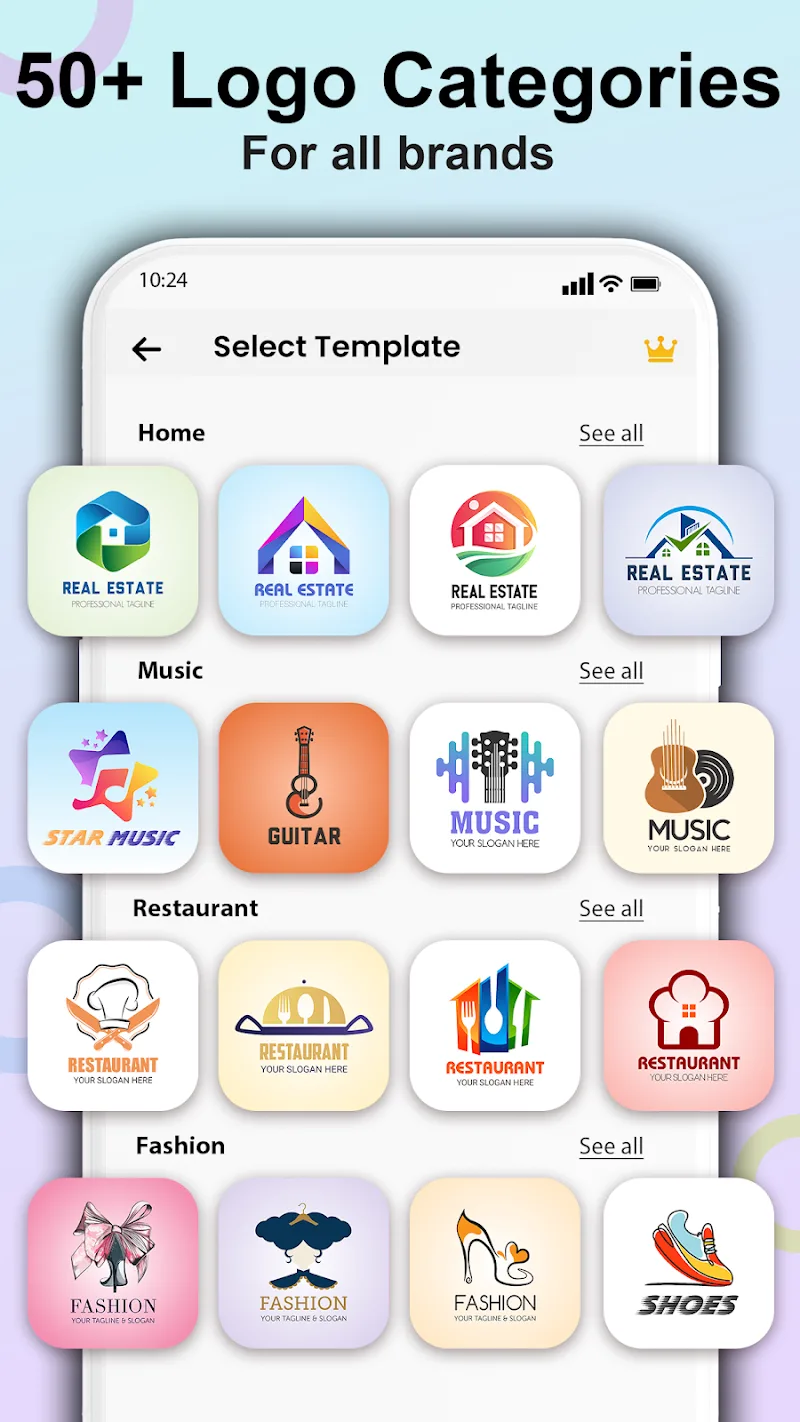
3D Logo Maker streamlines logo creation with a focus on speed and visual fidelity. The interface balances accessible presets and fine-grained controls, allowing users to go from concept to shareable image in minutes. Templates cover multiple industries and design styles, so you can start with a solid foundation and customize to suit your brand.
The app centers around three main systems: template selection, 3D manipulation, and export options. Templates provide text, icons, and layout suggestions. The 3D engine enables rotation, extrusion depth, and simulated lighting. Finally, an export tool generates PNGs with transparent backgrounds or high-resolution JPGs for print use.
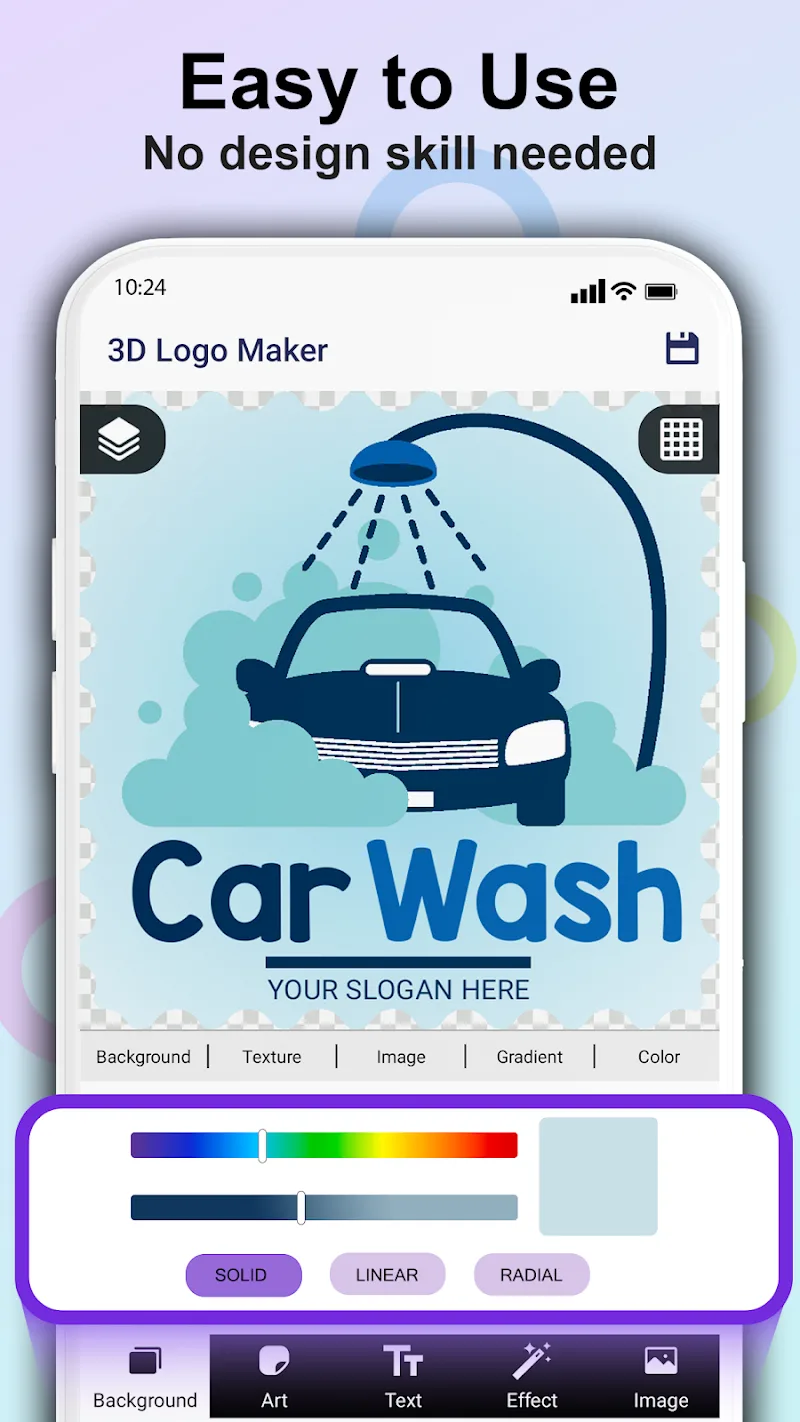
The layout is deliberately minimal: a canvas in the center, a tool strip on the left, and property sliders on the right. This keeps controls within reach while maximizing workspace. Performance on mid-range devices remains smooth for typical projects, but very complex scenes with multiple layered effects may benefit from a higher-spec handset.
Start by choosing a template or a blank canvas. Type your brand name, then pick an icon or upload your own. Use the 3D controls to adjust depth, lighting angle, and material until the logo reads well at small and large sizes. Save iterative versions so you can compare color schemes and styles before exporting.
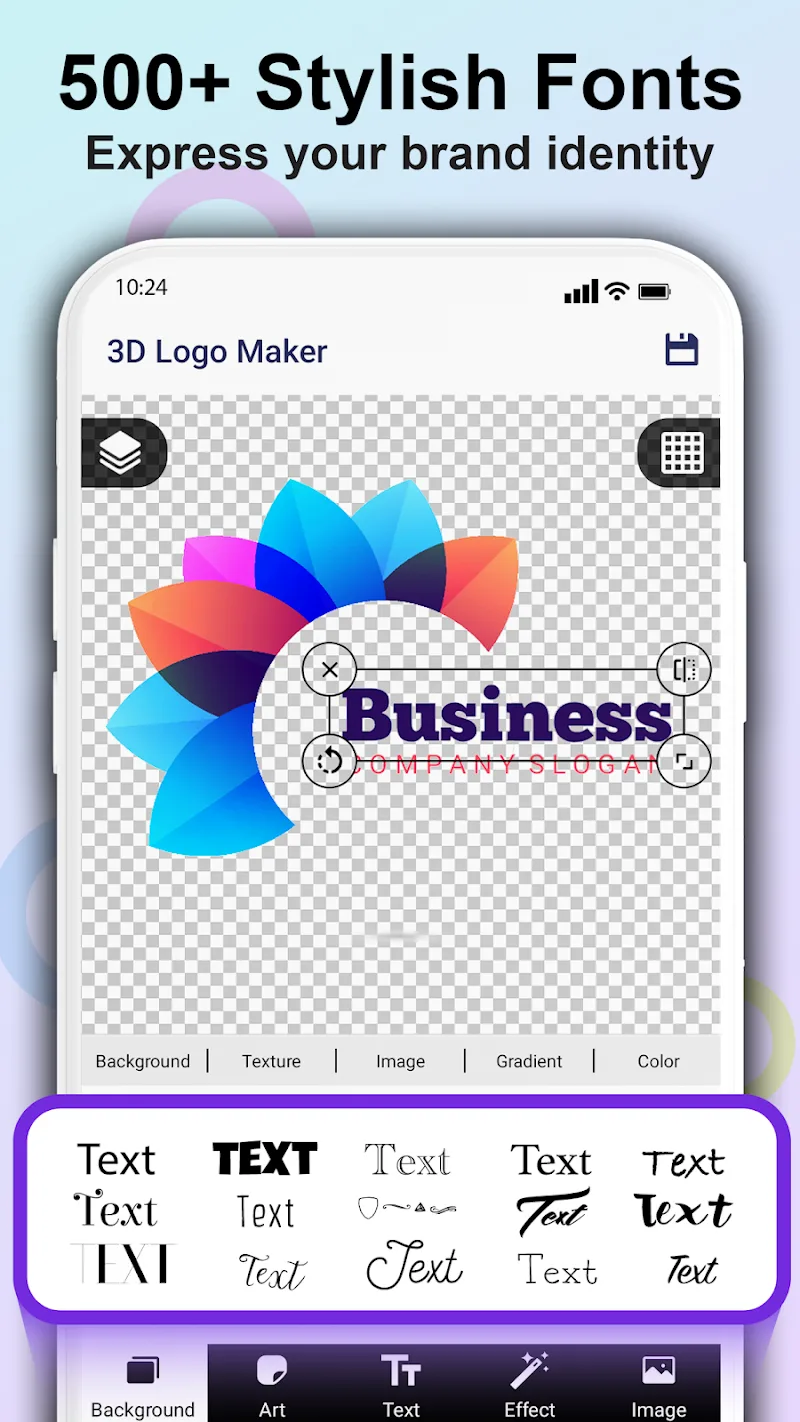
Customization is where the app shines: color gradients, dual-tone fills, texture overlays, and shadow softness all respond to slider adjustments. Advanced users can fine-tune bezier curves on custom shapes and apply mask layers to blend elements. The material editor lets you tweak specular highlights and surface roughness for a realistic finish.
Beginners will appreciate guided suggestions and pre-configured color palettes that match popular branding trends. Intermediate creators can dive into node-based color mixing and precise alignment guides. The undo history and version save features reduce the risk of losing work during experimentation, making the app forgiving for iterative design.
Many users opt for 3D Logo Maker because it offers a compact, mobile-first alternative to desktop suites. It reduces the technical overhead of 3D rendering while preserving control over visual details. For solopreneurs and small teams, the app speeds up the branding cycle—concept, iteration, and deployment—without requiring specialized training.
Installation is straightforward: download from your device’s app store, grant permission to access storage for exporting assets, and open the welcome tutorial. The first-time walkthrough highlights key tools and shows how to export with transparent backgrounds. For ongoing projects, the in-app library stores your saved templates and previously exported files for quick reuse.
3D Logo Maker is best positioned as a rapid prototyping and lightweight production tool rather than a full replacement for high-end vector suites. When you need polished, three-dimensional branding without a steep learning curve, it provides an effective mix of convenience and control.