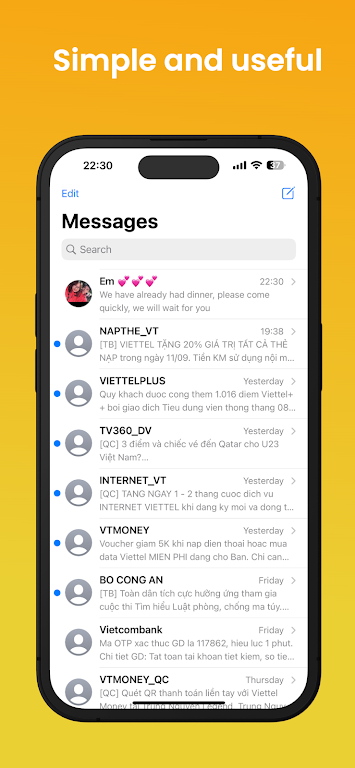
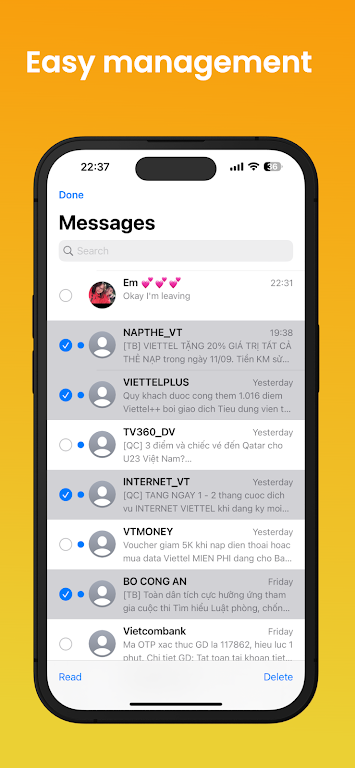
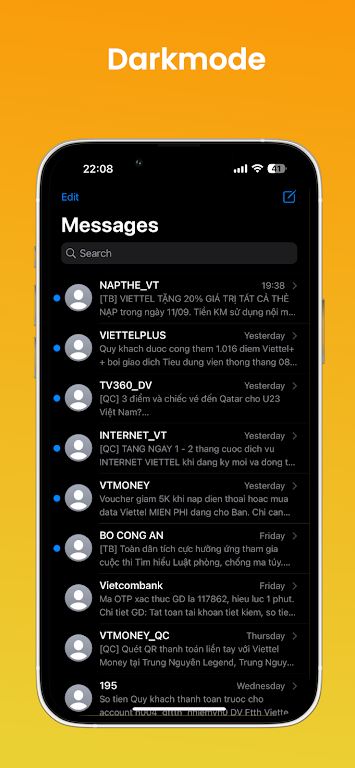
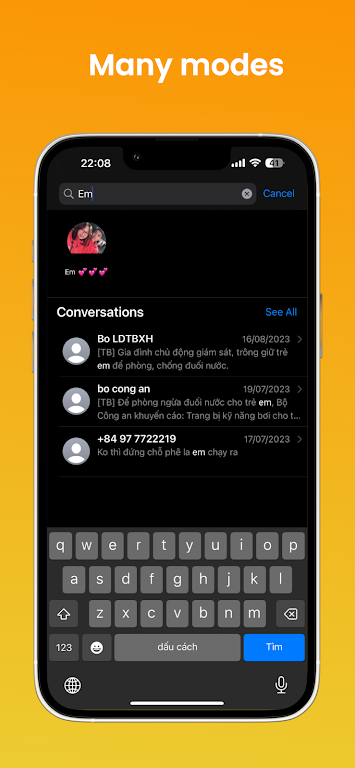
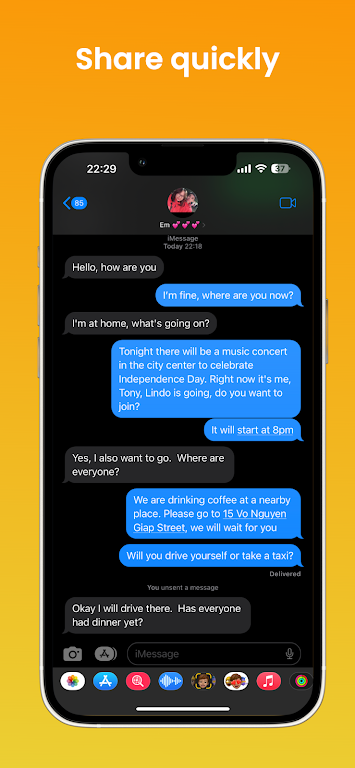
Messages iOS 17 brings the familiar look and feel of Apple's Messages app to Android devices, recreating chat bubbles, reactions, and layout while integrating Android messaging backends. It focuses on visual polish and straightforward messaging features so users can enjoy an iOS-style conversation interface without switching phones.
Designed for Android users who prefer Apple's messaging aesthetics, Messages iOS 17 imitates the design language of iMessage while working with standard SMS and MMS services. The app is not an official Apple product; instead it recreates visual elements, animations, and user flows so conversations feel modern and cohesive on a range of Android phones.
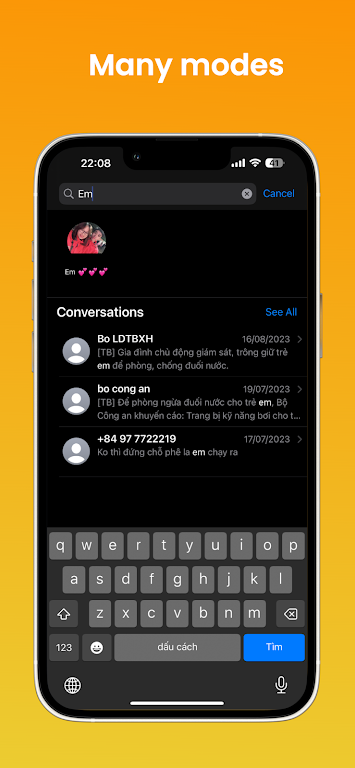
The interface prioritizes clarity over complexity. Menus and controls use familiar positions so new users recognize where to find key options at a glance. Animations are lightweight to preserve battery life and keep scrolling responsive, and the app supports both light and dark themes with consistent typography for readability in different lighting conditions.
Messages iOS 17 integrates with Android's default SMS service and can act as the system messaging app if given the necessary permissions. It routes standard SMS/MMS through the phone's carrier while presenting them inside the redesigned UI. For multimedia messages the app uses built-in codecs and compression settings to balance quality and data usage.
Personalization is simple but effective. Choose from color accents, bubble styles, font sizes, and background wallpapers to tailor the conversation view. Notification tones and vibration patterns are configurable per contact so you can identify who’s messaging without looking at the screen.
For routine messaging, the app emphasizes quick replies and minimal friction. The compact composer supports emoji, GIFs, and basic formatting tools. A smart suggestions bar offers predicted replies and frequently used stickers. Group chats are handled with clear member lists and threaded replies to maintain context across active conversations.
When installing, check Android version compatibility and available storage. Back up your messages through the built-in export feature before switching default apps to prevent data loss.
Messages iOS 17 relies on the device for message transport and does not claim end-to-end encryption beyond what your carrier or platform supports. It stores media locally and offers an option to clear cache and attachments. Review permission requests carefully and use the app’s privacy settings to limit access to location or contacts when not needed.
Messages iOS 17 is best for users who appreciate a refined, iOS-inspired messaging experience on Android. It strikes a balance between aesthetics and usability while keeping performance in mind. Expect a familiar environment for daily chats, media sharing, and group conversations without needing to change mobile platforms.