
ScheduleUP: Auto Text Reply is a compact utility that schedules and sends automated SMS and messaging replies so you can stay responsive without constant typing. Designed for commuters, busy professionals, and anyone who needs predictable communication, ScheduleUP: Auto Text Reply focuses on clear configuration and reliable delivery instead of intrusive automation. This introduction explains how the app structures replies, manages rules, and preserves user control while reducing repetitive typing.
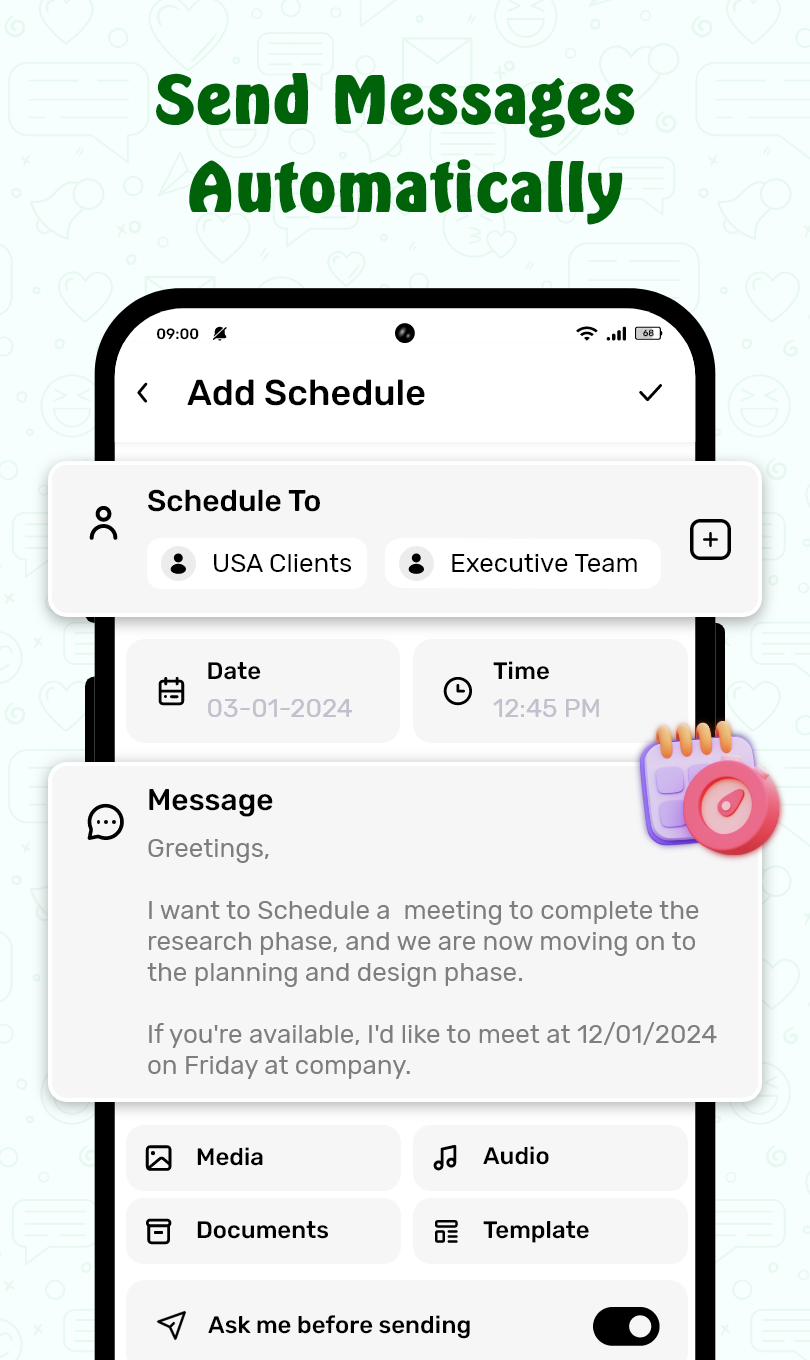
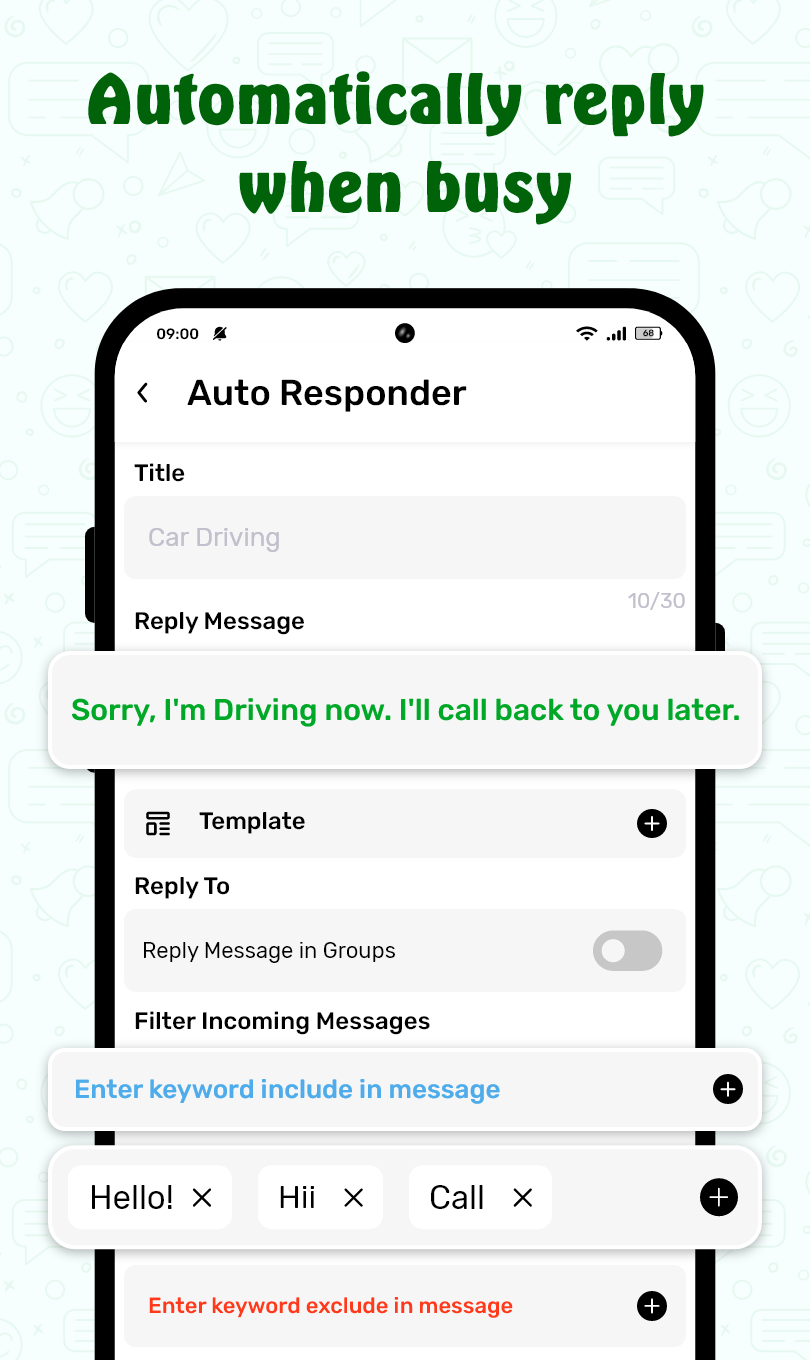
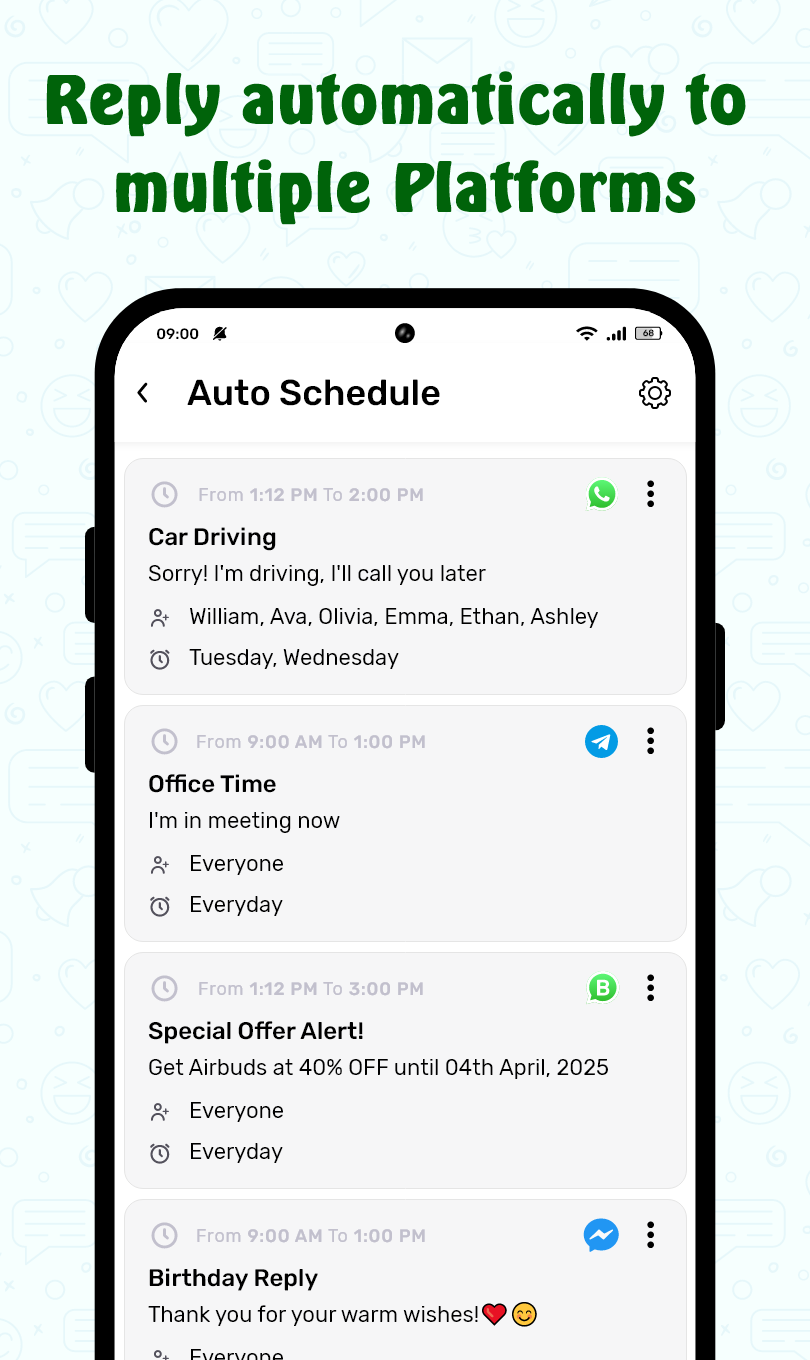
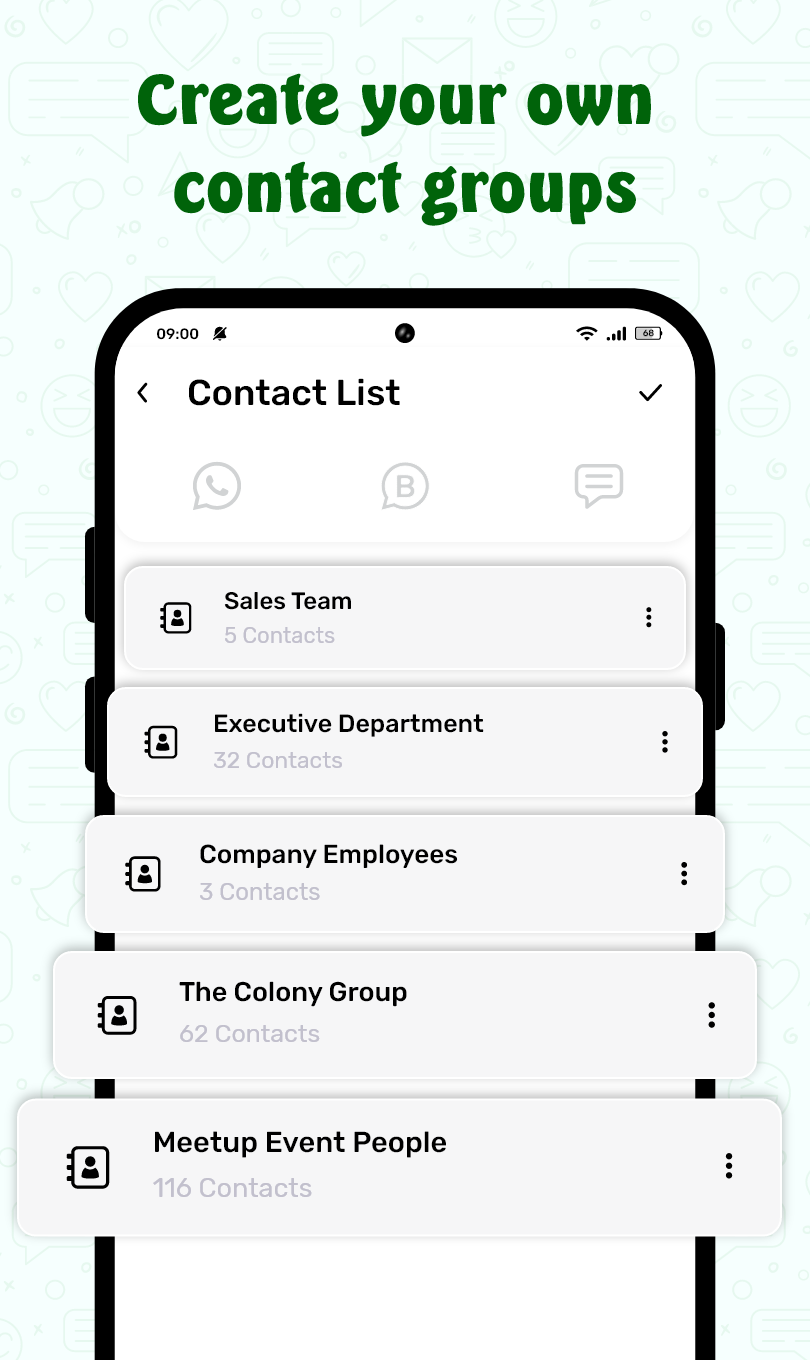
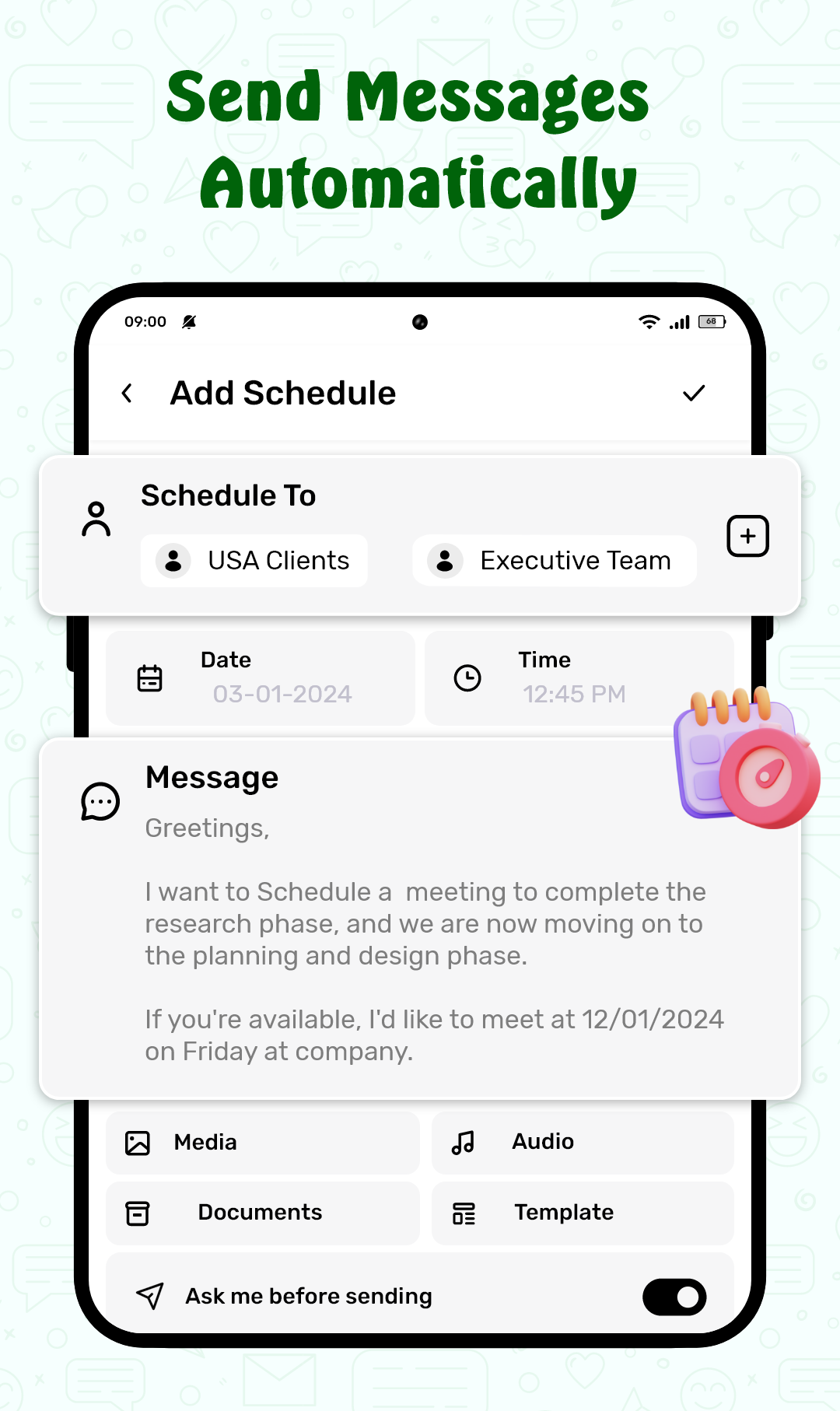
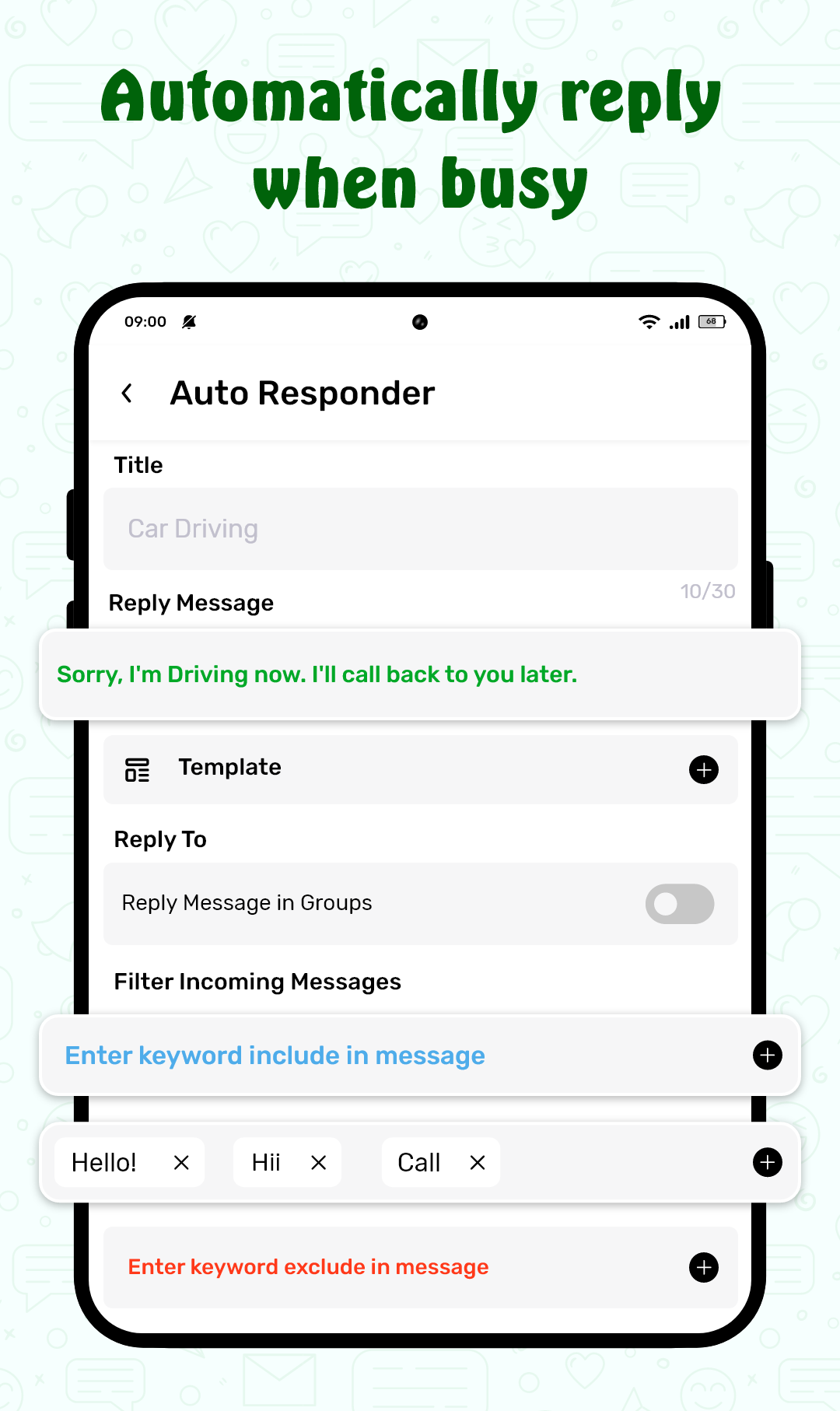
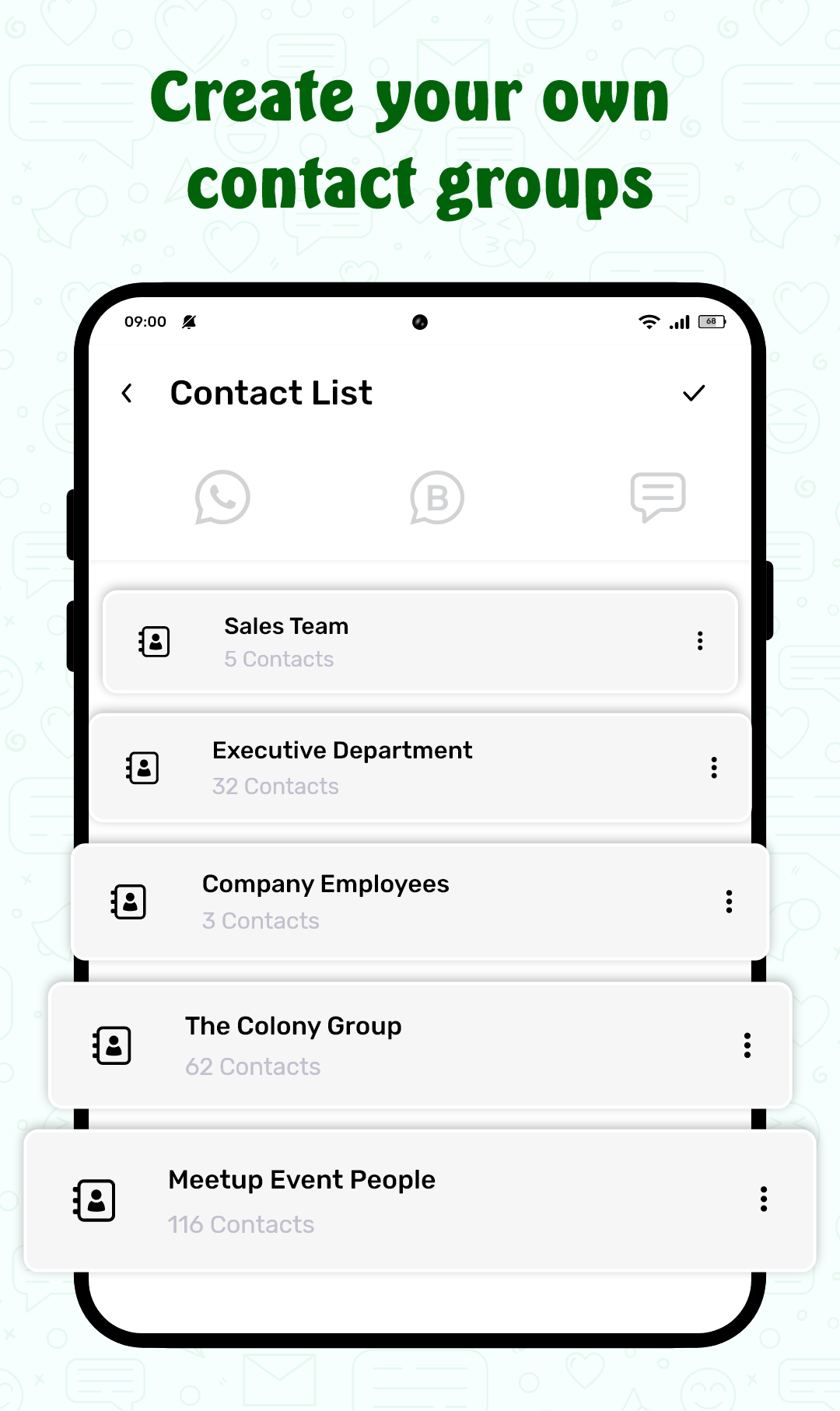
The core function is straightforward: prepare messages in advance and specify the conditions under which they are sent. You create rules that define recipients, templates, and triggers—time ranges, calendar events, or device states such as Do Not Disturb and a connected driving mode. Triggers ensure replies are only sent in contexts you choose, and scope controls let you limit automated replies to particular contact groups or numbers.
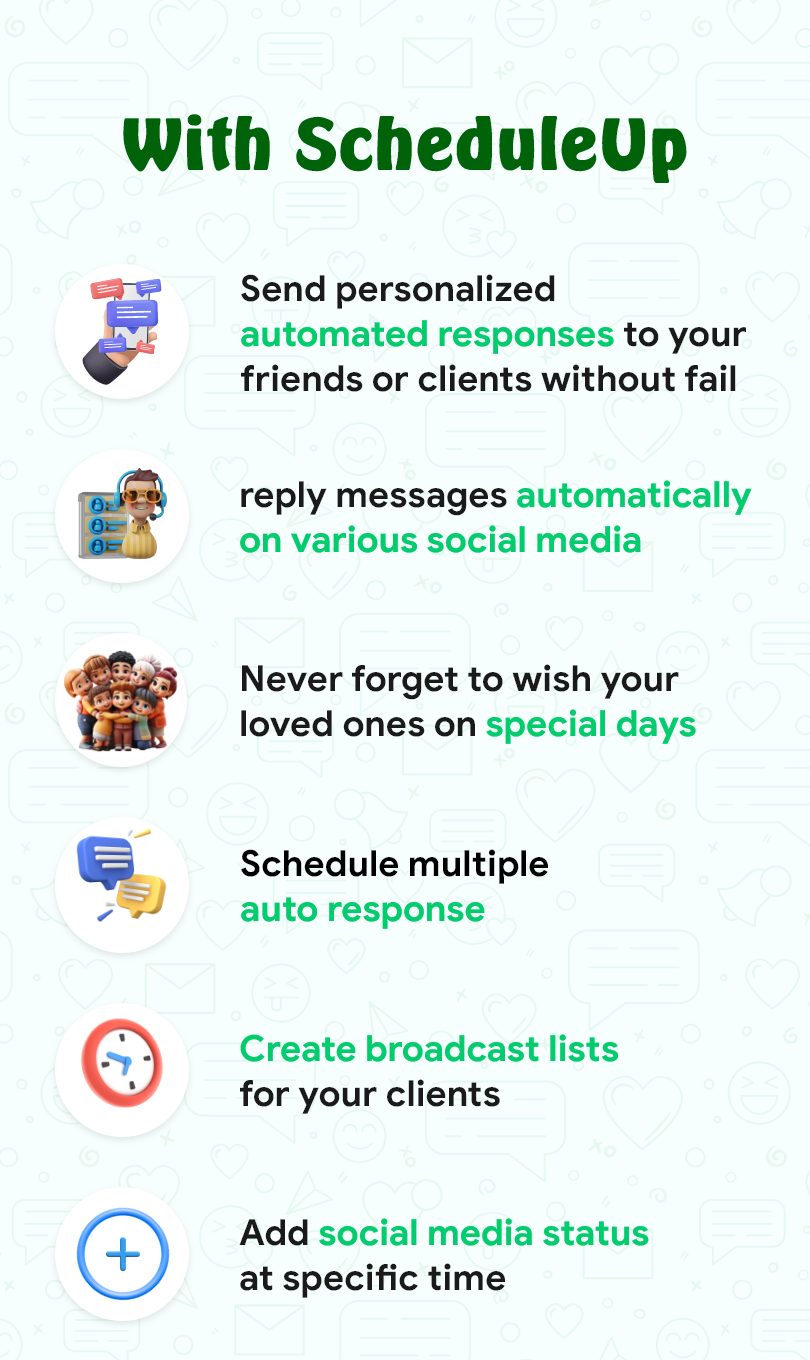
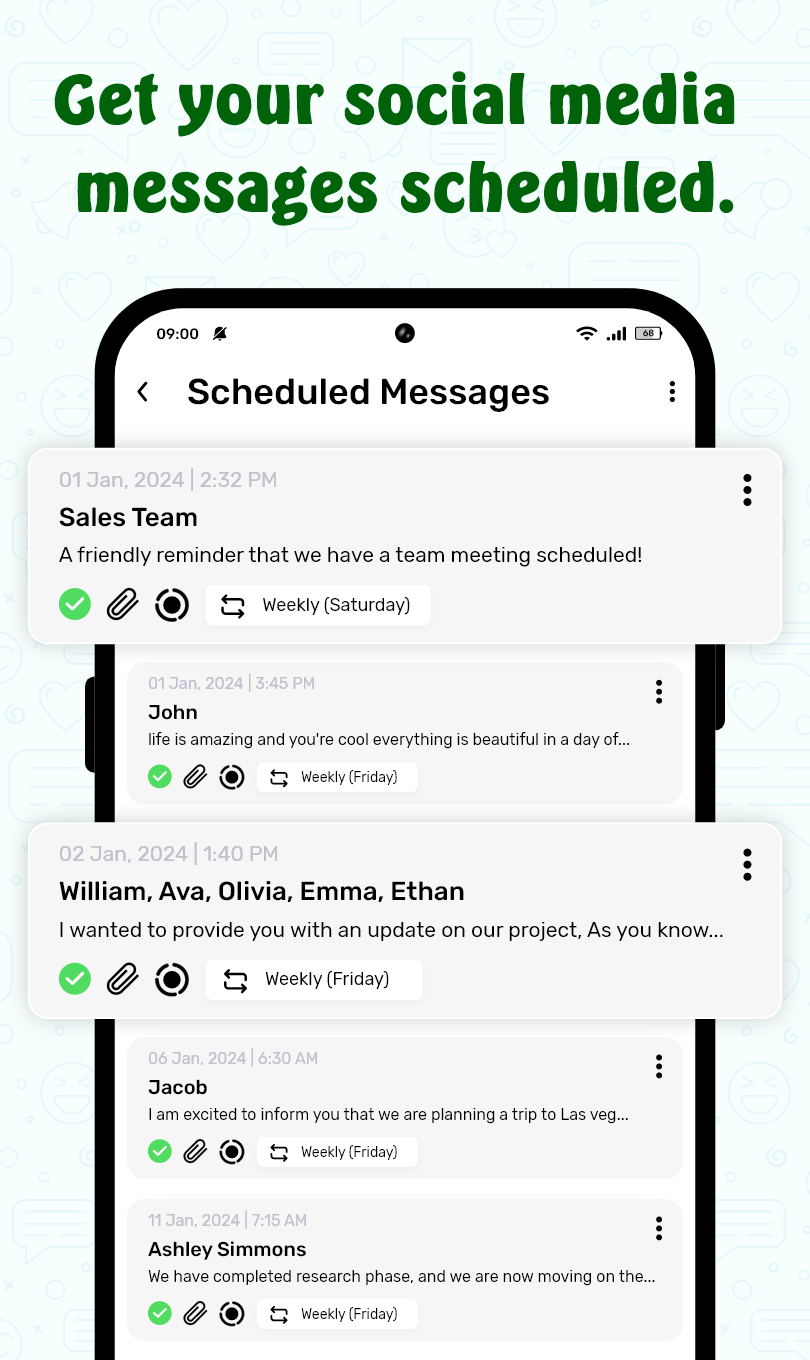
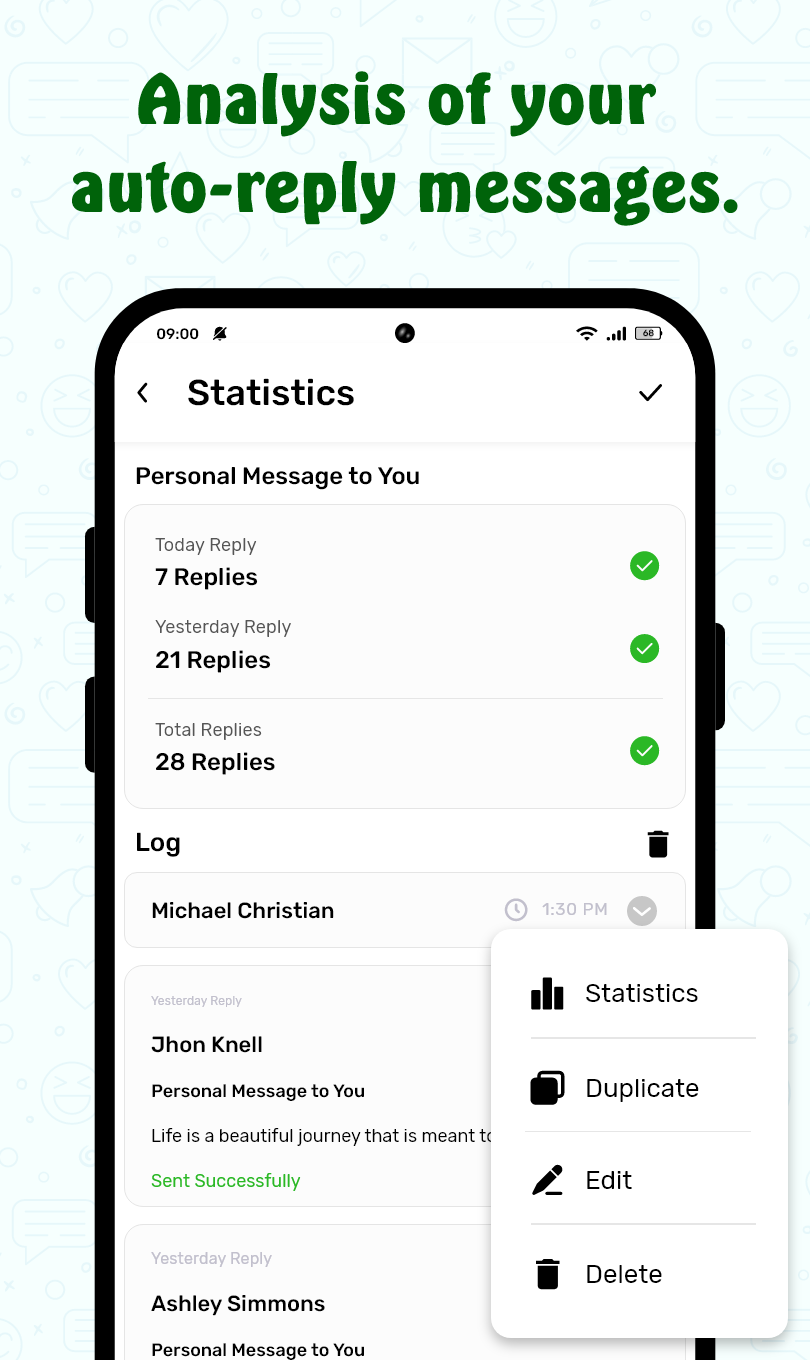
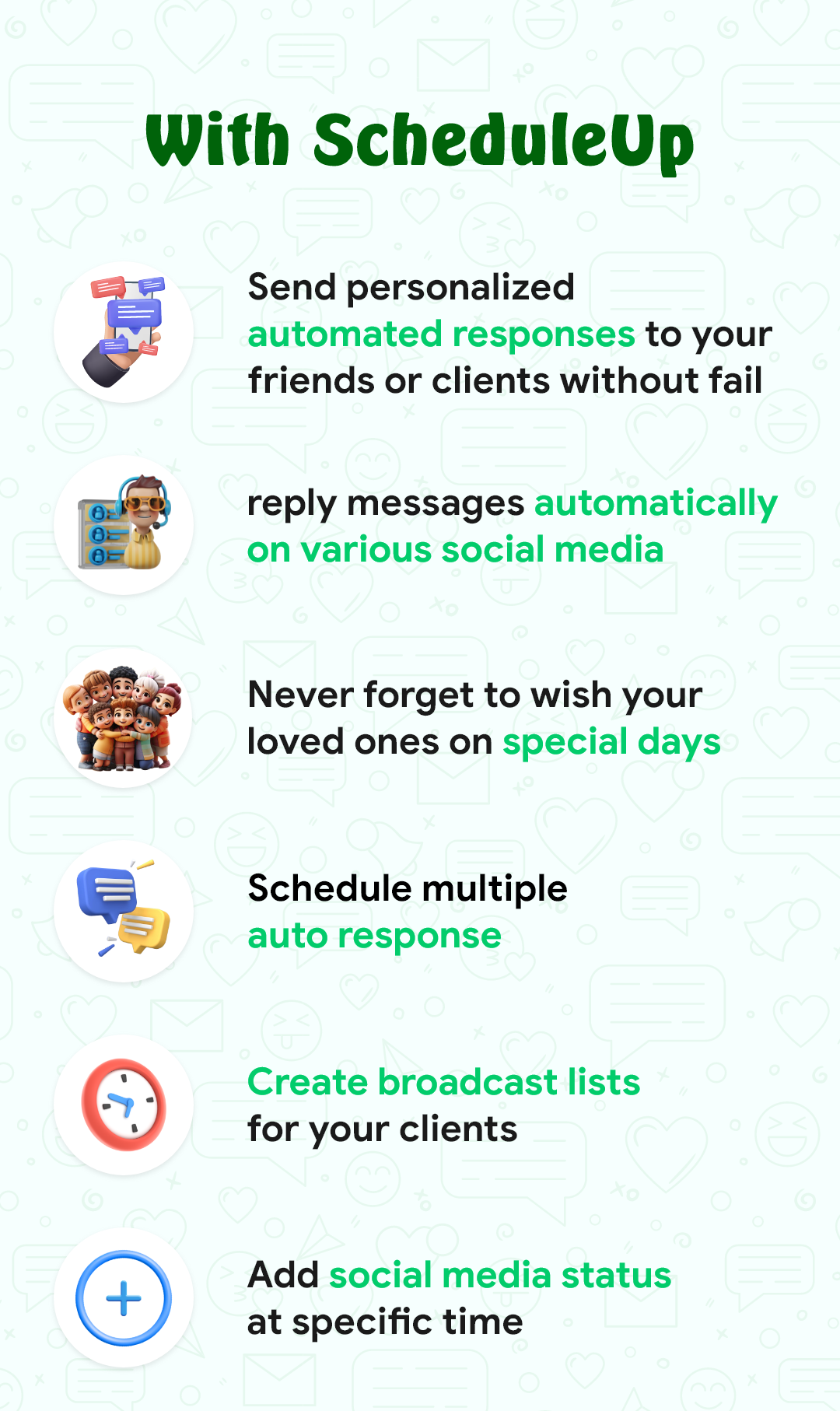
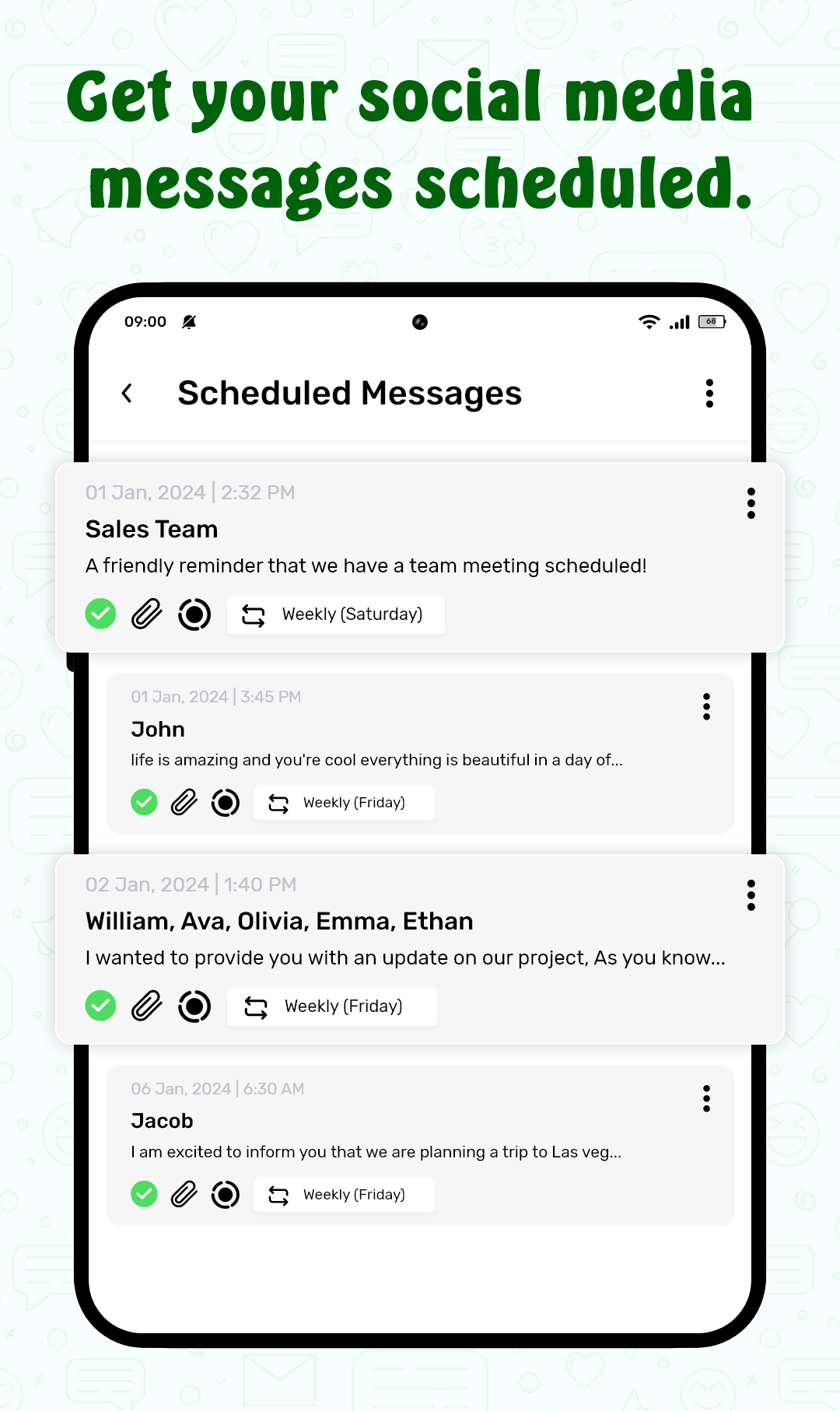
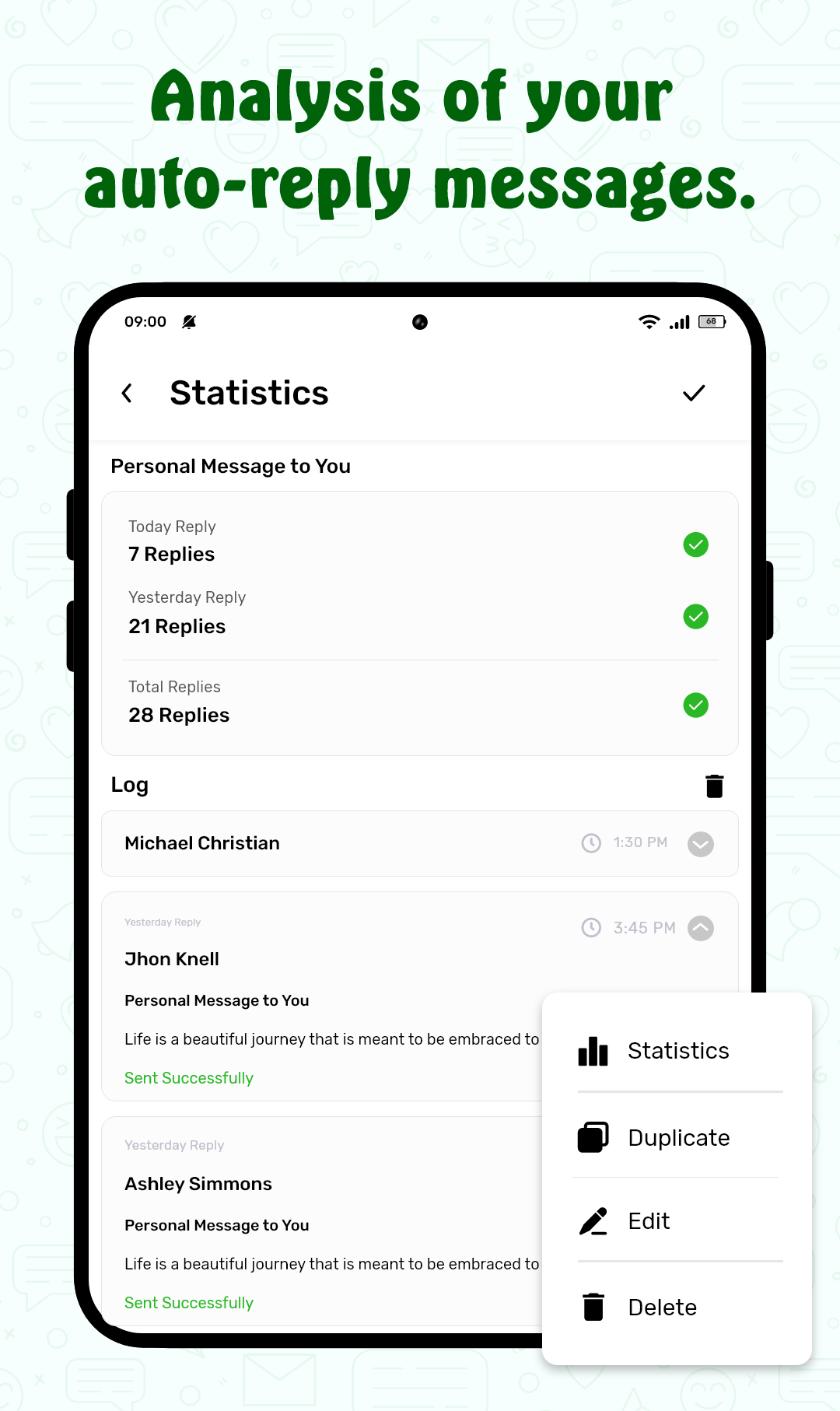
Timed messages support single sends and recurring schedules for things like birthdays or weekly updates. A template library stores reusable messages and supports simple placeholders for names, dates, or event details. Contact rules let you apply different behavior to family, coworkers, or unknown numbers, and delivery monitoring reports whether scheduled messages were sent or encountered an issue. Retry logic and short delays reduce failed sends caused by temporary conditions without requiring manual intervention.
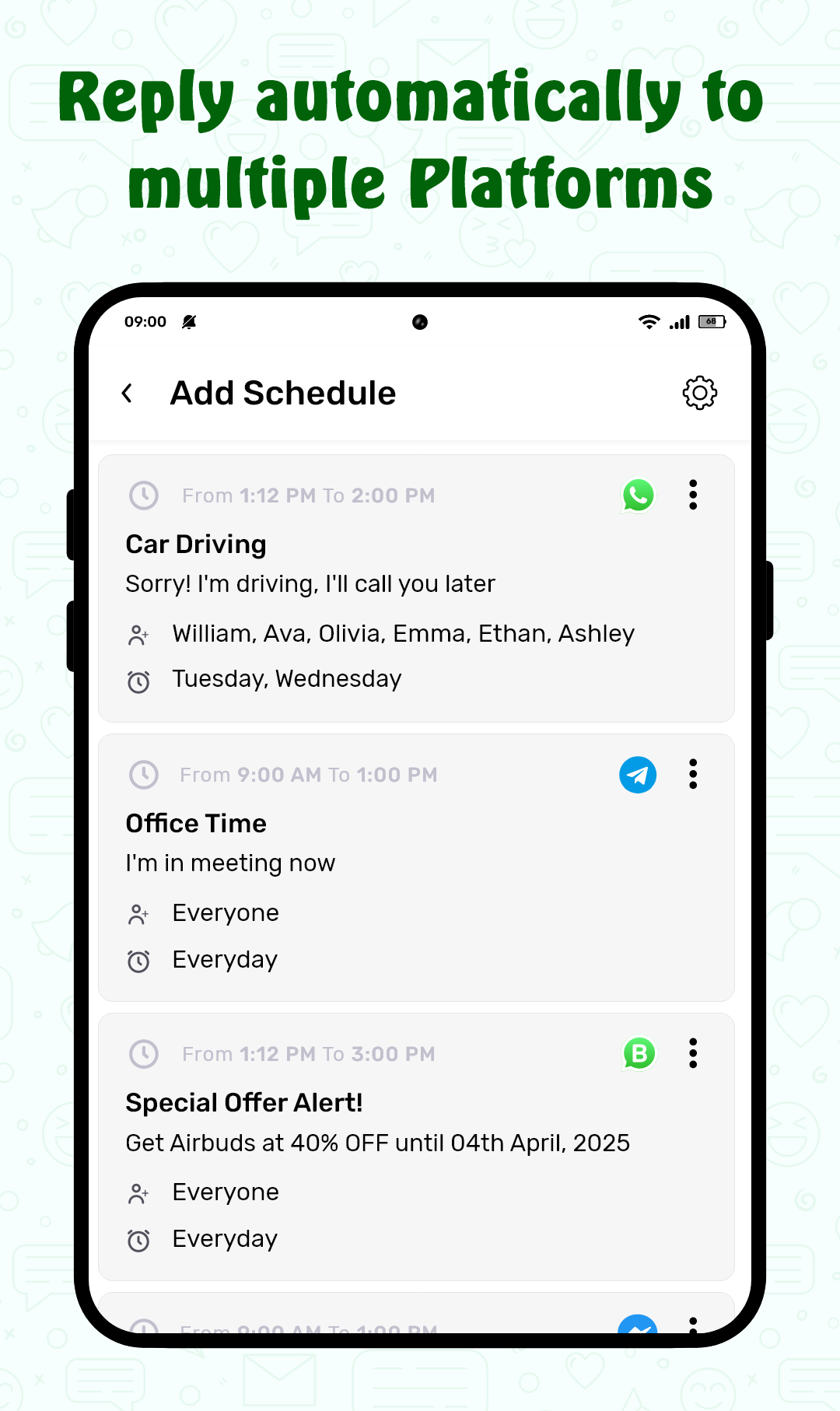
The app’s workflow mechanics mirror familiar task automation: create a rule, pick recipients, select or compose a template, and attach triggers. Rules are evaluated on-device at the scheduled moment and queued for delivery. You can preview the queue, pause or mute rules temporarily, and edit templates at any time. Conditional branches allow follow-ups only if the recipient replies within a set window, which helps avoid unnecessary repeats and keeps conversations natural rather than robotic.
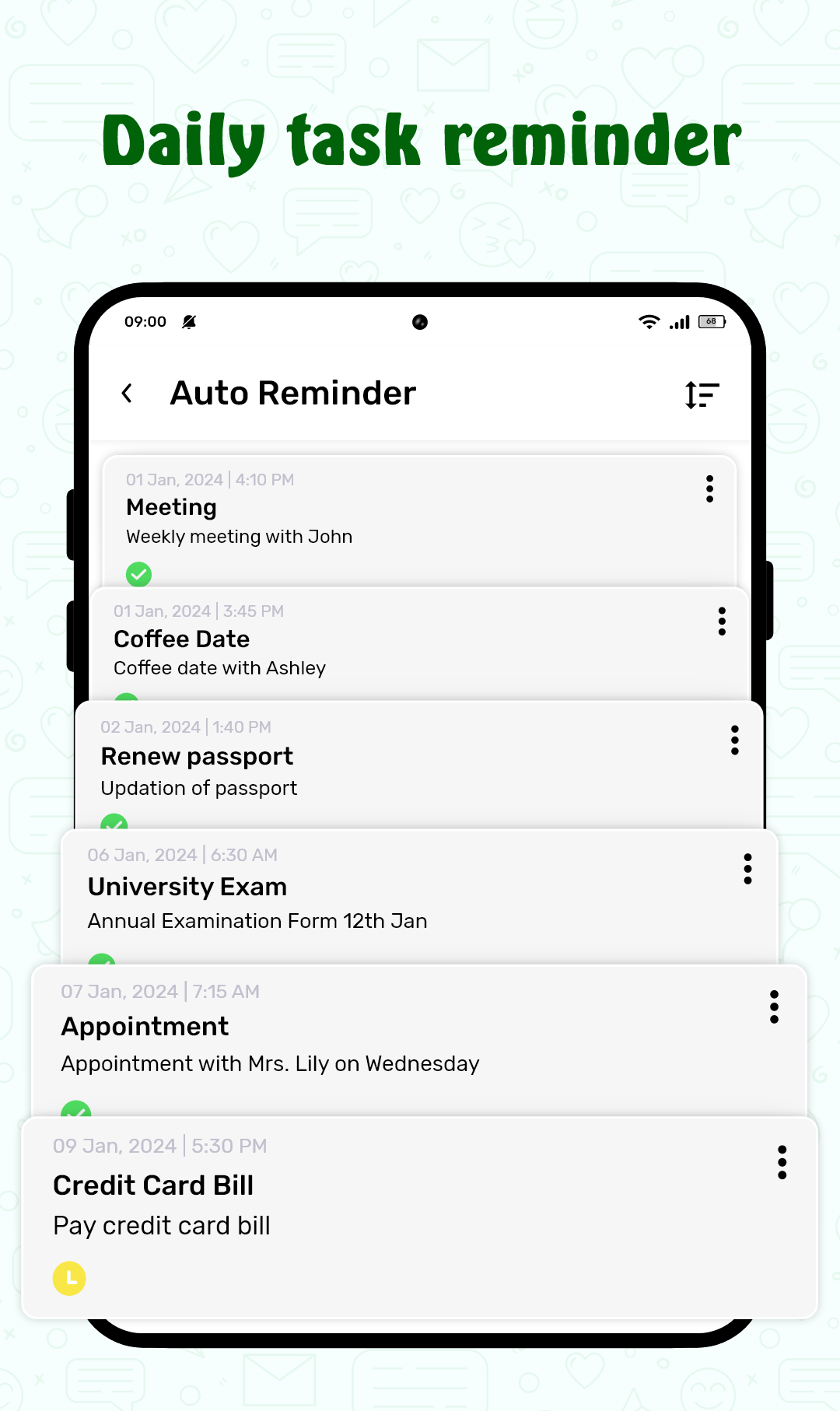
The interface places common actions at the top level—create schedule, view active rules, and check message history—so typical tasks are one or two taps away. Step-by-step rule creation keeps options focused on both phones and tablets, and quick-action shortcuts accelerate frequent setups. Visual indicators show active triggers, next send times, and rule status. The visual style is intentionally clean: high-contrast text, clear glyphs for triggers, and a compact timeline view to see upcoming sends at a glance.
Rather than a gamified system, progression in ScheduleUP: Auto Text Reply comes from building a useful template library and refining rule logic. As you add templates and experiment with conditional rules, your automation becomes more nuanced: basic single-send templates grow into recurring schedules and context-aware replies. This organic progression reduces the time spent crafting routine responses and improves consistency across repeated scenarios.
Customization options include short send delays, configurable retry attempts, and conditional branching so a follow-up is only sent when appropriate. Templates can insert placeholders automatically to personalize messages by name, date, or event type. Notification controls allow you to suppress routine alerts and receive notices only for failed deliveries or when manual review is recommended, keeping interruptions purposeful rather than constant.
ScheduleUP aims to be lightweight and respectful of battery life by avoiding continuous background activity; scheduled tasks run efficiently when device conditions permit. The app supports large-tap controls and is compatible with common screen readers to help users who rely on assistive technologies. Basic scheduling and on-device rule evaluation work without constant network access, so core automation remains functional offline and resumes normal operation when connectivity returns.
Permissions are limited to what is necessary for scheduling and delivery, and you explicitly choose which contacts the app can access. The design emphasizes on-device processing for rule evaluation to keep message content private and reduce exposure to external servers. Delivery logs are stored locally so you can verify sends without sharing message content with third parties, and local settings let you wipe logs or revoke access at any time.
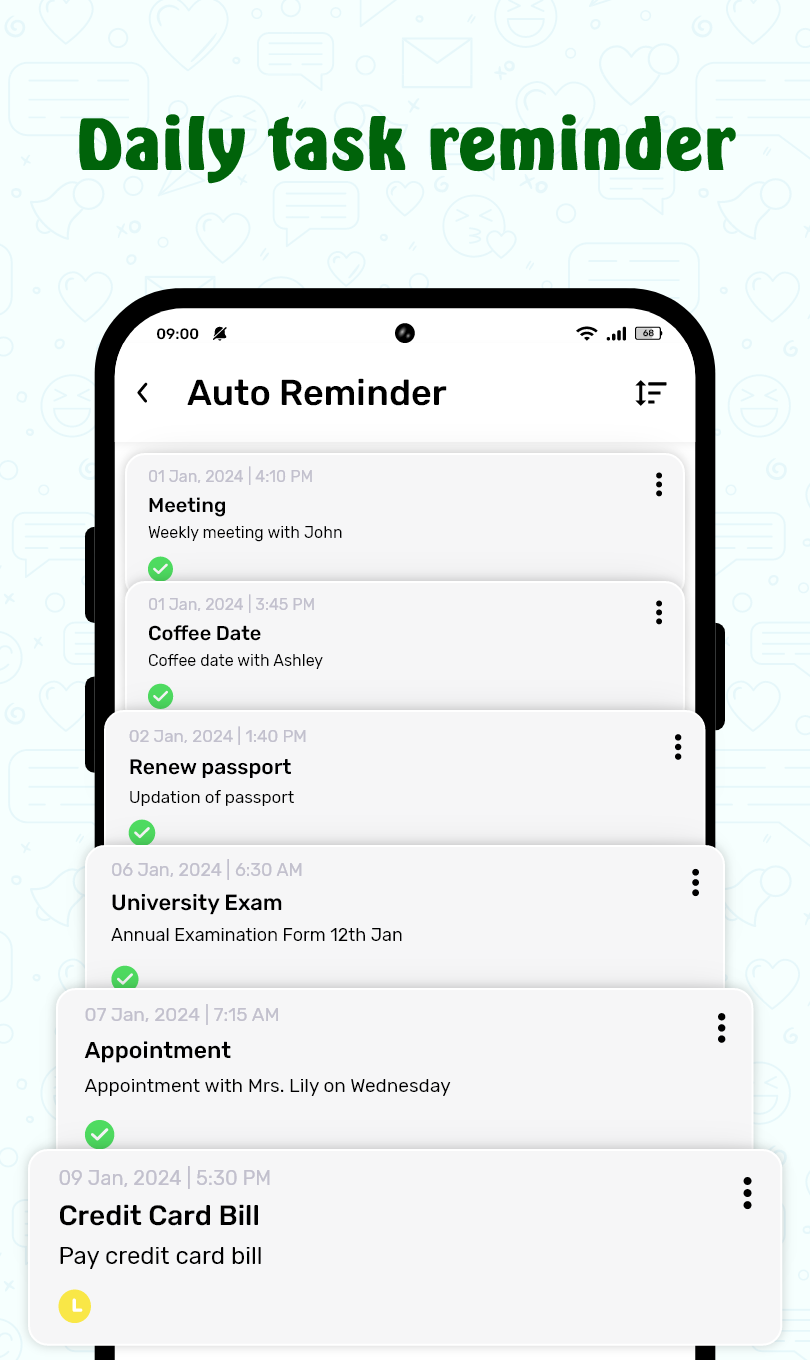
To begin, grant messaging permission, create a simple template, and configure a rule—test it by sending to your own number before enabling broader contact rules. Start with a meeting auto-reply to confirm timing and behavior, then add more templates and conditional branches as you become comfortable. For stepwise help, consult the in-app tips which explain each trigger and show practical examples. Regular use of ScheduleUP: Auto Text Reply will cut repetitive typing, keep responses consistent, and help you maintain communication without constant attention to your phone.