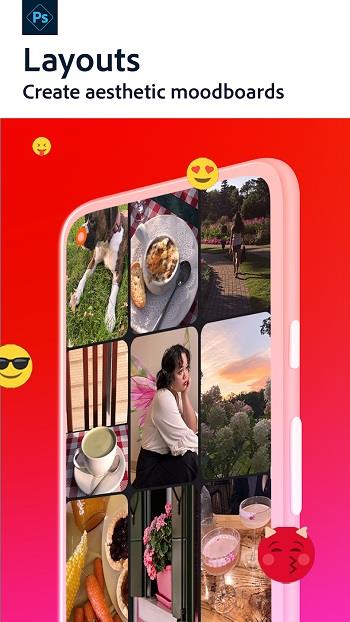
Photoshop Express is a mobile photo editor that turns ordinary pictures into eye-catching, artistic images with minimal fuss. The app offers a clean, intuitive interface so you can start editing immediately, whether you prefer quick one-tap filters or more deliberate adjustments. Regular updates keep filters and tools fresh, helping your photos stay trendy without a steep learning curve. If you want fast retouching, background blur, or creative portrait tweaks on the go, Photoshop Express provides a compact set of tools that make it easy to polish and experiment with your photos before sharing or saving.
⭐ Clean, intuitive interface that helps you edit quickly and learn the tools from your first use.
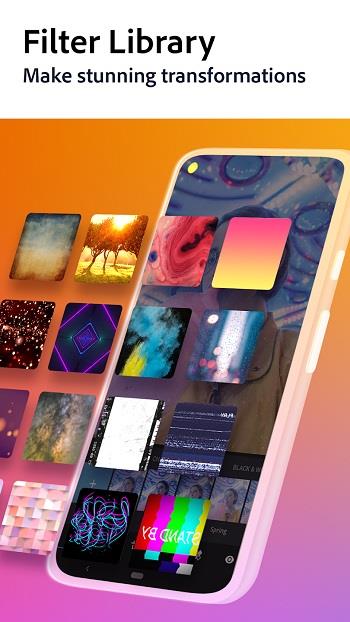
⭐ Regularly updated filters and effects to keep images looking fresh and modern.
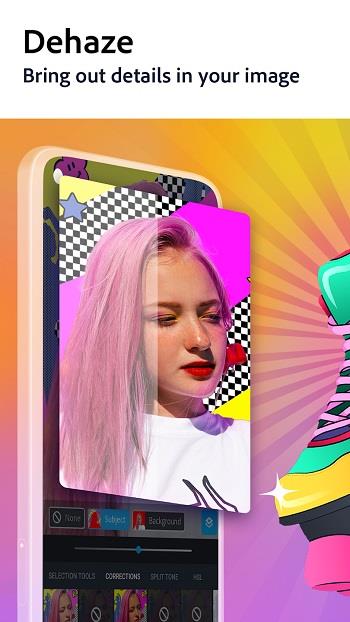
⭐ Quick Actions for one‑tap fixes like brightness, background blur, and simple object separation.
⭐ Select and Mask style automatic object selection for faster subject isolation and refinements.
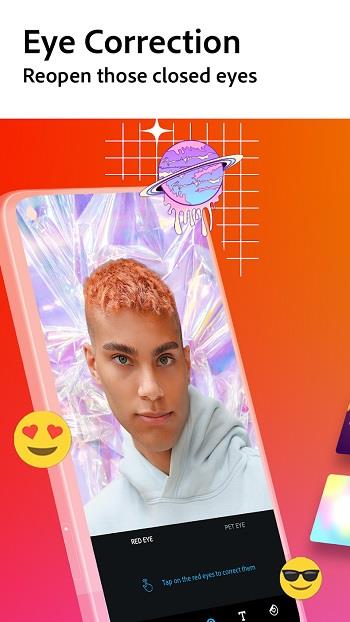
⭐ Smart Portrait controls to adjust facial expressions, hair and facial attributes for natural retouches.
✅ Easy to pick up for casual users while still offering deeper controls for enthusiasts.
✅ Powerful editing functions condensed into a mobile-friendly layout for on-the-go work.
✅ Frequent updates bring new filters and tools so your creative options expand over time.
✅ Integration of portrait and quick-edit features speeds up common retouching tasks in Photoshop Express.
❎ The broad toolset can feel overwhelming to users who only want simple, one-step edits.
❎ Advanced features require practice to master and may take time to produce professional results.
❎ Some automated edits benefit from manual fine-tuning to avoid unnatural results on complex images.
Photoshop Express is developed by Adobe, a long-established leader in graphic design and multimedia software whose flagship projects have shaped image editing standards worldwide.
Recent updates have focused on speed and usability improvements, including faster Select and Mask processing, expanded Quick Actions for quicker workflows, and enhanced Smart Portrait tools to simplify facial edits and stylistic adjustments.