MyScript Math: Solve & Plot transforms handwritten equations into editable, solved expressions and interactive graphs. It recognizes math input from a stylus or finger, produces step-by-step solutions, and renders plots instantly. Ideal for students, educators, and professionals who need a fast way to check work and visualize functions.
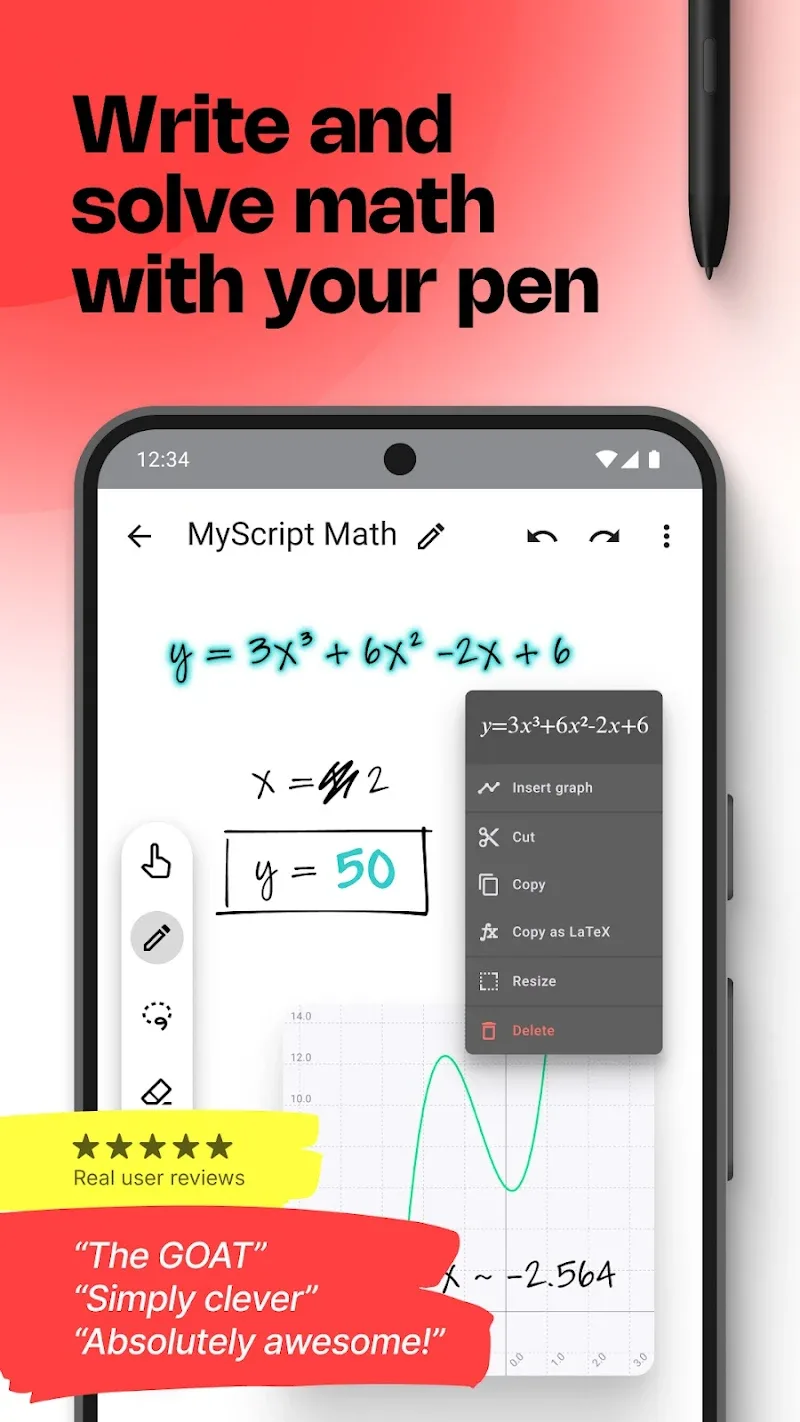
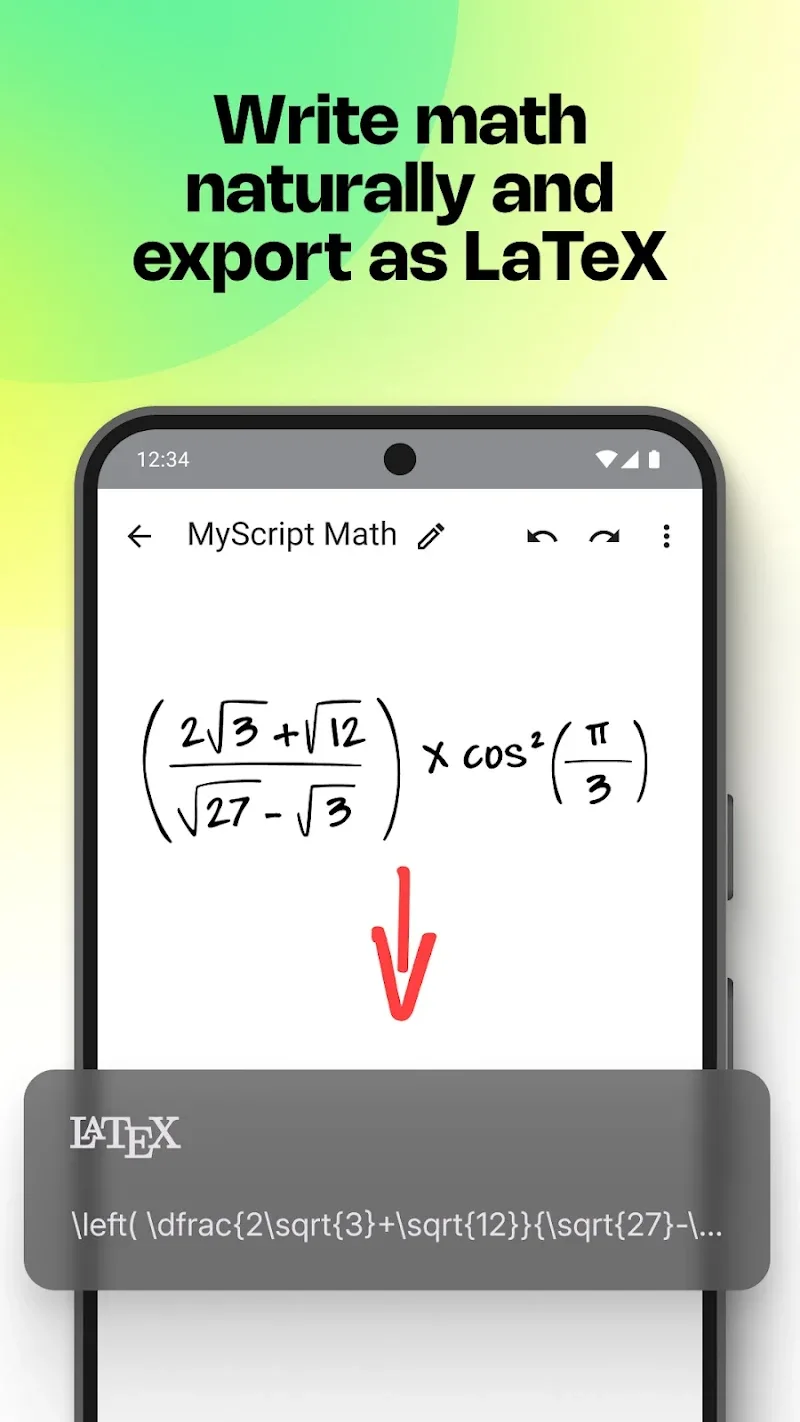
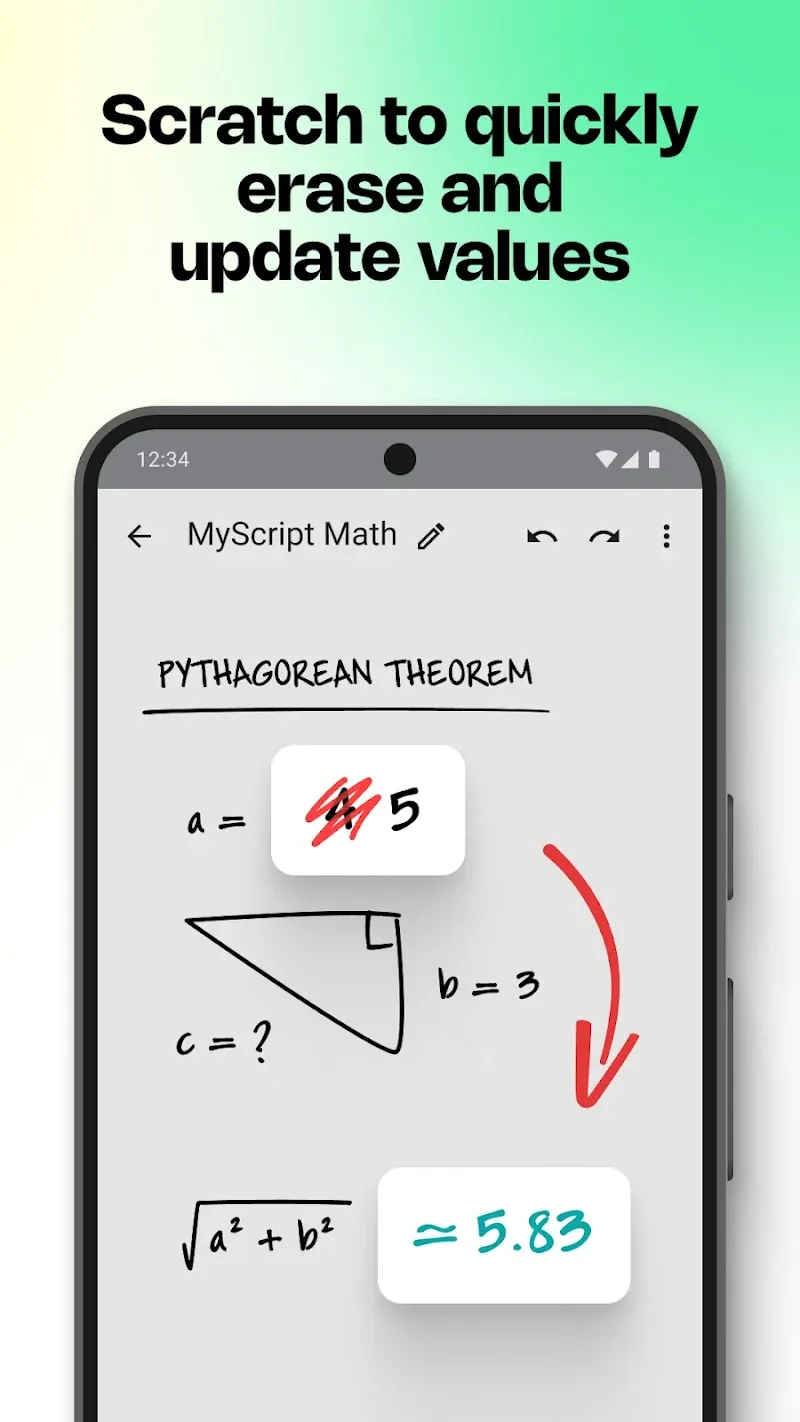
MyScript Math: Solve & Plot bundles natural handwriting recognition with algebraic solving and plotting tools. The app converts scribbled fractions, integrals, matrices, and equations into formatted text, then applies symbolic or numeric methods to solve problems. Interactive output makes it easy to modify expressions and re-run calculations without retyping.
The app uses pattern recognition designed specifically for mathematical symbols and notation. As you write, the system analyzes strokes, spacing, and symbol context to disambiguate similar shapes. It detects fractions, exponents, summations, and parentheses, then constructs a structured representation that feeds the solver and plotter. Correction suggestions appear when the input is ambiguous, keeping accuracy high even with messy handwriting.
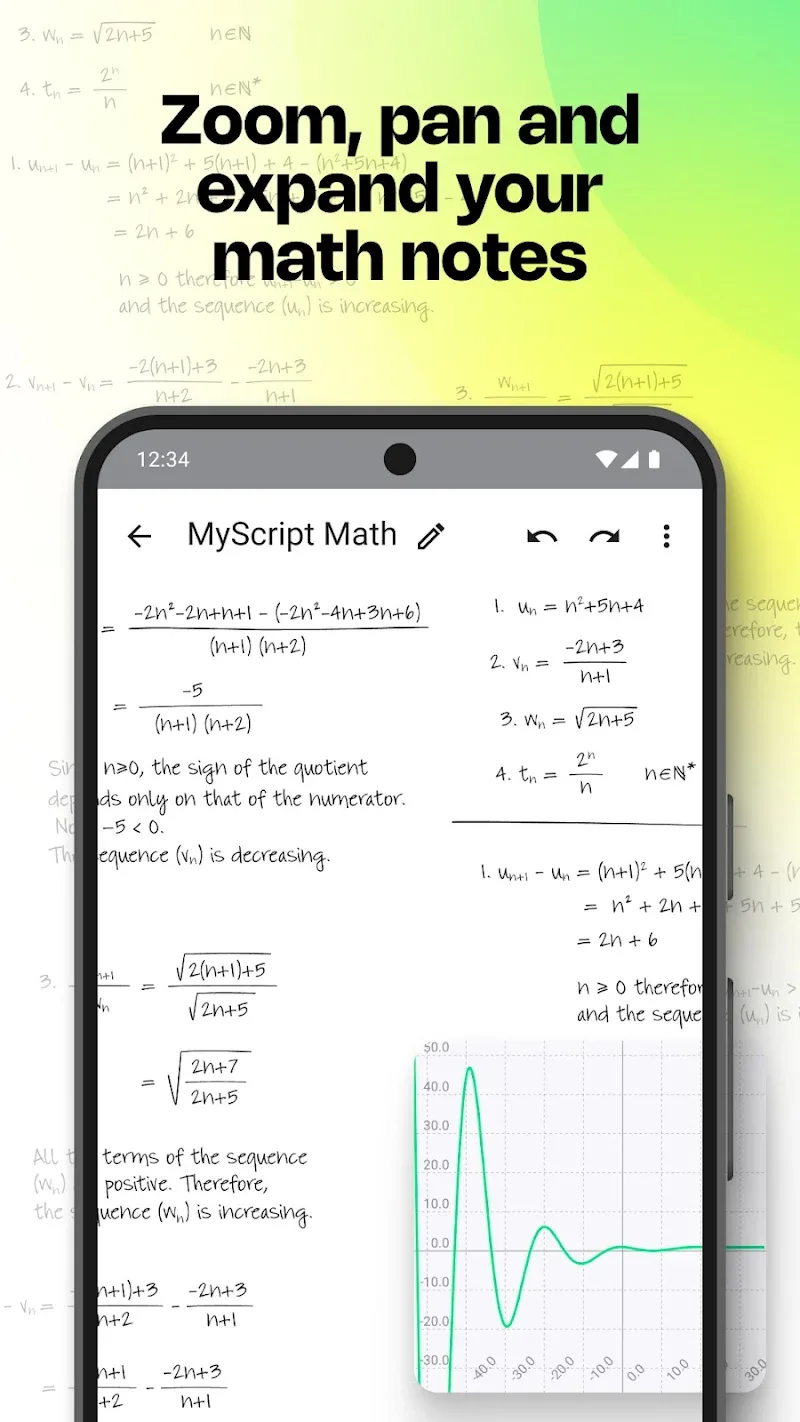
With MyScript Math: Solve & Plot, common classroom tasks become faster. A student can write a homework problem, receive a worked solution, and export the annotated steps for study. Teachers can draft examples directly on a tablet during lessons and project the resulting graph or algebraic manipulation in real time. The app supports iterative problem solving: tweak a parameter, immediately view how the solution or curve changes, and build deeper intuition.
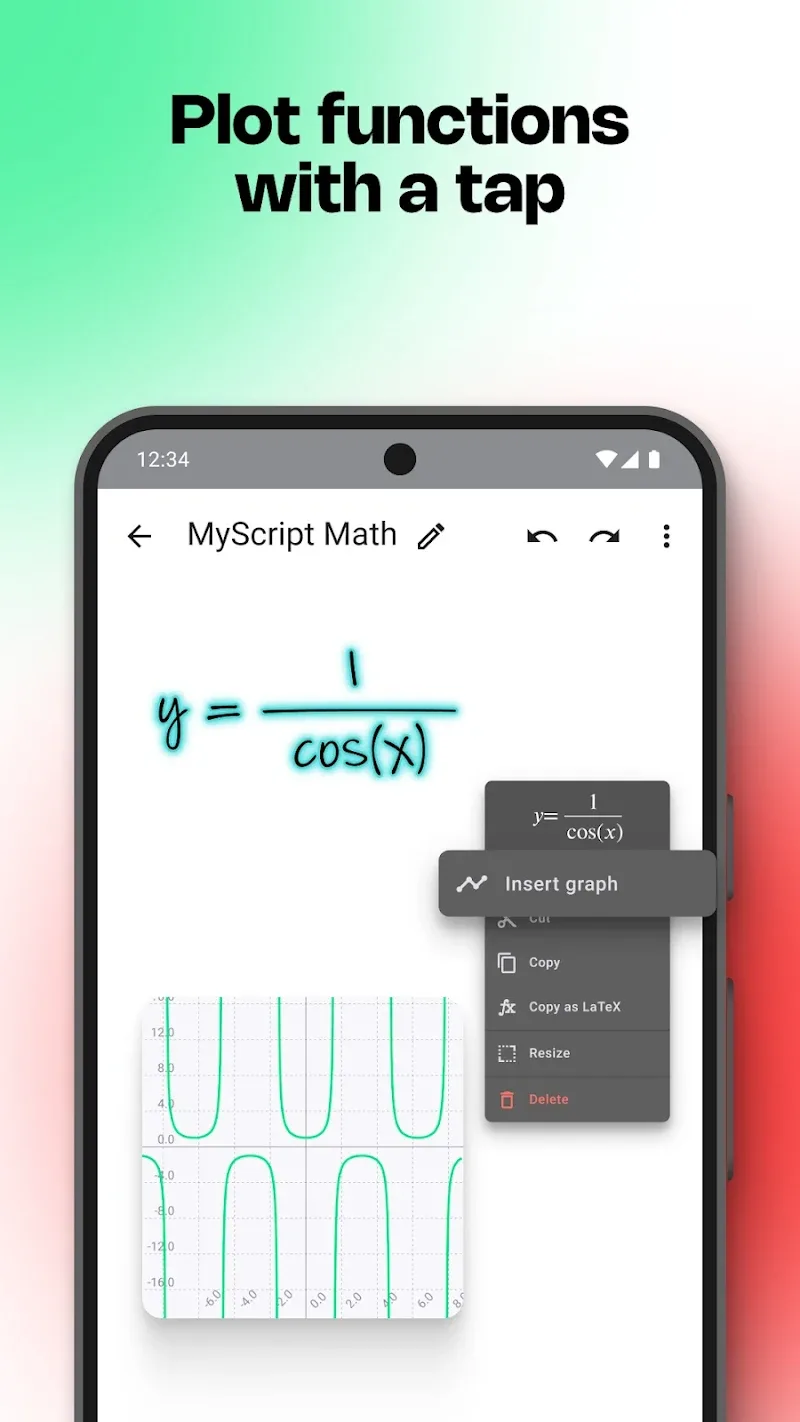
Graphing supports standard Cartesian coordinates, multiple overlays, and parameter sweeps. Functions, parametric curves, and inequalities can be plotted together so relationships are easy to spot. Interactive tools allow you to find intersections, maxima/minima, and evaluate functions at chosen points. Rendering is optimized for clarity, with adjustable grid and axis labels to suit presentation or study needs.
The user interface is designed for speed: a large writing area, a live conversion preview, and a results pane that displays solutions and graphs side-by-side. Settings let you adjust recognition sensitivity, choose preferred solvers (symbolic or numeric), and pick dark or light themes. Keyboard support and gesture shortcuts reduce friction if you switch between typing and handwriting.
Lightweight processing keeps the app responsive on modern Android devices. Basic problems are interpreted locally for immediate feedback; more complex symbolic manipulations may leverage optimized libraries without heavy battery drain. The app supports a wide range of screen sizes and stylus-enabled tablets, and it handles offline use for typical workflows.
Students working through algebra, calculus, or statistics problems can accelerate learning by seeing intermediate steps and visual feedback. Instructors gain a quick tool for creating examples and demonstrating problem-solving techniques. Engineers and data analysts can use the plotting and symbolic features as a portable reference when sketching ideas or checking equations on the go.
Launch the app, choose handwriting mode, and begin writing an equation. Tap a result to expand steps or switch to plot mode for visualization. Explore the settings to align the interface with your preferred input style and export options. With a few minutes of practice, the recognition becomes a natural extension of your note-taking process.