
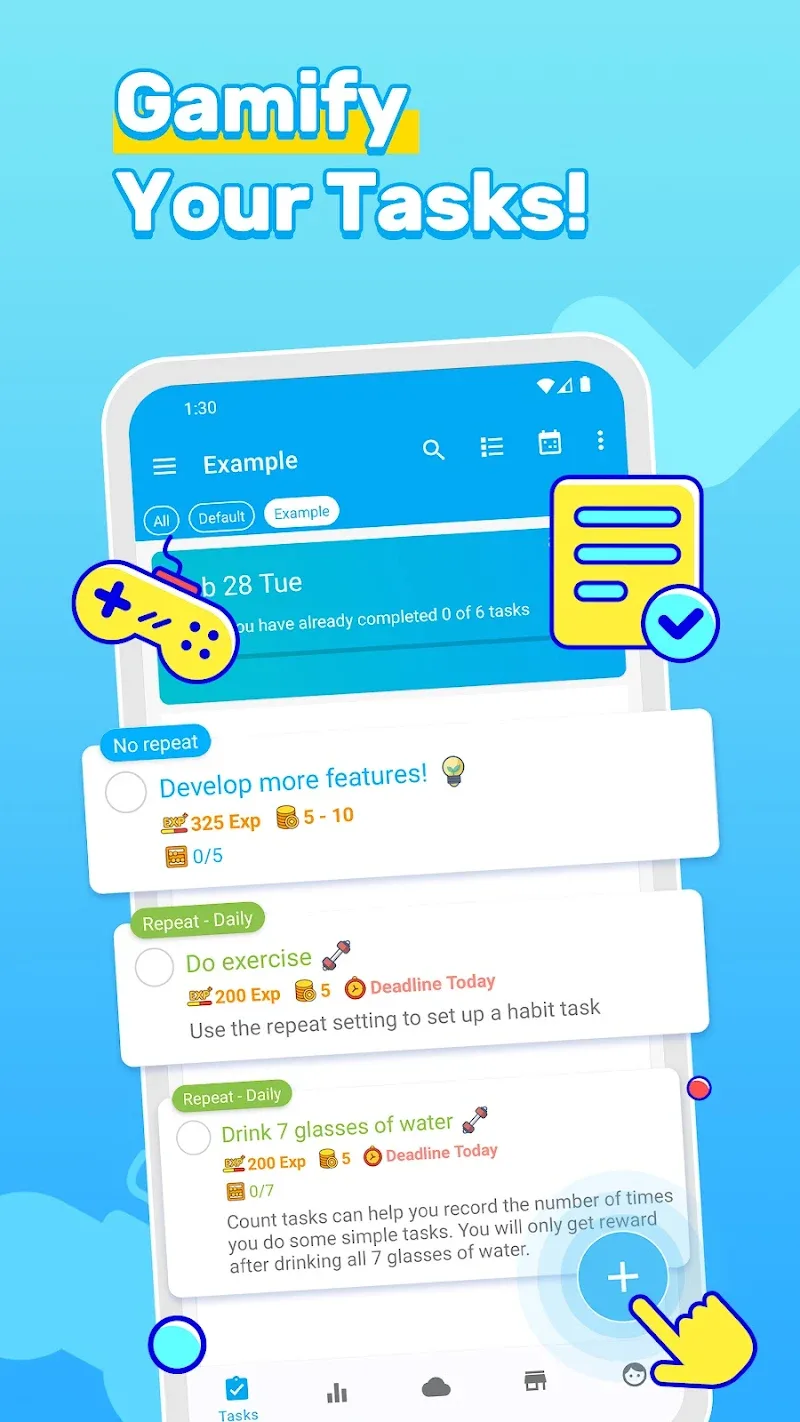
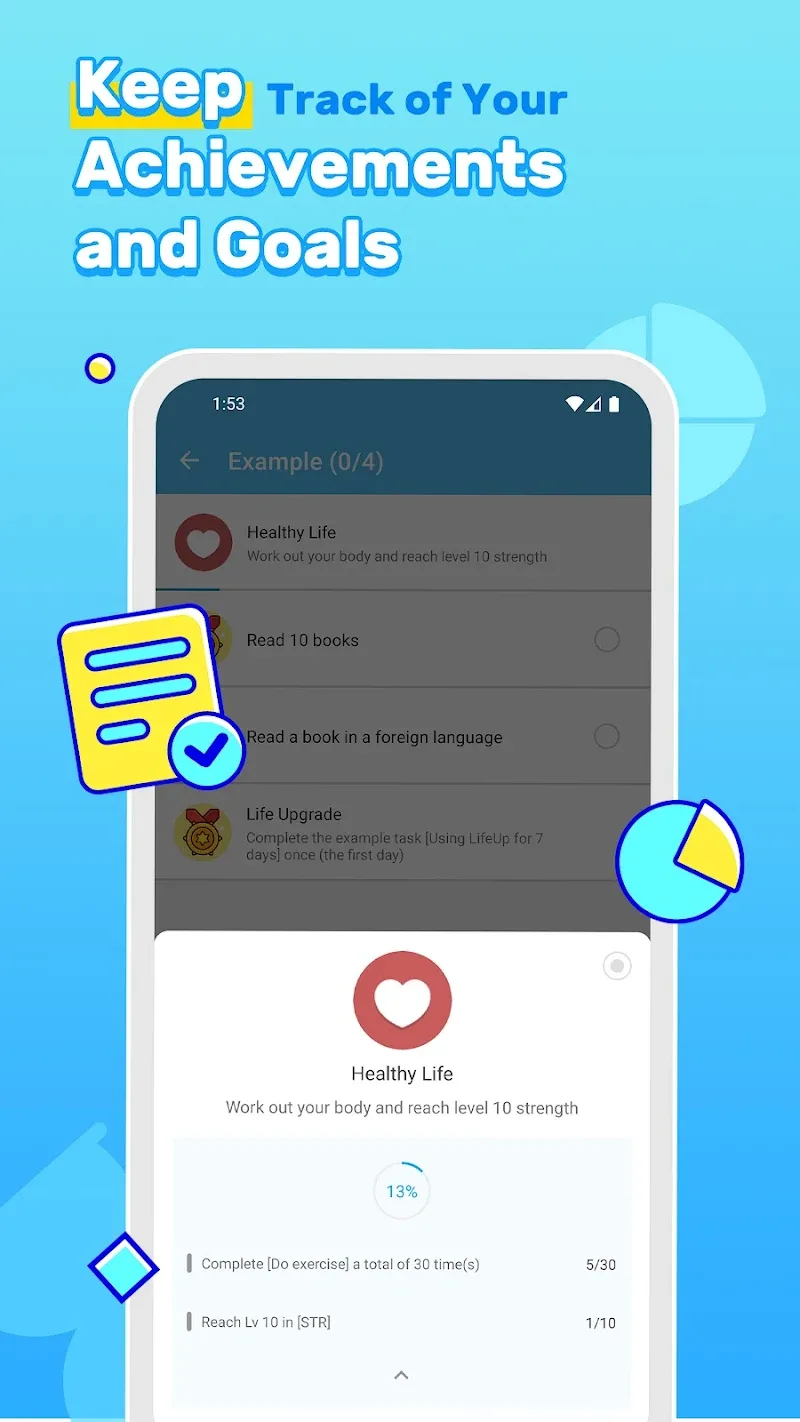
LifeUp: Gamified To Do List turns everyday tasks into a clear, motivating experience by combining a lightweight task manager with habit tracking and RPG-style progression. In the first moments you add a few chores, habits, or project steps you begin to feel small wins accumulate: tasks grant experience points, streaks are visible at a glance, and visual progress bars reward consistent effort. The app is designed to be approachable for people who want structure without complexity, and the introductory workflow helps you set realistic goals and reminders right away.
LifeUp: Gamified To Do List blends practical productivity tools with soothing game mechanics so your to-do list becomes a practical road map rather than a chore. Create one-off tasks, recurring habits, or multi-step projects and attach difficulty, priority, and deadlines. The interface groups items by date and category, and the task editor is fast: tap to set a due date, long-press to change a category, and swipe gestures help mark progress. Visual cues like icons, colors, and completion animations reinforce momentum without cluttering the screen.
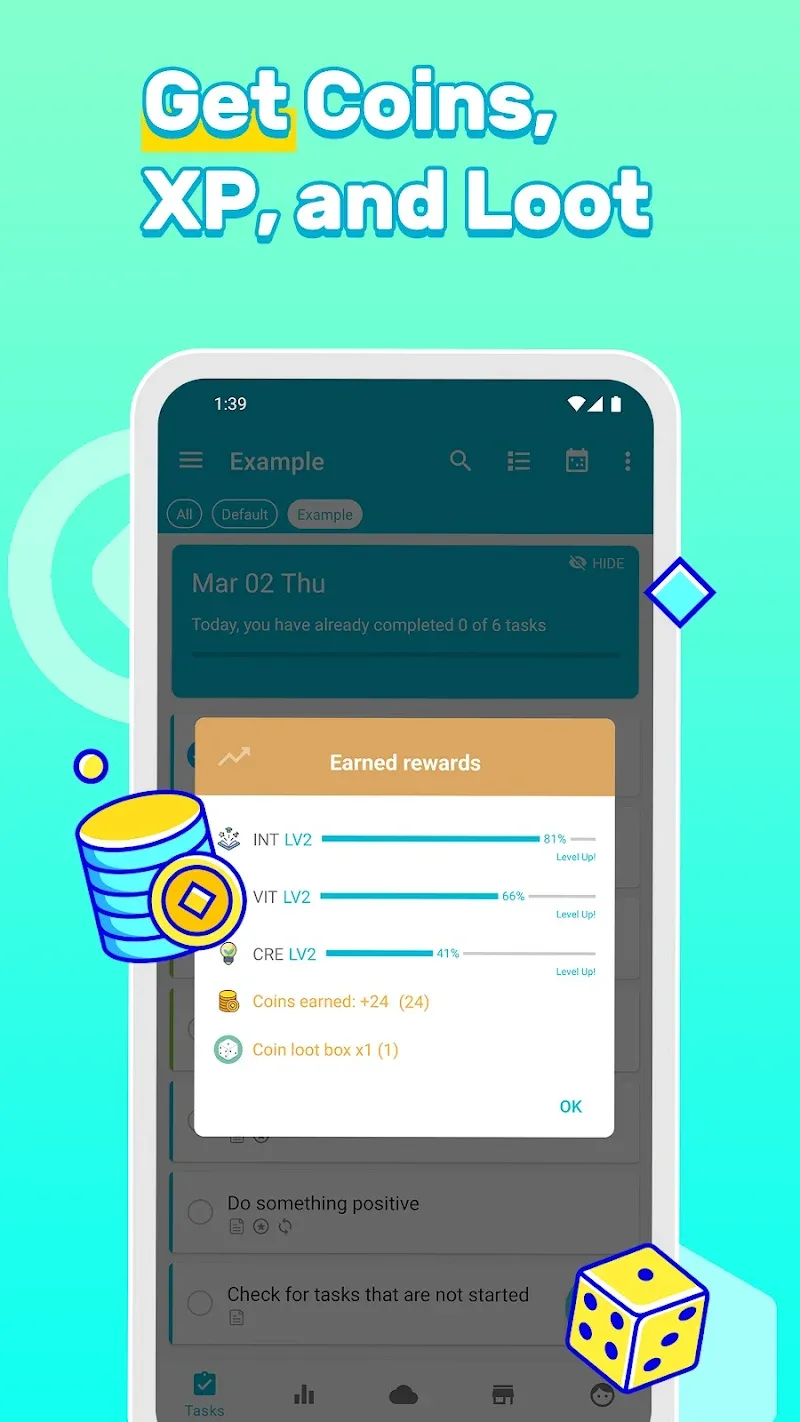
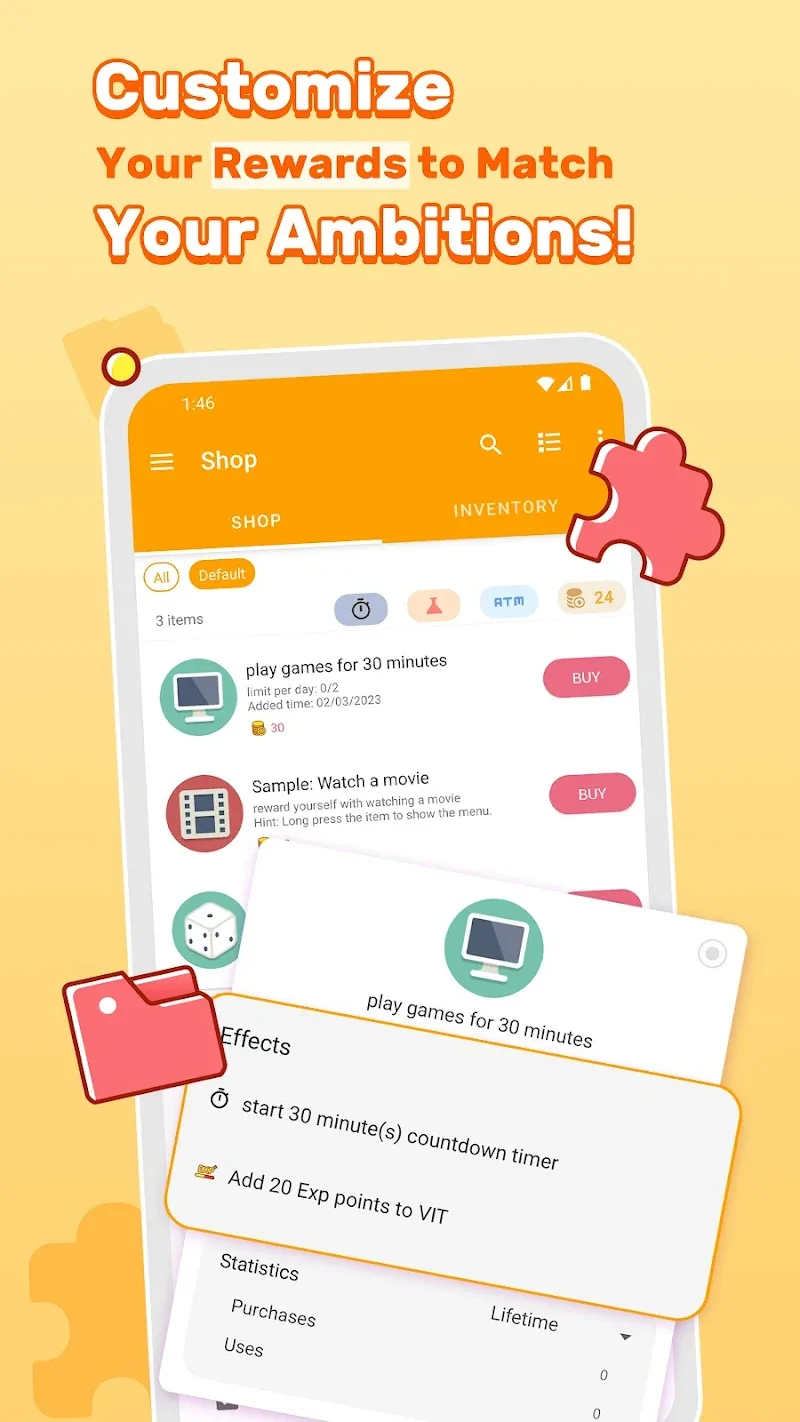
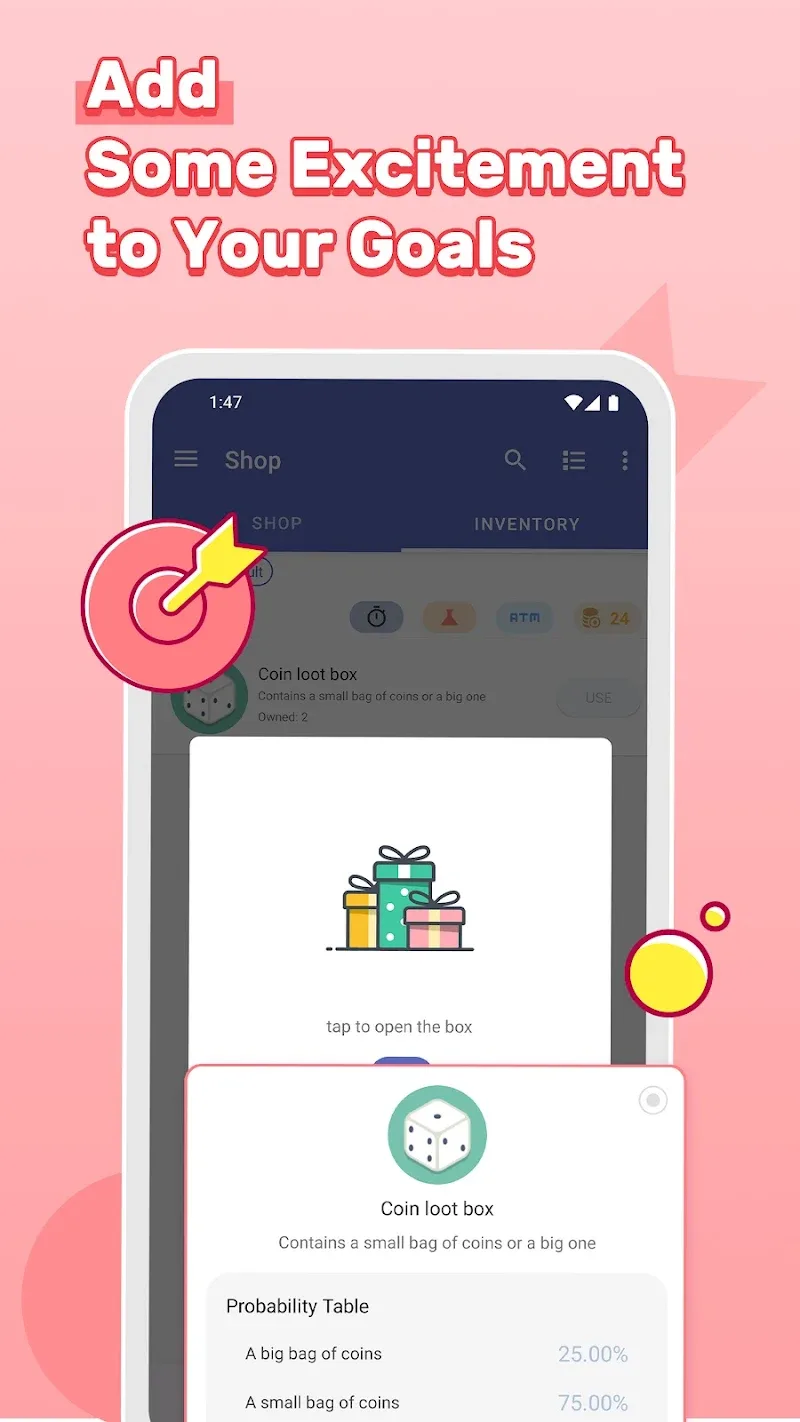
The central task organizer keeps your daily workflow tidy: add, edit, and reorder tasks quickly and use categories to separate work, home, study, or personal routines. Habit tracking gives you daily, weekly, or custom recurrence patterns with streak counters and progress visuals that make repeat behavior visible and satisfying. The XP and reward loop assigns experience points and virtual currency for completed items; leveling up unlocks cosmetic personalization options and helps you measure long-term improvement. Flexible reminders and notification controls let you set gentle nudges, choose snooze behavior, or mute alerts during focus times. Built-in statistics show completed tasks, streak length, and time-based trends so you can review what works and adjust your plan.
Interactions in LifeUp rely on familiar mobile controls to keep the learning curve low. Tapping completes simple tasks, while a dedicated project mode allows you to check off sub-tasks in sequence. Difficulty settings apply modest multipliers to XP so completing harder items feels appropriately rewarding; you can adjust difficulty to tune the challenge curve. The game-like loop is straightforward: assign tasks, earn XP, track streaks, and spend virtual rewards to personalize your experience. Controls respond quickly and animations give immediate feedback, which helps reinforce positive behavior through small, consistent wins.
The leveling system in LifeUp provides a visible sense of growth. XP accumulates from everyday actions and carries through a progression curve that nudges you toward slightly tougher goals over time. Levels are designed to be incremental: early progression is quick to build confidence, while later tiers require steady commitment. This structure encourages replayability because daily habits reset opportunities for XP and projects can be retired and recreated with new parameters, keeping the overall experience fresh without introducing competitive elements or multiplayer features.
LifeUp favors a clean, modern aesthetic with clear typography and restrained color palettes so information is easy to scan. You can personalize themes, assign icons and colors to categories, and choose simple cosmetic items unlocked through progression to tailor the look without overwhelming the interface. Adjustable sound and vibration settings let you control feedback intensity, and animation smoothness can be tuned to prioritize responsiveness or conserve battery.
The app emphasizes readability and straightforward navigation, suitable for a wide range of users. Text sizes are scalable, color contrast is chosen for clarity, and touch targets are sized for comfortable use on phones of different sizes. For users who prefer minimal interruptions, quiet modes and condensed notification schedules reduce alert frequency while preserving habit reminders. The workflow supports breaking complex objectives into manageable tasks, which helps users with limited time stay productive.
LifeUp works smoothly offline so you can manage tasks without a constant network connection; local backups safeguard your data and optional cloud sync is available for users who want device-to-device continuity. Incremental updates are designed to keep the app lightweight, and performance optimizations reduce memory and battery impact even with extensive task lists. The focus is on making the app reliable as a daily companion whether you’re online or not.
To get the most from LifeUp: Gamified To Do List, start with a short list of five high-priority tasks and one daily habit, set modest difficulty so initial XP feels achievable, and enable a couple of reminders to build routine. Use the project feature for multi-step goals, reserve habit trackers for daily anchors like exercise or reading, and review weekly stats to refine timing or frequency. The adjustable difficulty and streak mechanics create a gentle challenge system that both discourages procrastination and rewards consistency over time.
People who need structure, those who respond to incremental rewards, and anyone looking to turn intentions into habits will find LifeUp practical and pleasant to use. The app balances utility and playful motivation, offering a productive alternative to traditional to-do lists without introducing distracting gimmicks. With clear visuals, responsive controls, and an emphasis on steady progress, LifeUp supports sustainable habit building and long-term productivity improvement.