
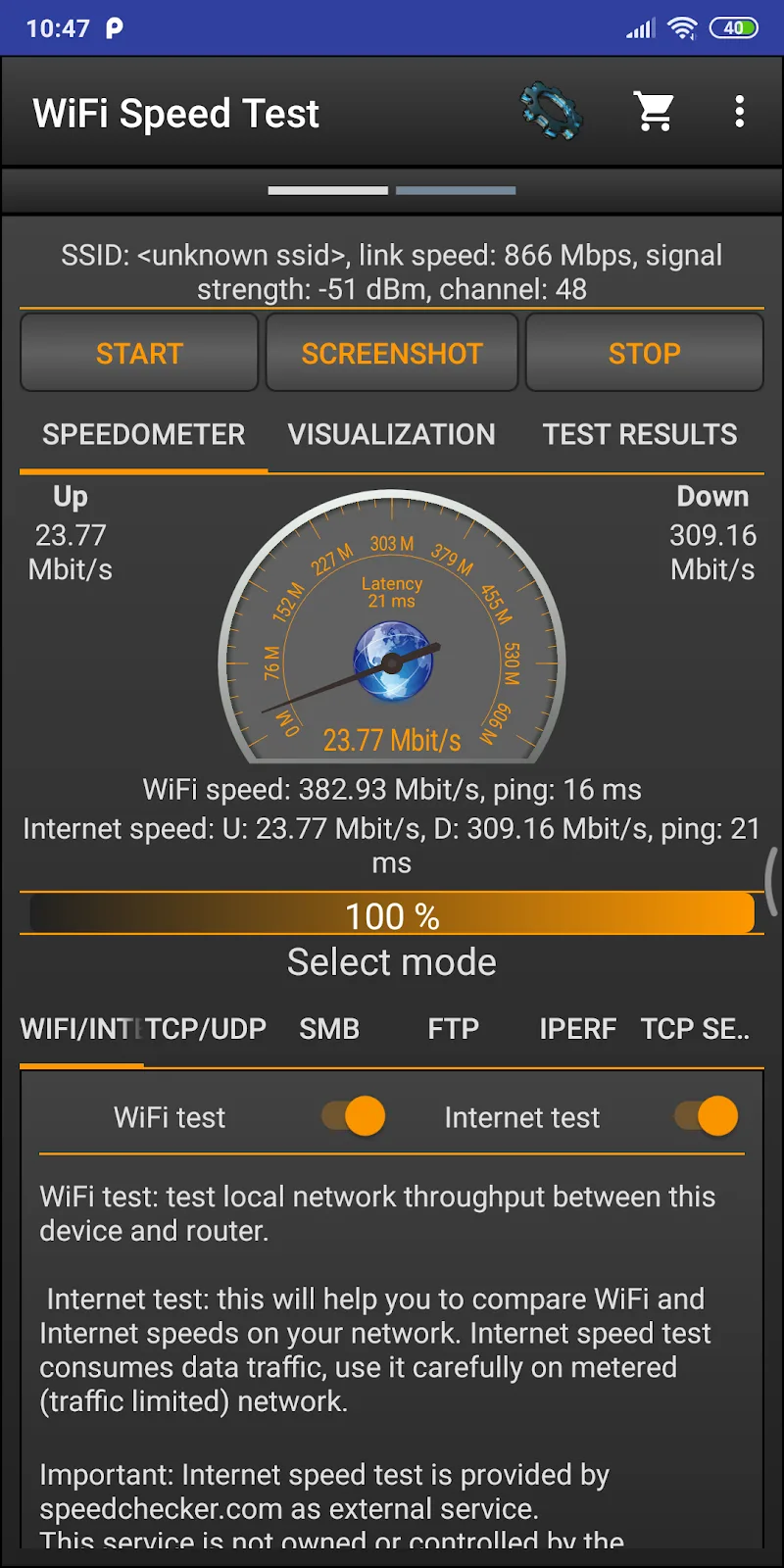
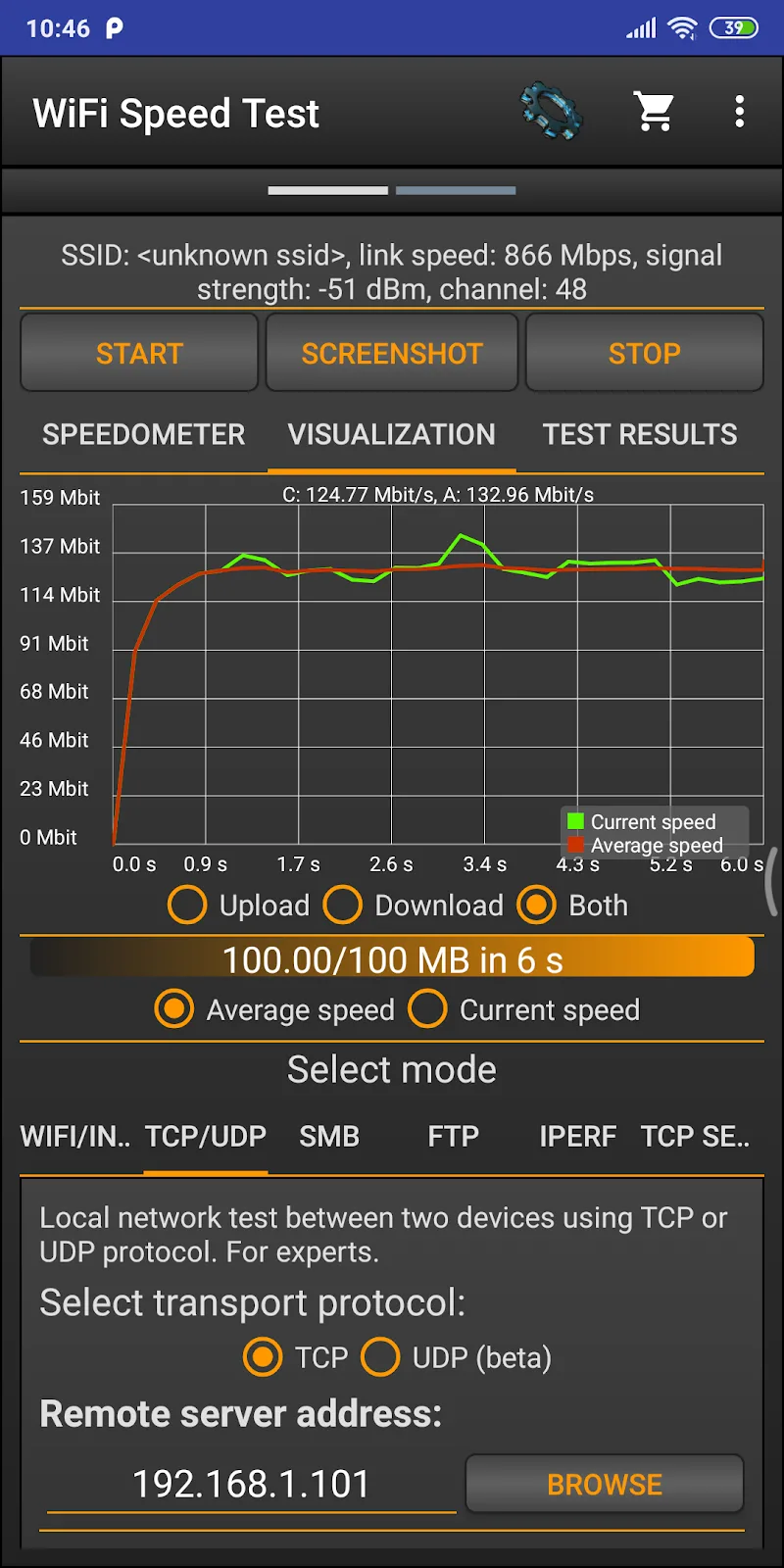
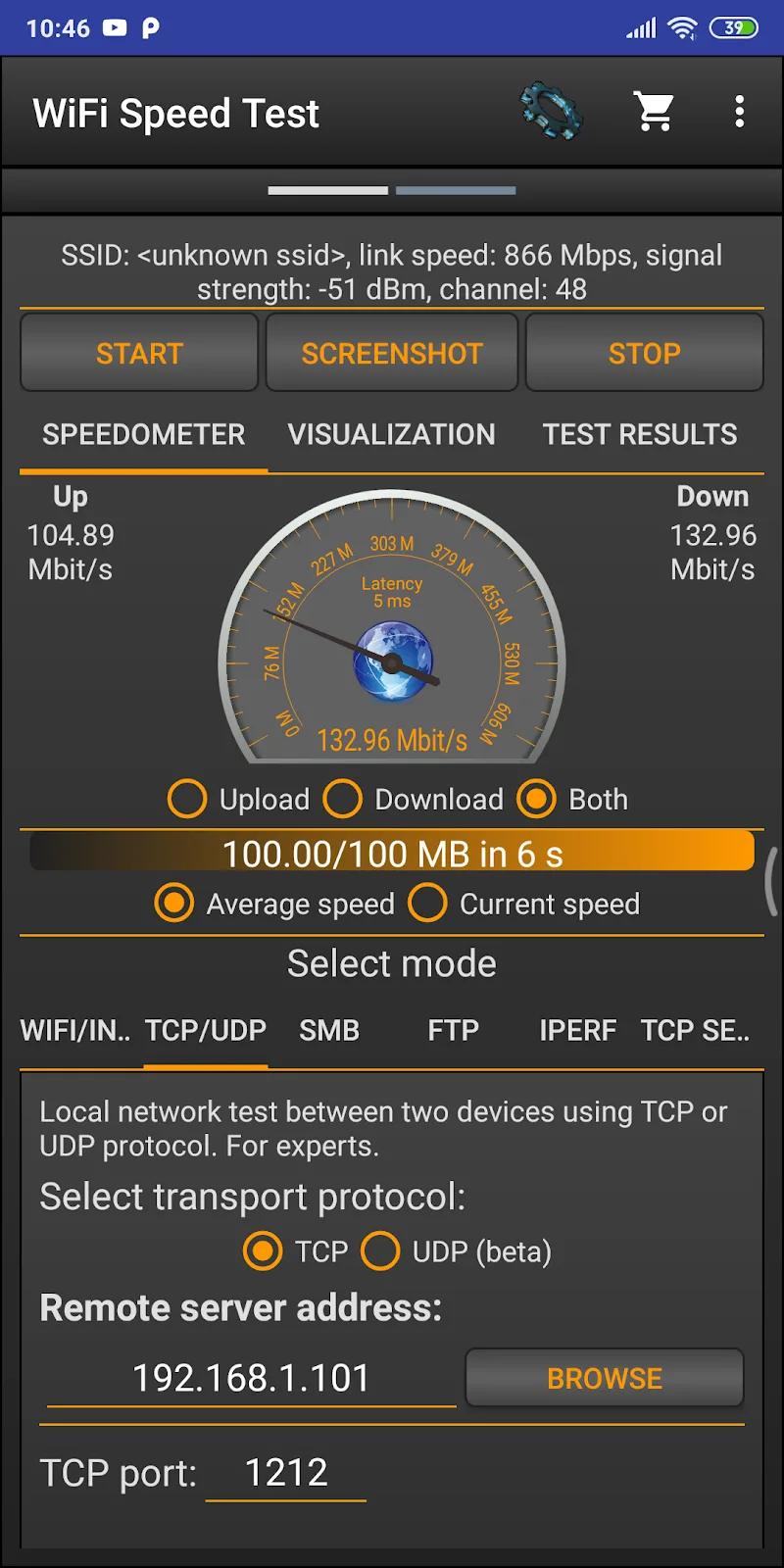
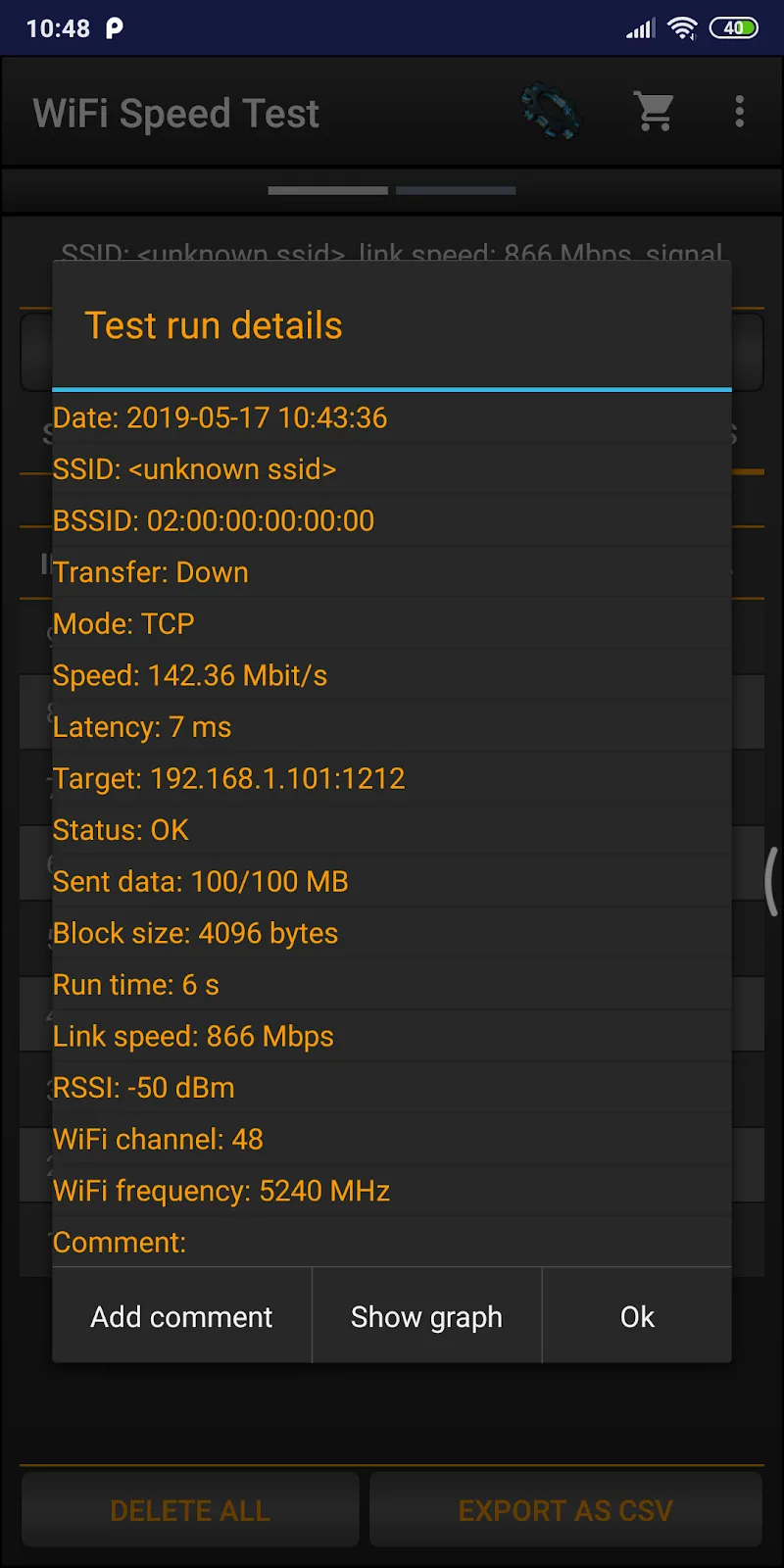
WiFi Speed Test Pro delivers fast, accurate assessments of your wireless connection using simple tests and visual charts. The app measures download and upload throughput, latency and packet loss, giving clear metrics you can use to diagnose slow networks or compare routers quickly and reliably.
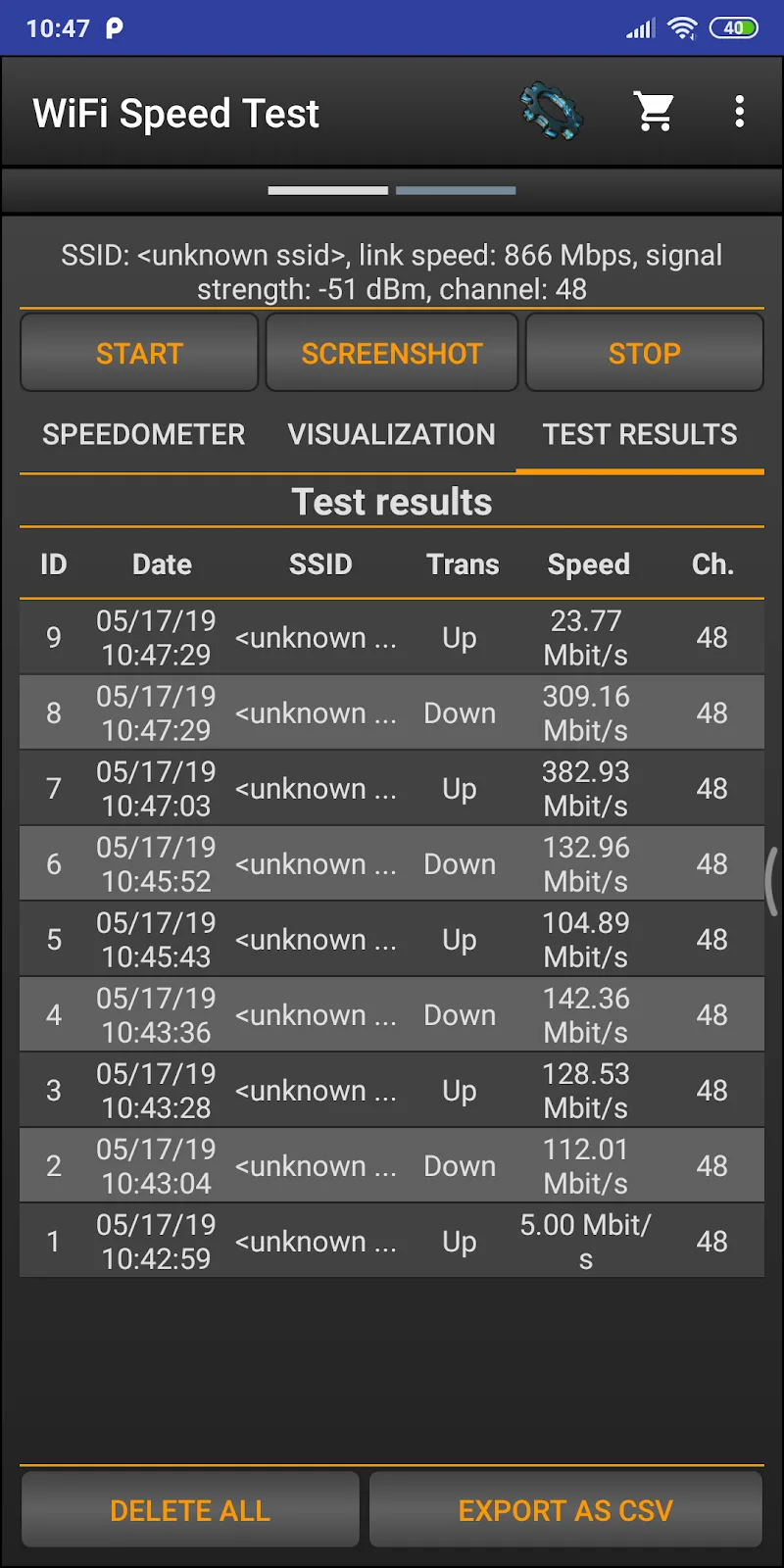
At its core, WiFi Speed Test Pro focuses on helping you understand real-world network performance. It runs standardized speed checks to report download and upload rates in Mbps, measures latency in milliseconds, and checks stability over time. Beyond a single number, the app offers session logs and trend graphs so you can spot intermittent issues or evaluate changes after hardware or configuration adjustments.
Getting started takes only a few taps. Open the app, select a nearby server or let the app choose the optimal one, then start the test. Results are displayed immediately with separate readouts for download, upload and latency. If you enable scheduled testing, results accumulate automatically and are accessible from the history view. The interface is designed to be approachable for beginners while offering toggles for more advanced settings.
Numbers alone don’t tell the whole story — WiFi Speed Test Pro puts performance into context. High download but poor latency suggests buffering issues in real-time apps, while packet loss points to instability that affects gaming and video calls. Use the app’s graphs to identify whether problems are consistent or sporadic. If results vary between devices on the same network, try changing bands, moving closer to the router, or rebooting the access point. The built-in diagnostics highlight channel overlapping and recommend remedies like selecting a less crowded channel.
The app is optimized for minimal battery impact and runs on a wide range of Android devices. It supports both IPv4 and IPv6 testing and adapts to different connection types including Wi-Fi, mobile LTE/5G and wired tethering. Designed to work reliably in varied environments, WiFi Speed Test Pro gracefully handles dropped tests and resumes or logs incomplete runs for later review.
WiFi Speed Test Pro collects only the information required to perform tests and store history locally by default. Exported reports are generated on device and can be saved as CSV or shared with network technicians. There are no background uploads of your history unless you explicitly enable cloud sync, and connectivity checks use lightweight probes to minimize data consumption.
Whether you’re troubleshooting a home network, testing a new router, or collecting evidence of inconsistent ISP performance, WiFi Speed Test Pro provides clear, actionable data. It’s useful for IT support, freelancers working remotely, and anyone who needs to validate connection quality before streaming or online meetings. The app’s combination of immediate feedback and stored history makes it easy to compare changes after firmware updates or configuration tweaks.
WiFi Speed Test Pro simplifies network testing with a concise interface, practical diagnostics and exportable history so you spend less time guessing and more time fixing. The app balances power and ease of use to help you make informed decisions about devices, placements and service options.