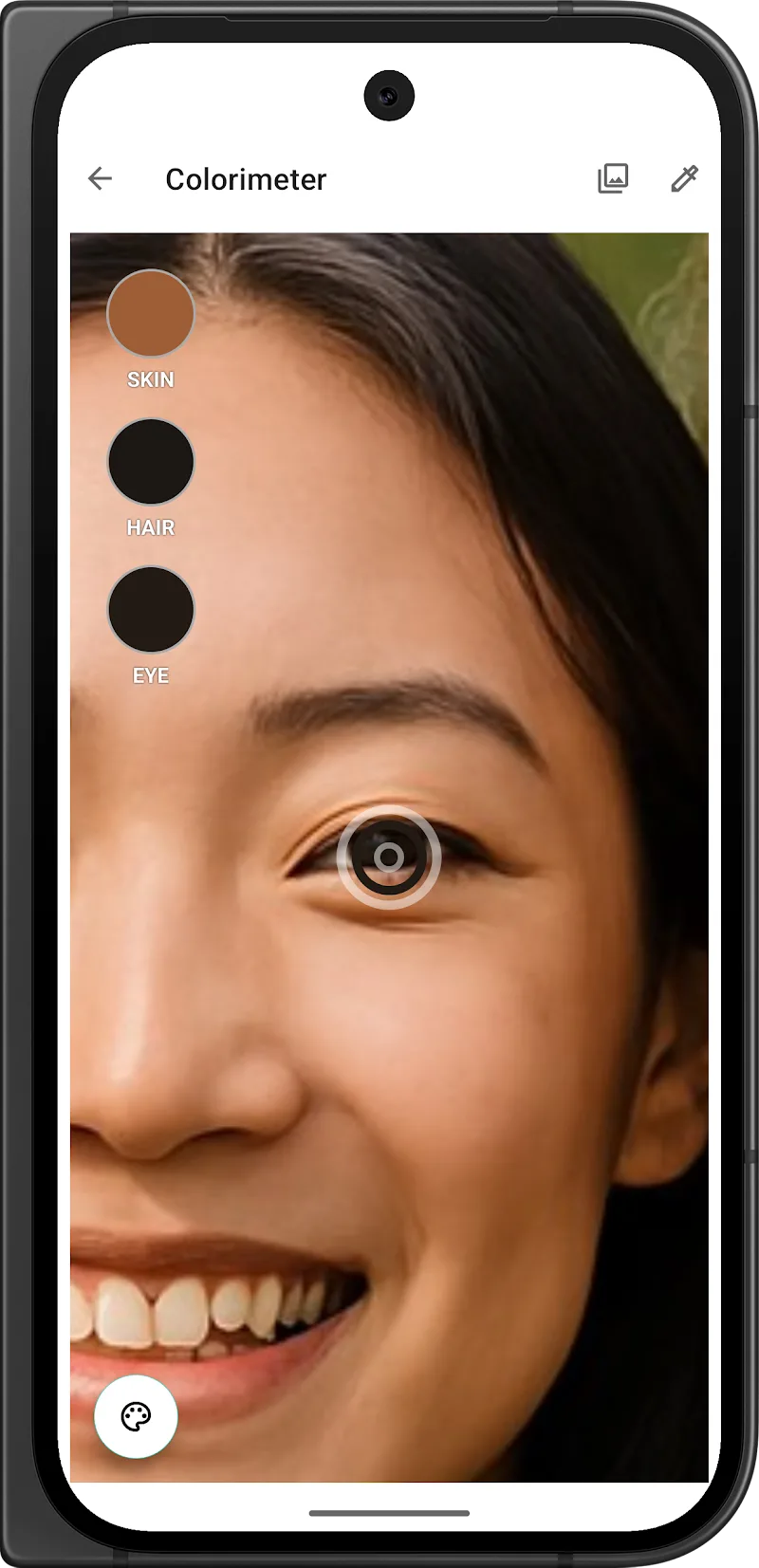
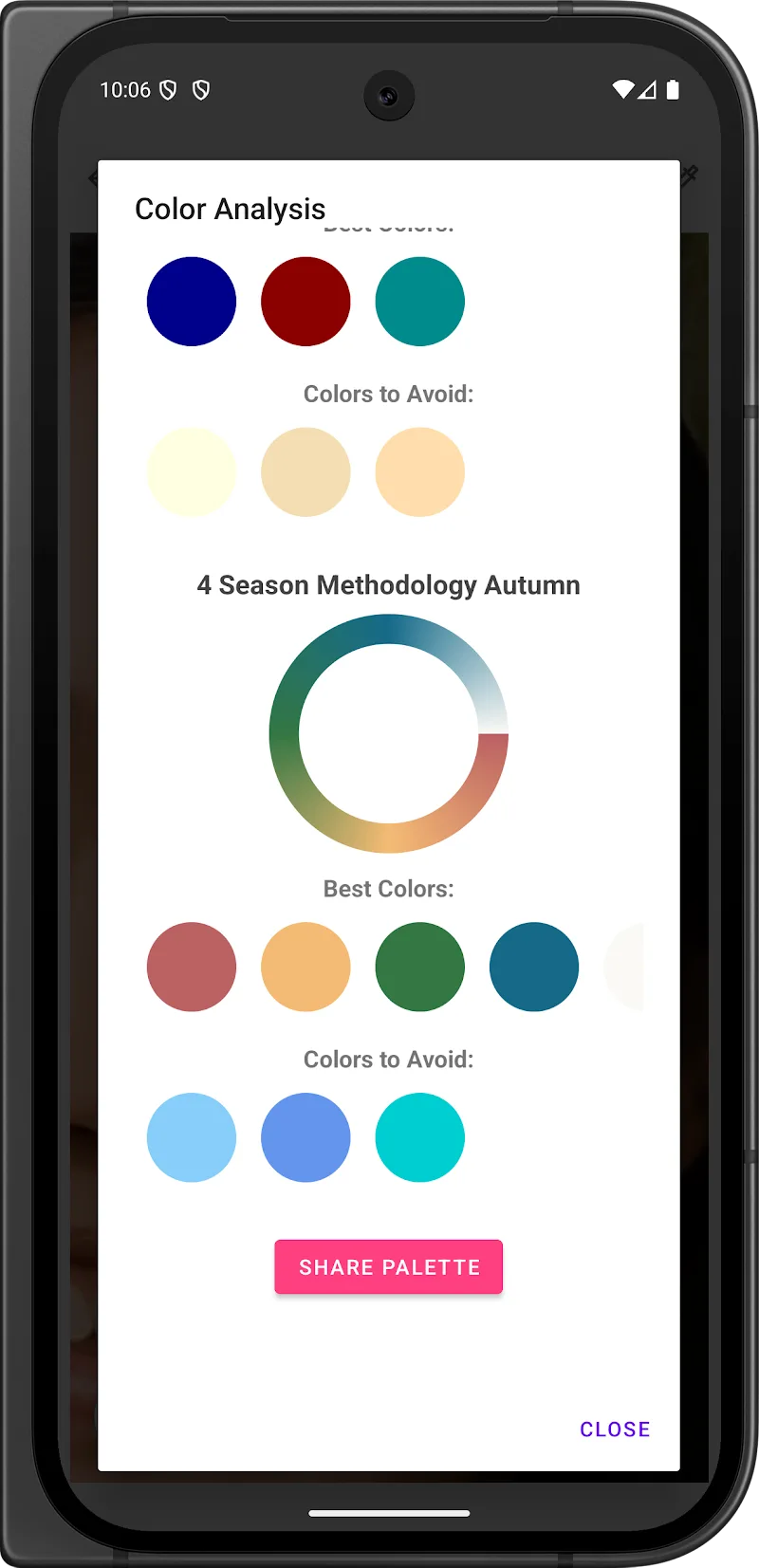
Colorimeter is a compact, professional-grade color measurement app that turns your Android device into a portable color reader. It analyzes hues, brightness and saturation from photos or live camera input, providing precise numeric values, visual swatches and export options for designers, painters, and quality control technicians.
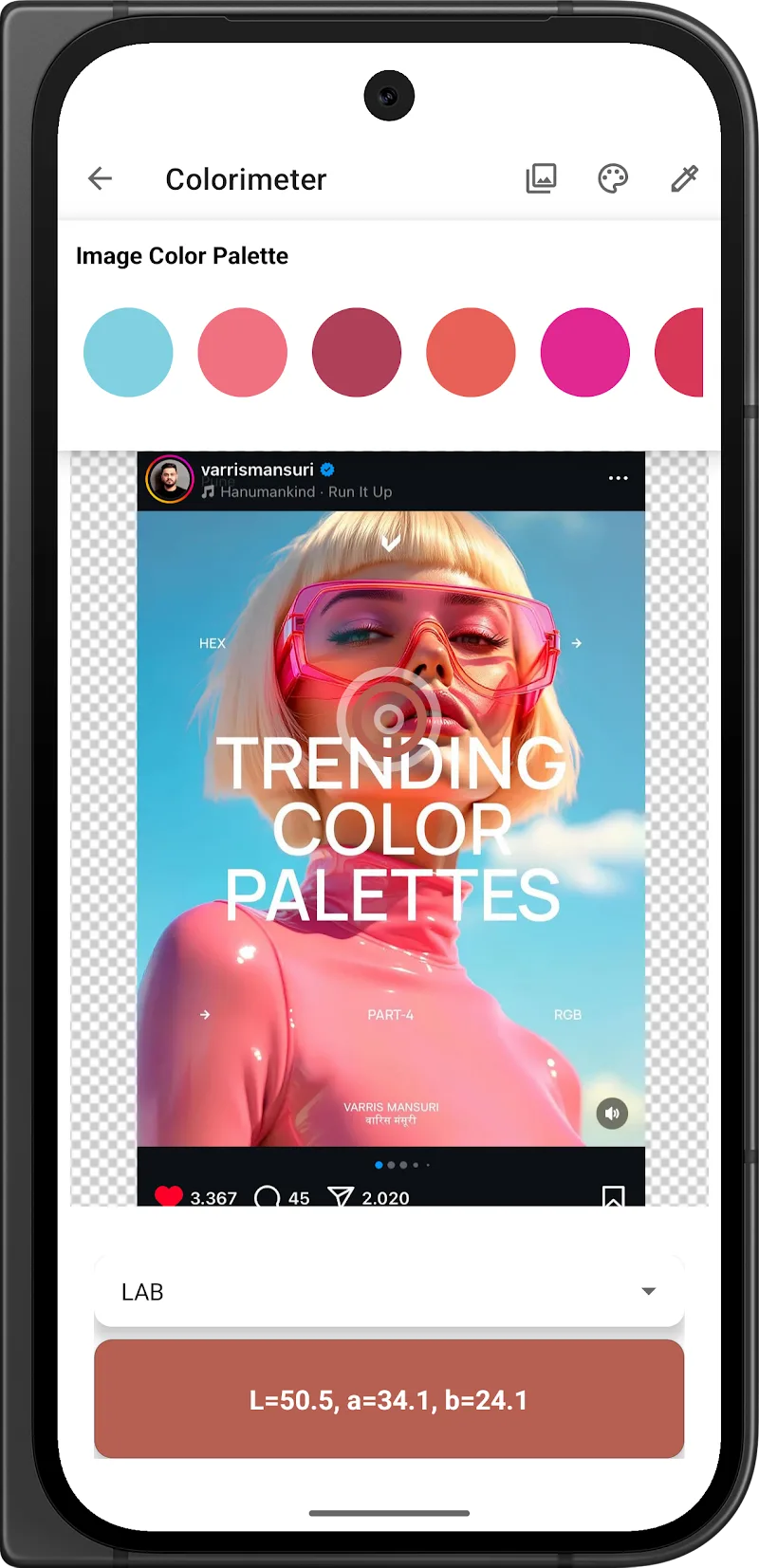
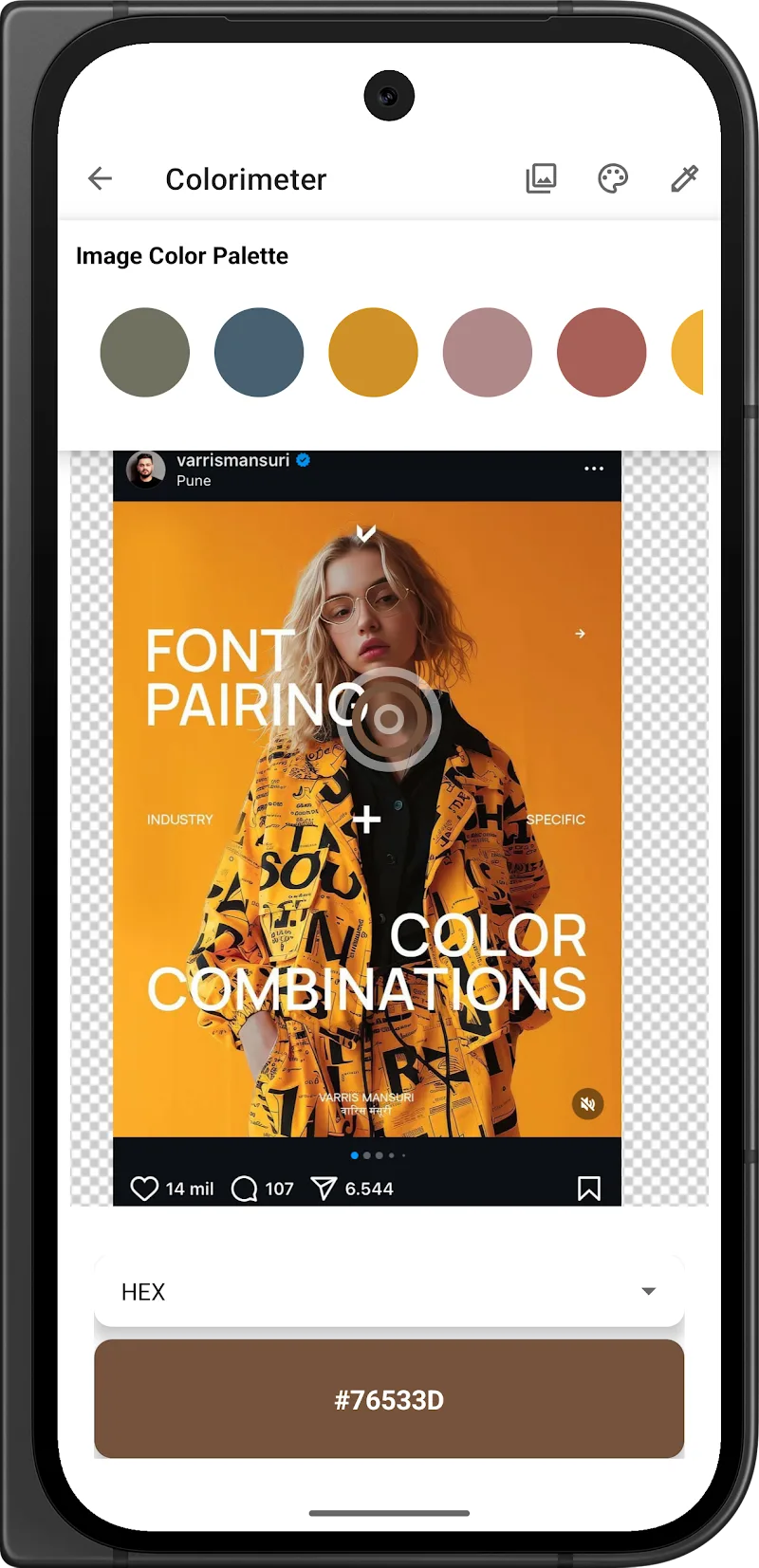
Colorimeter offers a full set of tools for capturing and analyzing color. Use the live camera picker to sample any surface, import images to extract multiple swatches at once, and store measurement history for comparison. The app displays values in hex, RGB, HSL and CIE LAB, and includes Delta-E calculations so you can assess perceptual differences between samples.
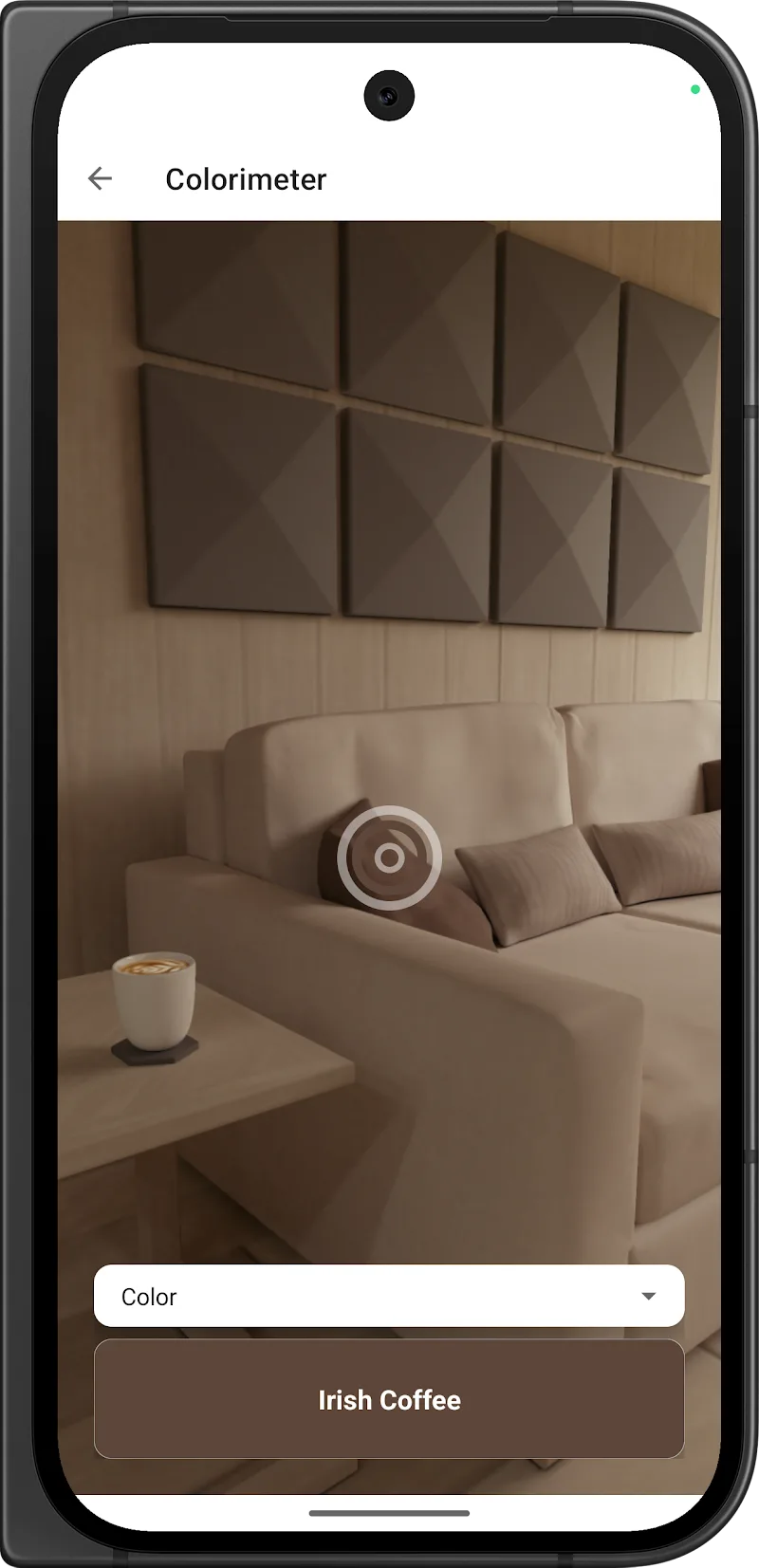
When you point the camera, Colorimeter samples an area and compensates for ambient light using an automatic white-balance algorithm. You can choose between single-pixel sampling or averaged samples from a configurable grid to reduce noise. The app converts sensor data into industry-standard color spaces, giving results that are suitable for design, printing and material inspection workflows.
The interface is organized for quick access: a central camera view, a results panel with numeric readouts, and an expandable history bar. Tap a swatch to lock a reading, add it to a palette or compare it side-by-side with another sample. A simple toolbar provides export, share and calibration options so you can move from capture to output in a few taps.
Colorimeter includes multiple export formats to fit different workflows. Save palettes as PNG for visual reference or export as CSS variables, JSON or ASE (Adobe Swatch Exchange) for direct use in design tools. Quick-share functions let you send measurements by email or messaging apps, and exported text makes it easy to paste hex or RGB values into development environments.
Beyond basic sampling, Colorimeter provides advanced features for professional use. Delta-E (CIE76/CIEDE2000) metrics quantify perceptual differences. Batch mode lets you capture multiple swatches in sequence for quality control tasks. The app can also record coordinates and timestamp data for traceability during field inspections.
Designed for modern Android devices, Colorimeter is optimized to minimize CPU usage while maintaining responsive live preview. The app supports high-resolution camera inputs and can reduce sample resolution to save processing power on older phones. Permission prompts are limited to camera and storage so you retain control over access.
Colorimeter is useful in many professional and creative contexts: matching paint chips on renovation projects, verifying textile dye batches, extracting brand colors for digital design, or checking print output against proofs. The combination of visual swatches and numeric data makes it straightforward to communicate color information across teams.
To begin, grant camera access and follow the on-screen calibration guide if accuracy is important for your work. Try the live picker on a neutral surface to get familiar with sampling options. Save a few palettes to build a quick library of frequently used colors and experiment with export formats to integrate Colorimeter into your preferred design or production pipeline.
Users appreciate Colorimeter for its balance of precision and usability. The clear readouts, multiple color-space support and export options make it a practical tool for designers, makers and inspectors who need reliable color data without complex hardware. Regular updates add refinements and expand compatibility with new Android releases.