
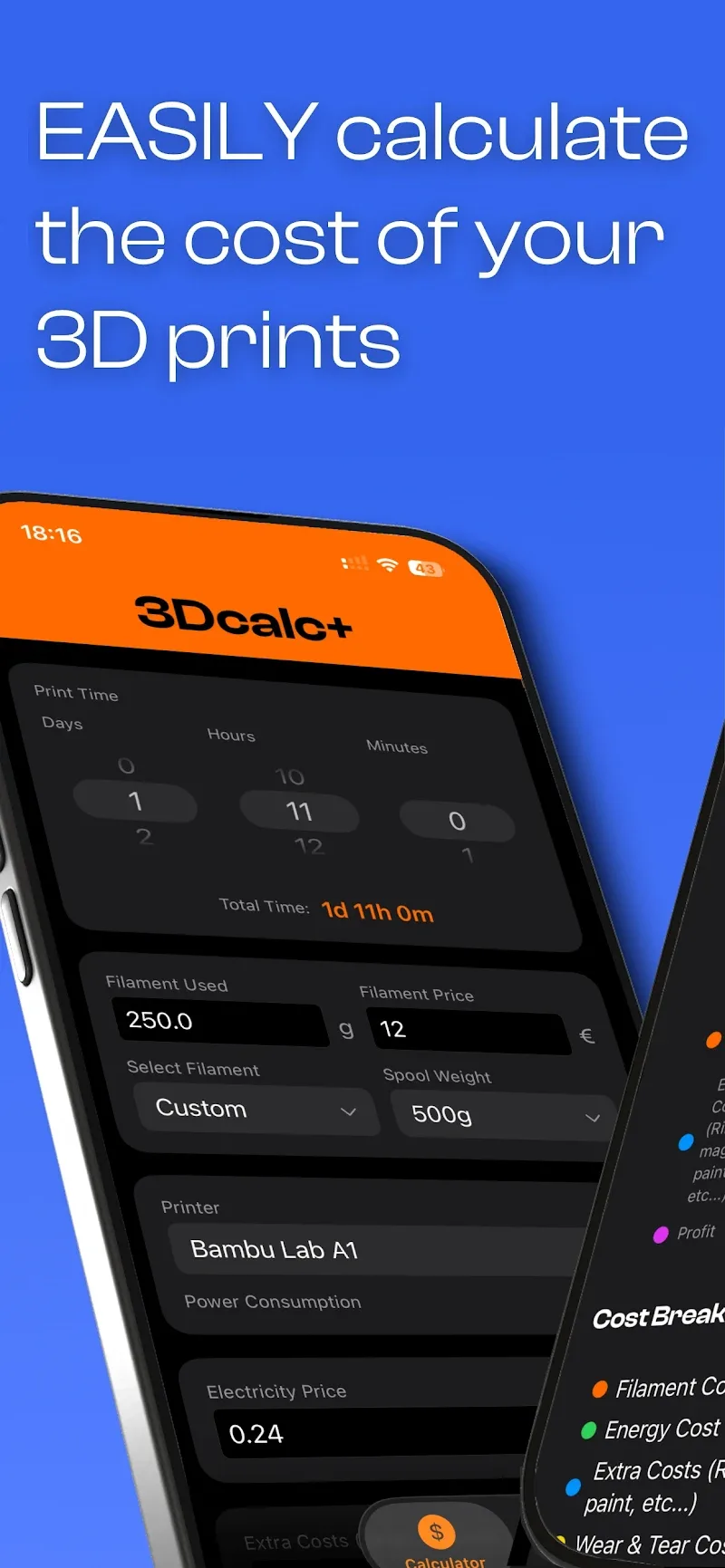
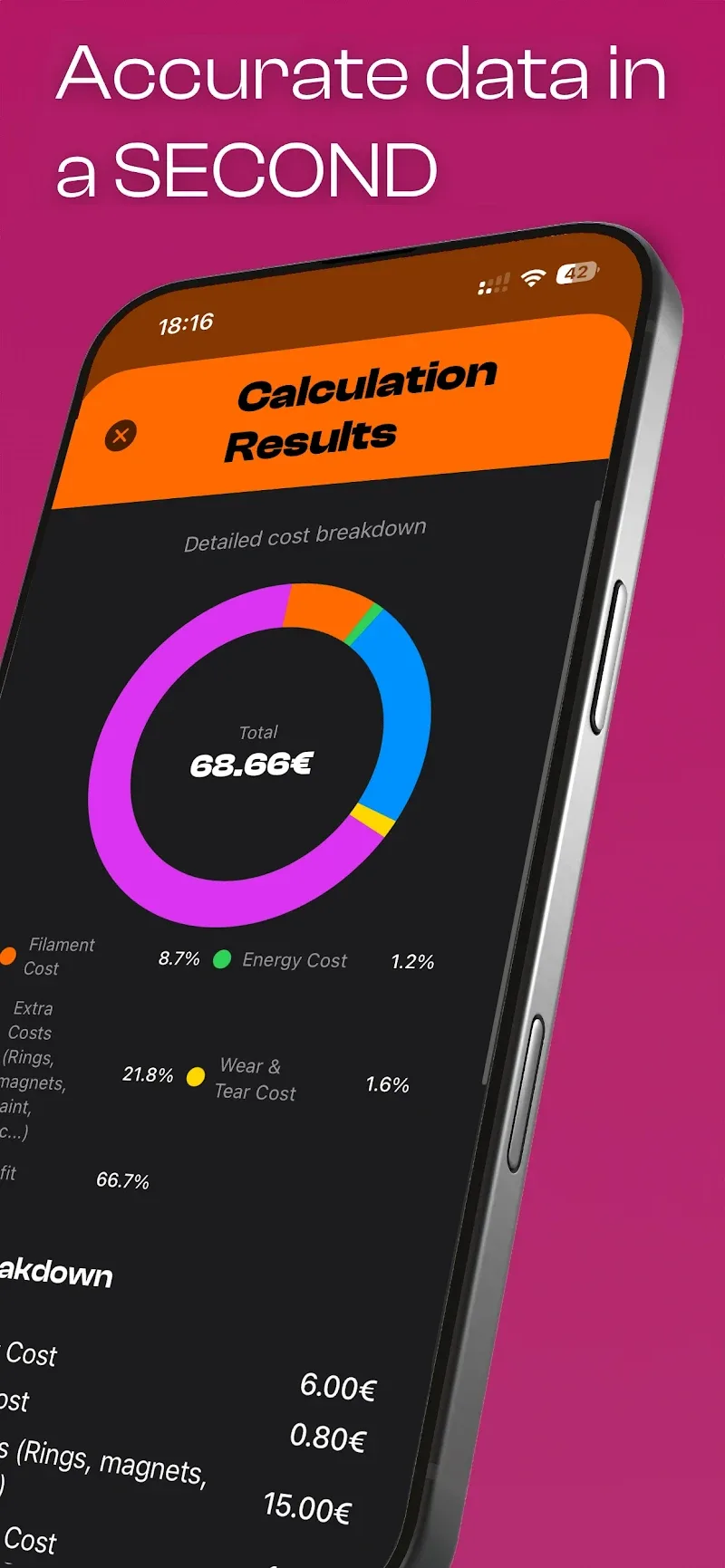

3Dcalc+ is a powerful mobile calculator designed for engineers, students and hobbyists who work with three-dimensional math and visualizations. It combines algebraic computation, 3D graphing and unit-aware calculations into a single interface, letting you explore functions, surfaces and vectors on the go.
At its core, 3Dcalc+ targets users who need more than a basic arithmetic tool. It bridges symbolic expression parsing with interactive 3D plotting. Whether you need to analyze parametric curves, inspect vector fields or evaluate integrals over surfaces, the app streamlines those tasks for practical, everyday use.
3Dcalc+ blends computation and visualization in ways that feel natural on touch devices. The app supports a wide range of mathematical primitives, custom units and multi-plot layouts. It keeps an accurate history and lets you export results for use in reports or slide decks.
Start by typing or pasting an expression; the parser accepts a familiar syntax and offers immediate feedback on errors. For plotting, select the expression type and set parameter ranges. Touch gestures rotate the scene, pinch zooms, and double-tap resets the camera. Computations are layered so you can toggle overlays like gradient vectors, contour slices or axes grids.
3Dcalc+ organizes frequently used operations into a compact toolbar. You can define custom functions, store variable presets and chain operations without leaving the main view. The integrated calculator area allows quick numeric checks while the 3D window renders visual responses, keeping analysis and visualization tightly coupled for faster iteration.
The interface favors clarity: controls are labeled, colors communicate data ranges, and rendering prioritizes smooth interaction. On modern Android devices the app maintains responsive frame rates even with dense meshes. Rendering options let you balance aesthetic detail with battery and CPU usage, adjusting mesh density, shading and anti-aliasing on the fly.
Use 3Dcalc+ to model a rotating parametric knot, visualize electric field lines from point charges, or plot temperature variations on a curved surface. Students can check homework by comparing symbolic integrals with numerical approximations. Professionals can prototype shapes and export high-resolution plots for documentation.
Menus follow a shallow hierarchy to reduce taps. Help overlays explain controls the first time you use a feature, and a searchable function guide covers syntax and examples. The theme adapts to dark mode settings for comfortable night-time work. Accessibility settings let you increase font sizes and tweak control contrast.
People choose 3Dcalc+ because it combines precision with interactivity. Its balance of symbolic capabilities and high-quality 3D rendering saves time that would otherwise be spent switching between separate tools. The unit-aware computations reduce conversion mistakes, and the export features make it easy to incorporate visuals into papers or presentations.
Installation is straightforward from the app store. After launch, explore the sample gallery to see ready-made plots, then import or type your own expressions. The app detects common mistakes and suggests corrections, helping you move from concept to visualization quickly.
For anyone needing advanced math on a mobile device, 3Dcalc+ offers an efficient, polished environment. It packs the kind of features professionals rely on while remaining approachable for learners, making it a versatile addition to a technical toolkit.