MyScoreTracker is a lightweight, practical scorekeeping app designed to make tracking game points fast and effortless for casual gatherings, board game nights, and tabletop sessions. MyScoreTracker calculates and updates scores in real time, supports groups of up to 12 players, and keeps a searchable history so you can review rounds and compare sessions without manual note-taking. The app focuses on quick entry, clear totals, and visual summaries so play stays uninterrupted and your group can concentrate on the game rather than arithmetic.
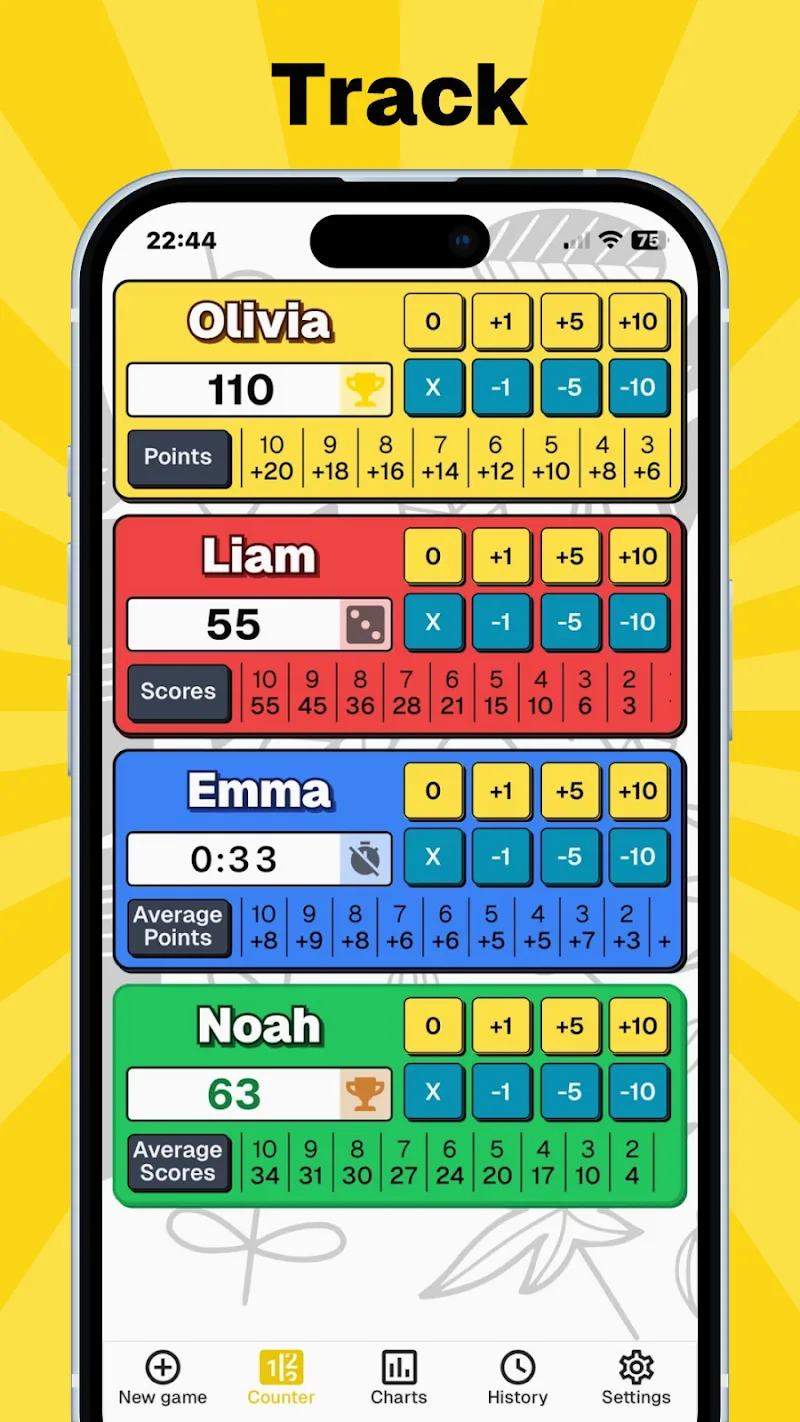
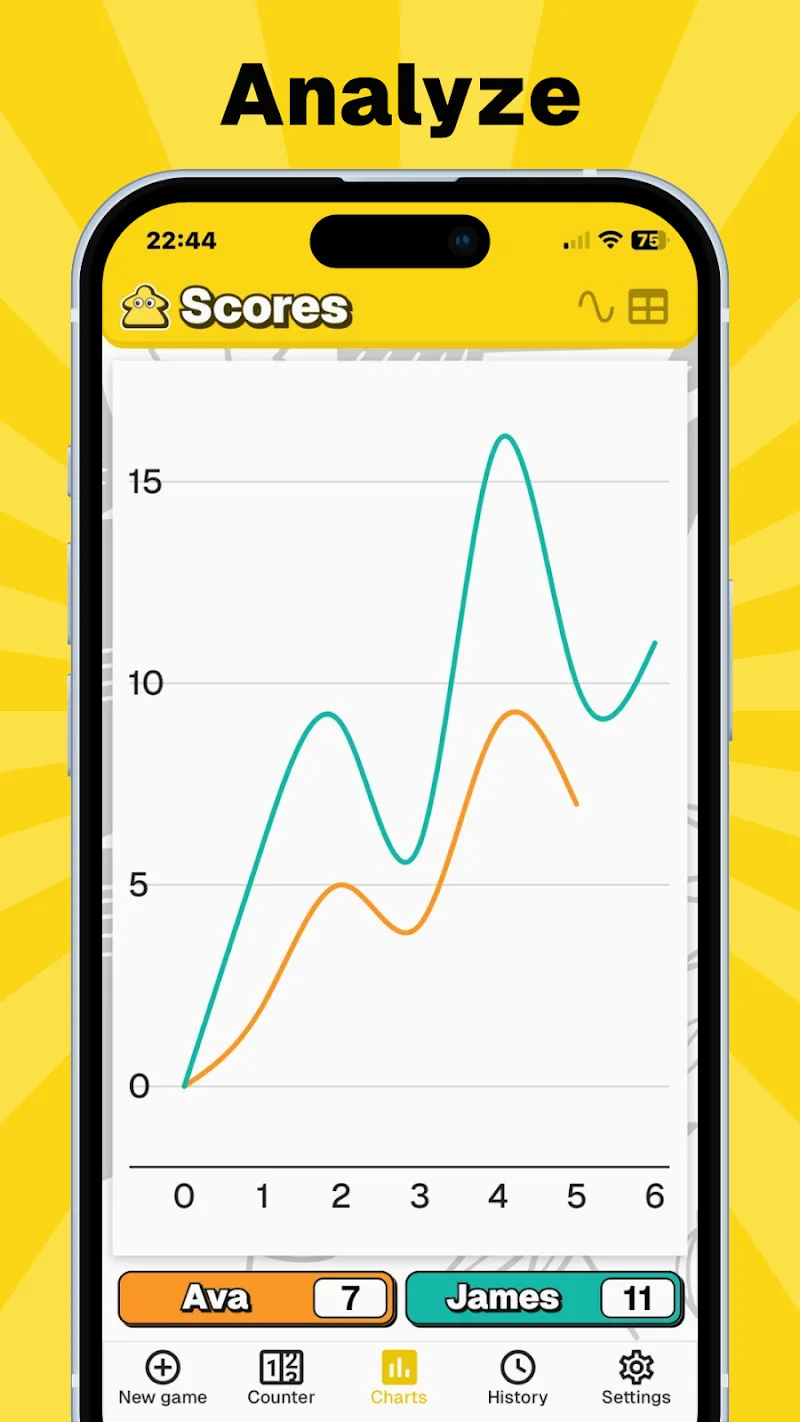
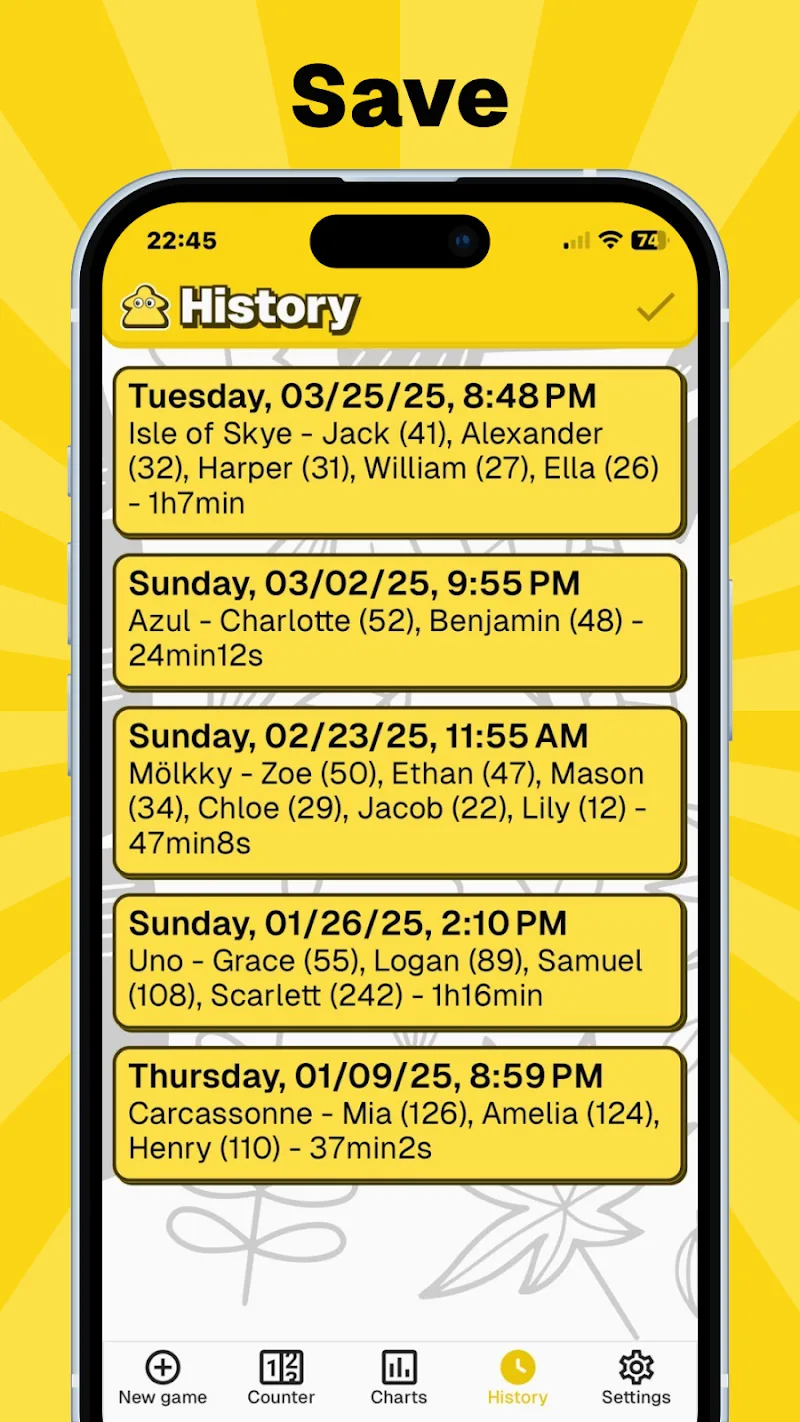
MyScoreTracker offers immediate scoring updates and simple controls that reduce entry errors during play. The app supports up to 12 players in a single session and records each round with timestamps so you can revisit exact score progressions later. Interactive charts give a visual snapshot of performance trends across a session and the built-in insights highlight streaks and score swings automatically, helping you spot who improved or who had the most volatile rounds. Fast mode input is available to enter multiple players’ points with a few taps, and the interface automatically recalculates totals as you add values.
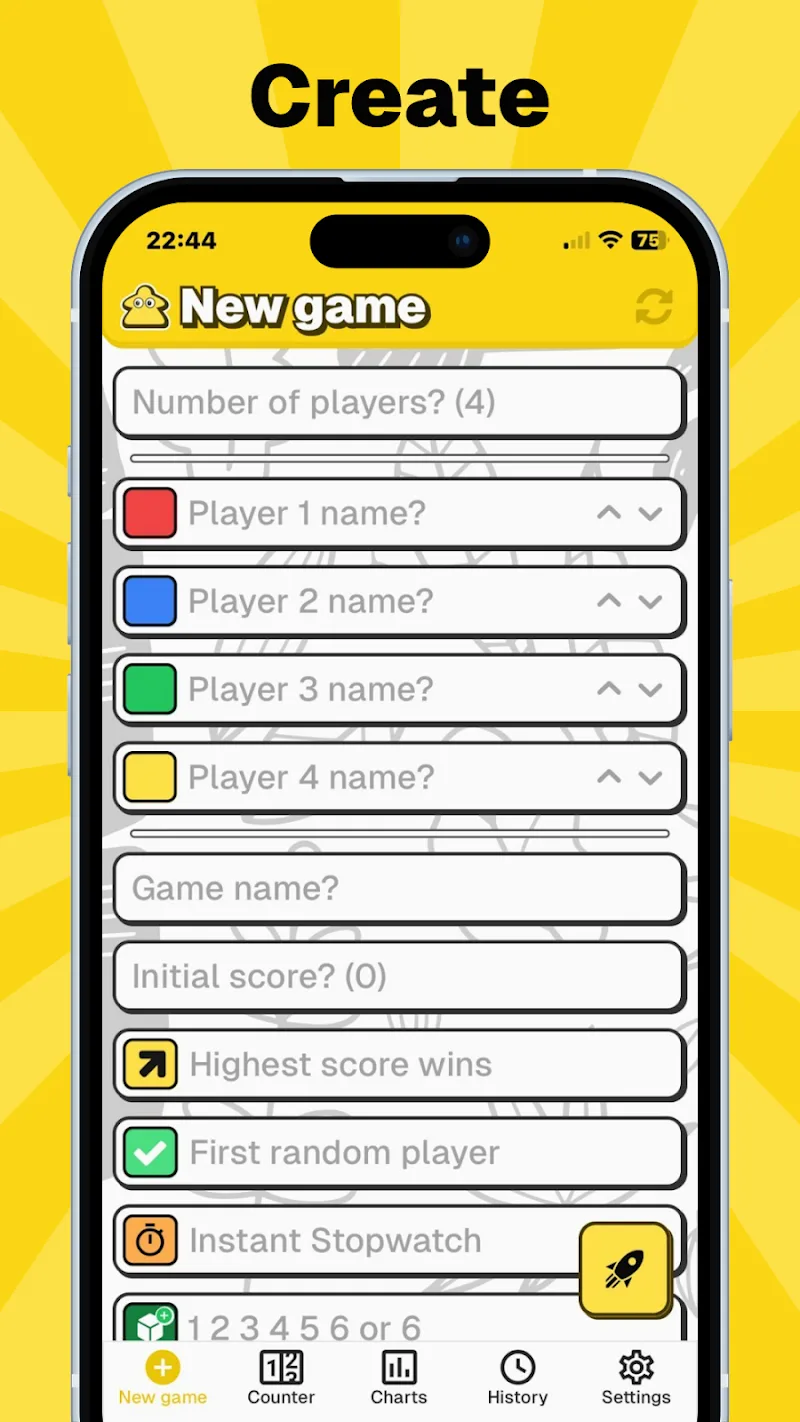
The core gameplay mechanic in MyScoreTracker is straightforward: enter scores per round, view updated totals, and continue until the game’s end condition is reached. Controls are optimized for rapid entry on phones and tablets, with large touch targets for player selection, quick-add buttons for common point values, and an undo option for accidental entries. You can rename players, rearrange seating order in the app, and set custom round names to reflect different phases of a game. The app intentionally avoids complex steps so that scoring integrates smoothly with the natural flow of most tabletop or party games.
Progression in MyScoreTracker is session-based: you build a history of completed games that functions like a lightweight play log. Reviewing past sessions helps you measure improvement, test house-rule variants, or track how strategy changes between games. Replay value comes from the simplicity of starting new sessions, experimenting with different scoring conventions, and using the built-in charts to compare outcomes. While MyScoreTracker does not include online leaderboards or matchmaking, the local session archive supports repeated play patterns and makes it easy to replay a particular setup or replicate a close match for a rematch.
The app uses a clean, minimal visual design to keep focus on scores and player information. Color accents and player chips are available to help you distinguish participants at a glance, and you can assign colors or avatars to players for faster recognition. Layouts adapt to screen size so tables and charts remain readable on smaller phones and larger tablets. Customization options include setting the number of rounds, choosing round labels, and selecting whether to display per-round detail or only running totals. These simple visual and layout options let you tailor MyScoreTracker to the pacing and style of the games you play most often.
MyScoreTracker is designed to work offline so you can use it in environments without an internet connection: all scoring, history, and charts are stored locally on the device. The interface supports larger text sizes and contrast-friendly color schemes to assist players with visibility needs, and touch targets are intentionally generous to accommodate different dexterity levels. Because the app keeps all data on-device, you can rely on it in crowded venues or remote play spaces without needing network access.
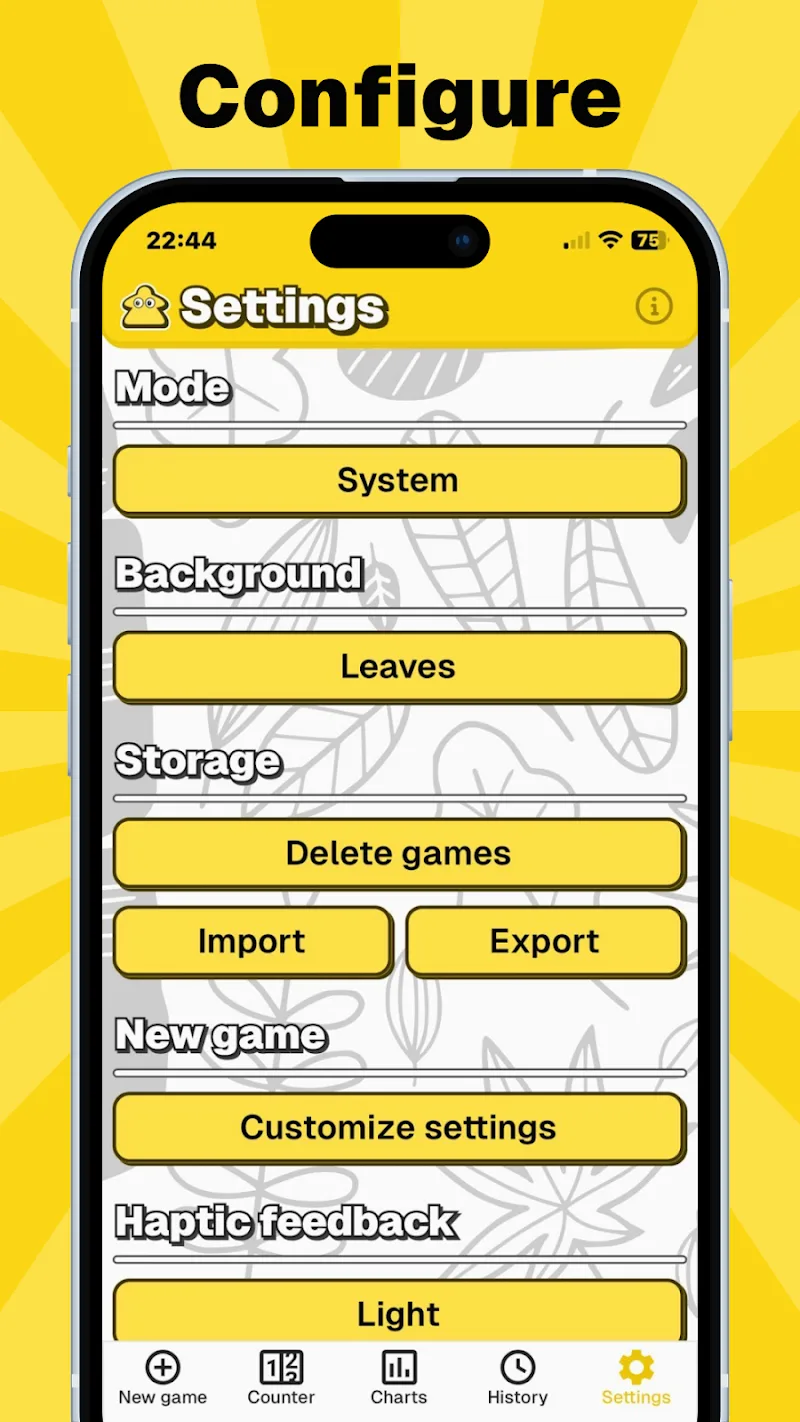
The app includes configurable session options that let you set winning conditions, target scores, or a fixed number of rounds before you start, creating friendly local challenges without external integration. These settings make it easy to run tournaments manually by exporting session details through the device’s standard sharing options if you want a local copy; the app itself focuses on accurate scoring and clear presentation rather than complex export formats. Built-in feedback controls let you report bugs or suggest improvements directly from within the app so future updates can reflect how people actually use MyScoreTracker.
MyScoreTracker is optimized for ease of use and quick scoring rather than advanced statistical analysis or large-scale events. The player limit is 12, which suits most home and casual groups but may not fit very large gatherings. The feature set prioritizes reliable, offline scoring and clear session history rather than cloud multiplayer, ranking systems, or deep export/import capabilities. If your needs center on straightforward, accurate score tracking with useful visual summaries, MyScoreTracker provides a dependable and unobtrusive tool to keep the game moving.