GG Mouse Pro 2 is a versatile Android utility that brings precise cursor control and touch-to-mouse conversion to smartphones and tablets. Tailored for mobile gamers and productivity users alike, it adds configurable sensitivity, button mapping, and profile management to deliver desktop-like control on touchscreens without complex setup.
The heart of GG Mouse Pro 2 is its rich toolkit built for responsiveness and customization. Users get a virtual cursor that follows gestures smoothly, adjustable DPI-like sensitivity, and support for multiple touch-to-click mappings. The app also provides on-screen buttons, gesture shortcuts, and profile switching to adapt to different games and applications.
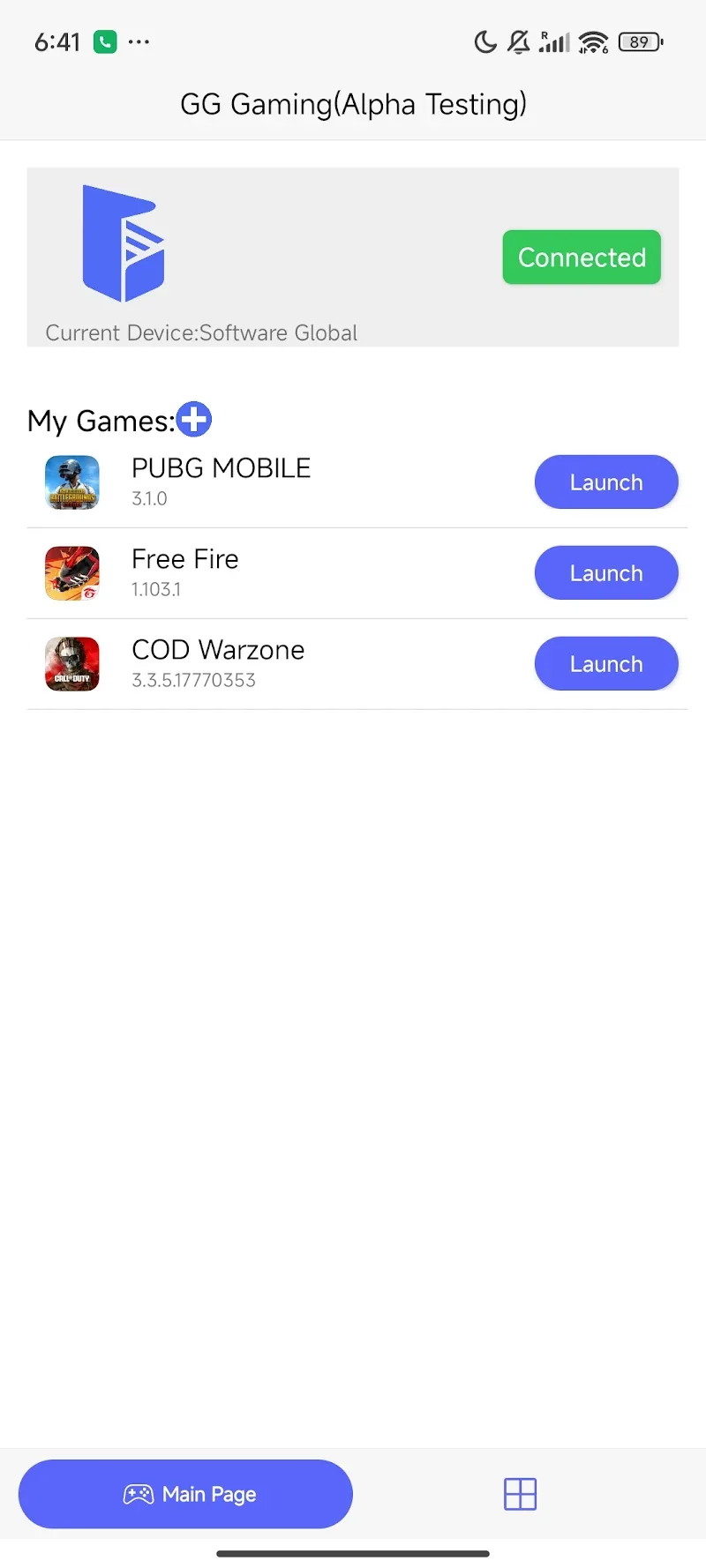
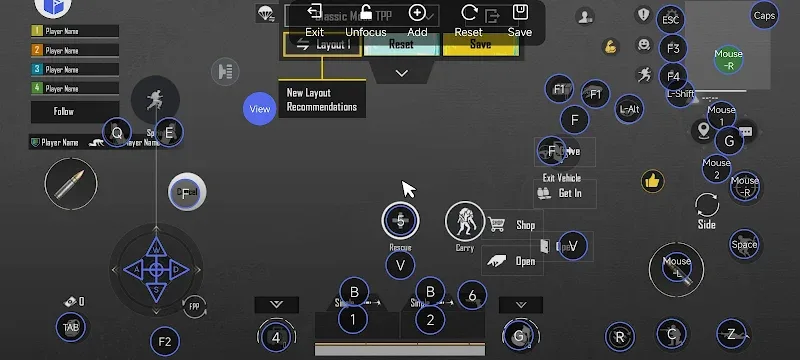
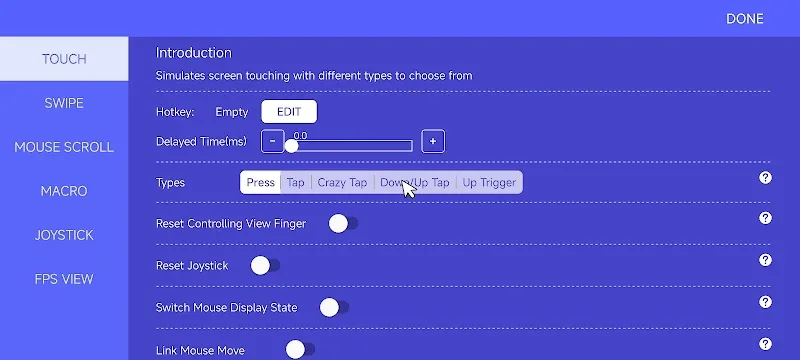
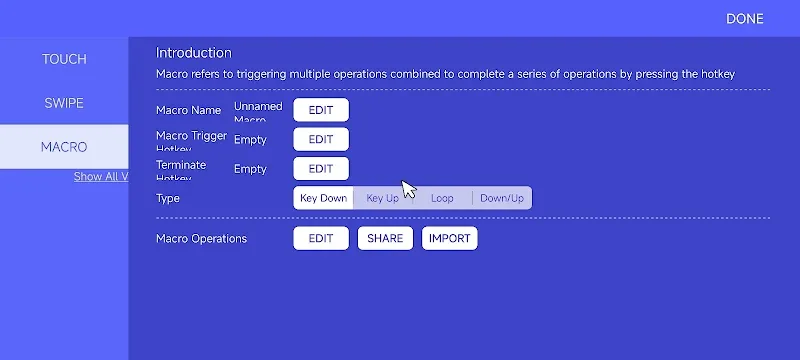
GG Mouse Pro 2 presents a clean, touch-first interface that keeps frequently used options within easy reach. The main screen displays the active profile and a compact control panel for sensitivity and button assignments. A visual editor lets users drag control zones onto the display to map cursor behavior or assign virtual keys, making configuration intuitive even for users new to mouse emulation.
Designed to fit into everyday use, GG Mouse Pro 2 works alongside other apps without intrusive overlays. Profiles can be tied to specific applications so that switching to a game automatically loads the right sensitivity and button layout. The app supports quick toggles and floating widgets for rapid activation during play sessions or productivity tasks.
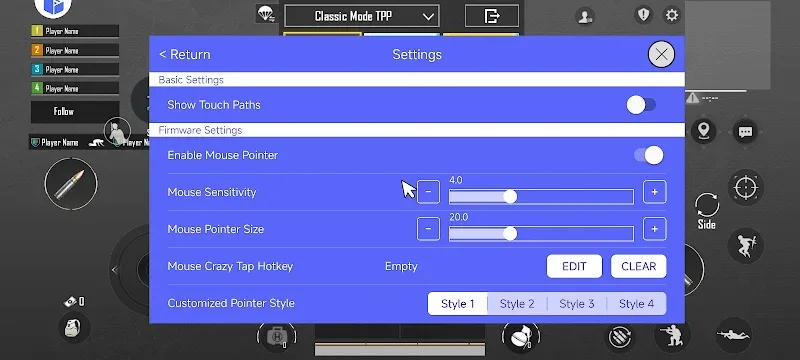
For those who want finer control, GG Mouse Pro 2 exposes advanced parameters such as smoothing curves, pointer acceleration, and custom gesture recognition. Users can set different behavior for single-finger and multi-finger input, configure double-click timing, and define hold durations for simulated right-clicks. The ability to import and export profiles also makes sharing setups between devices straightforward.
Performance is a priority: GG Mouse Pro 2 is optimized to minimize input lag and conserve battery life while running in the background. It supports a wide range of Android versions and hardware configurations, including devices with higher refresh-rate screens. Compatibility notes and troubleshooting tips are clearly accessible within the app, helping users resolve common issues like permission settings or overlay conflicts.
Beyond gaming, GG Mouse Pro 2 can improve precision for creative and productivity apps where tiny adjustments matter—photo editors, design tools, and remote desktop clients all benefit from finer pointing control. Gamers will find improved aiming and tighter camera movement, while streamers and testers can switch setups quickly to match the demands of different titles.
Setting up the app takes just a few steps. After installation, grant the necessary accessibility and overlay permissions when prompted. Choose or create a profile, adjust sensitivity to suit your device, and map buttons using the visual editor. Test the configuration in a low-stakes app or a training map, then refine settings until movement feels natural.
GG Mouse Pro 2 emphasizes flexibility and precision, making it a valuable tool for users who want more control from their mobile touchscreen. With thoughtful customization, app-specific profiles, and a performance-focused design, it bridges the gap between touch input and traditional pointer-based interaction for a smoother, more accurate experience.